


The answer to why does my robot mower keep losing RTK signal is usually the base station: its sky view, its distance from the mower and the objects around it. RTK relies on a fixed reference station that sends correction data to the mower, so anything that weakens that link or the satellite signals behind it can push the mower from precise positioning into a weaker mode. As of 2026-11-10, the causes below are the ones brand support pages and GNSS guides name most often.
The short answer
- Placement: move the base station to an open spot with a wide view of the sky.
- Obstructions: trees, roof eaves and tall walls block satellites and cause bounce.
- Satellites: RTK needs enough satellites in view at both the base and the mower.
- Checks: confirm the base has power, a steady light and an attached antenna.
What the RTK status readings mean
A Fix reading means the mower has a centimeter-level lock. Float and lower readings mean the position is less precise, and the mower may stop auto mowing. Mammotion’s support article describes four states for its Luba mowers, and the numbers are useful for judging how bad a drop is.
| RTK status | Stated accuracy | Auto mowing |
|---|---|---|
| Fix | Under 10 cm, up to 2 cm with good open sky | Allowed |
| Float | About 50 to 200 cm | Not allowed |
| Single | Meter-level | Not allowed |
| None | No positioning | Not allowed |
If the mower keeps dropping from Fix to Float, the status readings show that the correction link or the satellite view is weaker, which is the signal to inspect the site first. Our reading is that repeated Float periods at the same spot point to a site problem rather than a random fault, so check whether the drops follow a pattern in the app’s history. Mammotion’s guidance on positioning is in its positioning troubleshooting article.
Why does my robot mower keep losing RTK signal? Base placement comes first
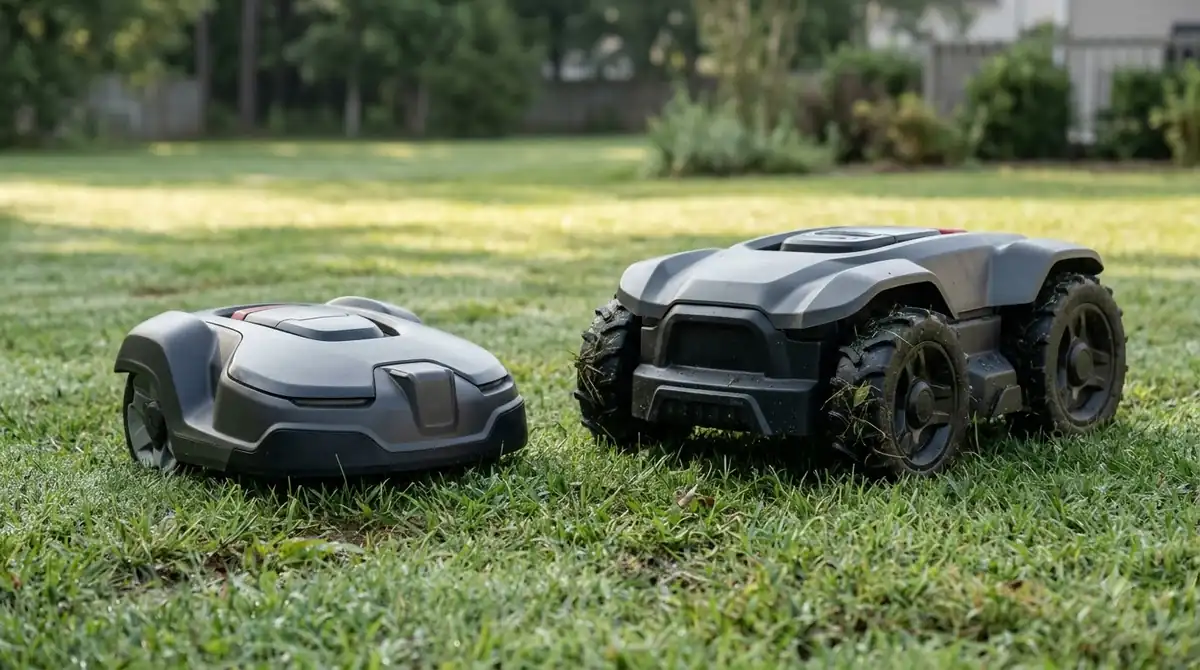
Most RTK drops trace back to where the base station sits, not to the mower. Sunseeker’s guide recommends a permanent location on a wall, fence or pole with the clearest possible view of the sky, ideally with a 160-degree vertical view, and says the base should be near the charger. Mammotion’s guidance warns that a mower too far from the station, or thick walls and buildings between them, can weaken the link.
- Clear sky first. Pick a spot where nothing overhangs the antenna within the widest angle you can get.
- Keep it off the eaves. Sunseeker advises keeping the station away from dense tree cover and roof eaves.
- Stay near the charger. Sunseeker’s guidance places the base a few meters from the charging station.
- Raise it if the view is poor. Sunseeker’s troubleshooting says to raise the station or move it to a clearer location when the signal is weak.
Distance matters too. Trimble’s GNSS guide says accuracy degrades and initialization takes longer as the rover moves further from the base. It does not give a maximum baseline length, so the distance a specific mower tolerates should come from its manual rather than a universal number.
Trees and satellites: why the sky matters
RTK works only when enough satellites are visible, so tree canopies and building overhangs cut into the signal. Trimble states that signal obstructions limit the number of visible satellites and can also cause multipath, where a signal reaches the antenna by more than one path.
The satellite counts matter for planning. Trimble says RTK initialization needs at least five common satellites tracked at both the base and the rover, and after that, at least four satellites must be tracked continuously to keep a solution. Our reading is that a yard with a large tree on one side can drop below that threshold during parts of the day, which would show up as repeated drops at the same spots.
Multipath errors are smaller than many people expect. Trimble puts multipath for phase and RTK positioning at about 1 to 5 cm, and errors tend to average out when the antenna moves. That makes obstructions that remove satellites a bigger concern for a mower that stops at a fixed spot than the reflections alone, as our reading of the numbers.
Walls, reflections and multipath
Smooth walls can bounce satellite signals, which is one reason a base mounted against a bare wall may behave differently from one on a fence post. Trimble also notes that the number of tracked satellites, not just the reflections, decides whether a solution holds, so a wall that blocks sky view can cause a drop even without any reflection. Sunseeker warns about signals bouncing off smooth walls, which it calls multipath interference, and suggests covering the surface with a textured material such as unpainted wood.
- Smooth, light walls are the riskiest for reflections.
- Wood or textured surfaces are a simple improvement to try first.
If the drops happen only near the house, compare the mower’s readings near the wall with readings in the open lawn. A clear difference points to the wall or eaves, while a drop that happens everywhere points to the base or the satellite view.
A practical check list before you call support
If you are asking why does my robot mower keep losing RTK signal in your own yard, start with the base station, because most fixes are physical. Mammotion’s support steps for a lost RTK signal begin with power and the station’s status light, and only then move to pairing and logs.
- Confirm power. The base should have power, and the Mammotion article says its LED should stay solid green between 8:00 and 18:00 local time.
- Inspect the station. Look for physical damage and water inside the housing.
- Check the antenna. Make sure the radio antenna is attached.
- Re-pair after a swap. If you replaced the station, pair the new one with the mower in the app.
- Send evidence. If the problem continues, send support photos of the station’s surroundings and upload logs.
Run through the steps in order and record which change, if any, stops the drops. Note the date, the time of day, the weather and the exact spot where the mower lost its lock. Our reading is that this log answers most of the question why does my robot mower keep losing rtk signal faster than a general description, and it is the most useful thing to send support.
Time of day matters more than many owners expect. A tree that shades the base in the morning may not shade it at noon, and a steady pattern of drops at the same hour is a strong sign that the sky view, not the mower, is the problem. Repeat the check across several days before you change the layout, so you can separate a one-off storm from a real site issue.
When the layout is the real problem
If the drops repeat at the same spots every session, overhead obstructions are the likely cause, and a different positioning method may suit that yard better. Our reading is that a yard with heavy tree cover or tall hedges around the mowing area is a case where a boundary wire or a positioning method that does not depend on satellites deserves a closer look.
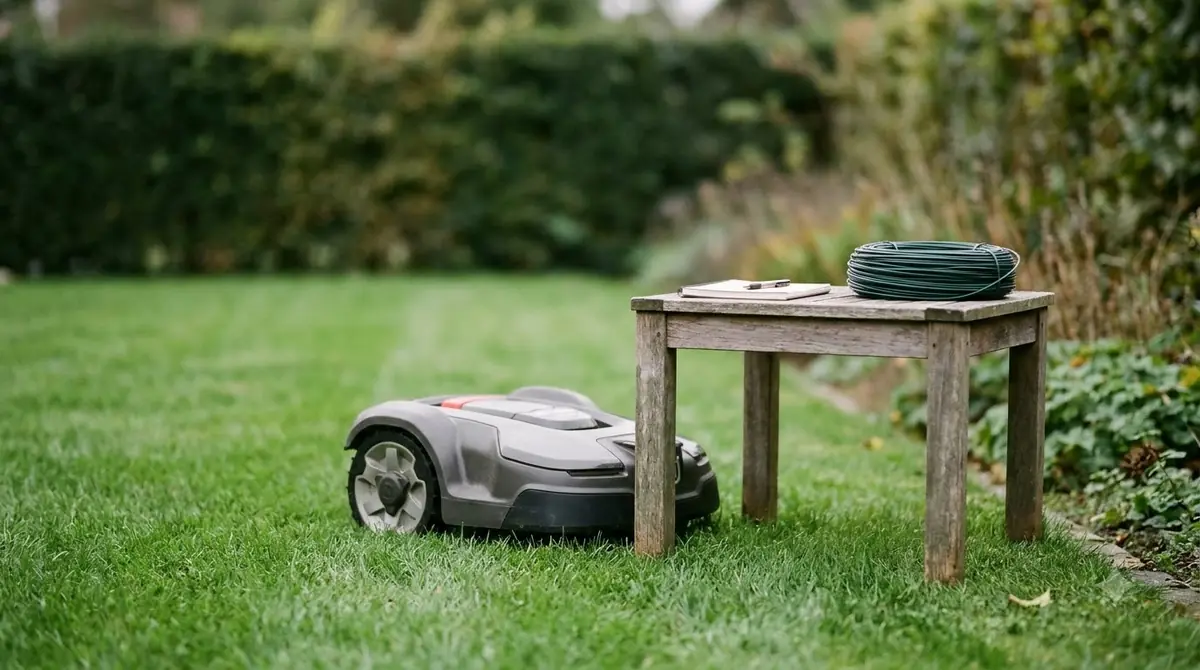
Boundary wire avoids satellite dependence entirely, but it adds installation work. LiDAR and vision systems also use other sensors. Each option has trade-offs in setup time, sensitivity to light and dirt, and upkeep, so compare the manuals for the specific models you are considering.
Frequently asked questions
What does Float mean on a robot mower?
Float means the mower receives correction data but not enough for a full lock. Mammotion’s support article gives an accuracy of about 50 to 200 cm for Float on its Luba mowers and says auto mowing is not allowed in that state.
How far can the base station be from the mower?
Trimble says accuracy degrades and initialization takes longer as range increases, and it does not state a maximum baseline length. The practical limit depends on the mower, so check the manual for the specific model.
Why does my robot mower keep losing RTK signal even after I moved the base?
A new spot can still have a poor sky view, such as nearby trees, eaves or a wall. Check the Fix and Float history after the move, then compare it with the old spot. If the drops continue, the cause may be a hardware fault or a satellite view that the new spot does not improve.
Can a robot mower work without RTK?
Yes. Some mowers use a boundary wire or other positioning methods such as LiDAR or vision. Each option trades setup effort, sensitivity to conditions and upkeep, so compare the manuals before you decide.
What should I do if the drops continue after the placement checks?
Record when and where the drops happen, check the base station’s power and light, and send support photos of the station’s surroundings with the logs. Support can tell whether a hardware fault or the site is the cause.
Sources
- Mammotion positioning troubleshooting (Mammotion): RTK status accuracy ranges, station checks and re-pairing steps.
- Trimble RTK position modes and critical factors (Trimble): obstructions, multipath and satellite minimums.
- What is RTK technology (Sunseeker Elite): base station placement, sky view, eaves and multipath from walls.
 Up next6 min readLearnWhy Does My Robot Mower Keep Going Back to the Dock?Updated Nov 14, 2026
 6 min readLearnWhy Does My Robot Mower Keep Going Back to the Charger?Updated Nov 14, 2026
 7 min readLearnWhy Does My Robot Mower Keep Stopping at the Boundary Wire?Updated Nov 13, 2026
 9 min readLearnEcovacs GOAT RTK Signal Lost: What to Check FirstUpdated Nov 11, 2026
 8 min readLearnWhy Does My Robot Mower Beep and Stop Mid-Cut? Common CausesUpdated Nov 14, 2026
 7 min readLearnWhy Does My Robot Mower Miss Patches in Corners?Updated Nov 14, 2026