
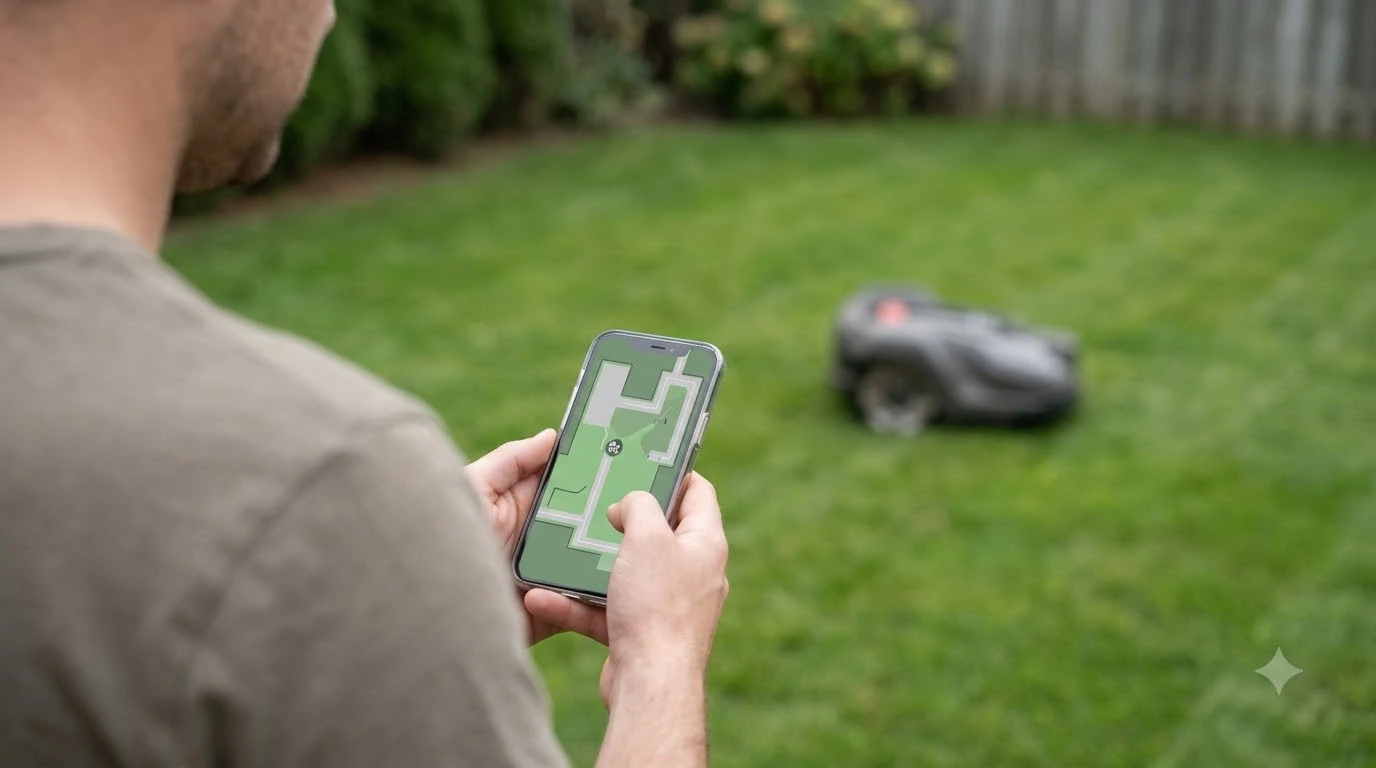

Choosing the best robot lawn mower for vacation homes depends less on cutting power than on what happens when nobody is there. A second home may sit empty for weeks, lose its Wi-Fi, or sit under a cover for winter. The features that matter most are theft protection, a connection that works without a home network, and a clear off-season routine.
The short answer
- Theft protection: look for a GeoFence or geofence alarm that works without a network connection.
- Connectivity: confirm whether the mower needs an active data plan to start a session.
- Weather: a rain sensor and a rain delay keep the mower from cutting wet grass while you are away.
- Off-season: check the manufacturer’s storage steps before you leave the home for winter.
How a vacation home changes the choice
A vacation home is mowed on a schedule set by its owner’s visits, not by daily use. The mower may run for weeks with no one on site, so the best robot lawn mower for vacation homes has to behave well alone. Manufacturers describe their systems as cable-free and app-managed, but the setup questions are the same as for any unattended device: who is notified, what happens when the signal drops, and how the machine is protected.
Grass also keeps growing between visits in the warm months, and then it slows in fall and winter. Extension guidance says to mow often in spring and summer when grass is actively growing, and to reduce or stop mowing in fall and winter when growth slows. A robot mower that runs on its own schedule suits that pattern well, as long as its settings match the season.
Theft protection: GeoFence and tracking
A GeoFence alarm is the core protection for an empty property. Husqvarna describes its GeoFence as a virtual fence that triggers a local alarm if the mower leaves the area, and it says the feature does not require Wi-Fi or mobile connectivity to function. The radius can be set up to 500 meters, and changing the settings requires the mower PIN.
Tracking is a separate feature with different requirements. According to Husqvarna’s GeoFence page, GPS tracking needs Wi-Fi or mobile connectivity, and a Bluetooth-only mower has no GPS tracking or map view. Wi-Fi tracking only works inside Wi-Fi range, which usually means your property, while mobile tracking can continue beyond it where coverage exists.
STIGA takes a similar approach in its models. Its anti-theft geofence must be enabled in the STIGA.GO app and sends a push notification if the mower leaves its virtual perimeter. Its security lock makes the mower unusable without account authorization. Navimow describes a comparable setup, with real-time GPS and a geofence whose safe-zone radius can be adjusted from 10 to 50 meters on its UK page. For a wider list of options, see robot lawn mowers with anti-theft GPS tracking.
Heads up
A geofence alarm can also go off when someone moves the mower on purpose, such as a service visit. Agree on who is allowed to move it and how the alarm is reset before you leave.
Connectivity: Wi-Fi, mobile data, and Bluetooth
Connectivity decides whether you can see the mower from anywhere, and it is the feature most often overlooked at a remote home. A weak signal is where an unattended mower is most likely to fail. Some models need Wi-Fi from the house, which may be switched off between visits. Others use built-in mobile data.
| Connection type | What it supports (per manufacturer pages) | Limit to check |
|---|---|---|
| Bluetooth only | Short-range link to the phone | No GPS tracking or map view (Husqvarna) |
| Wi-Fi | GPS tracking inside Wi-Fi range | Usually limited to your property (Husqvarna) |
| Mobile data | GPS tracking beyond the property, where coverage exists | Depends on local signal at the home |
STIGA’s FAQ is the strictest case. Its built-in 4G connection is described as mandatory: without an active data connection, the mower will not begin a new mowing session. If the connection drops during a session, the robot finishes its current path using onboard sensors and then returns to the dock. For a home with weak coverage, that rule matters more than any feature on a spec sheet. The guide to robot mower Wi-Fi, Bluetooth and 4G explains how the options differ.
Weather and unattended mowing
Wet grass is the main risk when nobody is checking the lawn. STIGA states that its rain sensor pauses the session until the lawn is dry enough to cut safely, and that a rain delay keeps the robot in its base for the selected time. Its FAQ also says a “surface too slippery” status can appear when the ground is flooded. For more on wet-weather behavior, see whether robot mowers work in rain.
Ask whether the rain sensor is on by default, how its settings are changed, and whether you can set a rain delay from the app. If the sensor settings need Bluetooth, plan for a visit to change them, because Bluetooth range is short.
Battery and the charging dock
A robot mower works in sessions and returns to its dock to recharge. STIGA’s FAQ says its robot completes a lawn in two cutting sessions per day and that sessions last from 1 to 4 hours, depending on the model, layout, and grass. It also says a robot below 40 percent battery cannot be sent to work, and the explainer on robot mower battery life covers the basics.
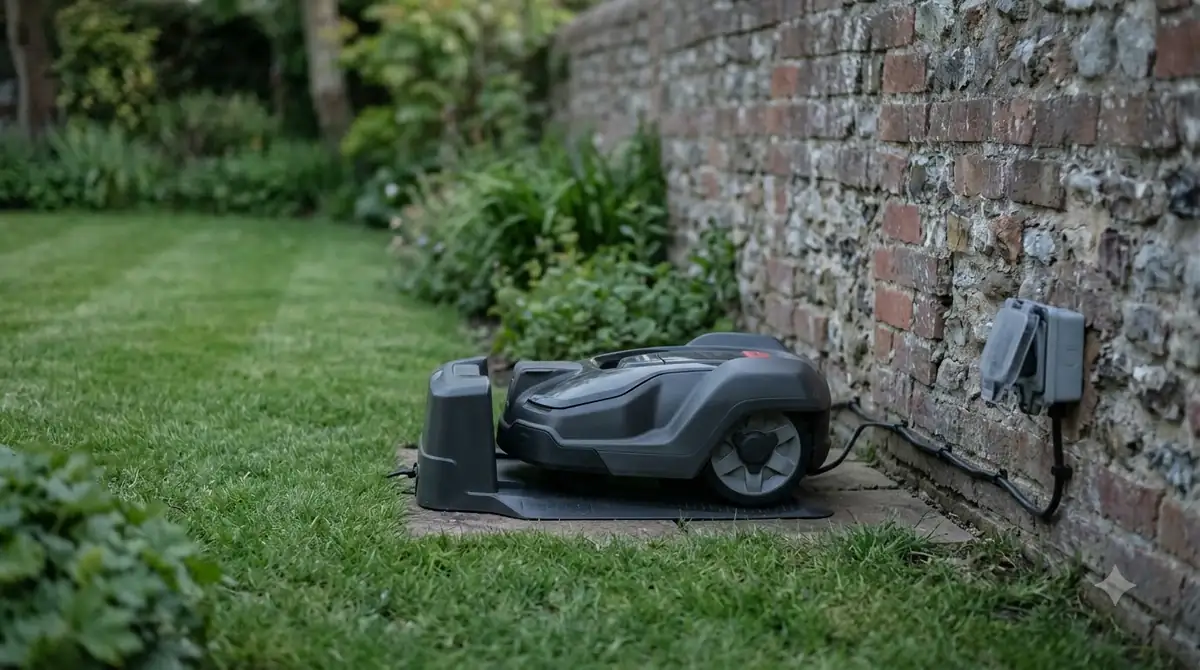
The dock needs to be reachable and clean. STIGA says to clean the charging contacts on both the robot and the station, and to replace a faulty power supply only with an original and compatible one. For a vacation home, check the dock’s position and power supply before you leave, since a dead dock means a mower that stops mid-season.
Off-season storage and winterizing
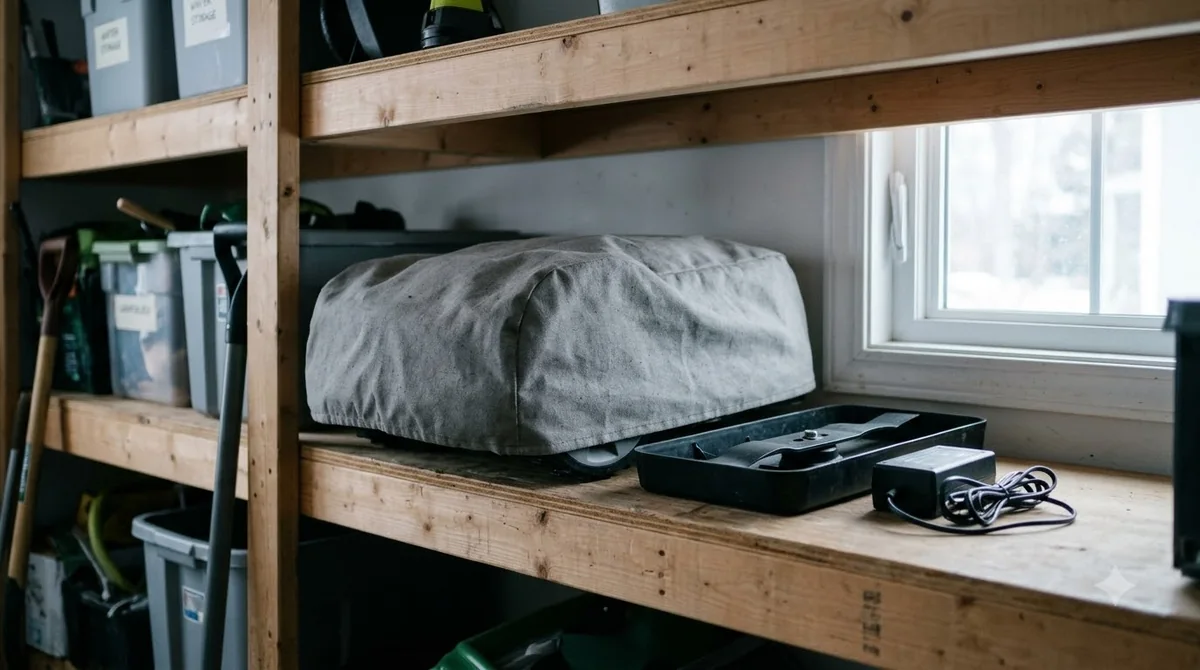
A vacation home often goes quiet for winter, and the storage steps differ by brand. Winter storage is part of choosing a robot mower for a second home, not an afterthought, and the guide to robot mower winter storage adds detail. Husqvarna recommends turning off the main switch for long storage such as winter. While the switch is off, the GeoFence alarm is not active, and the PIN is needed again when the mower is switched back on. Write the PIN down somewhere safe before you switch it off.
STIGA gives two options. Outdoors, you can use a weather cover and keep the charging station plugged in so its internal parts stay warm and resist humidity. Indoors, you unplug the cables, unscrew the reference station, and store it dry. STIGA also says to avoid high-pressure washers and garden hoses when cleaning.
Turf also slows down in winter. UC IPM notes that grass goes dormant in fall and winter, so less frequent mowing or none at all is needed. Our reading is that a mower on a summer schedule does not need to run at full frequency in dormancy, so check whether the schedule can be reduced or paused.
Best robot lawn mower for vacation homes: a checklist
Use this checklist when comparing the best robot lawn mower for vacation homes on a spec page. Each item is a question you can answer from the manufacturer’s spec page or manual before you buy.
- Theft tools. Does the GeoFence or anti-theft alert work without a network connection? Does a lock or PIN stop someone from reactivating the mower?
- Connection. Does the mower need an active data connection to start a session? Does it have built-in mobile data, or does it rely on Wi-Fi?
- Rain handling. Is there a rain sensor and a rain delay you can set remotely?
- Radius and accuracy. Is the GeoFence radius large enough for your lot, and what is the stated position accuracy?
- Storage. Does the manufacturer describe a winter storage routine you can follow on your next visit?
- Notifications. Who gets alerts, and do SMS limits apply? Husqvarna lists up to three phone numbers and 10 messages a month on some models.
Our reading is that a model with clear rules beats a model with more features you cannot verify. A mower whose theft alerts and connection rules are clear on its own spec page is easier to trust when you are not there to check it.
Frequently asked questions
Does a robot lawn mower need Wi-Fi at a vacation home?
Not always, and it varies between models. Husqvarna says its GeoFence alarm works without Wi-Fi or mobile connectivity, but GPS tracking requires Wi-Fi or mobile service. Check whether your model uses Wi-Fi from the house or built-in mobile data before you buy, since that choice matters most at a remote home.
Can a robot mower be stolen from an empty property?
It can, which is why the best robot lawn mower for vacation homes should include alarms and locks from the manufacturer. Manufacturers add GeoFence alarms, GPS tracking, and PIN or account locks. These alert you or make the mower unusable, but they do not physically stop a theft in progress. Secure the lawn area and check the manufacturer’s anti-theft steps.
Should I turn the mower off for winter?
Husqvarna recommends turning off the main switch for long storage such as winter. The GeoFence alarm is not active while the switch is off, and the PIN is required again when you switch the mower back on, so note it before you store the machine.
What happens if the mower is in the dock and the battery is low?
According to STIGA, a robot below 40 percent battery cannot be sent to work, and it recharges in the dock between sessions. Sessions last from 1 to 4 hours depending on the model, layout, and grass. Keep the dock clean and powered so the mower can start its next session on time.
Sources
- Husqvarna GeoFence and GPS tracking support (manufacturer): GeoFence, PIN, connectivity, and storage guidance.
- STIGA robot lawn mower FAQ (manufacturer): anti-theft, connection, rain sensor, battery, and winter storage.
- Navimow anti-theft explainer (manufacturer): GPS tracking and geofence radius.
- UC IPM, mowing warm-season grasses (university extension): mowing frequency, dormancy, and the one-third rule.
 Up next8 min readBest Robot MowersBest Robot Lawn Mower for Suburban Homes: What to Check FirstUpdated Nov 11, 2026
 8 min readBest Robot MowersWhat Is the Best Robot Mower for Weekend Homes?Updated Nov 11, 2026
 9 min readBest Robot MowersBest Robot Lawn Mower for Dog Owners: What to Check FirstUpdated Nov 11, 2026
 9 min readBest Robot MowersBest Robot Lawn Mower With App Control: What to Check FirstUpdated Nov 11, 2026
 10 min readBest Robot MowersBest Robot Lawn Mower for Elderly Parents: What to Check Before You BuyUpdated Nov 11, 2026
 9 min readBest Robot MowersBest Robot Lawn Mower for Seniors and Retirees: What to CheckUpdated Nov 11, 2026