
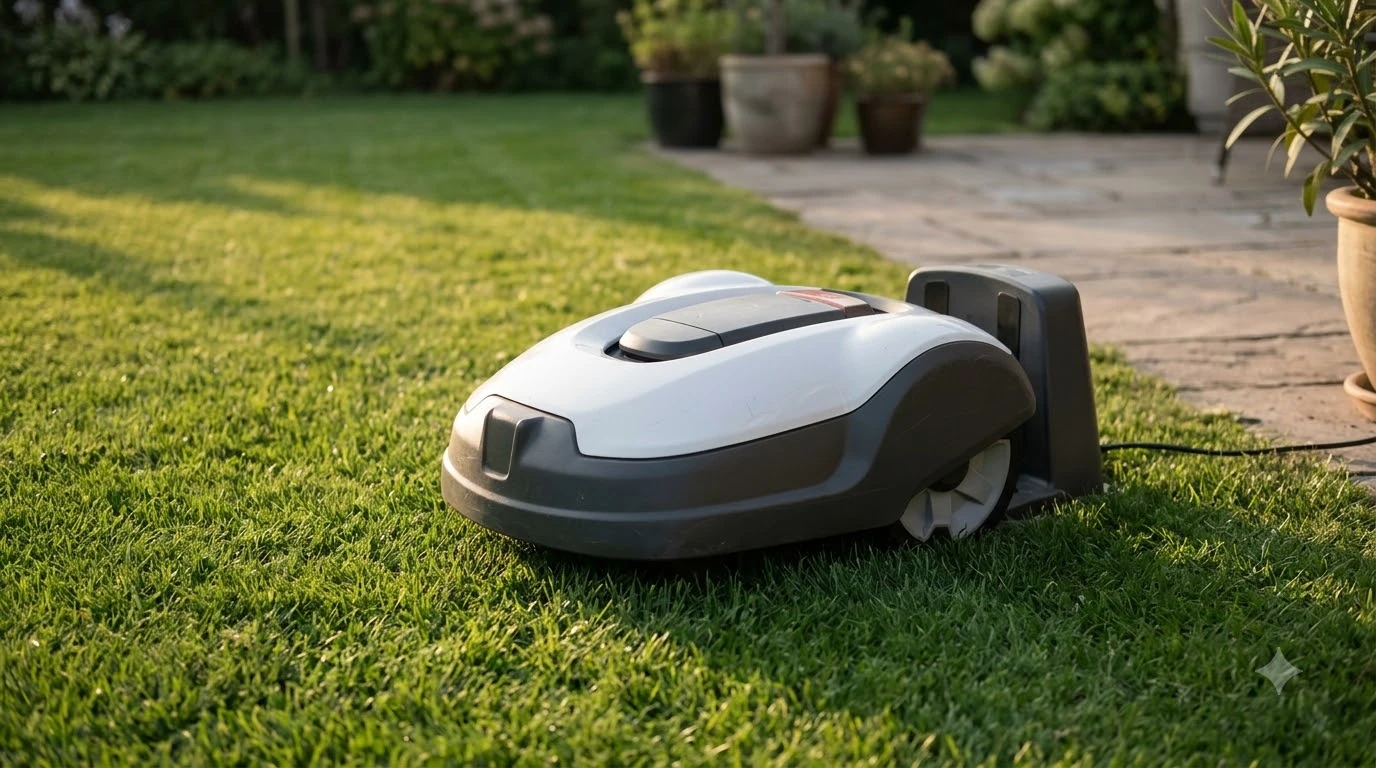

Husqvarna Automower 115H problems and complaints fall into a short list of fault types: guide wire and charging connections, schedule settings, the boundary loop, battery wear, blades, and the collision switch. Husqvarna’s own support pages describe each one and its usual fix, so start there before assuming a defect.
We found no independent test data or published complaint count for this model. This guide relies on Husqvarna’s support articles, which cover Automower robots in general, and marks where they stop, so you know which parts are firm and which need a dealer check.
The short answer
- Partial mowing: the guide wire on the wrong charging station pin, mismatched coverage settings, or inactive work areas on AIM models.
- Skipped sessions: a daily limit, a manual park, Frost Guard below 5 C (41 F), or a Weather Timer or smart routine.
- Boundary loop: a broken guide loop stops the mower from finding its way back to the station.
- Battery, blades and collision: short runtime points to battery wear or a dirty blade disc, and a faulty microswitch needs a dealer.
Husqvarna Automower 115H problems and complaints by symptom
Husqvarna’s support pages sort most 115H faults by what the owner sees. A mower that cuts only part of the lawn, skips a session, will not return to its station, runs out of charge quickly, or vibrates each has a different first check. Starting with the symptom saves time, because the fix for one symptom rarely helps another.
Why the 115H only mows part of the lawn
A partly mowed lawn usually traces back to the guide wire pin, the coverage settings, or, on AIM models, the work areas and stay-out zones. The support article treats each of these as a settings check.
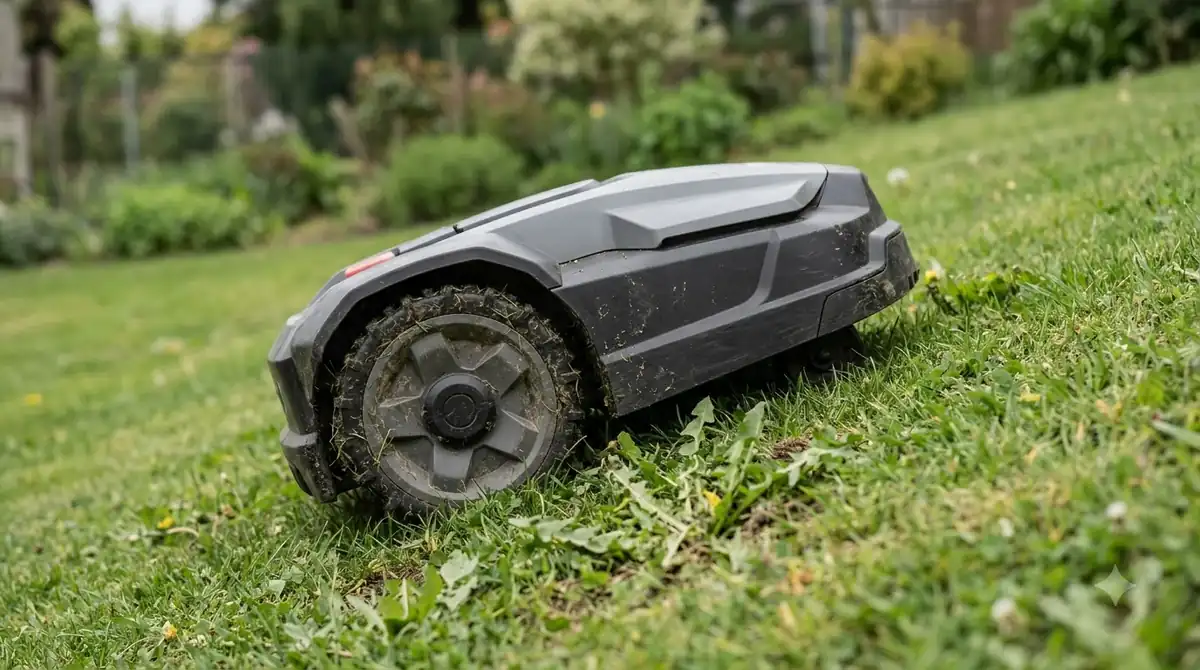
- Guide wire pin: Husqvarna says the guide wire must connect to the G1, G2 or G3 pin on the charging station, not the AR or AL pin. Our guide wire problem walkthrough covers the related symptoms.
- Coverage settings: the settings should correspond to the needs of your installation, checked in the Automower Connect app or on the mower display.
- Work areas (AIM models): if the schedule for My Lawn is deactivated, only areas covered by a scheduled work area get cut. Create work areas that cover the whole lawn.
- Stay-out zones (AIM models): the mower cannot enter a stay-out zone, so remove any zone you did not intend to set.
If the pin and settings are correct and the lawn is still partly skipped, contact your local Husqvarna dealer. The support article does not describe a further home fix.
Schedule gaps that look like faults
Many Husqvarna Automower 115H problems and complaints turn out to be schedule settings: a mower that sits parked during a scheduled session is often following a setting, not failing, according to Husqvarna’s Ireland support article on cutting times. The table below lists the usual causes and the fix for each.
| Cause | What the app shows or does | Fix |
|---|---|---|
| Daily limit reached | “Today’s mowing complete” | No fix needed; it resumes at the next session |
| No operating mode selected | Mower stays parked | Choose “Resume schedule” or “Select work area” |
| Parked manually | “Parked until further notice” or a timed park | Press “Play + Resume schedule” |
| Weather Timer | Sends the mower back to charge if grass has not grown enough | Disable it or change sensitivity under More > Settings > Operation |
| Smart Routine or IFTTT applet | Overrides the schedule or parks the mower | Disable it under Smart Routines, or in IFTTT |
| Frost Guard | Mower will not start below 5 C (41 F) | Disable it under Smart Routines or Settings on the keypad |
| Wrong clock | Sessions start at the wrong time | Check More > Settings > General > Time & date |
The article gives no numeric thresholds for battery temperature limits, which also stop the mower in extreme heat or cold. It suggests shading the charging station.
Boundary wire and guide loop faults
A broken guide loop stops the mower from following the wire back to the charging station, and Husqvarna directs owners to section 6.4 of the Operator’s Manual for the repair. Section and page numbers come from Husqvarna’s general troubleshooting guide, so find the matching section in your own 115H manual. The guide does not list error names or numeric limits for the 115H, so the steps below are general. If the mower reports a missing signal, see our notes on a Husqvarna Automower no loop signal message.
- Confirm the symptom. The mower must fail to follow the guide wire back to the station, not just stop mid-lawn.
- Check the charging station pins. Confirm the guide wire sits on G1, G2 or G3, not AR or AL, before anything else.
- Inspect the loop for breaks. A broken guide loop is the cause the guide names, so follow section 6.4 of the Operator’s Manual.
- Call a dealer if the loop checks out. The guide directs owners to a dealer for this fault.
The pin check costs nothing and takes minutes, so start there, then move to the manual section only if the connection is correct.
Battery wear and shorter runtime
Shorter mowing and charging times suggest reduced battery capacity, according to Husqvarna’s troubleshooting guide. Of the Husqvarna Automower 115H problems and complaints in this guide, battery wear is the one the guide ties directly to runtime, and it runs from simple cleaning to a battery test.
- Clean the blade disc and wheels. Debris can cut mowing time, so clean these first if runtime is short.
- Run the battery test. The guide points to page 98 of its Operator’s Manual for the procedure, so look for the same test in your 115H manual.
- Consider replacement. The Ireland article says that shorter charge cycles may mean the battery needs replacing.
The support pages do not give a battery life in years or cycles, so a timeline for replacement is not something they can answer. If the test fails, a dealer is the next step.
Blades, cutting height and the collision switch
Vibration usually points to a damaged or missing blade, and a mower that struggles to cut usually has grass too long for its set height.
Husqvarna says there should be no more than three blades per disc, and that worn or missing blades should be replaced as the manual describes, as in our guide to swapping Husqvarna Automower blades. For cutting, the guide suggests raising the cutting height first, then lowering it gradually to the height you want.
The collision switch is less clear. The troubleshooting guide does not mention a collision sensor by name, but it describes a microswitch that stops responding to the STOP button or to a closed cover. The guide says that switch may be faulty and need replacing, which is a dealer job.
Heads up
This guide did not read owner forum threads as a source. Treat any forum report you find as a lead to check against the support article, not as a fact.
What to check before you buy
Before buying a 115H, confirm the lawn size, the slope and the dealer service near you, because the support fixes depend on how the mower is installed. Weigh the Husqvarna Automower 115H problems and complaints above against the specifications on Husqvarna’s US support page, which also carries a “Discontinued” label for this model.
- Lawn size and slope: Husqvarna lists 0.4 acre (plus or minus 20 percent), 15 percent slope at the boundary and 30 percent inside the installation area.
- Boundary type: the faults above involve a guide wire and charging station pins, so confirm the installation method with your dealer.
- Dealer and firmware: the specifications list firmware updates through “Dealer Service”, so a dealer near you matters.
- Warranty: the warranty claim “must always be examined by a dealer”, and no length is stated for this model, so ask for the terms in writing.
Our reading is that a pin or settings fault is cheap to fix yourself, while a microswitch, battery or broken loop usually needs a dealer. We could not read Husqvarna’s product alert page, so check with a dealer for any recall. Our 115H pros and cons summary lists the other trade-offs.
Frequently asked questions
How common are Husqvarna Automower 115H problems and complaints?
Husqvarna does not publish a complaint count or failure rate for this model, and we found no independent test data. The support articles list the usual faults and fixes, so use them as a checklist rather than a measure of how often faults occur.
Is the Husqvarna Automower 115H reliable?
The support pages describe common faults and fixes, but they do not publish a failure rate or complaint count for this model. Reliability cannot be measured from them, so check dated owner reports and the local dealer’s service history.
Why does my 115H stop mid-session?
Husqvarna’s support articles list a Weather Timer, Frost Guard, manual parking and battery temperature limits among the causes. Check the app status message first, because most of these are settings rather than faults.
What does “Today’s mowing complete” mean?
It means the mower has reached its daily mowing limit. It resumes at the next scheduled session, and Husqvarna says no fix is needed for this message.
When should I call a Husqvarna dealer?
Call a dealer when the mower will not charge, the microswitch fails, the guide loop checks out but the mower still will not return, or the manual fix does not work. Husqvarna directs unresolved faults to its local dealer.
Sources
- Husqvarna support: why the Automower mows only portions of the lawn (Husqvarna): guide wire pins, coverage settings, work areas, stay-out zones.
- The ultimate Husqvarna Automower troubleshooting guide (Husqvarna): blades, guide loop, battery test, collision microswitch, cutting height.
- Husqvarna support: Automower not following scheduled cutting times (Husqvarna): daily limit, Frost Guard, Weather Timer, smart routines, clock.
- Husqvarna US, Automower 115H support and specifications page (Husqvarna): lawn size, slope, Discontinued label, firmware via dealer, warranty statement.
 Up next9 min readReviews & CompareHusqvarna Automower 115H Pros and Cons ExplainedUpdated Nov 11, 2026
 9 min readReviews & CompareIs the Husqvarna Automower 115H Worth It? A Buyer’s CheckUpdated Nov 11, 2026
 9 min readReviews & CompareHusqvarna Automower 115H vs Worx Landroid Vision: SpecsUpdated Nov 11, 2026
 8 min readReviews & CompareMammotion Yuka Mini Problems and Complaints: What Owners ReportUpdated Nov 11, 2026
 9 min readReviews & CompareSegway Navimow X3 Problems and Complaints: What the Support Pages ShowUpdated Nov 11, 2026
 8 min readReviews & CompareWorx Landroid Vision Problems and ComplaintsUpdated Nov 11, 2026