
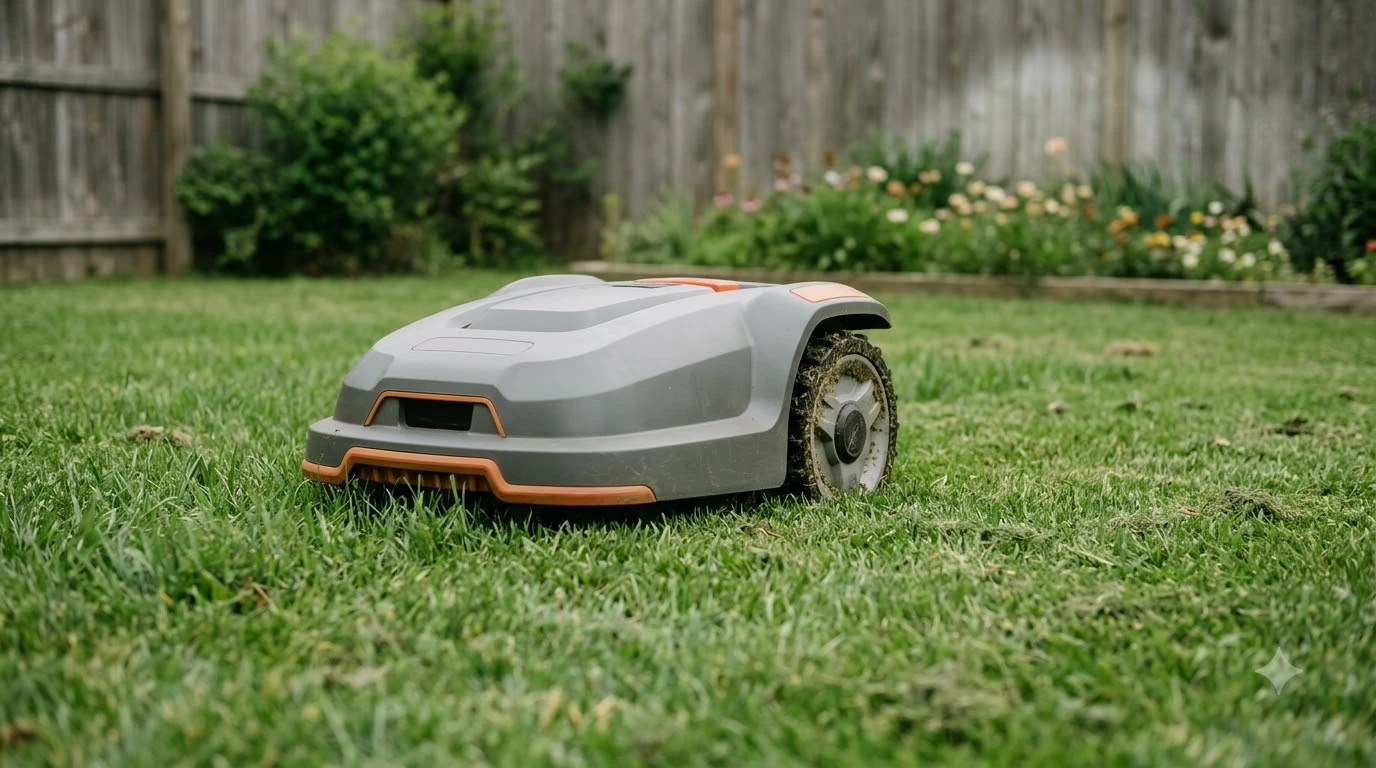

Segway Navimow X3 problems and complaints fall into five groups: GPS position loss, Wi-Fi and app disconnects, camera-based stops, missed edges, and drawbacks in one 2025 review. Most fixes come from Segway’s own support articles, which give specific checks for each symptom. As of 2026-11-10, the drawbacks below come from one reviewer’s testing of the X315 model, not from a count of owner complaints.
The short answer
- GPS and position: a flashing yellow light means a weak GPS signal. Segway says to move the antenna and charging station to an open area.
- Connection: for a “Mower Disconnected” message, Segway suggests a stronger Wi-Fi network or switching the network to 4G.
- Camera stops: bare patches and a dirty camera lens can keep the VisionFence triggering.
- Edges and passages: one reviewer measured an inward edge offset of about 9 cm on the X315 model.
- Support: Segway’s US support email asks for the serial number, the time of the problem, and photos or video.
Segway Navimow X3 problems and complaints: position and GPS warnings
A flashing yellow light on the Navimow X3 means the mower has a weak GPS signal, according to Segway’s support article on position mismatches. The article says to move the antenna and the charging station to an open area, then check whether the light turns blue. For the background on satellite positioning, see what RTK stands for on a robot mower. The article ties the signal problem to where the antenna and charging station sit, so placement is the first thing to change.
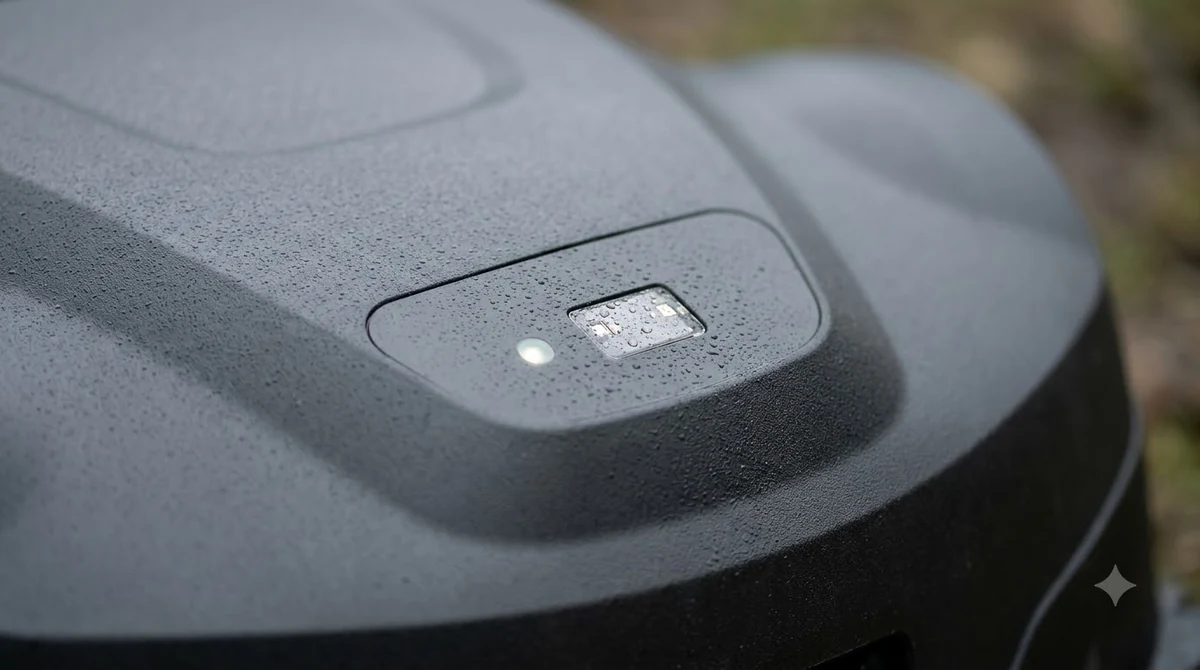
The same article warns that a poor or unstable connection “may prevent the map from loading properly.” It also recommends keeping both the app and the mower firmware on their latest versions, then restarting the app and the mower to clear temporary glitches. If the app still shows an error after that, the article suggests uninstalling and reinstalling the app to clear corrupted data or settings.
Segway’s missed-area article adds a different cause. If a missed patch sits between buildings or near walls, the GPS signal may be blocked, so the fix is to check for those obstacles nearby.
App and Wi-Fi disconnects
When the app shows “Mower Disconnected,” Segway’s first checks are power, Wi-Fi strength, and the network setting. The steps below come from the troubleshooting article for that message.
- Check power. Make sure the mower is switched on when the problem occurs.
- Check Wi-Fi strength. Confirm the mower is on a strong Wi-Fi network.
- Switch to 4G. In the app, go to Settings, then MOWER, then My Device, then Network, and change the setting to “4G connection.”
- Try another network. Connect the mower to a different Wi-Fi network to see whether the problem goes away.
This article does not mention firmware updates or restarts for this message, so those checks come from the position article above. If the signal is the weak point, whether you need a Wi-Fi extender for a robot mower is worth reading. If the steps do not help, Segway asks for the serial number, a screenshot of the app home page, the exact date and time, and a video of the issue.
Camera stops and VisionFence triggers
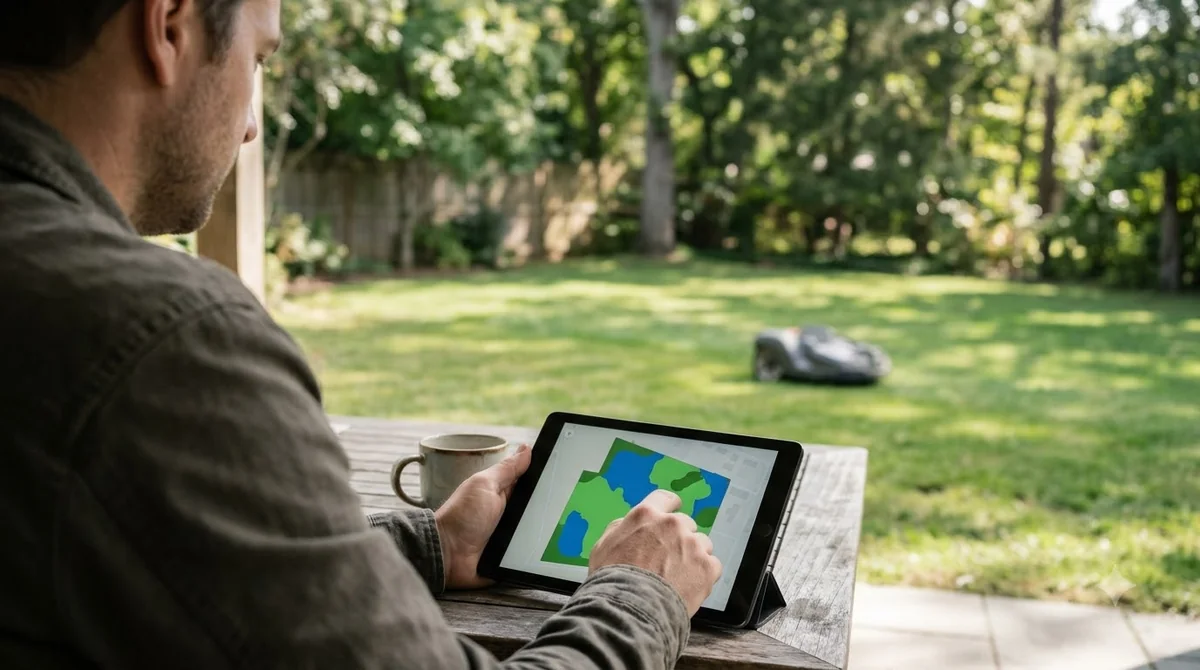
The camera is one of the Segway Navimow X3 problems and complaints that the support pages address directly. Bare patches and a dirty camera lens are the two causes Segway’s mowing-path article names when the mower keeps avoiding an area. The article says non-grass objects on the lawn can trigger VisionFence, so the first step is to check for those objects. A robot mower camera lens cleaning kit covers the lens side.
| Symptom | Cause named in Segway’s article | First check |
|---|---|---|
| Mower keeps avoiding a bare patch | Non-grass objects or bare patches trigger VisionFence | Create a VisionFence-Off zone over the area |
| Repeated avoidance across the lawn | Dirt or debris on the camera lens | Clean the camera lens |
| Strip next to a wall is skipped | Narrow passage beside a wall | Widen the passage, or make it a separate zone |
| Obstacle inside a passage | Object in the passage | Remove it, or enable channel obstacle avoidance |
If the problem continues after the lens and zone checks, Segway asks for an email to its US support address. The article does not describe a firmware fix for these avoidance cases.
Stops on the way to the charger and while mowing
Stops are another group of problems in the support pages. Segway’s stop articles separate three situations: stops on the way back to the charger, stops while mowing with a low battery, and stops with or without an error code.
- Returning to the charger: update the firmware, then check the path to the charging station for obstructions. If none are found, email support.
- Low battery: the article says to contact support directly.
- No fault code: the mower stops and no code appears. Contact support directly.
- Error code: follow the troubleshooting steps for that specific code.
The article does not list causes such as grass height, rain, or blade problems, so a stop with no code should go to support rather than a guess. A general guide to a robot mower stuck in the same spot covers non-Segway causes.
Missed areas along edges and passages
Missed areas are a recurring theme among Segway Navimow X3 problems and complaints. They usually trace to one of four causes, according to Segway’s missed-area article: a non-grass patch, a narrow passage, an obstacle in the passage, or a blocked GPS signal.
- Non-grass patch: create a VisionFence-Off zone so the mower skips it.
- Narrow passage: split the area into two zones or use a VisionFence-Off zone. Next to a wall, reshape the area or widen the passage.
- Obstacle in the passage: remove it, or enable channel obstacle avoidance to test whether that fixes the gap.
- Blocked GPS: check for buildings, walls, or other obstacles near the missed spot.
If none of these fix the gap, Segway asks for the time of the problem, photos of the area around the missed edge, the serial number, and confirmation that the mower is on mains power and sitting on its charging station.
What one 2025 review reports
The only review cited here adds its own list of Segway Navimow X3 problems and complaints. A Notebookcheck review of the X315 model, published 2025-07-01 and last updated 2026-10-05, names edge mowing as its main shortcoming. The reviewer reports the disc sits about 9 cm inward, so at least 10 cm of lawn may remain unmowed if the property is not prepared.
The same review lists other drawbacks, all as the reviewer’s own observations:
- No option to turn off obstacle avoidance when mowing edges.
- Auto-mapping that, in the reviewer’s words, could be more sensitive at the mower’s high speed.
- A small tennis ball missed on one of three attempts.
- A 4G service that costs about $30 per year after the first year, a figure that may change.
- Comfortable passage only from about 1 m clearance, and not suited to small, winding gardens.
Specs the review lists, and what is unconfirmed
The review lists the cutting height, runtime, and charging figures below. Segway’s X3 support page loaded without its specification section, so these values come from one review and should be checked against the manual.
| Spec (X315, per review) | Reported value | Note |
|---|---|---|
| Cutting height | 20 to 70 mm, 5 mm steps in the app | Set in the app |
| Battery runtime | About 2 hours | Returns to the charger at 15 percent |
| Charging time | About 1 hour | Up to 158 W charging rate per review |
| Weight | 19.6 kg | X315 figure |
| Noise | Around 55 dB | Varies with mowing activity |
| IP rating | IP66 | Weatherproof rating |
| Slope claim | 50% (26.5 degrees), manufacturer claim | Reviewer could not reliably reproduce it on a test ramp |
Among the claims in reviews, the slope figure is the one to check first. Treat the 50 percent claim as the manufacturer’s number, not a confirmed result. Price is also omitted here, because the review’s own price figures conflict. If these issues put you off, alternatives to the Segway Navimow lists other options.
What to send Segway support
Segway’s support articles ask for the same core details each time: the serial number, the time of the problem, and photos or video, sent to [email protected]. The serial number is in the app under Settings, then Mower, then My Device, then Device Information, then Basic Info.
For position or map issues, Segway also asks for the app version and the phone’s operating system version. Include a screenshot of the app home page, since the Mower Disconnected article asks for one.
Frequently asked questions
What are the most common Segway Navimow X3 problems and complaints?
The support articles group them into GPS warnings, Wi-Fi disconnects, camera stops, missed edges and stops on the way to the charger. GPS is one cause among several. A flashing yellow light signals a weak GPS signal, and a blocked signal can explain gaps between buildings or walls. The articles do not rank these causes, and they do not count owner complaints.
What does “Mower Disconnected” mean on the Navimow X3?
Segway’s article on this message starts with checks rather than a cause. Its first checks are power, a strong Wi-Fi network, switching the network to 4G in the app settings, and trying a different Wi-Fi network.
Does the Navimow X3 stop when its battery is low?
Yes, a low battery is one of the three stop cases in Segway’s support article. The article tells the owner to contact support directly for that case, rather than listing a self-fix.
Does the review say the Navimow X3 is reliable?
The Notebookcheck review gives no reliability score. It names edge mowing as the main shortcoming and reports one missed small obstacle in three attempts.
Sources
- Segway support: Navimow X3 position on the app (Segway): yellow light, antenna placement, firmware, restart, reinstall steps.
- Segway support: Mower Disconnected (Segway): power, Wi-Fi, 4G and network checks.
- Segway support: stops when returning to the charging station (Segway): firmware and obstruction checks.
- Segway support: stops when mowing (Segway): low battery, no code, error code.
- Segway support: some of the area missed out (Segway): non-grass patches, narrow passages, obstacles, blocked GPS.
- Segway support: mowing path is abnormal (Segway): bare patches, VisionFence-Off zones, lens cleaning.
- Notebookcheck: Segway Navimow X3 review (Marcus Schwarten, published 2025-07-01, updated 2026-10-05): X315 specs and the reviewer’s drawbacks.
 Up next8 min readReviews & CompareSegway Navimow X3 Review: Complete Specs, Limits and What to CheckUpdated Nov 11, 2026
 9 min readReviews & CompareSegway Navimow i110N vs X3: Which Lawn Size and Specs Fit YouUpdated Nov 11, 2026
 8 min readReviews & CompareMammotion Yuka Mini Problems and Complaints: What Owners ReportUpdated Nov 11, 2026
 8 min readReviews & CompareWorx Landroid Vision Problems and ComplaintsUpdated Nov 11, 2026
 9 min readReviews & CompareHusqvarna Automower 115H Problems and Complaints: Common Faults and FixesUpdated Nov 11, 2026
 9 min readReviews & CompareSegway Navimow vs Husqvarna Robot Mower: What the Specs ShowUpdated Nov 11, 2026