

Segway Navimow vision fence not working usually comes down to four causes: the VisionFence is not recognized, the lens is dirty or the lawn has bare patches, the obstacle is dark or moving, or the sensor is on a Wi-Fi band it cannot use. Segway’s own support articles give a specific first check for each, and most of them take a few minutes. This guide walks through those checks in order, as of 2026-11-10.
The short answer
- Not recognized: confirm the VisionFence and its connection cables are secure, then restart the mower.
- False triggers: clean the camera lens and set a Vision Fence-Off zone over bare or non-grass patches.
- Missed obstacles: mow in daylight or well-lit conditions and clear the object or set an off-limit area.
- Will not connect to Wi-Fi: use a 2.4GHz or dual-band network, not 5GHz only.
Segway Navimow vision fence not working: the usual causes
The VisionFence is the vision-based feature Navimow uses to detect objects and keep the mower from crossing into areas you have excluded. Its problems fall into three groups: the mower does not recognize the unit at all, the mower stops or turns away from grass that is actually safe, or the mower hits something it should have avoided. Each group has different causes, so the first job is to name the symptom. For how camera-based navigation compares with RTK and LiDAR, see vision versus RTK and LiDAR navigation. Location errors are a separate problem from the VisionFence and are covered in Navimow positioning errors.
Segway publishes separate support articles for each model, and the wording differs between the H1, H2, X3, i1 and X4 pages. Where this guide gives a specific step, it is from the article named in the source list. Where a step applies to a model you do not own, check its own support article before you act on it. For model-specific complaints, see the reported problems on the Navimow X3.
What to check when the mower does not recognize the VisionFence
A Segway Navimow vision fence not working fault that shows up as “not recognized” starts with the cables. Segway’s H1 support article asks you to first confirm that the VisionFence and the mower’s connection cables are securely and properly installed. Only after that check does it move to a restart. This order matters because a loose cable can look like a software fault.
- Check the connection. Make sure the VisionFence and its cables are fully seated.
- Restart the mower. Remove it from the charging station, press and hold the OK button for 4 seconds to turn it off, then briefly press OK to turn it back on.
- Contact the seller. If the restart does not fix the problem, Segway’s article says to contact the seller for inspection and repair.
Why the mower keeps triggering on the lawn
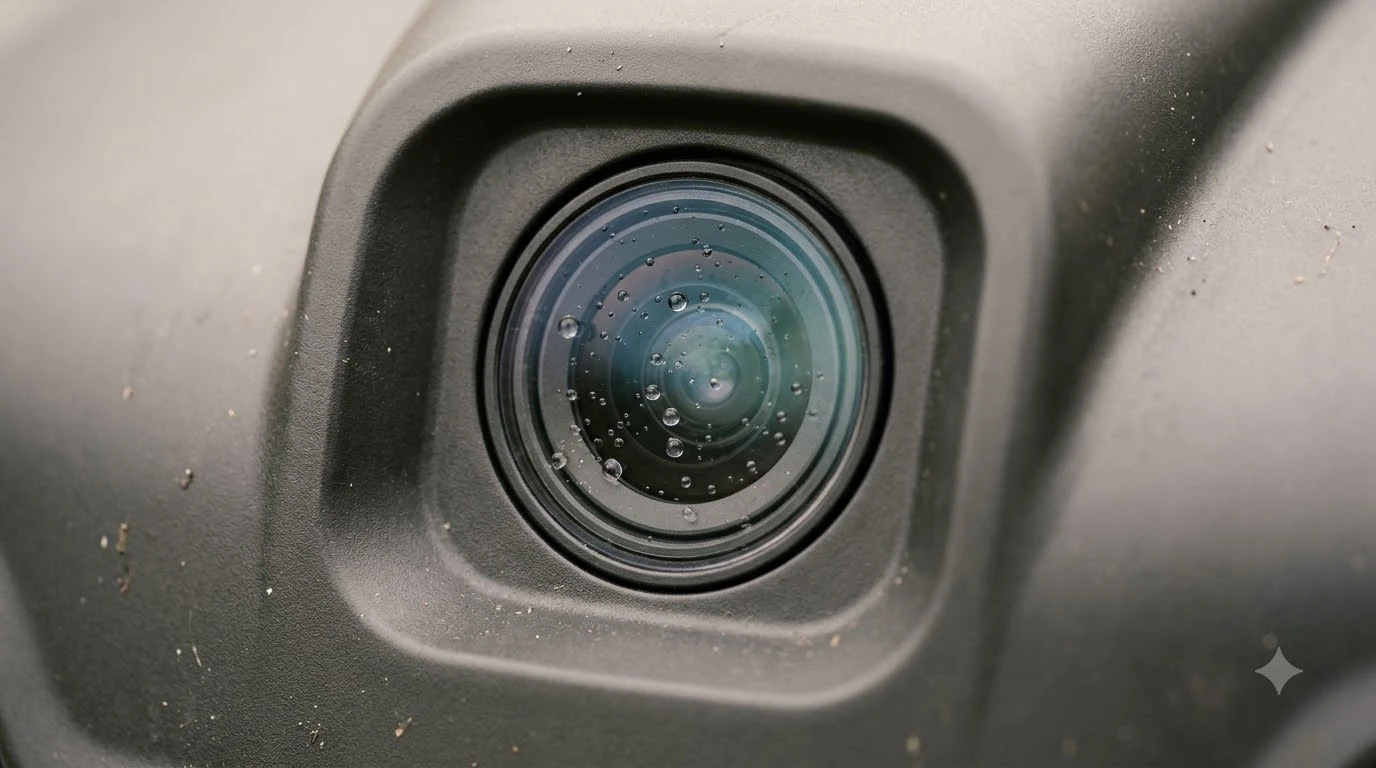
Continuous triggering is usually a dirty lens or non-grass ground. Segway’s H2 mowing path article says that dirt or debris on the camera can cause the VisionFence to trigger over and over, so the first physical check is the lens itself. Our reading is that a soft, dry cloth is enough to wipe it clean; check the lens again afterward.
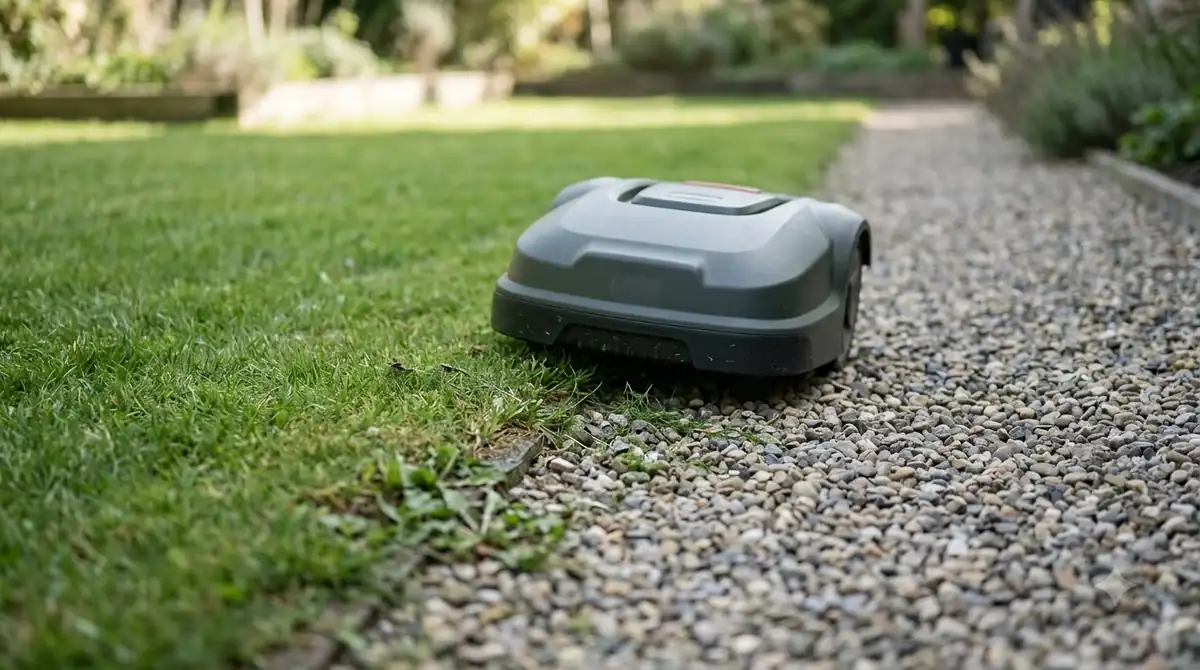
The second cause is bare soil, mulch, or other non-grass surfaces. The same article says those patches can trigger the Vision Fence, which makes the mower keep avoiding them. The fix it gives is to create a Vision Fence-Off zone for non-grass areas, so the mower can cross them without stopping. Our reading is that this helps most on lawns with a permanent bare patch, a gravel path edge, or a flower bed the mower passes over.
Why the mower bumps into obstacles it should avoid
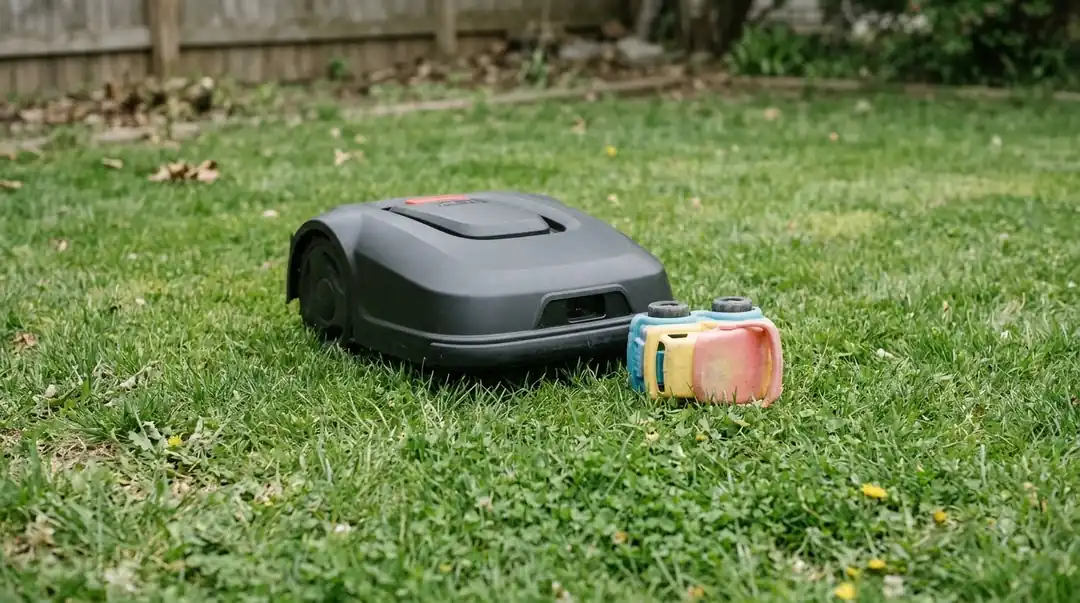
When the mower hits an obstacle, Segway’s H2 article names three conditions. It says the H2 usually cannot detect dark or black obstacles because of insufficient infrared reflection, so a black hose or a dark dog bowl can be missed. It also says the VisionFence cannot avoid obstacles that appear suddenly, such as dogs or other moving objects. The third is efficiency mode, which runs the mower faster and makes it harder to avoid obstacles moving in the opposite direction.
- Light: Segway recommends mowing during the daytime or in well-lit environments.
- Objects: clear the obstacle from the lawn, or set it as an off-limit area.
- Speed: because efficiency mode makes avoidance harder, our reading is that running the mower in a standard mode is the safer choice while you test a new zone layout.
Our reading is that the most reliable fix is physical: pick up toys, cords, and hoses before each mowing, and fence off a permanent hazard instead of relying on detection.
How to connect the VisionFence sensor to Wi-Fi
The VisionFence connects only to a 2.4GHz or dual-band Wi-Fi network. Segway’s article states that the mower cannot connect to a 5GHz-only network, so a router that splits its bands into separate names is the first thing to check. The mower must also be powered on before you start. A Segway Navimow vision fence not working report that is really a network problem usually traces back to this band. Segway’s network article lists the full requirements, and if the router is too far away, a Wi-Fi extender for a robot mower is one fix to consider.
- Confirm the band. The router must broadcast 2.4GHz or dual-band.
- Check the name and password. The network name should have no special characters, and the password must be 32 characters or fewer.
- Test your phone. Your phone must join the same Wi-Fi network where the mower sits.
- Shorten the distance. Remove obstacles between the mower and the router, or move the mower closer.
- Restart and retry. Restart the mower, try again, then try a different phone if the problem continues.
Segway Navimow vision fence not working: symptom-to-fix table
This table matches each symptom to the first check Segway’s support articles give. Start at the top row that fits what you see, and move to the next only if that check does not resolve it.
| Symptom | First check | Next step |
|---|---|---|
| Mower does not recognize the VisionFence | Cables secure | Restart with a 4-second OK hold, then contact the seller |
| Mower stops on bare or gravel patches | Non-grass objects on the lawn | Create a Vision Fence-Off zone for those areas |
| Repeated triggering with no visible cause | Camera lens clean | Clean the lens, then check the mowing path again |
| Mower hits a dark or moving object | Mowing in daylight or well-lit conditions | Clear the object or set an off-limit area |
| VisionFence will not join Wi-Fi | 2.4GHz or dual-band network | Check the name, password length, then retry from the same Wi-Fi |
When to contact Segway support
Contact Segway support when the restart does not help, or when a Segway Navimow vision fence not working problem continues after the lens, zone, and lighting checks. Segway lists two support addresses: navimowsupport-us@rlm.segway.com for US users and support-navimow@rlm.segway.com for EU users. Live Chat in the app is also available.
For a Wi-Fi problem, Segway’s network article asks for more detail in the email: the mower’s serial number, your phone model, the time you tried to connect, the distance to the router, a screenshot of the phone’s Wi-Fi settings, a video of the connection in the app, and photos of the area around the mower. Gather those before you write, because the support team will ask for them.
Frequently asked questions
What should I check first when the Navimow VisionFence is not working?
Check that the VisionFence and its connection cables are securely installed. Segway’s H1 support article puts this step before any restart, because a loose cable can look like a software fault.
Why does my Navimow stop at a bare patch in the lawn?
Segway’s H2 mowing path article says bare patches can trigger the Vision Fence. The fix it gives is to create a Vision Fence-Off zone for non-grass areas, so the mower can pass over them without stopping.
Can the VisionFence connect to a 5GHz-only Wi-Fi network?
No. Segway’s network article states that the mower cannot connect to a 5GHz-only network. Use a 2.4GHz or dual-band network, and make sure the password is 32 characters or fewer.
Does mowing time of day affect obstacle detection?
Segway’s H2 obstacle article recommends mowing during the daytime or in well-lit environments. The same article notes that dark or black obstacles can be harder for the H2 to detect, so lighting and object color both matter.
Sources
- Navimow H1: why the mower cannot recognize VisionFence (Segway Navimow): cable check and restart steps.
- Navimow H2: why the VisionFence does not avoid obstacles (Segway Navimow): dark objects, moving objects, efficiency mode, lighting.
- Navimow H2: what to do if the mowing path is abnormal (Segway Navimow): lens cleaning and Vision Fence-Off zones.
- Navimow H1: why the Vision Fence cannot connect to a network (Segway Navimow): Wi-Fi band, name and password rules, support details.
 Up next9 min readLearnAnthbot M5 RTK Station Setup Problems: Causes and FixesUpdated Nov 11, 2026
 9 min readLearnWorx Landroid No Wire Signal: Causes and FixesUpdated Nov 11, 2026
 8 min readLearnMammotion Luba Stuck at Charging Station: Causes and FixesUpdated Nov 11, 2026
 8 min readLearnHusqvarna Automower No Loop Signal: Causes and FixesUpdated Nov 11, 2026
 9 min readLearnRobot Mower Lifted Error Keeps Appearing: Causes and FixesUpdated Nov 11, 2026
 7 min readLearnRobot Mower Stuck in the Same Spot? Causes and FixesUpdated Nov 11, 2026