
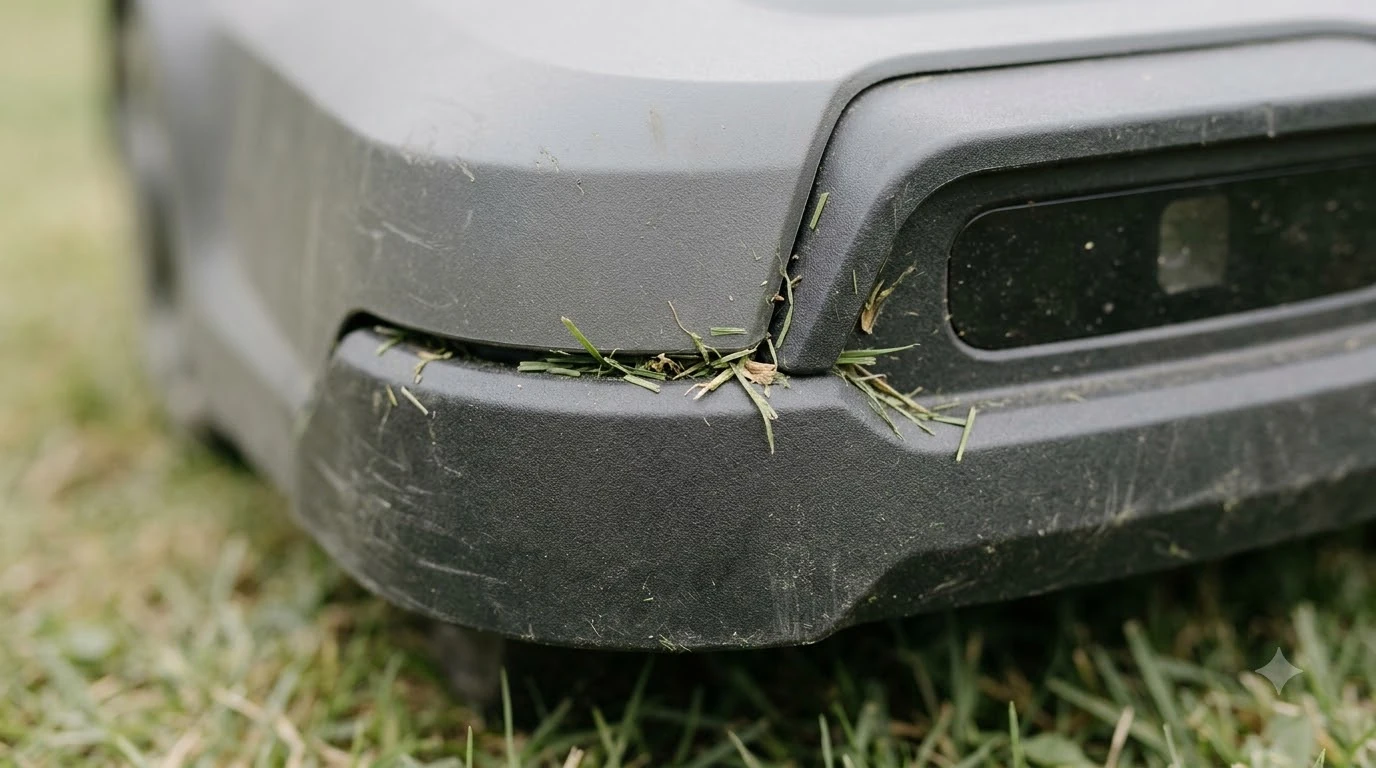

Robot mower bumper sensor replacement should wait until you have checked the simple causes. Most collision errors come from debris in the body seam, a body that is not seated correctly, grass that is too tall, or a blocked wheel. The manufacturer guidance we read does not describe a bumper sensor swap, so the first step is always to clear the mower and restart it.
The short answer
- What a bumper sensor does: it detects physical contact after the mower touches an object, then the mower stops and turns.
- First checks: free the mower, brush out debris between the body and chassis, make sure the body moves freely, and clear the wheels.
- Grass and height: keep grass within the recommended height and raise the cutting height if it is set too low.
- Restart: turn the mower off and back on before any repair.
- If the error stays: contact the local dealer. We did not find a manufacturer procedure for robot mower bumper sensor replacement.
What a bumper sensor does on a robot mower
The bumper is the front and side shell of the mower, and it carries sensors that tell the control board when something has pushed against it. Navimow describes its bumper sensors as detecting physical contact, and it says they only respond after contact. The sensors are placed around the perimeter to give 360 degree coverage, and Navimow calls them the first line of defense against solid obstacles such as tree trunks, walls, and garden furniture.
That design has a clear limit. A bumper cannot see an object before it touches it. This is why many current mowers add vision or lidar sensors on top of the bumper, and why a bumper error is not always a sign that the sensor is broken. The bumper may simply have reported a real contact, or a real contact that the mower could not back away from. For another way to spot obstacles before contact, see robot mowers with ultrasonic sensors.
What the collision error usually means
Husqvarna’s self-service guidance for its collision sensor error lists several causes, and most of them have nothing to do with the sensor itself. The error is a prompt to look at the mower before you look at parts.
| Possible cause (Husqvarna) | Action Husqvarna gives |
|---|---|
| The mower hit something it cannot back away from, such as furniture it has wedged under | Free the mower |
| Debris is trapped between the body and the chassis | Brush the debris out |
| The body is not seated properly on the chassis | Make sure the body moves freely, is installed correctly, and that dirt is cleared |
| The grass is taller than the mower can handle | Keep the grass within the recommended height for your model |
| The cutting height is set too low | Raise the cutting height |
| Objects are blocking the drive wheels | Remove them |
| A temporary electronic or firmware issue | Turn the mower off and restart it; if the problem continues, contact the dealer |
Husqvarna’s list is for its own Automower models, so treat it as a checklist rather than a guarantee for every brand. Still, it shows the order to work in: clear the mower, then the body, then the settings, and only then the parts.

Check the body and the debris before you replace anything
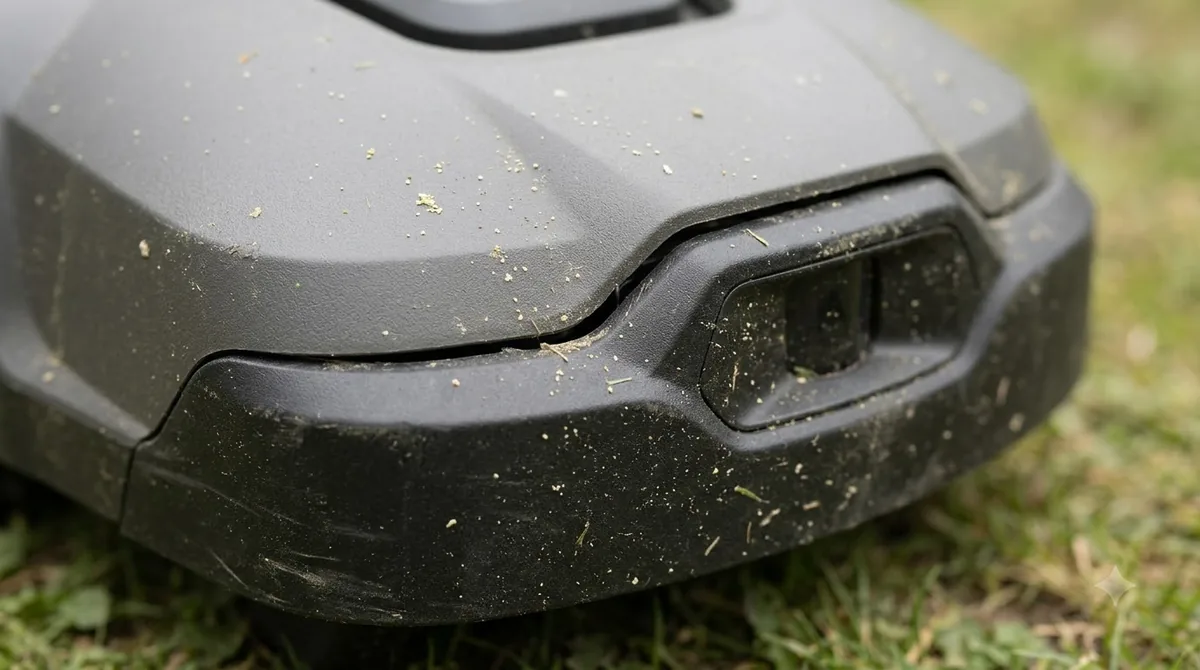
Debris is the most common physical cause that Husqvarna lists. Grass, leaves, and small stones can get into the gap between the body and the chassis, and then the body cannot move freely when it touches an object. Robomow also notes that debris such as cones and other objects can wedge under a robot and stop it, which is a reason to clear the yard before each run.
- Power off first. Our reading is that you should turn the mower off before you look under the body or near the blades.
- Brush out the seam. Use a soft brush, not a hose, around the bumper and chassis.
- Check the body moves freely. Push the bumper gently in each direction. It should return without catching.
- Look for wedged objects. Furniture legs, toys, and cords are common culprits in a yard.
Do these checks before any robot mower bumper sensor replacement, because the same symptoms can come from a dirty seam or a stuck body. If the mower halts in the same place every run, a robot mower stuck in the same spot is worth reading about too.
Anker advises against spraying cameras, sensors, charging contacts, buttons, and ports, so do not use a pressure washer or hose directly on the bumper sensor area. Use a dry or lightly damp cloth instead, and let the mower dry before you restart it. A compressed air duster for robot mower sensors is one dry option for the seam, our reading rather than a maker instruction.
Grass height and cutting height
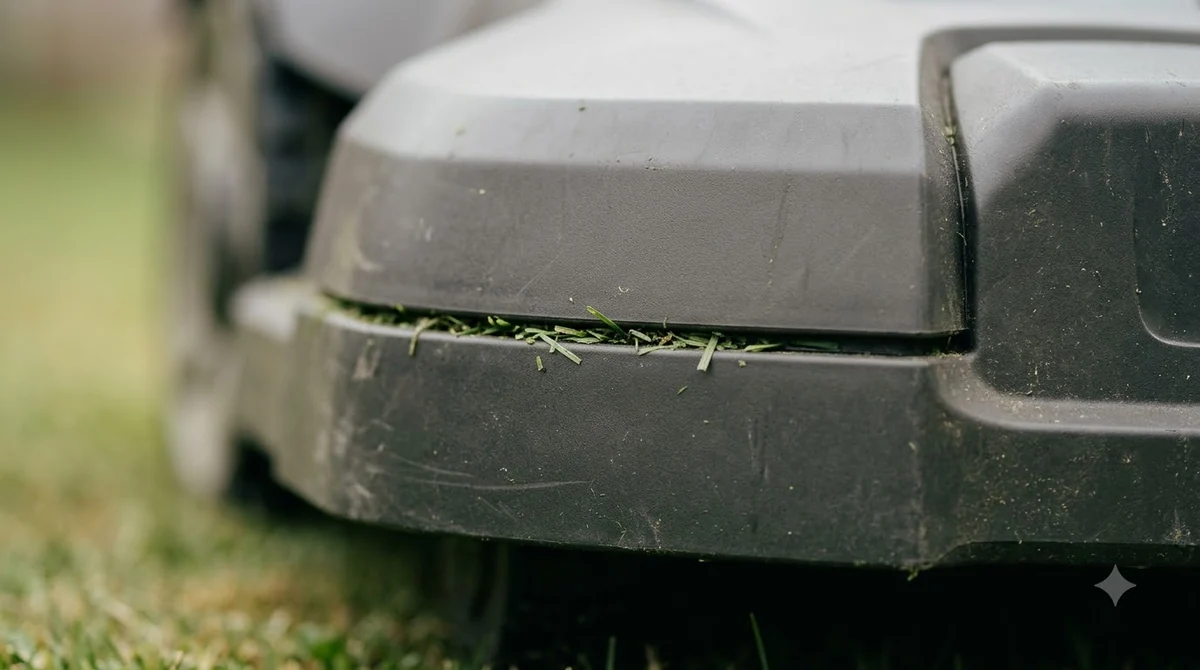
Two settings change how often a robot mower bumps into things. Husqvarna lists grass that is taller than the mower can handle, and a cutting height set too low, as causes of the collision error. Both can make the mower push harder against the grass and load the body.
- Check the grass height. Keep the grass within the range in your model’s manual, which is the safest starting point.
- Raise the cutting height. If the error appears after a change, move the setting up one step and run the mower again.
- Mow more often. Our reading is that frequent short runs keep the grass within the mower’s range better than one long cut.
Restart, clean, and when to call the dealer
Husqvarna’s guidance includes a plain restart for temporary electronic or firmware faults: turn the mower off and on again. Do this after you clear the body and the grass. A restart is quick and can clear a one-time fault.
Navimow advises cleaning sensors and cameras so that detection stays accurate. It does not name the bumper specifically, so cleaning the bumper seam is our reading of that general advice, not a Navimow instruction. Bumpers are one of several safety sensors, and how blade stop sensors work on a robot mower covers another.
Heads up
If the error stays after you have cleared the body, checked the wheels and the height, and restarted the mower, stop. Husqvarna says to contact the local dealer. Our reading is to pause the schedule until the dealer has checked the mower, rather than keep running it with the error.
Robot mower bumper sensor replacement: what to check first
A robot mower bumper sensor replacement is only worth attempting after the checks above. Our search did not find a manufacturer step-by-step guide for replacing a bumper sensor on a lawn mower, so this section does not give steps. What we can say from the sources is that the mower’s behavior depends on its model. Husqvarna points owners to model-specific removal and installation videos on its self-service site for the body. Navimow states that all its H, i, and X3 models have bumper sensors as standard.
- Model number. Parts are model specific, so write down the exact model before you search for anything.
- Dealer check. Ask the dealer whether the error is a sensor fault or a body or debris problem, since the fix differs.
- Warranty. Read the warranty terms before you open the body for a robot mower bumper sensor replacement. Our reading is to confirm with the dealer first.
Frequently asked questions
Does a collision error always mean the bumper sensor is broken?
No. Husqvarna lists several causes, including an obstacle the mower is wedged against, debris in the body seam, a body that is not seated correctly, and blocked wheels. Check those first.
Can I clean the bumper sensor with water?
Anker advises against spraying cameras, sensors, charging contacts, and ports. Use a dry or lightly damp cloth, and let the mower dry before you restart it.
Do bumper sensors detect objects before they touch them?
According to Navimow, bumper sensors only respond after contact. A mower that has to avoid objects before contact needs other sensors. This is our reading of the bumper-only limit, not a separate source.
What should I do if the error comes back after a restart?
Husqvarna says to contact the local dealer if the problem continues after a restart, before you order a part for a robot mower bumper sensor replacement. Keep the mower off the schedule until the dealer has checked it.
Sources
- Collision sensor problem: Automower error message (Husqvarna support): causes and actions for the collision error, dealer contact.
- How robot lawn mowers avoid hazards (Navimow): bumper sensor contact-only behavior, perimeter coverage, standard on H, i, X3 models, general sensor cleaning advice.
- Can a robotic lawnmower get stuck? (Robomow): debris can wedge under a robot and stop it.
- Robotic lawn mower maintenance (Anker): avoid spraying sensors, cameras, and ports.
 Up next10 min readGearBest Replacement Rubber Bumper Strip for Brick Walls: Materials, Fit, and CareUpdated Nov 19, 2026
 8 min readGearEcovacs GOAT Replacement Battery: What to Check FirstUpdated Nov 19, 2026
 7 min readGearMammotion Luba Replacement Wheels: What to Check FirstUpdated Nov 19, 2026
 6 min readGearSegway Navimow Replacement Battery: Check Your Model FirstUpdated Nov 12, 2026
 8 min readGearBest Soil Moisture Sensor to Pair With Robot Mower: What Actually Controls MowingUpdated Nov 13, 2026
 9 min readGearBest Compressed Air Duster for Robot Mower Sensors: What to Use and What to AvoidUpdated Nov 11, 2026