

Anthbot M5 problems and complaints that we can verify come from the maker’s FAQ and one independent review. They cover charging shutdowns, 2.4G-only Wi-Fi, map-rebuild failures, blade issues, and docking clearance, and most have a documented first fix.
The short answer
- Charging stops: the FAQ ties this to battery temperature. Power off and wait about 30 minutes before retrying.
- Wi-Fi fails: the FAQ says the robot supports only 2.4G Wi-Fi, so a 5 GHz-only network will not pair.
- Trapped or map errors: clear obstacles, check the wheels and cutter for wrapped debris, then rebuild the map.
- Navigation limits: one reviewer found LiDAR less precise than RTK in narrow passages and noted there is no four-wheel drive.
Which Anthbot M5 this covers
This article covers the M5 LiDAR, the wire-free version that uses 360-degree LiDAR and dual vision. A retailer’s product listing names it the ANTHBOT M5 LiDAR and says it needs no boundary wire or RTK station. Search results also show an M5 sold with RTK navigation. We could not confirm that version’s specs from the maker’s pages, so the points below do not automatically apply to it. If you own the RTK version, our guide to the Anthbot M5 RTK station setup problem covers that side, and the Anthbot M5 problems and complaints here are about the LiDAR model.
Anthbot M5 problems and complaints we could verify
We did not find a verified set of owner complaints, so this list relies on the maker’s FAQ and one independent review. Some buyers report setup or mapping errors in public reviews, but we did not read those pages in full and do not treat them as fact.
The FAQ does not name a model for most of its entries. Treat those answers as general guidance for the M5 line until the manual for your unit confirms them.
Charging and battery shutdowns
Charging shutdowns are the best documented of the Anthbot M5 problems and complaints. The FAQ says charging stops when the battery is too hot or too cold, which triggers charging protection. The fix it gives is a cooldown, followed by a retry.
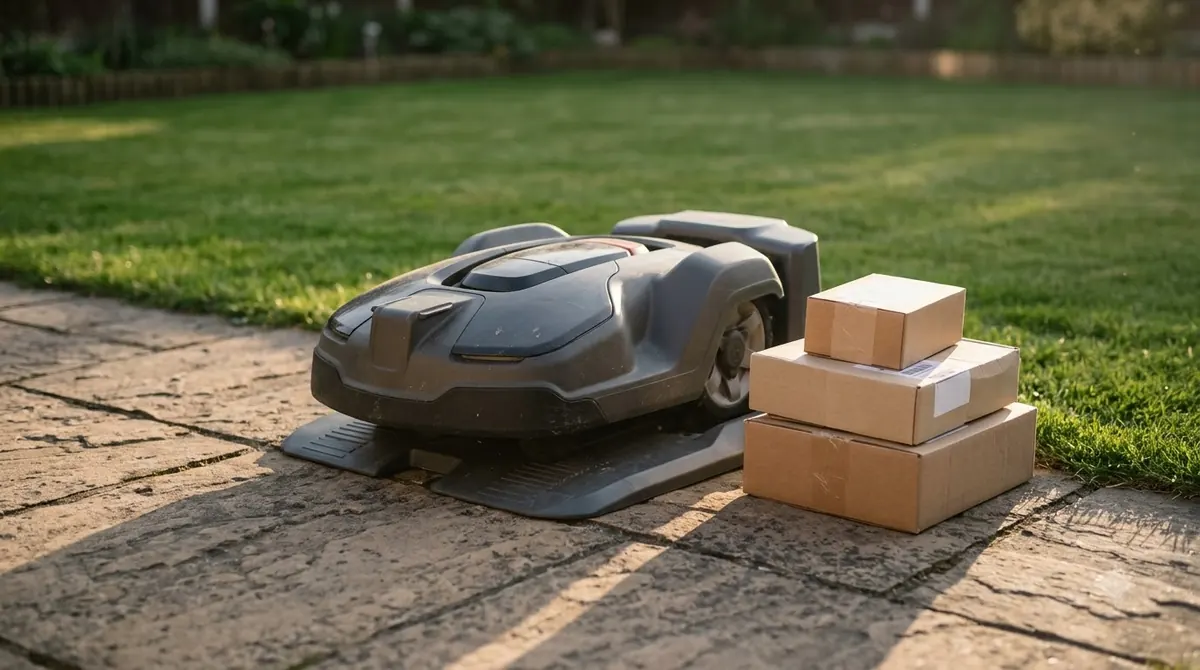
- Power off the mower. Turn it off before you move it or touch the dock.
- Wait about 30 minutes. The maker’s FAQ gives this as the cooldown interval.
- Retry charging. Place the mower back on the charging station and check that it starts charging.
If charging keeps failing after the cooldown, our reading is that the dock may be in direct sun or in a spot that stays very cold. Move it to a more even temperature, then try again.
Wi-Fi and app pairing
The FAQ says the robot supports only 2.4G Wi-Fi for now, so a network that runs only on 5 GHz will not pair. Most pairing failures are fixed by a short checklist from the same FAQ. Our walkthrough on how to set up the Anthbot M5 covers the first-run steps.
- Confirm the Wi-Fi password and the 2.4G band in your router settings.
- Stop your phone from switching to another network during setup.
- Turn on Bluetooth and location permissions for the app.
- Check that the router has not blocked the mower’s device.

Trapped, stuck, and failed map errors
A trapped or failed-map message usually means something is in the way or tangled in the mower. The FAQ gives a fixed order for clearing it.
- Clear obstacles. Remove objects from the mowing area and from the path to the dock.
- Check the wheels and cutter. Look for grass, string, or other objects wrapped around the main wheel, the universal wheel, or the cutter.
- Return the mower to the charging post.
- Press STOP, then MOW+ON to rebuild the map, as the FAQ describes.
The FAQ also says a missed patch should be handled by letting the current mow and recharge finish, then running a full mow again.
Blade noise and uneven cutting
Strange noise and poor cutting are usually blade problems, and the FAQ says to check the blade first. Turn the mower off, check whether the blade is off or loose, then tighten it and restart. If you need to swap a worn blade, see how to change Anthbot blades.
A blunt blade can be turned to its other side or replaced, according to the same FAQ. It also recommends adjusting the cutting height in the app, pre-cutting grass taller than 10 cm, and confirming the blade turns freely. The reviewer adds that a long lawn should be cut first, since robotic mowers are not designed for knee-high grass.
Navigation limits one reviewer reported
The independent reviewer’s Anthbot M5 problems and complaints concern navigation rather than defects. The review says the author set up and tested the mower, and these are the findings it reports.
- Narrow passages: LiDAR was less precise than RTK in narrow gaps, and the reviewer says it can snake slightly more. For a direct comparison, see Anthbot M5 vs Mammotion YUKA.
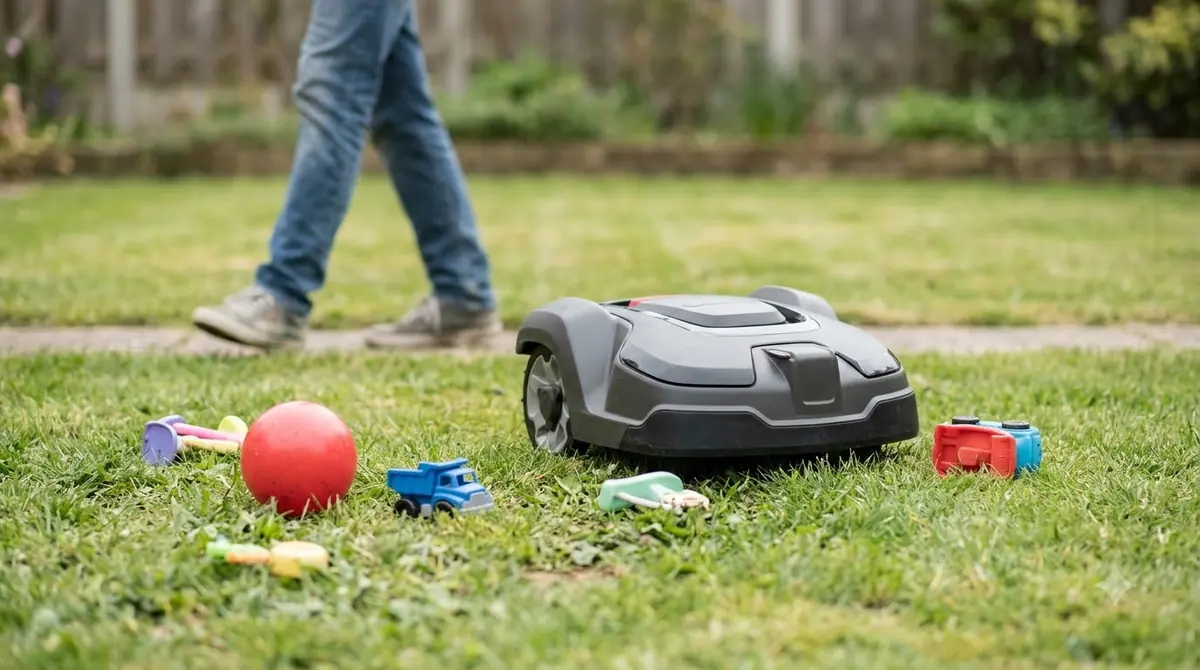
- Obstacles: in a ball test the mower made slight contact, and detection was not perfect in every scenario.
- Steps: the mower hesitated briefly at one step before continuing. The reviewer suggests marking the surface so it stands out.
- Mapping: automatic mapping missed one spot the reviewer would have covered by hand, so manual mapping is the reviewer’s advice for precision.
- Traction: there is no four-wheel drive, so a bumpy or root-heavy lawn may suit a four-wheel-drive model better.
Docking clearance and 4G costs
The reviewer’s mower docked successfully even with less than ideal clearance. The review also says the maker recommends 2 metres of clearance on each side, and the FAQ says more clearance gives the best results.
Remote access needs 4G, and the review says it costs extra once the limited included period ends. As of 2026-11-12, check the current service terms before you buy, since ongoing fees can change.
What to check before you buy
Most of the Anthbot M5 problems and complaints above come down to fit. Compare your lawn with the listed specs before you choose this model, and treat each number as a starting point rather than a guarantee. Our Anthbot M5 review weighs the same specs.
| What to check | Listed or reported | Our reading |
|---|---|---|
| Lawn size | Up to 500 m², or 0.125 acre, per the retailer listing | Measure your mowable area and leave headroom for slopes and obstacles. |
| Slope | Maximum incline of 45%, about 24 degrees | Check your steepest section, and remember the reviewer notes there is no four-wheel drive. |
| Grass height | Cutting height range of 30 to 70 mm | Cut long grass by hand or with a separate mower first. |
| Passages | Narrow gaps are the reviewer’s weak point | Measure any narrow gap you need the mower to cross. |
| Wi-Fi band | 2.4G only, per the FAQ | Confirm your router broadcasts 2.4G before you buy. |
Frequently asked questions
Are there verified Anthbot M5 complaints from owners?
Not in a form we could verify. We did not read a full set of owner reviews, so this article relies on the maker’s FAQ and one independent review. Treat any Anthbot M5 problems and complaints you find from owners as one report until other evidence supports it.
Why won’t my Anthbot M5 charge?
The FAQ says battery temperature that is too high or too low triggers charging protection. Power the mower off, wait about 30 minutes, then try again. If it still fails, contact the maker’s support.
Does the Anthbot M5 work on 5 GHz Wi-Fi?
The FAQ says the robot supports only 2.4G Wi-Fi for now. A network that broadcasts only on 5 GHz will not pair, so confirm the band in your router settings before you set up the mower.
Does the Anthbot M5 need a boundary wire or RTK station?
The retailer listing for the LiDAR version says it needs neither. Search results also show an RTK version, which this article does not cover, so check the model name before you follow any setup steps.
Sources
- Anthbot FAQ (manufacturer): charging protection, 2.4G Wi-Fi, trapped and map-rebuild steps, and blade checks. Most entries do not name a model.
- ANTHBOT M5 LiDAR robotic mower review (EasyLawnMowing): navigation limits, no four-wheel drive, 4G costs, and docking clearance as reported by the reviewer.
- ANTHBOT M5 LiDAR product listing (FreshlyCharged): cutting height, incline, area, IPX6 rating, and navigation type.
 Up next9 min readReviews & CompareEcovacs GOAT A1600 RTK Problems and Complaints: Known Issues and GapsUpdated Nov 14, 2026
 9 min readReviews & CompareHusqvarna Automower 115H Problems and Complaints: Common Faults and FixesUpdated Nov 12, 2026
 8 min readReviews & CompareHusqvarna Automower 430X NERA: Documented Problems and FixesUpdated Nov 14, 2026
 8 min readReviews & CompareAnthbot M5 Alternatives: What to Compare Before You BuyUpdated Nov 11, 2026
 8 min readReviews & CompareAnthbot M5 vs Anthbot Genie: Smart Spec ComparisonUpdated Nov 14, 2026
 9 min readReviews & CompareAnthbot M5 vs Mammotion YUKA: Specs, Slope and NavigationUpdated Nov 11, 2026