

Dreame A1 Pro problems and complaints in published sources fall into three areas: small obstacles it can miss, an unmown strip along the lawn edge, and a PIN prompt every time the stop button is pressed. The A1 Pro is not sold in the US at the time of the main review we read, and the amount of independent criticism is small, so treat these as points to check rather than settled defects, as of Nov 2026.
The short answer
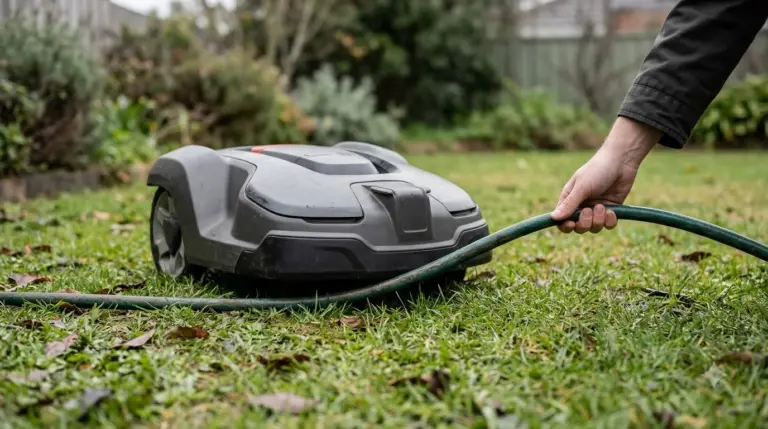
- Obstacles: a Notebookcheck reviewer reports that small items such as a tennis ball or a garden hose on the lawn are not detected.
- Edges: a strip of at least 12 cm can stay unmown where the mower cannot drive over a ground-level edge.
- Navigation: the A1 Pro uses LiDAR without a boundary wire, RTK or GPS, so weather and sensor dirt matter more.
- Security PIN: the PIN is requested each time the stop button is pressed, which the reviewer calls a little annoying.
- Availability: not offered in the US at review time, so check the current import or dealer status before planning around it.
Dreame A1 Pro problems and complaints: what the sources cover
The Dreame A1 Pro problems and complaints that we could find in published sources come mostly from one detailed hands-on review by Notebookcheck, which compares the A1 Pro with the original A1 and the A2. Forum threads and retailer listings returned little that was specific to this model, so the picture below is narrower than a broad owner survey would be.
Dreame’s own specification pages were not verified for this article, so the figures here come from the review and its data sheet references. Where a claim below comes from the manufacturer, we say so. Everything else comes from the Notebookcheck review or from LiDAR guidance published by two robot mower brands.
Obstacle detection misses small items
Small objects are the clearest of the Dreame A1 Pro problems and complaints in the review. The reviewer writes that the A1 Pro “still fails to detect small obstacles such as a tennis ball or even a piece of hose lying on the lawn.” A hedgehog dummy was recognized in only about half of the attempts, which means the detection is not reliable for every object in a garden.
The reviewer says navigation relies on LiDAR alone. Without a camera, the mower cannot build the kind of AI map that camera-based models use. For a yard with hoses, toys or garden tools, this is the first thing to check after setup. The Dreame A1 Pro setup guide shows where in the process to test it.
Edge cutting leaves a strip along the border
The second criticism is edge cutting. The review measures a gap of about 11 cm between the device edge and the cutting deck, and says that a strip of at least 12 cm stays unmown when the robot cannot drive over ground-level edges. The reviewer lists “wide mowing edge at uneven transitions” among the cons.
A movable deck that would reduce this gap is reserved for the more expensive A2, according to the same review. If your lawn has flower beds, paths or a patio edge at ground level, the uncut strip is likely to be visible, so plan for a hand trimmer or a second pass along the border.
Navigation without a boundary wire depends on clean sensors
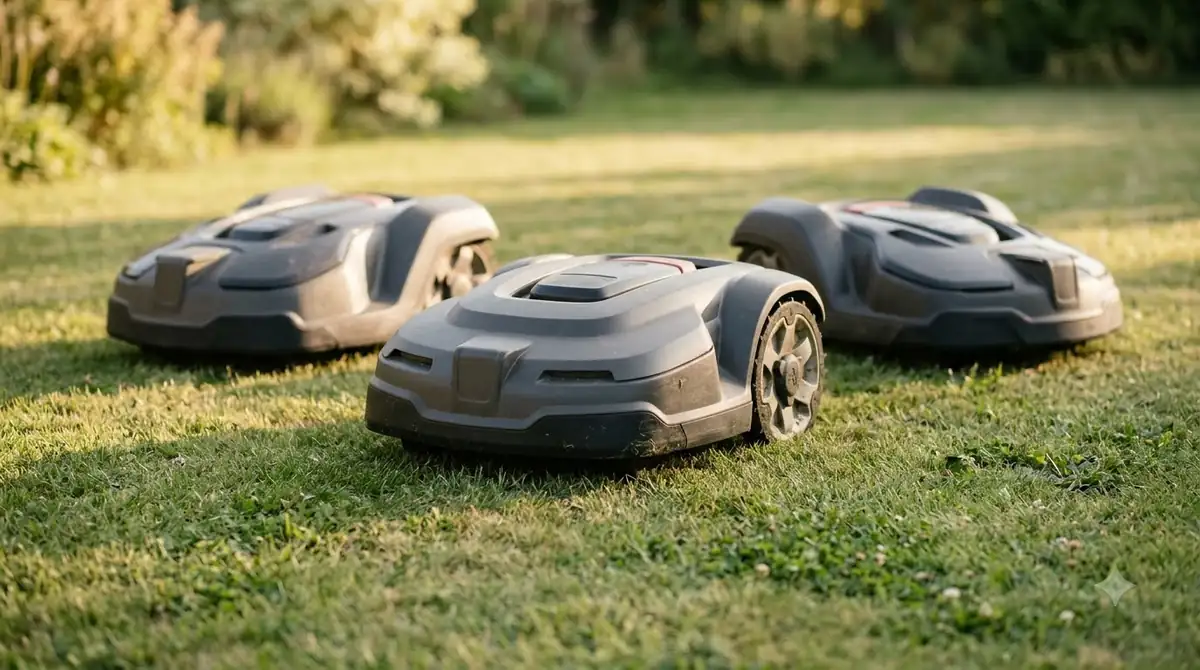
The A1 Pro does not use a boundary wire, RTK or GPS. It relies on its OmniSense 3D LiDAR to find its way, which removes the cost and labor of installing wire but makes the sensor the single source of position. The Notebookcheck review confirms that the A1 Pro has no camera and no RTK or GPS.
Weather is the main limit on LiDAR, and the manufacturer guidance is consistent on this point. Ecovacs notes that fog and heavy rain can scatter or absorb laser beams, a limit that applies to a LiDAR-only design like this one. Anker advises that LiDAR sensors need cleaning after rain, mud and dust. These are general LiDAR points, not tests of the A1 Pro, but they apply to this design.
Keeping the LiDAR sensor clean
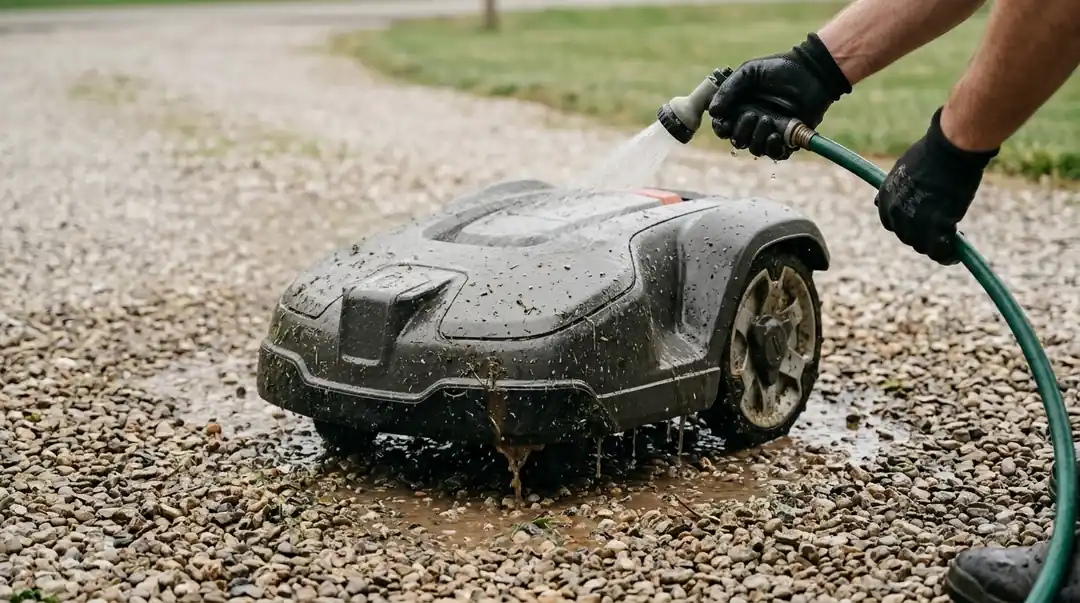
Because the A1 Pro depends on its sensor, dirt on the unit is a practical problem rather than a cosmetic one. The review notes that the charging station has a brush that cleans the LiDAR as the mower enters and leaves the dock. That helps with routine dust, but it does not replace a wipe-down after a muddy mow or a rainy day.
A simple habit is to wipe the sensor window clean after wet cutting and check it before each session. Follow the manufacturer’s manual for the exact cleaning steps. If the mower starts to hesitate near obstacles or drifts at the edges, dirty optics are one of the first things to check, and the Dreame LiDAR error guide explains what the warning means.

The PIN prompt and the stop button
The anti-theft PIN is the most user-facing friction point in the review. The PIN must be entered “every time you press the stop button,” and the reviewer finds this “a little annoying” in daily use. It is a deliberate security feature, not a fault, but it means a quick pause during mowing takes more steps than on models without a PIN.
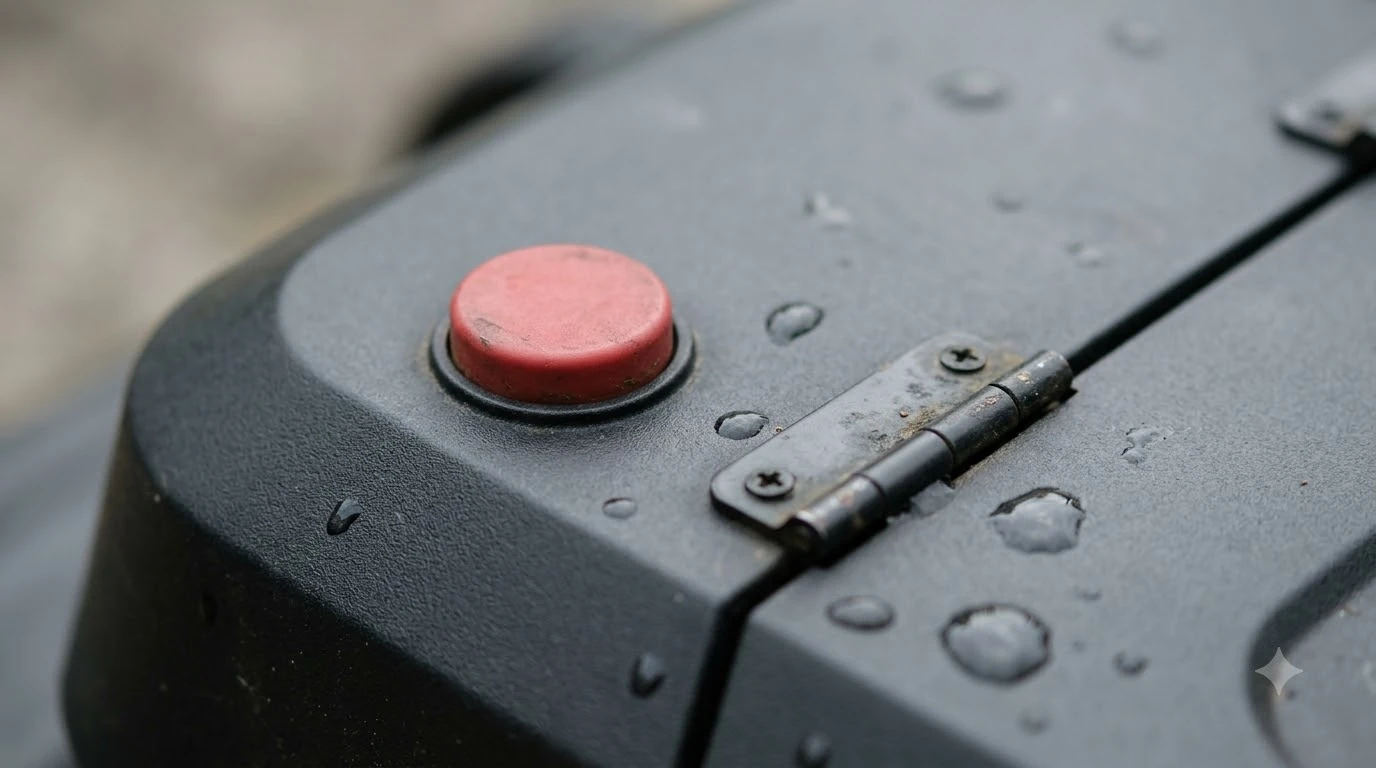
If you often stop the mower to move a hose or clear a toy, plan for the extra entry. Keep the PIN somewhere you can find it, and note that the lid and stop button are the places where you would interact with it most.
Runtime and area limits
The A1 Pro is rated for lawns up to 2,000 m2 on the data sheet. In the reviewer’s measurement, a single charge from 100% to 15% covered about 150 m2 in standard mode, which the review describes as “slightly less area” than expected. The review also reports a 5 Ah battery and a charging time of just over one hour.
The rated figure and the per-charge figure measure different things. For a lawn near the upper end of the rating, check how many charge cycles the mower needs and whether the charging station is within easy reach of the far corners.
Availability and the other points to check
The review states that the A1 Pro “is not available in the US at the moment.” That was the status at review time. Availability changes quickly, so confirm with the seller before you plan a purchase, and check whether the warranty and app support cover your region. The Dreame A1 Pro review lists the model’s published specs for comparison.
Noise is not a reported problem. The review measures 50 to 55 dB at one metre and calls the mower “pleasantly quiet,” which matters for early morning or neighbor-heavy yards.
The table below sums up the Dreame A1 Pro problems and complaints covered above and what to check for each.
| Issue | What the sources report | What to check |
|---|---|---|
| Small obstacles | Tennis ball and hose not detected; hedgehog dummy detected in about half of attempts | Run a test pass with your own small objects before leaving the mower unattended |
| Edge strip | At least 12 cm unmown where the mower cannot drive over edges | Measure your border edges and plan a trimmer pass |
| LiDAR weather | Fog and heavy rain affect laser sensing (general LiDAR guidance) | Keep the sensor clean and check the mower after wet days |
| PIN prompt | Entered each time the stop button is pressed | Factor the extra step into how you pause the mower |
| US availability | Not offered in the US at review time | Confirm current stock and warranty with the seller |
Who the A1 Pro suits (our reading)
Based on the published Dreame A1 Pro problems and complaints, the A1 Pro suits a buyer who has a fairly open lawn with few small loose objects, accepts a narrow unmown border or a trimmer pass, and is comfortable with LiDAR-only navigation. It is a weaker fit for a yard with many toys, hoses or garden tools on the grass, a lawn with many ground-level edges, or a buyer who needs the mower to run unattended without any checks.
Because the independent evidence is limited to a small number of sources, we would not treat these points as the full picture of how the A1 Pro performs in every yard. Read the manufacturer’s manual and a recent owner report before you decide, and compare the A2 if the edge strip is your main concern, starting with Dreame A1 Pro vs Dreame A2.
Frequently asked questions
What are the main Dreame A1 Pro problems and complaints?
The most specific criticism in published sources is small-object detection. A reviewer found it missed a tennis ball and a piece of hose, so a yard with loose items needs a test run before unattended mowing.
Does the A1 Pro leave grass uncut along the edges?
Yes, according to the Notebookcheck review. It reports a gap of about 11 cm and an unmown strip of at least 12 cm where the mower cannot drive over ground-level edges. A trimmer pass is the usual fix.
Why does the A1 Pro ask for a PIN so often?
The PIN is an anti-theft feature. The reviewer reports that it is requested every time the stop button is pressed, which adds a step each time you pause the mower.
Is the Dreame A1 Pro sold in the United States?
The Notebookcheck review states that it was not available in the US at review time. Check with the seller for current availability, since this changes.
Sources
- Notebookcheck, Dreame A1 Pro review (independent technology publication): obstacle detection, edge strip, PIN prompt, runtime, noise and US availability.
- Ecovacs, LiDAR vs RTK robot lawn mowers (manufacturer blog): weather limits of LiDAR navigation.
- Anker, LiDAR robot lawn mower guide (manufacturer blog): sensor cleaning after rain, mud and dust.
 Up next8 min readReviews & CompareDreame A2 Problems and Complaints: What the Reports ShowUpdated Nov 14, 2026
 8 min readReviews & CompareMammotion LUBA 2 AWD Problems and Complaints: What Owners ReportUpdated Nov 17, 2026
 8 min readReviews & CompareHookii Neomow X SE Problems and Complaints: What Owners ReportUpdated Nov 18, 2026
 8 min readReviews & CompareMammotion Yuka Mini Problems and Complaints: What Owners ReportUpdated Nov 12, 2026
 7 min readReviews & CompareSunseeker Elite X5 Problems and Complaints: What the Sources ShowUpdated Nov 15, 2026
 8 min readReviews & CompareHusqvarna Automower 410iQ Problems and Complaints: What Published Sources ShowUpdated Nov 16, 2026