
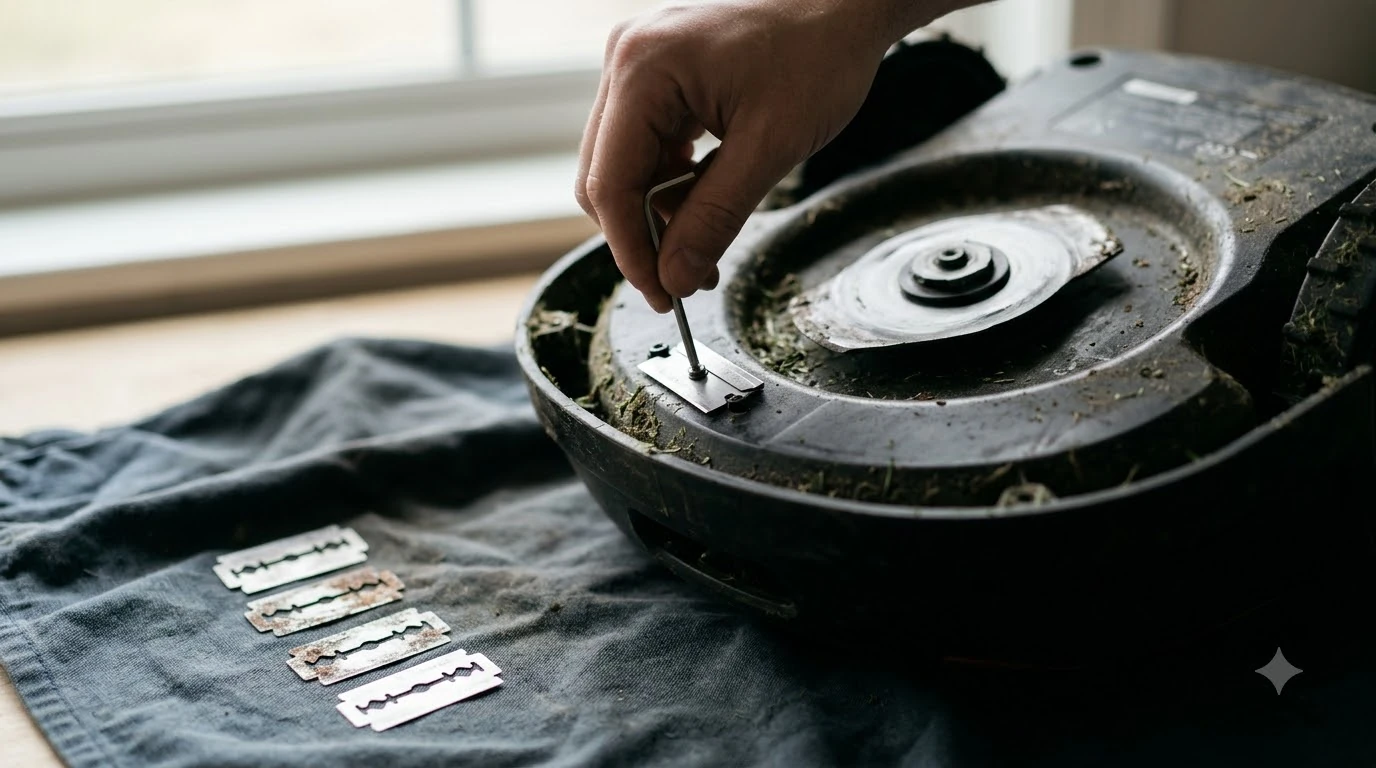

Mammotion YUKA replacement blades should be blades Mammotion approves, bought as a full set with new screws and changed together every 3 months or 150 hours. Mammotion’s support page asks owners to use “original blades approved by Mammotion” with the correct screws, and it warns that the old screws must never be reused.
The short answer
- Match the model. Check the blade and screw list against your exact YUKA model before you order, since sellers use loose compatibility claims.
- Buy the full set. Mammotion says to replace all blades and their screws at the same time.
- Count on new screws. Make sure the kit includes screws and washers, because old screws must not be reused.
- Replace on wear, not only on the calendar. Torn grass tips, chipped or bent blades and a louder cut are reasons to change early.
- Expect gaps. The Mammotion pages we read do not give YUKA part numbers, blade counts, torque values or blade warranty terms.
Mammotion YUKA replacement blades: why the source matters
Mammotion’s maintenance guidance for the cutting blades is short and specific. It asks owners to use original blades approved by Mammotion, together with the correct screws, and its US maintenance blog tells owners to “always use blades designed for your specific mower model.” Those two lines are the core of any buying decision for YUKA replacement blades.
Many third-party sets are sold online with a claim that they fit Mammotion mowers, including the YUKA. Those compatibility claims come from the sellers, not from Mammotion, and the Mammotion pages we read do not say that third-party blades are safe or covered by the warranty. Our reading is that a blade that physically fits the cutting disc is not the same thing as a blade the maker has approved, so the safer route is to check the manual and the warranty terms before you buy anything that is not sold as an official Mammotion part.
How often to replace the set
Mammotion gives two timing references, and they are not identical. The official support page recommends replacing the blades every 3 months or after 150 hours of use, and it says thicker grass may call for more frequent changes. The US maintenance blog gives a looser range of every 1 to 2 months during the mowing season, depending on lawn size, mowing frequency, grass type and whether the blades have hit stones, branches or other hard objects.
| Source | Stated interval | Condition attached |
|---|---|---|
| Mammotion support, cutting blades and motor | Every 3 months or after 150 hours | Thicker grass may need more frequent changes |
| Mammotion US maintenance blog | Every 1 to 2 months in the mowing season | Depends on lawn size, grass type and hard objects hit |
For Mammotion YUKA replacement blades, the hour count is the number to track, and the calendar is only a fallback. Our reading is that the calendar is a starting point rather than a rule. A lawn with stones, roots or dense grass wears blades faster than a clean, flat lawn, so the hour count and the visible condition of the blades matter more than a fixed date.
Hours are a better guide than months for a robot mower, because a mower that runs every day on a large lawn accumulates hours far faster than one that works a small garden twice a week. The same mower can therefore need a set of YUKA replacement blades in spring and again in late summer, even though both fall inside the same three-month window. Keeping a simple log of mowing hours makes the 150-hour mark easier to spot than guessing from the date on the calendar. For a model-neutral view, see our guide on how long robot mower blades last.

What a full replacement set includes
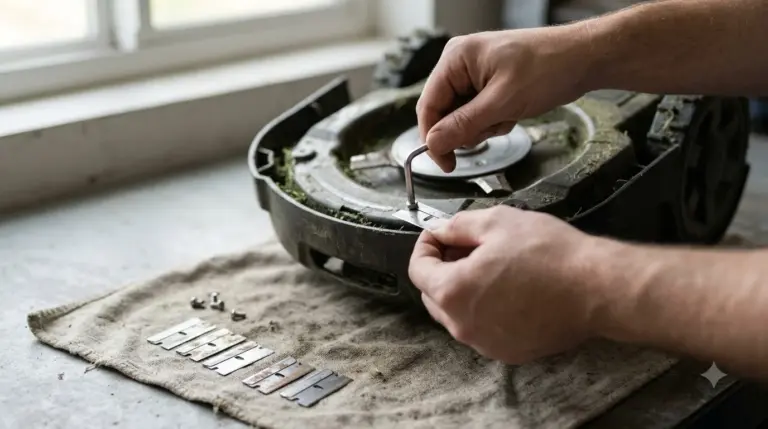
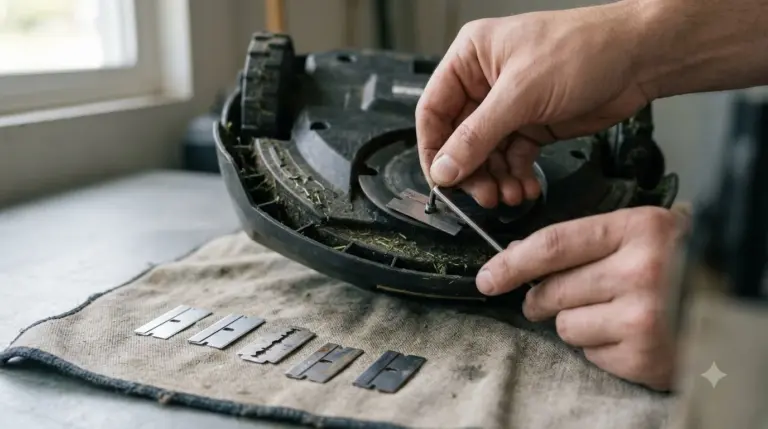
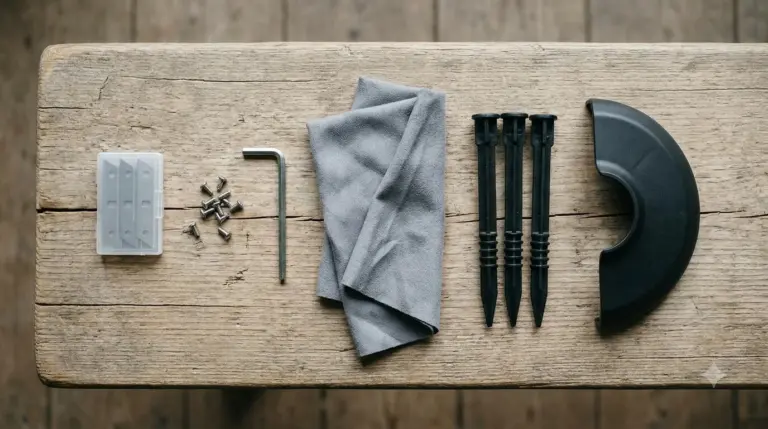
A complete set of Mammotion YUKA replacement blades is more than the blades themselves. Mammotion’s procedure asks for a new screw for every blade and a Phillips screwdriver, which the UK guide calls necessary for removing the screws that hold the blades to the disc. It also warns against an electric drill or driver, which can damage the screw heads or the cutting plate. Our guide on replacing robot mower blade screws covers the screw side in general.
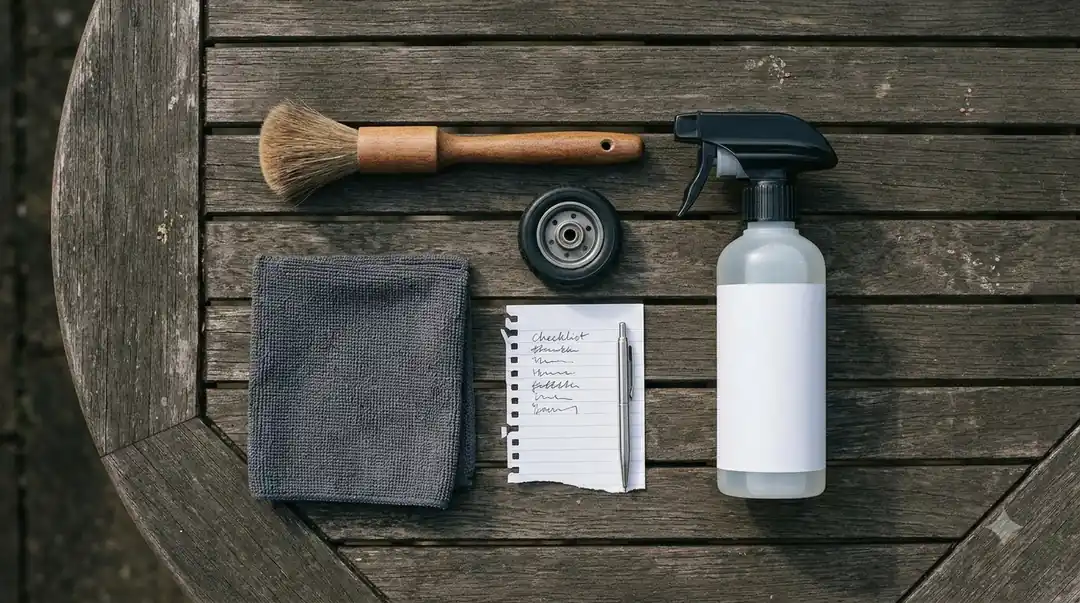
When you compare kits, check four things: the number of blades in the kit against what your mower uses, whether new screws are included for every blade, whether washers are included, and whether the seller names your exact YUKA model. Our Mammotion YUKA accessories guide covers the add-ons that sit alongside blades. The Mammotion pages do not state a blade count for the YUKA, so the count printed on the mower or in the manual is the figure to trust over a listing.
- Blades: one full set, changed together.
- Screws: one new screw per blade, never reused.
- Washers: check whether old washers are stuck to the disc or have fallen off before you fit new blades.
- Tools: a Phillips screwdriver, never an electric drill or driver.
Signs the blades need replacing early
Do not wait for the next calendar date if the cut looks wrong. Checking your Mammotion YUKA replacement blades after every few mowing sessions during the season takes a minute and catches damage early. Mammotion’s US maintenance blog lists four warning signs that the blades are worn or damaged, and our guide on dull robot mower blade signs adds general context.
- Grass tips look torn or uneven after mowing.
- The cut finish is inconsistent from one pass to the next.
- Blades are chipped, bent or visibly worn.
- The mower is louder than usual while it cuts.
The UK blade guidance adds that a cracked, chipped or permanently bent blade should be replaced rather than straightened. It also says that after a hard impact, such as a large stone, the blades should be checked for small cracks or deformation. If new blades still cause heavy vibration or noise, the same guidance says to replace the entire set of blades and screws.
The cutting disc and screw holes
Blades are only as good as the disc they sit on. Before you fit a new set, the US blog advises inspecting the cutting disc for debris or damage, and the UK guidance says to clean the disc, especially around the screw holes, so each blade can pivot freely. Grass and dirt packed into the holes can stop a blade from moving, and the same guidance says to check that every blade spins freely after fitting.
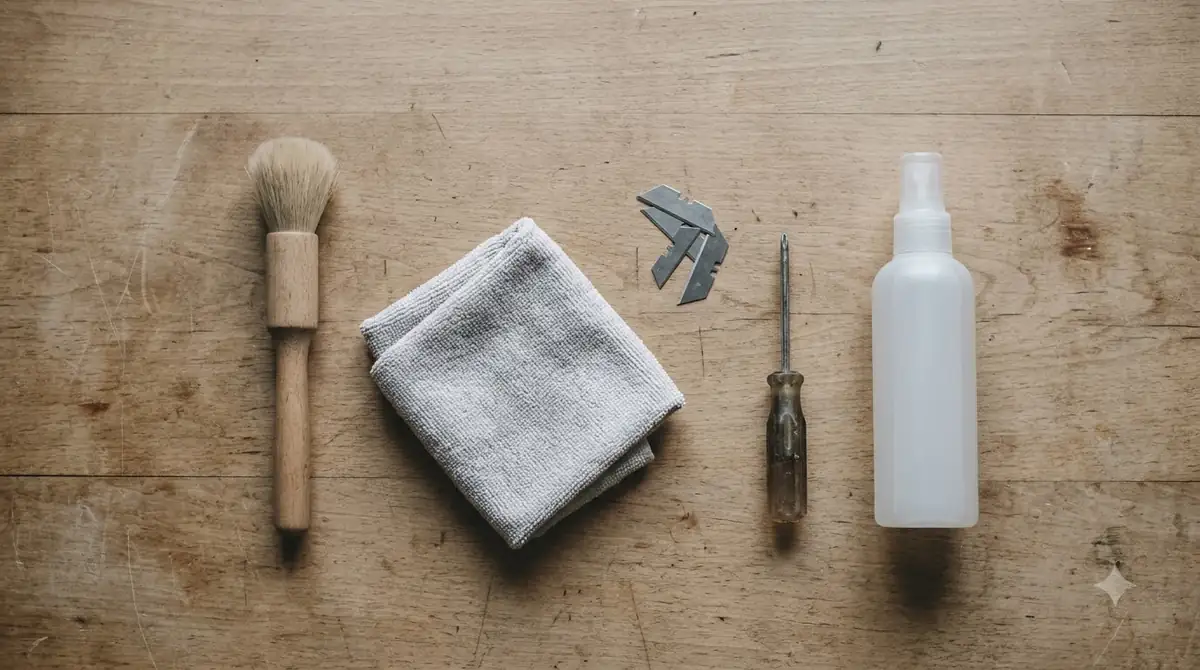
Mammotion’s UK guidance also says that if a screw hole has visibly widened from wear, the disc or the blade set should be replaced. For cleaning in general, the US blog says cleaning the mower every one to two weeks during the growing season is enough to keep it operating at its best. The step-by-step guide to changing YUKA blades covers the swap itself.
What the sources do not tell you about Mammotion YUKA replacement blades
Several details that buyers often look for are missing from the Mammotion pages we read, and these gaps matter most when you compare YUKA replacement blades across sellers. We did not find a YUKA blade part number, the number of blades on the YUKA, a torque value for the screws, or a statement on whether blades can be flipped and reused. We also did not find blade warranty terms on the pages we read.
The Mammotion support page we read refers to “the robot” and does not name the YUKA, so its 3 month or 150 hour interval is general Mammotion guidance. Until those details are confirmed on a Mammotion page or in the manual that came with your mower, treat any listing that gives them as unverified. Check the parts list in your manual, and use the model name printed on your mower when you talk to Mammotion support or a seller.
Frequently asked questions
Can I use third-party blades on a Mammotion YUKA?
Mammotion’s support page asks for original blades approved by Mammotion, and its blog says to use blades designed for your specific model. We did not find a Mammotion statement that third-party blades are safe or covered by the warranty. Check your manual and warranty terms before you buy a non-official set.
Do I need new screws every time I change the blades?
Yes. Mammotion says the screws are single-use and that the old screws must not be reused with new blades, because a reused screw may cause serious injury.
Should I replace one blade or the whole set?
Replace the whole set and its screws at the same time. Mammotion’s support page gives this as the procedure, and the UK guidance says to replace the entire set if vibration or noise persists after fitting new blades.
How do I know the blades are worn before the time is up?
Look for torn or uneven grass tips, an inconsistent cut, chipped or bent blades, and a louder mower than usual. Any cracked or permanently bent blade should be replaced rather than straightened.
Sources
- Mammotion Support, maintenance for cutting blades and motor (Mammotion): interval of 3 months or 150 hours, approved blades, single-use screws, tools and disc cleaning.
- Mammotion UK blog, robot lawn mower blades change (Mammotion): YUKA blade steps, tools, warnings on electric drivers, bent or cracked blades and impact checks.
- Mammotion US blog, robot lawn mower maintenance (Mammotion): 1 to 2 month range in season, wear signs and disc inspection.
 Up next7 min readGearMammotion Yuka Replacement Battery: What to Check Before You BuyUpdated Nov 11, 2026
 7 min readGearAnthbot Replacement Blades: What to Check Before You BuyUpdated Nov 12, 2026
 8 min readGearMammotion LUBA Replacement Blades: What to Match Before You OrderUpdated Nov 20, 2026
 8 min readGearHow to Change Mammotion YUKA Blades SafelyUpdated Nov 19, 2026
 7 min readGearBest Garage for Mammotion Luba: What to Check Before You BuyUpdated Nov 14, 2026
 6 min readGearMammotion YUKA Charging Station Cover: What to Check FirstUpdated Nov 20, 2026