
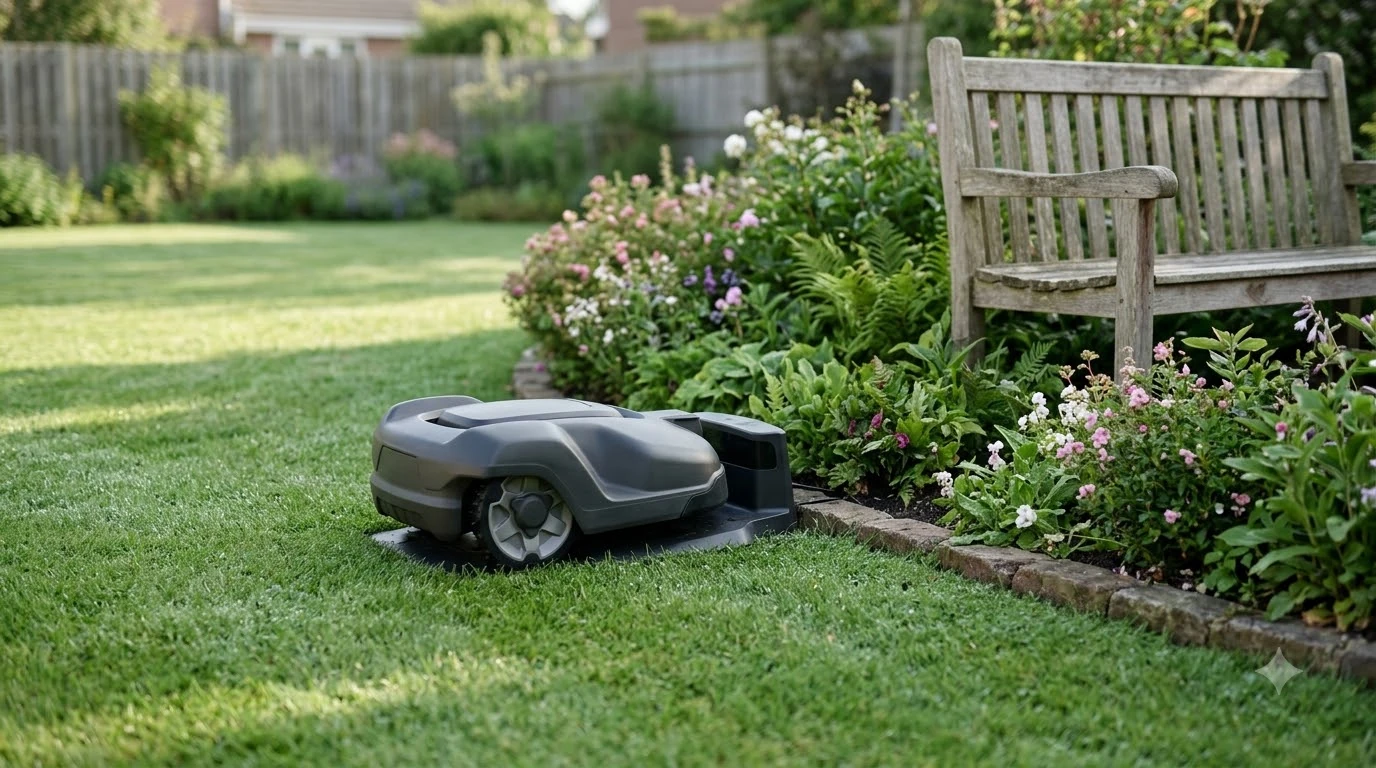

A robot mower with base station vs without differs mainly in how it finds its position: a base station gives a satellite mower a fixed reference point, while a mower without one navigates with a boundary wire, LiDAR, or vision. The choice mostly depends on sky view, the trees and buildings around your lawn, and how reliable your internet is. Husqvarna and Ecovacs publish the specifics, and the two vendors describe the trade-offs in different ways. This guide sets out what the sources say, where they disagree, and our reading of which setup suits which yard.
The short answer
- With a base station (RTK): the reference station needs a clear view of the sky. Husqvarna asks for a sky view of at least 135 degrees, mounted at least 2 m (6.5 ft) high.
- Without a base station: LiDAR models skip the base entirely. Ecovacs says they have no specific placement rules.
- The base is not the dock: the charging station is a separate piece of equipment, though its docking point may still need open sky.
- Distance matters: Husqvarna says the mower should stay within 100 m (330 ft) of its reference station, and objects in between shorten that range.
- Our reading: for a robot mower with base station vs without, an open lawn with a clear sky favors a base station. A yard under heavy tree cover or among tall buildings is where wire or LiDAR deserves a closer look.
What a base station does in a robot mower
A satellite receiver on the mower can estimate its position on its own. An RTK setup adds a correction signal. A fixed reference station receives the same satellite signals and sends correction data to the mower, which uses it to reach the centimeter-level accuracy that Ecovacs describes for RTK. For the basics, see how an RTK robot mower works.
Not every RTK system relies on a local reference station. Husqvarna explains that a mower can also use its cloud service instead, provided the lawn has a stable internet connection across the entire work area. In that case the mower will stop working if it loses the connection. A local reference station removes that dependence, because, as Husqvarna puts it, it “can be installed to remove the need for internet connectivity for navigation entirely.” That is the main reason some owners choose a base station even when internet coverage is decent.
Robot mower with base station vs without: how they compare
The table below sets the base station against mowers that navigate without one. The LiDAR entries come from Ecovacs, a vendor that sells LiDAR and RTK mowers, so treat them as its own claims rather than independent testing.
| Factor | Base station (RTK) | No base station (LiDAR or vision) |
|---|---|---|
| Placement | Reference station in an open, unobstructed spot with at least 135 degrees of sky view (Husqvarna) | No specific placement rules (Ecovacs) |
| Setup effort | Requires calibration, placement, and extra installation time (Ecovacs) | No extra base station or setup (Ecovacs) |
| Under trees or near buildings | Struggles under dense trees and buildings, which can interfere with satellite connectivity (Ecovacs) | Ecovacs presents LiDAR as the stronger fit for complex or shaded yards |
| Weather | Not listed as a limit in the Ecovacs comparison | Fog and heavy rain may scatter laser beams (Ecovacs) |
| Internet needed for navigation | Not needed with a local reference station (Husqvarna) | Not applicable |
The rows show that neither setup wins everywhere. Each depends on a different condition, which is why the right answer changes from one yard to the next.

Sky view and placement rules
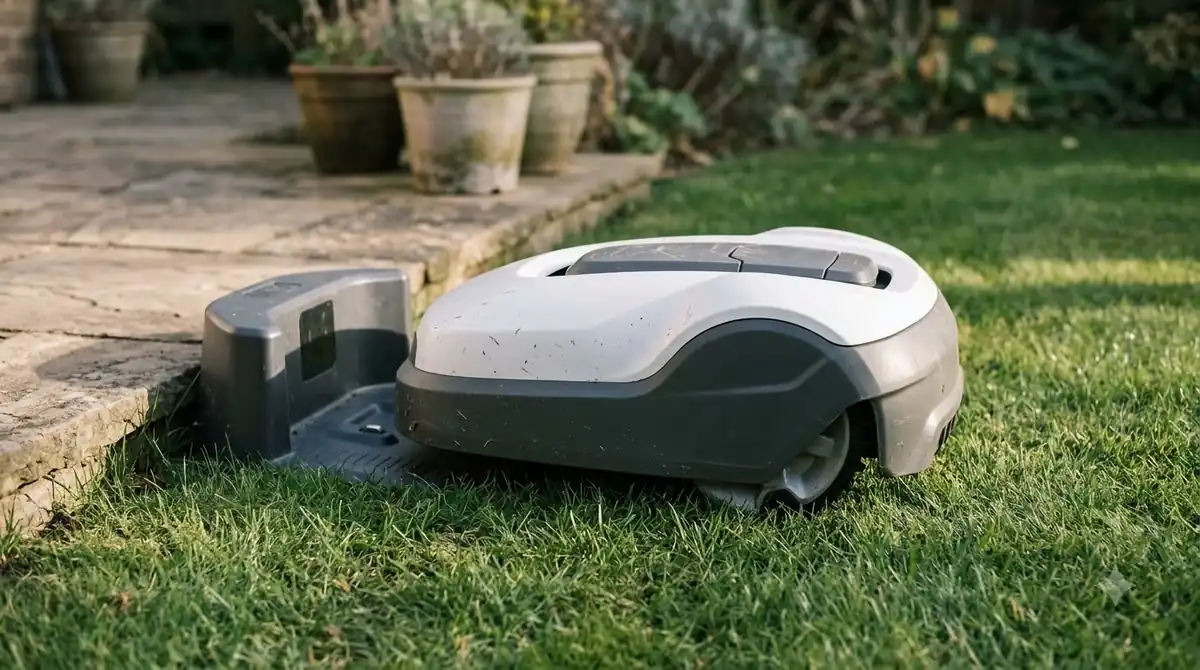
In a robot mower with base station vs without, the base station is the part with placement rules. For Husqvarna’s reference station, those rules are specific. The sky should be visible across a 135-degree view, the unit should sit at least 2 m (6.5 ft) high, and the mower should stay within 100 m (330 ft). Husqvarna notes that objects between the two shorten that distance. The reference station can be mounted on a post or a wall, and if you mount it on a wall, its top should sit above the wall line. A separate guide covers where to mount an RTK base station.
Interference is another factor. Husqvarna asks owners to check for metal objects that could disturb the signal, such as metal fences, so the station should not sit close to one.
Heads up
The 135-degree and 2 m figures come from Husqvarna’s own support material for its EPOS reference station. Other brands set different rules, and Husqvarna’s documents vary by market, so check the manual for your model before you plan the installation.
Trees, buildings, and weak spots
Trees and buildings are where the two approaches differ most. Husqvarna warns that a satellite connection can be blocked when the sky is obscured by tall buildings or dense trees, and its troubleshooting guide gives a rough benchmark of a tree crown wider than 4 m (13 ft). Ecovacs makes the same point more strongly, listing RTK as one that “struggles under dense trees and buildings.” It describes LiDAR as the stronger fit for complex or shaded yards. For buildings specifically, see RTK robot mowers near tall buildings.
Husqvarna’s UK guidance also shows that even wire-free systems can fall back on a boundary wire. On some wire-free models its Support by Wire feature lets you lay a physical loop wire through areas with satellite coverage issues, which is a practical option if one corner of the lawn sits under a tree line.
Weather is a different kind of limit. Ecovacs notes that LiDAR can struggle in fog and heavy rain because the laser beams scatter, so a wet, misty climate is worth weighing against a shaded lawn. Ecovacs also says RTK “may lose precision near tall structures,” which matters for yards close to a house.
The charging dock is a separate question
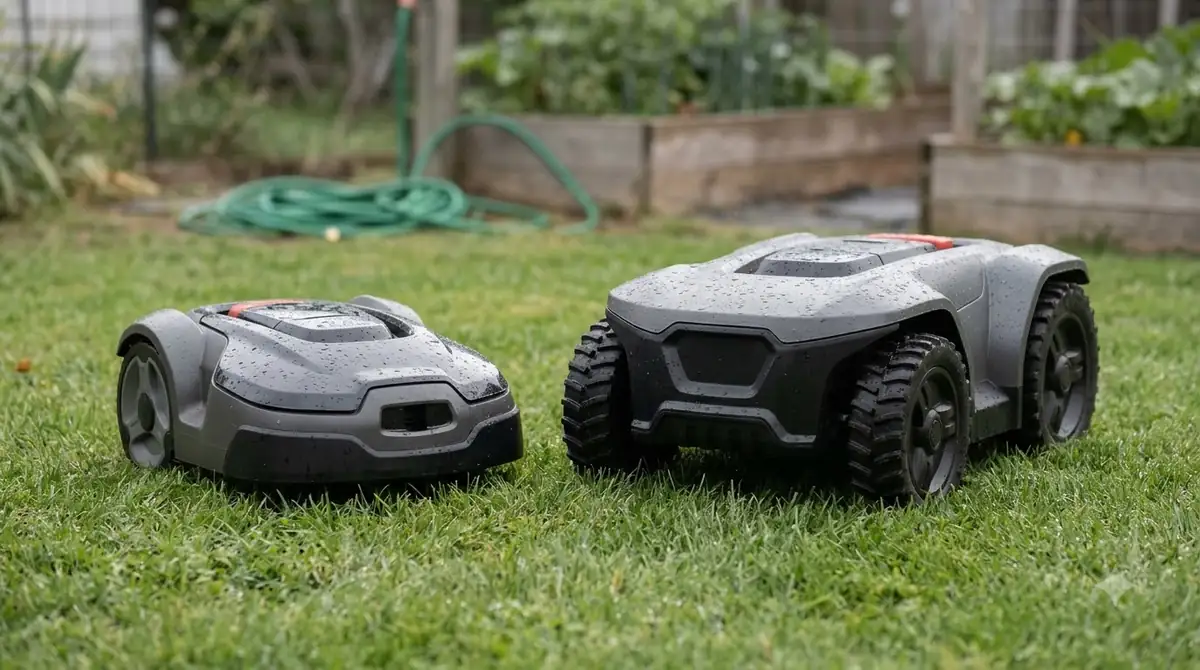
People often mix up the base station with the charging dock. They are separate pieces of equipment, though the placement rules can overlap. Husqvarna says that in EPOS installations the charging station should be positioned so that its docking point has an unimpeded view of the sky. If you use a cover or roof over the station, Husqvarna asks that it still meets the clearance, docking and sky-view requirements, and it notes that DIY covers are not tested by the company. Our guide on where to put a robot mower charging station goes through the layout.
Docking also needs room. Husqvarna asks for at least 6 m (20 ft) of free space in front of the charging station in EPOS installations, compared with 3 m (10 ft) for a boundary-wire setup. The mower has to enter, align, and reverse into the station without obstructions, so the dock should not sit against a fence or a garden bed that blocks the approach.
Cost and setup effort
Cost and effort are the second big difference in a robot mower with base station vs without. Ecovacs says RTK models need calibration, placement, and extra installation time, while LiDAR models need no base at all. It also describes RTK models as “generally more budget-friendly” than LiDAR models. That is a vendor’s comparison, and neither source gives a fixed price, so this guide does not either. Check current prices from retailers and the manufacturer before you decide.
The cloud option brings its own cost in reliability rather than money. Husqvarna says a stable internet connection across the whole work area is essential for cloud installation, and the mower will not operate if it loses that connection. Our reading is that the time you save by skipping a local base is worth less if your Wi-Fi or mobile signal is weak at the far end of the lawn; a weak signal may also call for a Wi-Fi extender for the mower.
Which setup suits which yard
Based on the sources above, and as our reading rather than a verdict from any test:
- Open lawn with a clear sky: a base station is a good fit. Place the reference station where it can see the sky and keep it away from metal fences.
- Heavy tree canopy or many tall structures: compare LiDAR or a boundary-wire setup first. A base station may still work in the open patches, but the canopy is the limit to test.
- Weak internet at the far corners: a local base station avoids the dependence on the cloud, so it is usually the safer choice than a cloud-only RTK setup.
- Frequent fog or heavy rain: the LiDAR weakness Ecovacs describes deserves a look before you buy a LiDAR model.
Whichever setup you choose, read the manual’s sky-view and distance rules first, and sketch the lawn with its trees and fences before you buy.
Frequently asked questions
Does every robot mower need a base station?
No. Robot mowers that use a boundary wire do not need one, and LiDAR models skip the base entirely, according to Ecovacs. RTK models rely on a reference station, either a local unit or a manufacturer’s cloud service.
How far can a robot mower be from its base station?
Husqvarna’s EPOS guidance gives a limit of less than 100 m (330 ft). The company also says objects between the mower and the reference station reduce that distance, so the usable range in a real yard can be shorter.
Can the charging station go under a roof?
Only if the cover meets Husqvarna’s requirements, which include free space around the station and an unimpeded sky view for the docking point. Husqvarna also asks for at least 6 m (20 ft) of free space in front of the station in EPOS installations.
Is a base station better than LiDAR?
The sources do not rank them. Ecovacs, which sells both, says RTK struggles under dense trees and buildings and presents LiDAR as the stronger fit for shaded yards, but it also says fog and heavy rain can hurt LiDAR. Our reading is that the better choice depends on whether your yard has a clear sky or heavy shade.
Sources
- Troubleshooting satellite connection and internet coverage issues in EPOS wire-free installations (Husqvarna): 135-degree sky view, 2 m height, 100 m distance, metal fences, tree crown guidance, cloud versus local reference station.
- Automower charging station: optimal placement and mower house guide (Husqvarna): docking point sky view, roof placement, 6 m front clearance, docking approach.
- RTK vs LiDAR robot lawn mowers: which one you should choose (Ecovacs, vendor): base placement, setup effort, tree and building interference, weather limits, relative cost.
- Plan wireless lawn mower installation guide (Husqvarna): satellite-based navigation and the Support by Wire loop for areas with coverage issues.
 Up next9 min readReviews & CompareCellular vs Wifi Robot Mower: Which Connection Fits Your YardUpdated Nov 11, 2026
 9 min readReviews & CompareAWD vs 2WD Robot Mower for Hills: Which Drive Do You Need?Updated Nov 11, 2026
 9 min readReviews & CompareCheap vs Expensive Robot Mower DifferencesUpdated Nov 11, 2026
 7 min readReviews & CompareBoundary Wire vs RTK Installation Time: What the Guides SayUpdated Nov 11, 2026
 8 min readReviews & CompareMammotion vs Segway Navimow Robot Mower: 5 Specs ComparedUpdated Nov 11, 2026
 8 min readReviews & CompareRobot Mower vs Gas Mower: Long-Term Cost ComparedUpdated Nov 11, 2026