
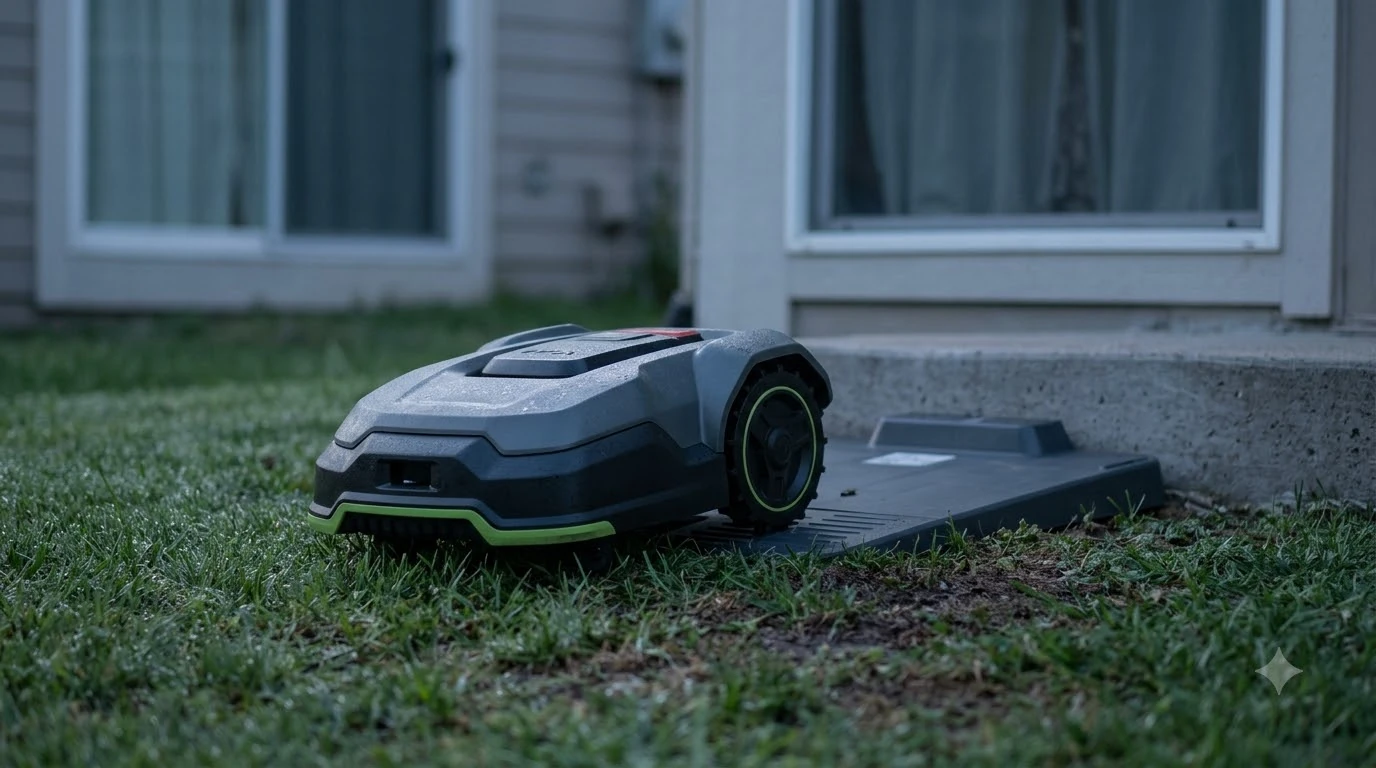

If you ask why does my robot mower keep going back to the dock, the answer is usually one of two things: recharging because the lawn is too big for one charge, or stopping because a sensor or an error has paused the job. ECOVACS support lists both causes for its GOAT mowers. Checking the app’s notifications tells you which one you have before you change anything else.
The short answer
- Big lawn: the mower may need several sessions, so a return to the dock is normal.
- Weather or light sensors: rain, low light, or animal detection can stop a job midway and send the mower back.
- Error or fault: check the app for an alert before you assume the behavior is normal.
- First check: open the notifications, then look at how big the mapped area is.
Why does my robot mower keep going back to the dock on a big lawn?
The most common reason a mower returns to its dock partway through a job is simple. The mapped area is too large to finish on one battery charge. ECOVACS states that in this case the mower recharges and then resumes the unfinished task once the battery is charged enough. Nothing is wrong, and the mower will pick up where it left off.
This is why a big yard can look like a mower that never finishes. It works in several sessions, and each return to the dock is part of the plan. If you see the same area left unfinished for days, that is a different problem and worth checking separately.
A quick test is to watch one full run. If the mower returns, recharges, and then continues from the same spot, the battery is the cause. The app’s map and the schedule show how much area each session covers, which helps you judge whether the lawn needs a longer schedule or a smaller zone.
Weather, light, and animal sensors
Some robot mowers stop a job when conditions change. ECOVACS names the underlight sensor, animal protection, and the rain sensor as features that can trigger a mid-task stop. When one of them fires, the mower heads back to the charging station rather than carrying on.
These stops are often intentional. A rain sensor should stop the mower in wet weather, and a light sensor keeps it from running in dim conditions. The problem is when the sensor triggers too easily, such as on a cloudy afternoon or near a bright patch of sky. In that case, the fix is a schedule that avoids the sensitive hours, or a check that the sensor is clean and unobstructed.
Heads up
Do not switch off a weather or animal sensor just to stop the returns. Those features exist to protect the lawn, the mower, and wildlife, and turning them off can cause damage that is harder to fix than a few extra trips to the dock.
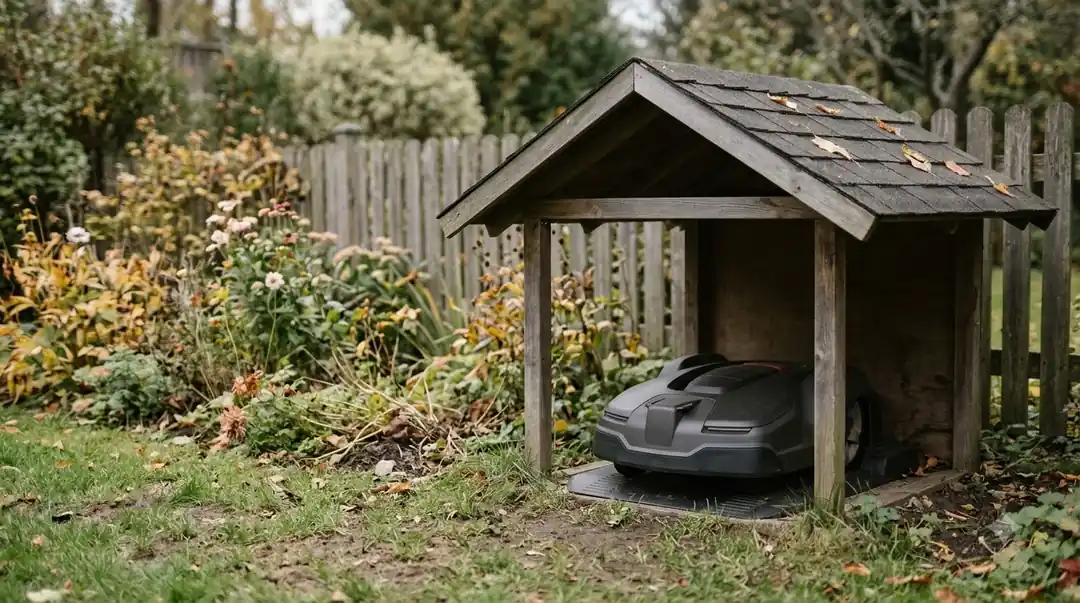
Error or fault: check the app first
A return to the dock can also mean a fault. ECOVACS recommends opening the app and checking notifications for error or fault messages. This is the fastest way to tell a normal recharge from a real problem. A fault alert gives a more precise reason than any guess from the outside. Commands sent from the app can also trigger a return, which using the phone to control the mower explains in simple terms. Other faults that look similar are listed in common robot lawn mower problems with a short note on each cause.
If the app shows an error, follow the error code’s instructions in the manual or the support page for your model. If it shows nothing, the cause is more likely the battery, the area, or a sensor, and the checks below help.
Our checks when the cause is unclear
When the app shows no alert and the lawn is not especially large, these checks are our reading of how docking problems usually show up. They are not from the ECOVACS page, so treat them as a sensible order rather than a guarantee.
- Read the notifications. Look for error, fault, or sensor alerts from the last few runs.
- Measure the mapped area. Compare the map size with the mower’s stated run time, and note whether the mower returns at the same point each time.
- Look at the weather and hours. If the returns follow rain, dusk, or animal activity, the sensor is the likely trigger.
- Clear the dock path. Remove hoses, toys, and stones from the route back to the charging station.
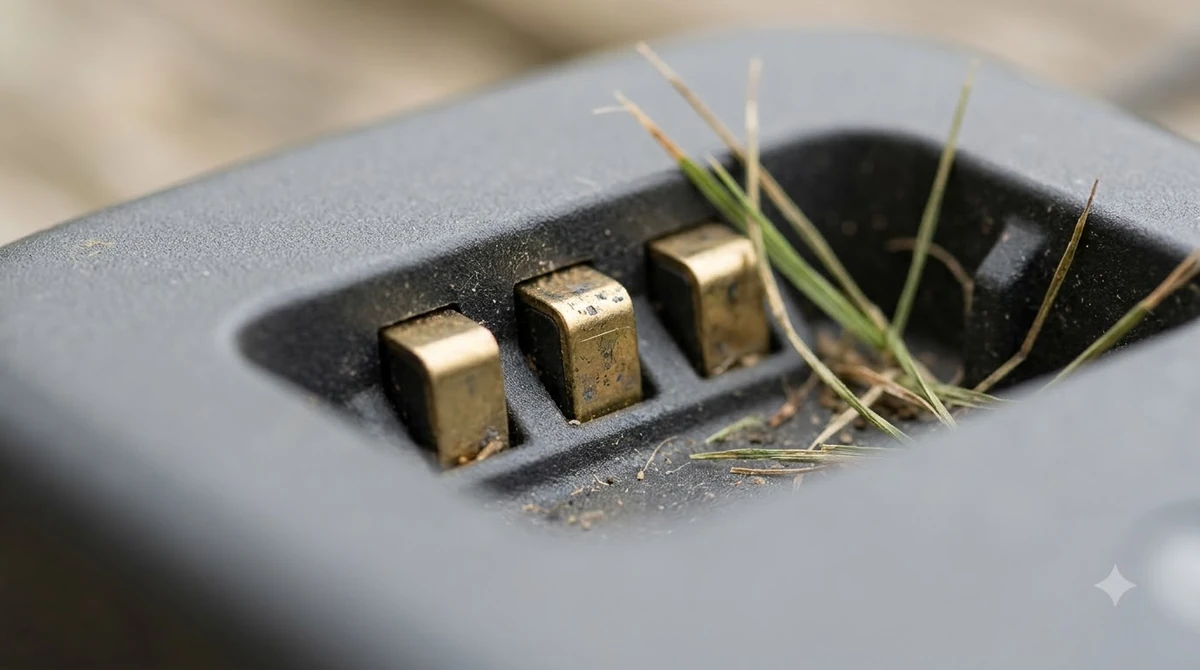
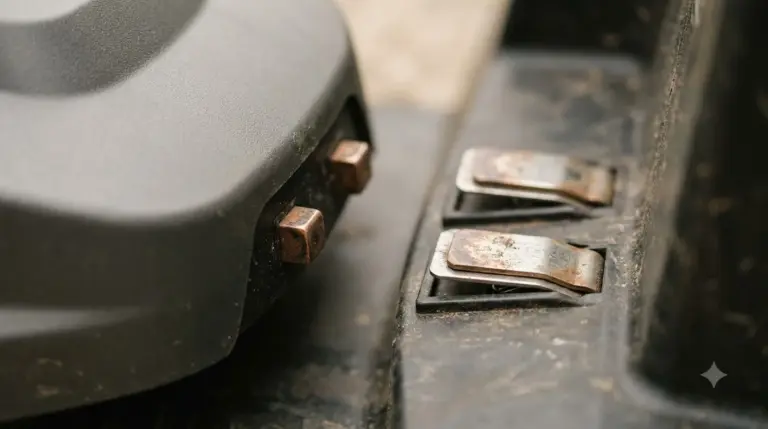
- Check the dock. Make sure the charging station is level, the contacts are clean, and nothing blocks the entrance.
Work through the list in order. Most returns are explained by the first two steps, and only a repeated return with no alert needs the later checks.
When a return is a sign of a bigger issue
A mower that returns once a day on a large lawn is working as designed. A mower that returns every few minutes, or heads to the dock with no clear reason, needs attention. Repeated returns can point to a docking problem, a blocked route, or a sensor that keeps firing on the same spot. If the mower keeps returning and sitting on the station, guidance on overnight robot mower charging safety explains what is normal and what is not.
If the cause stays unclear after the app and the checks, contact the manufacturer’s support with the notification history and a short description of when the returns happen. A specific record of the times and conditions helps support narrow the cause far faster than a general report.
Frequently asked questions
Is it normal for a robot mower to go back to the dock during a mow?
Yes, when the lawn is too large for one charge. ECOVACS says the mower recharges and resumes the unfinished task once the battery is charged enough.
Can rain or low light make the mower return to the dock?
Yes. ECOVACS lists the underlight sensor, animal protection, and the rain sensor as features that can stop a job midway and send the mower back to its charging station.
What should I check first when the mower keeps returning?
Open the app and check notifications for error or fault messages. That tells you whether the return is normal recharging or a real problem.
Should I turn off the sensors to stop the returns?
No. The rain, light, and animal sensors protect the lawn, the mower, and wildlife. Adjust the schedule or check the sensor for dirt or obstruction instead.
Sources
- Why does the GOAT return to the docking station before mowing is complete? (ECOVACS support): used for the map-size recharge behavior, the weather and light sensor triggers, and the app notification advice.
- Why does the GOAT return to the docking station before mowing is complete? (ECOVACS support, second article): used for the two-cause summary and the user actions.
 Up next6 min readLearnWhy Does My Robot Mower Keep Going Back to the Charger?Updated Nov 14, 2026
 6 min readLearnWhy Does My Robot Mower Leave Tire Marks on the Dock Area?Updated Nov 13, 2026
 9 min readLearnWhy Does My Robot Mower Beep Three Times on the Dock?Updated Nov 19, 2026
 7 min readLearnWhy Does My Robot Mower Keep Stopping at the Boundary Wire?Updated Nov 13, 2026
 8 min readLearnWhy Does My Robot Mower Keep Losing RTK Signal?Updated Nov 10, 2026
 9 min readLearnHow to Keep Slugs and Snails Out of a Mower Dock SafelyUpdated Nov 19, 2026