
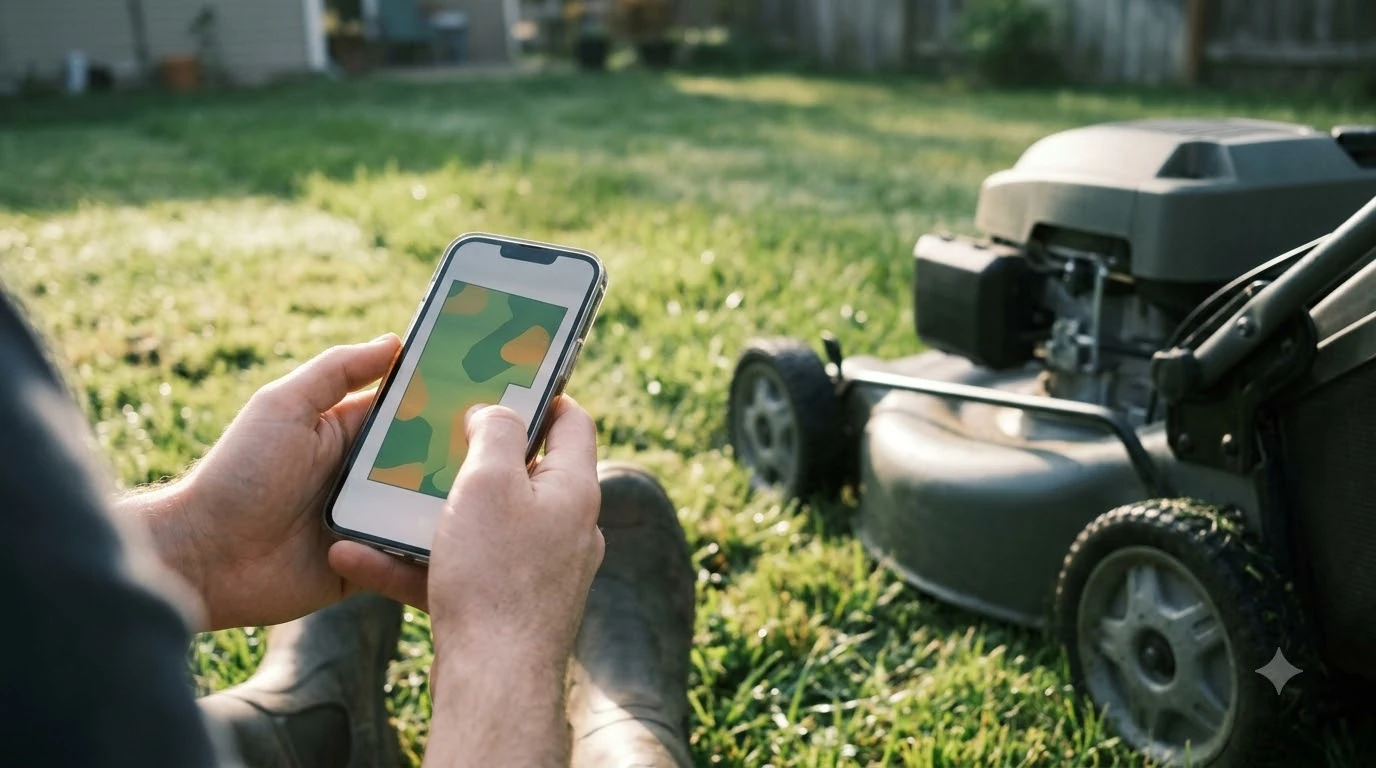

Robot mower with app vs without app comes down to how much control you want from your phone. An app mower gives you remote control, schedules, and mapping, while an app-free mower can still cut well if your lawn is simple. The real question is how much you want to adjust the mower from your phone, and how the lawn is laid out. Setup, boundaries, and daily control are where the two differ most.
The short answer
- Choose an app mower if you want to change schedules, pause a cycle from your phone, draw no-go zones, or track the mower’s status.
- Choose an app-free mower if the lawn is small and simple, you prefer physical controls, and you do not need remote access.
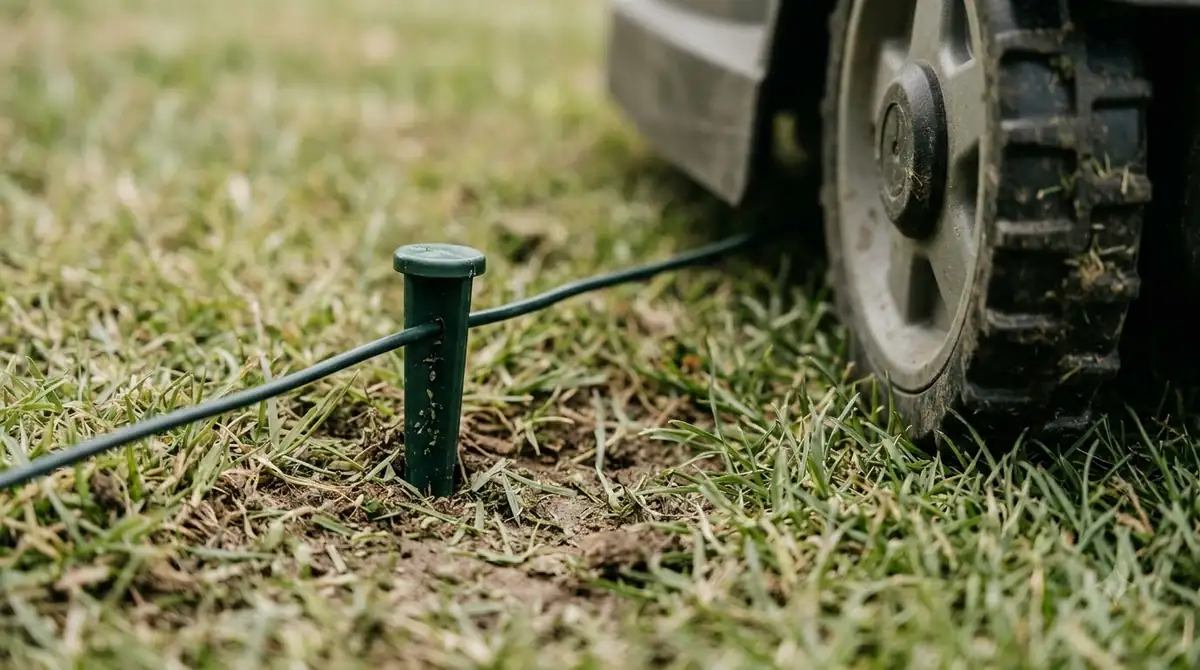
- Boundary setup is the main difference. Wire-based models need a buried border, while GPS, camera, and LiDAR models map the yard in other ways.
- Check the app’s actual features on the model you buy, since feature sets vary by firmware and region.
What an app adds to a robot mower
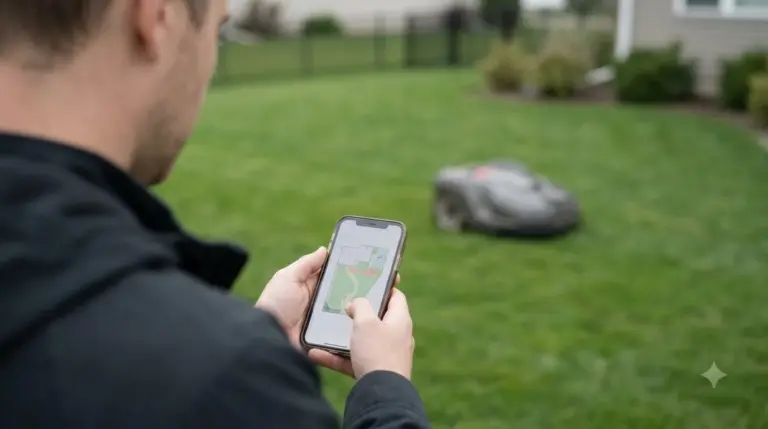
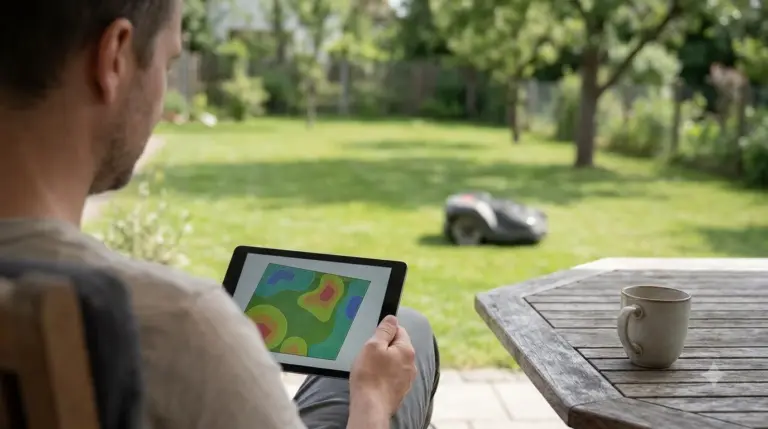
An app is mostly a remote for the mower. It lets you start, pause, and check status from anywhere, and it handles scheduling and settings. The Wikipedia article on robotic lawn mowers notes that “some robotic mowers have integrated features within custom apps to adjust settings or scheduled mowing times and frequency,” and that the app can let you “manually control the mower with a digital joystick.” That kind of direct driving is useful for moving the mower around a garden bed or out of a tight spot. Apps vary widely between brands, and brands compared by app quality show what you actually get on your phone. If you decide an app is worth having, how mower apps compare side by side covers mapping, alerts and remote control.
A vendor page from Cleva Europe describes the same kind of value: remote access over Wi-Fi to most of the controls on the mower, and the ability to change schedules and active windows while away. Because the page is written by a company that sells app-controlled mowers, read its claims as the seller’s view rather than an independent test.
What an app-free mower relies on
An app-free mower usually relies on physical buttons or a panel on the machine itself. Basic operation is simple: press a button and the mower starts a cycle. This suits people who do not want another account, another login, or another device to manage. It also suits lawns where the mower does not need to be moved around much.
The trade-off is that you lose remote control and detailed settings. You cannot pause a cycle when guests arrive, check a battery level from the office, or adjust the schedule from the couch. Some app-free designs still have a PIN or lock to prevent theft, but check the manual for how the PIN is entered.
Heads up
Some mowers that work without an app still need a first-time setup. Ask whether the boundary is taught from the panel or needs a phone or a wire before you buy.
Boundary setup: wire, GPS, camera, or LiDAR
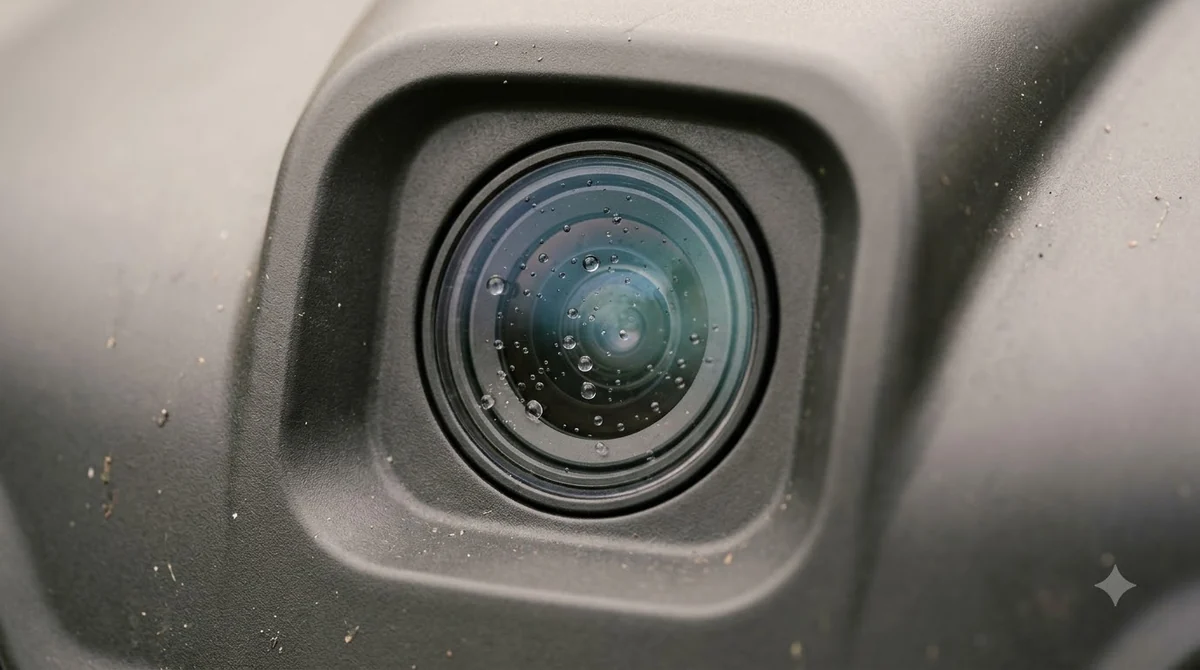
How a mower learns its area matters more than the app question. The Wikipedia overview describes the older approach: a typical mower “requires the user to set up a border wire around the lawn,” and the wire also helps the mower find its dock. Newer designs drop the wire. Some use GPS, often with an RTK receiver for precise positioning. Others use “vision-based navigation systems” with onboard cameras. The same article mentions LiDAR models that navigate without an external positioning system.
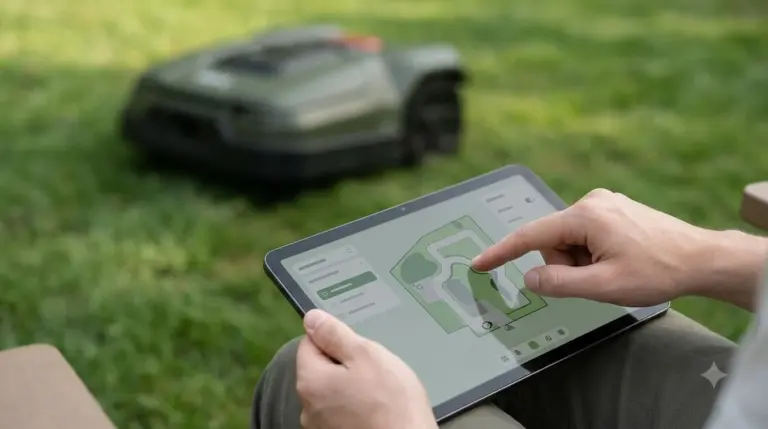
An app is often part of the mapping process, especially for wire-free models. A typical app-guided first run has the owner walk or drive the mower along the property line so it can learn the area. Wire-free does not mean setup-free, so you still need access to the whole lawn during this first run.
Daily control and monitoring
With an app, you see the mower’s status and can change its plan without going outside. That is valuable for yards with complex schedules, multiple zones, or pets and kids who need the mower kept away from certain areas. Our reading is that the app pays off most when you change the plan often, such as during a dry spell or when a neighbor’s event moves the schedule.
Without an app, the mower follows the schedule set on the panel. That works well if your mowing pattern is steady, and it leaves fewer things to troubleshoot, such as Wi-Fi drops or app updates.
Security, updates, and network needs
Many app mowers offer theft alerts and over-the-air software updates. Those features depend on a working network connection. If your Wi-Fi is weak where the mower docks, the app may show stale status or miss an alert. The Cleva page notes that tampering alerts and firmware updates depend on connectivity, which is a fair point for any app model. Remote control needs a stable link, and mower network requirements by connection type show how Wi-Fi and cellular differ.
An app-free mower avoids those network questions, but it also means you may not get updates or alerts at all. Ask the maker how the firmware is updated and whether theft protection works without a connection.
Robot mower with app vs without app: which one suits your yard
Choose an app mower if you want full control, a lot of scheduling options, and remote alerts. Choose an app-free mower if the lawn is small, the layout is simple, and you want fewer moving parts to manage. Neither choice is wrong. The right fit depends on how often you change the plan and how much you care about remote control. App-heavy models such as Navimow sit at one end of this choice, and Segway Navimow against Husqvarna Automower compares the brands directly. Apps matter for both brands, and Husqvarna against Mammotion compares them beyond the software.
Before buying, check three things: the boundary method, the features the app actually offers on that model, and what still works if the app or Wi-Fi goes down.
Frequently asked questions
Can a robot mower work without an app?
Yes. Many models run basic cycles from an onboard panel. Check whether the boundary setup and any PIN also work without the phone.
What can a robot mower app do that the panel cannot?
Typically remote start and pause, schedule changes, status checks, manual driving, and alerts. The exact list varies by model and firmware.
Do I need an app for a wire-free mower?
Usually for the first mapping run and for editing zones. Some models may not offer manual setup without it, so confirm before you buy.
Is an app mower less reliable than an app-free one?
Not necessarily. The app adds a network dependency, so a weak Wi-Fi signal at the dock can cause missed alerts or stale status, but the mower’s cutting does not depend on the app.
Sources
- Robotic lawn mower (Wikipedia): app settings, manual control, boundary wire, GPS/RTK, camera, and LiDAR navigation.
- Cleva Europe, Do I need app control for my robot lawn mower? (vendor page): remote access, schedules, mapping, and connectivity for alerts and updates.
 Up next9 min readReviews & CompareRobot mower with base station vs without: what changesUpdated Nov 11, 2026
 6 min readReviews & CompareRobot Mower App Comparison: Husqvarna vs Mammotion FeaturesUpdated Nov 14, 2026
 7 min readReviews & CompareRefurbished vs New Robot Mower: Warranty, Battery and App ChecksUpdated Nov 17, 2026
 6 min readReviews & CompareEcovacs GOAT vs Segway Navimow App Comparison: What DiffersUpdated Nov 14, 2026
 7 min readReviews & CompareWhich Robot Mower Brand Has the Best App?Updated Nov 11, 2026
 6 min readReviews & CompareBrushless vs Brushed Robot Mower Motors: Which to BuyUpdated Nov 17, 2026