
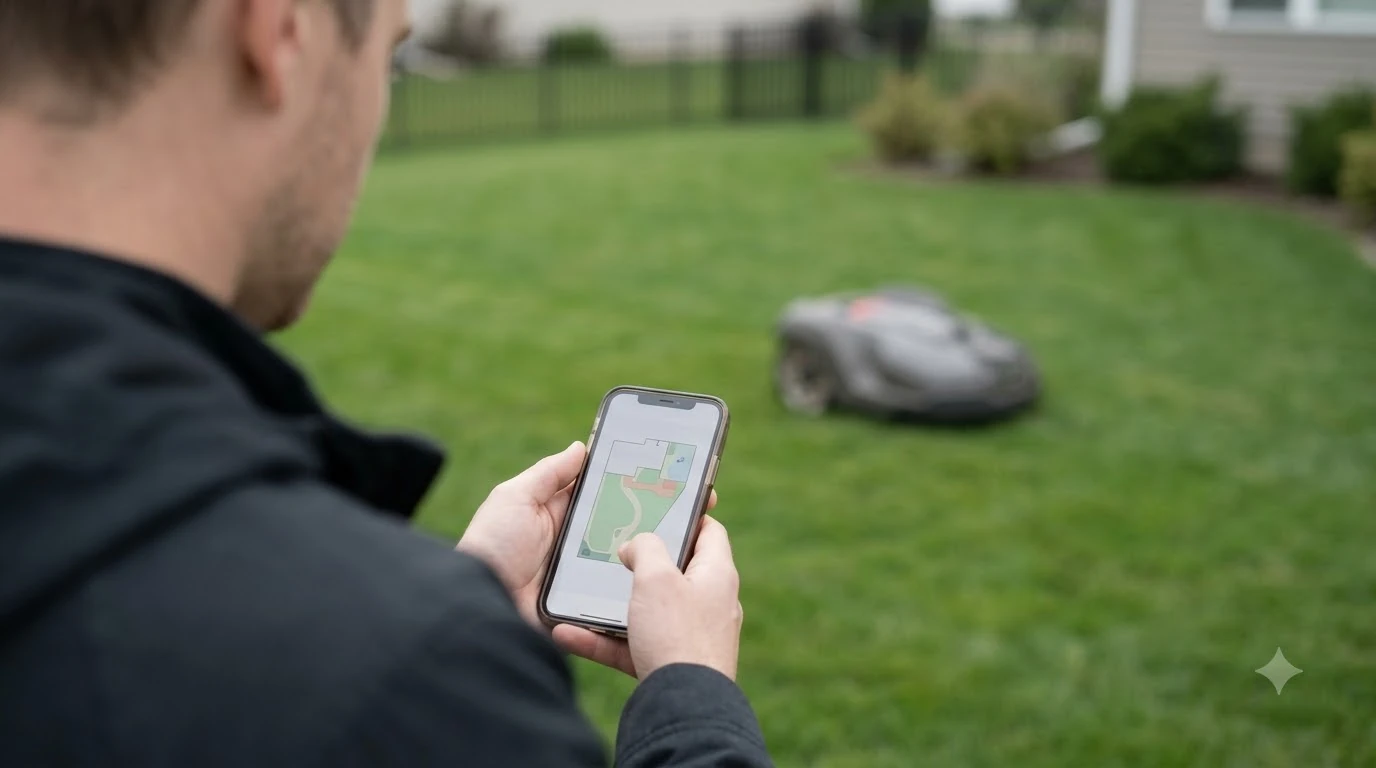

A robot mower app comparison usually comes down to three things: how precise the yard map is, how much control you get from your phone, and how well the app handles scheduling and theft alerts. One comparison describes Husqvarna’s Automower Connect as the more polished app, while Mammotion’s app is praised for 3D mapping and remote control. The sources we read are mostly comparison blogs and vendor-linked guides, so the points below describe what each side claims rather than a hands-on test.
The short answer
- Husqvarna Automower Connect: clean interface, fast scheduling, GPS anti-theft tracking, weather-based postponement, and native Google Home and Alexa support.
- Mammotion app: 3D mapping, fine-grained zones, live video from the onboard camera on the LUBA 3, and remote control from the phone on that model.
- Trade-off: Husqvarna feels simpler to use, while Mammotion offers more features that take longer to learn.
- Check the model: the features above belong to specific models, so confirm them before you buy.
How the robot mower app comparison looks in practice
The app is now the main way you interact with a robot mower. It sets the schedule, draws the map, shows alerts, and in some cases lets you drive the machine. A comparison that only looks at blade count or battery size misses most of what you will use day to day. If you want a quick overview across brands, brand-by-brand app rankings summarize which mowers have the most useful apps. Some models work without one, and mowers with and without an app compares what you give up and what you gain.
Two apps that look similar on a store page can feel very different once the mower is set up. The areas that matter most are mapping, control, scheduling and security, and each brand puts its weight in a different place.
Mapping and zones
Mammotion’s app is described as offering 3D mapping and a 3D model of the yard, with zones fine-grained enough that the LUBA 3 AWD 5000 supports up to 24 of them. Custom zones with complex shapes are listed as an exclusive feature.
The Robot Mower AI comparison does not list mapping among Husqvarna’s app features, so it cannot be compared directly with Mammotion’s 3D model. Zubile’s comparison, which is promotional and gives no test data, says Husqvarna’s app control lacks the precision of RTK-GPS mapping. That claim sits uneasily with the sources that praise Husqvarna’s mapping, so the safest reading is that map precision depends on the specific model and its positioning hardware.
Remote control and live camera
This is where the two brands differ most. Mammotion’s LUBA 3 is described as offering manual remote control from the phone, live video from the onboard camera, and a patrol mode that turns the mower into a yard camera. Those features are not listed as standard Husqvarna app features in the sources we read.
If you want to drive the mower by hand or check the lawn from a distance, Mammotion is the one that comes up in these reviews. If you do not need that, the extra features may be something you never use.
Scheduling, alerts and anti-theft
Husqvarna’s Automower Connect is described as the easier of the two for scheduling, and it is the one that wins on the simplicity point. One source says a schedule can be set in three taps, with core functions one screen away. It includes built-in GPS tracking that reports the robot’s position if it is moved without permission, and it adds weather-based postponement, so the mower waits when rain is forecast.
Mammotion’s app is described with schedules, real-time alerts, detailed history and mowing statistics. The same source does not specifically describe Mammotion anti-theft tracking, and says the app offers something similar to Husqvarna’s but less refined. Mammotion’s interface is described as busy at first, with many settings that are not self-explanatory.
Smart home and updates
Husqvarna has native Google Home and Alexa integration, according to the comparison we read. Mammotion’s Alexa support is described as available but less smooth. On updates, Mammotion is described as releasing new versions roughly every month, and the comparison does not give a comparable figure for Husqvarna, so the two cannot be ranked on updates.
Heads up
Smart-home and update claims come from one comparison site. Before you rely on a specific integration, such as a voice assistant you already use, check the current app listing and the mower’s manual.
Who each app suits
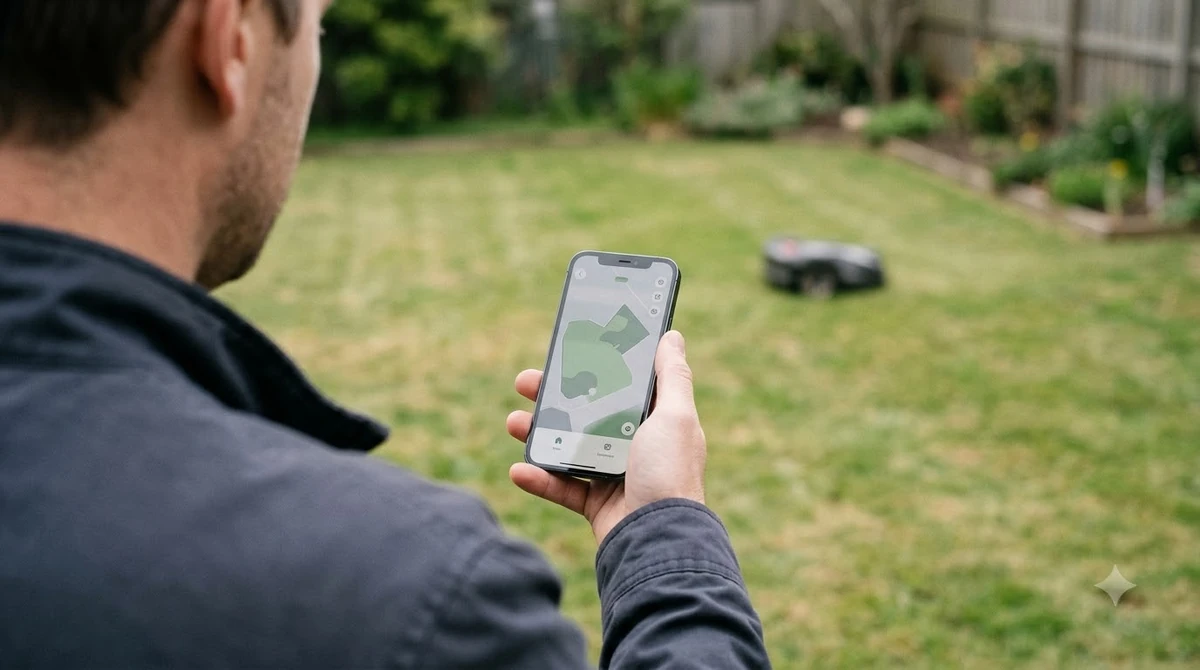
Husqvarna’s app suits a buyer who wants the mower to just work, with a clean interface, quick scheduling and strong theft protection. Mammotion’s app suits a buyer who likes control and detail, such as custom zones, live video and manual driving, and who is comfortable with a steeper learning curve. A simple test is to ask which one you would use every week. If it is scheduling and an alert when something goes wrong, the simpler app is usually enough. If it is driving the mower or watching the yard from the couch, the more feature-heavy app is the one to look at. App experience is only part of the choice, and Segway Navimow vs Husqvarna compares the two brands more broadly. App features are only one factor, and Navimow vs Dreame robot mowers gives the brand-level comparison.
Frequently asked questions
Which robot mower app is the easiest to use?
Husqvarna’s Automower Connect is generally described as cleaner and easier to use, with schedules set in a few taps. Mammotion’s app has more settings and is described as busy at first.
Can I control a robot mower from my phone without a line of sight?
The sources we read say Mammotion’s LUBA 3 supports manual remote control from the phone. Range and performance depend on the model and connection, and the sources do not give measured distances.
Does the Husqvarna app have GPS anti-theft tracking?
Yes, according to the comparison we read. It reports the robot’s position if the mower is moved without authorisation. Check whether your specific model includes the feature.
Does the app matter more than the hardware?
For day-to-day use, the app is what you interact with most. Sensors and cutting hardware still decide how well the mower works, so a good app does not make up for weak hardware.
Sources
- Robot Mower AI, “Mammotion vs Husqvarna 2026” (comparison blog): feature list for both apps, with caveats about the editorial method.
- Zubile, “Mammotion Luba vs. Husqvarna Automower” (promotional comparison): mapping precision claim and navigation hardware.
 Up next6 min readReviews & CompareEcovacs GOAT vs Segway Navimow App Comparison: What DiffersUpdated Nov 14, 2026
 8 min readReviews & CompareEcovacs GOAT O1000 vs Mammotion LUBA 3: Spec ComparisonUpdated Nov 11, 2026
 7 min readReviews & CompareRobot Mower With App vs Without App: Which to BuyUpdated Nov 17, 2026
 7 min readReviews & CompareRefurbished vs New Robot Mower: Warranty, Battery and App ChecksUpdated Nov 17, 2026
 7 min readReviews & CompareWhich Robot Mower Brand Has the Best App?Updated Nov 11, 2026
 7 min readReviews & CompareHusqvarna vs Mammotion: Specs, Wire and Slope ComparedUpdated Nov 16, 2026