
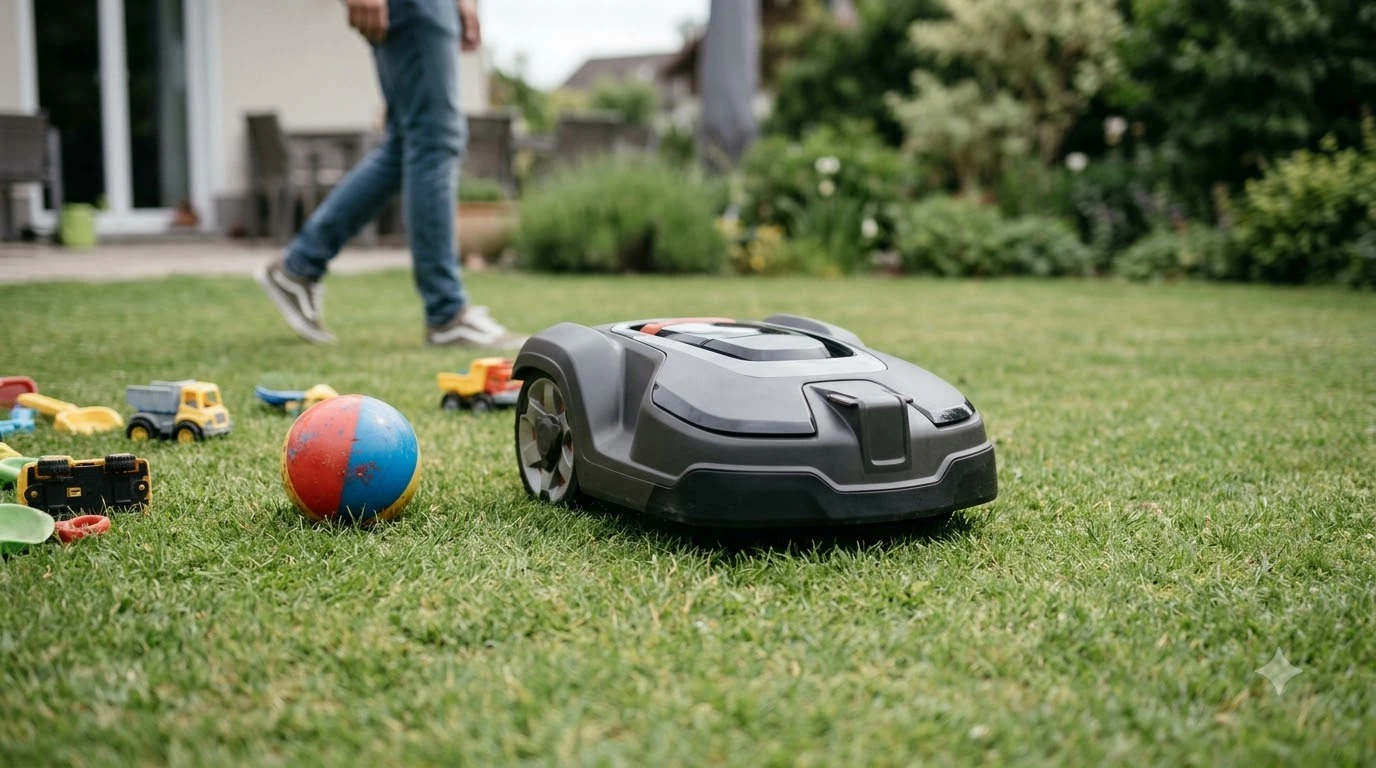

What is a passage on a robot mower map? It is a mapped route that the mower uses to travel between two areas of lawn without cutting the strip it crosses. You will see it in the app of a wire-free mower, where it looks like a line or channel joining two zones. The passage tells the mower where it is allowed to drive, so a clean, correctly drawn passage is what lets the mower reach a second area on its own.
The short answer
- Passage: a drivable route on the map that connects two lawn areas.
- Not a zone: the mower travels through a passage rather than mowing it as a working area.
- Accuracy: the mower follows the drawn route, so a rough or misplaced line can send it off course.
- Width: the passage should be wide enough for the mower body, plus a margin, at its narrowest point.
- Updates: re-map the passage after you change beds, fences or paths.
What is a passage on the mower map
On a map, a passage is a connection rather than a patch of grass. Sunseeker’s glossary describes pathways as routes that guide travel between working areas and are not treated as mowing zones. That is the key idea: the passage gets the mower from one zone to the next, and the zones are where it does the cutting. The setup details are expanded in setting up zone channels correctly, and it explains the reasoning in more depth.
Vendor apps use different names and screens, so the word passage may not appear exactly as written in your app. Look for a route, path or link between two zones. If the app shows two areas joined by a line, that line is almost always the passage you need to check.
How the mower uses a passage
When a passage is set, the mower can finish one zone and then drive the route to the next. Anker’s UK guide says a mower can move between connected zones automatically only if there is a safe route between them. A passage on the map is how you tell the mower that the route is safe, and it is the reason a passage that looks fine on screen can still fail on the lawn.
If the route is not safe, the mower will usually stop at the edge of the first zone. You then have to move it by hand or redraw the connection. Our reading is that many first-week complaints about a mower “not going to the other lawn” come down to this one line on the map.
Setting up a passage correctly
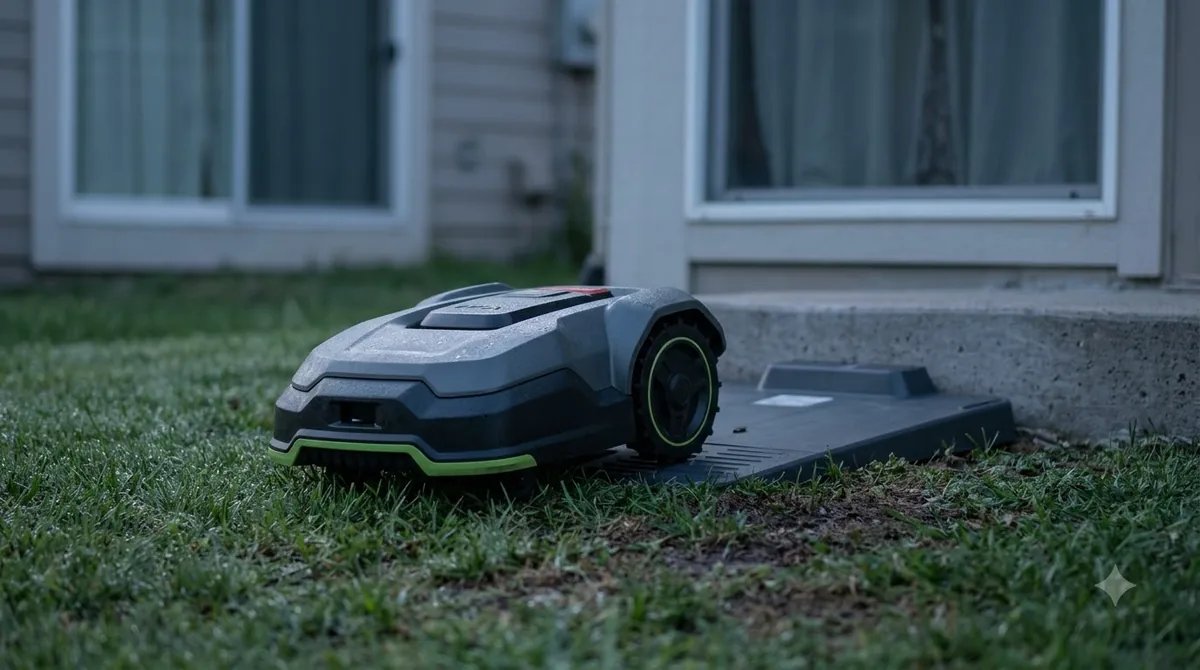
Start by walking the route you want the mower to use. Note the narrowest point, any steps or edges, and anything that could move, such as a hose, a planter or a child’s toy. Then draw the passage along the open grass or path, keeping it away from beds and tree roots. Passages are drawn during mapping, as adding passages in the lawn map shows. Sometimes the simplest repair is resetting passages by clearing the map and redrawing.
Keep a margin. A passage drawn exactly at the minimum width leaves no room for a slight drift. If the route allows, give the mower more space than the bare minimum on each side, especially where a fence or wall runs close to the grass.
Why passages go wrong
Most passage problems come from the yard changing after the map was made. Grass grows over the route, a bed is widened, or a hose is left across the path. Sunseeker’s glossary lists narrow gates, abrupt surface changes and blocked connectors as typical reasons a routine is interrupted, and each of these can make a drawn passage unusable. If a passage is rejected, mapping errors that block passages lists common causes.
Heads up
A passage can look clear on the map and still fail on the lawn if the ground is uneven. Check for ruts, lips and drop-offs along the line, not only for obstacles.
Passages versus wire corridors
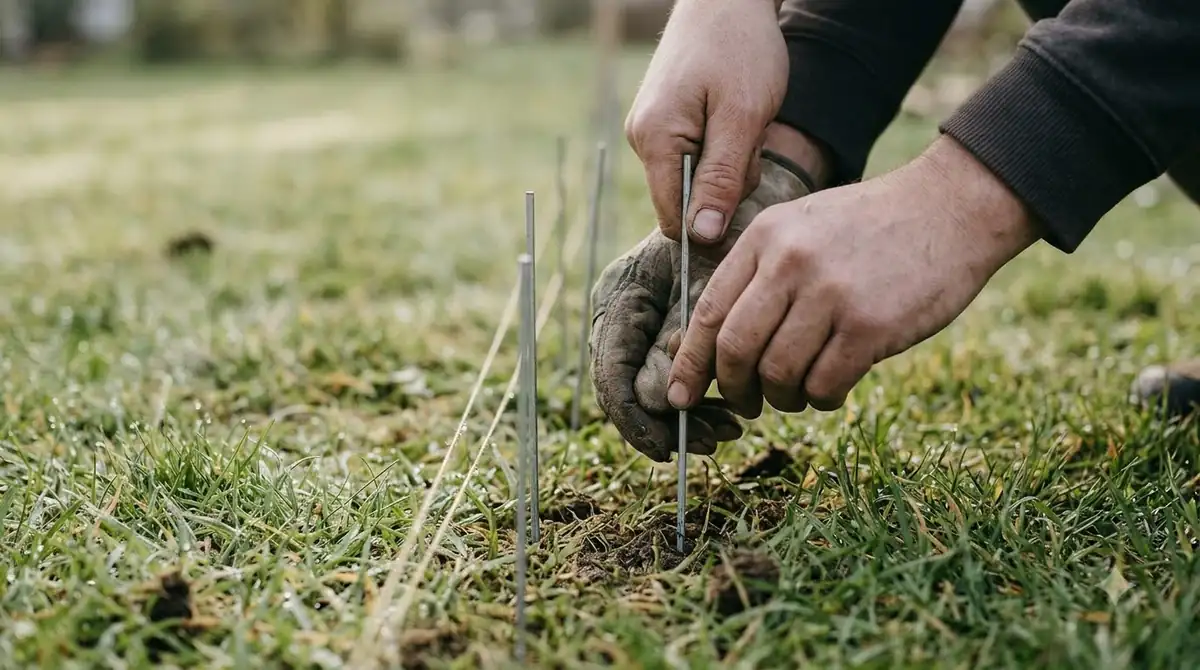
A wire-based mower does not use a map passage in the same way. It relies on the boundary wire layout, and Husqvarna’s guidance for boundary-wire passages recommends at least 2 m (6 ft 6 in) between boundary wires without a guide wire, or at least 60 cm (24 in) with one. A wire-free passage is a drawn route, so the same physical gap has to be checked against the mower’s minimum width, not against wire spacing.
If you are comparing models, check how each one handles the route. Some models ask you to draw a connection, while others build it from the map automatically when the lawns are close enough. Read the manual before you assume either approach works in your yard.
Practical checks for a passage
- Measure the narrowest point. Use the body width of the mower, plus the margin you want on each side.
- Walk the line. Look for steps, drop-offs, roots and anything that could block the route.
- Draw the route. Keep it on open grass or a firm path, and away from edges of beds.
- Run one test. Send the mower across once and watch whether it completes the route without stopping.
- Re-map after changes. Update the passage whenever a bed, fence or path moves.
Related reads: Yard changes can break a passage, as updating passages after landscaping explains.
Frequently asked questions
What is a passage on a robot mower map?
It is a drivable route on the map that connects two lawn areas. The mower uses it to travel between zones rather than cutting the grass along the way.
Is a passage the same as a zone?
No. A zone is a working area that the mower cuts. A passage is a route it travels to reach another zone. Sunseeker’s glossary makes this distinction directly.
Why does my mower stop at the edge of a passage?
Usually the route is not safe. It may be too narrow, blocked by an object, or crossing a surface change. Walk the route, measure the narrowest point and re-map the passage if the yard has changed.
How wide should a passage be?
Use the mower’s stated minimum passage width and add a margin. Vendors do not always publish this figure, so measure the narrowest point in your own yard and compare it with the manual.
Sources
- Sunseeker glossary: robot lawn mower multi-zone (manufacturer): defined pathways as routes between working areas that are not mowing zones, and listed interruptions.
- Anker (eufy) UK blog on multi-zone robot lawn mowers (manufacturer): explained that connected zones need a safe route and that passage width should be checked.
- Husqvarna support: how to create a passage in a boundary-wire installation (manufacturer): gave the wire-spacing figures used for comparison.
 Up next6 min readLearnHow Long Does It Take a Robot Mower to Map a Yard?Updated Nov 14, 2026
 7 min readLearnHow to Clear a Robot Mower Map and Start OverUpdated Nov 14, 2026
 7 min readLearnAnthbot Mapping: How to Map Your Lawn Step by StepUpdated Nov 13, 2026
 10 min readLearnHow to Map Your Lawn with a Robot Mower AppUpdated Nov 11, 2026
 7 min readLearnWhy Does My Robot Mower Wheels Slip on Grass?Updated Nov 13, 2026
 7 min readLearnWhy Does My Robot Mower Leave Clumps of Grass?Updated Nov 13, 2026