
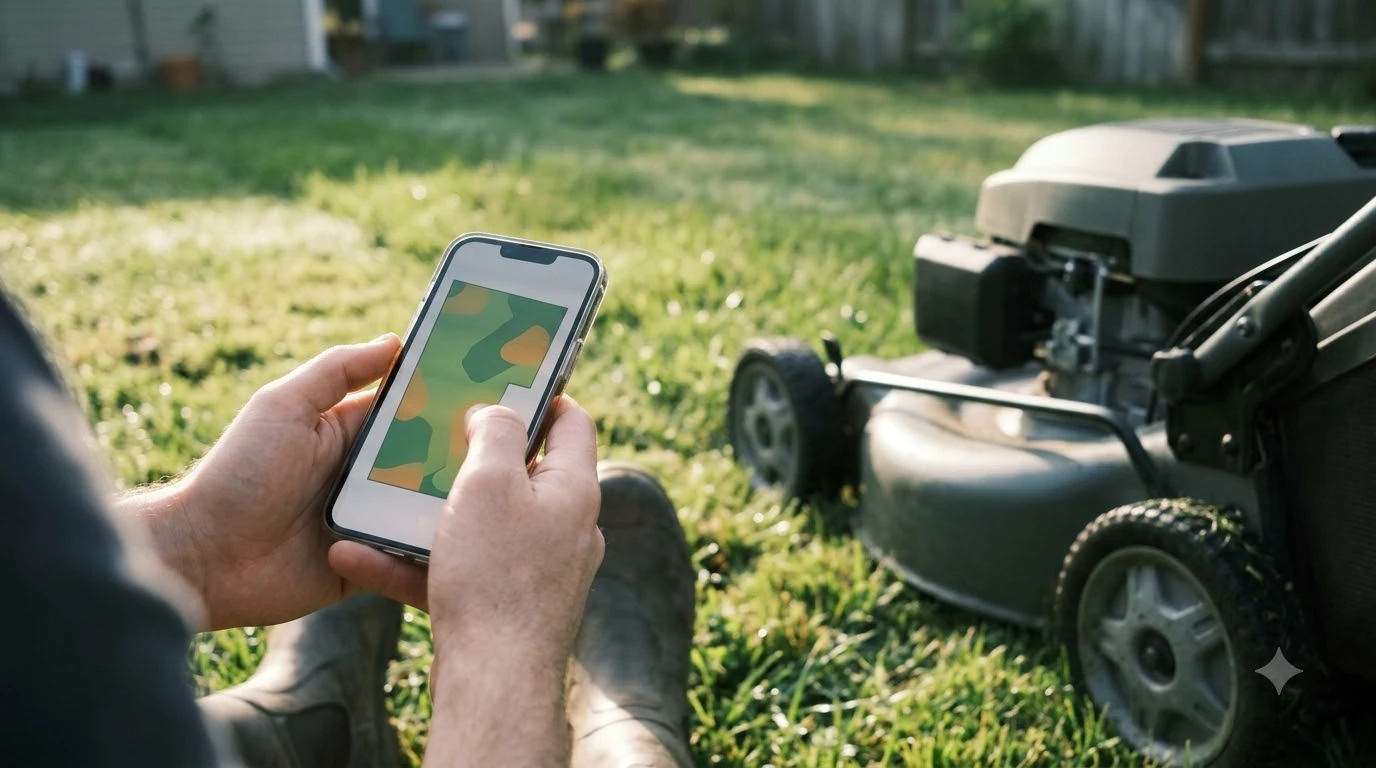

Mapping a yard usually takes one walk or drive around the lawn, plus extra time for any complicated sections, but the manufacturer guides we checked do not publish a fixed time. Mapping speed depends on the yard’s size and shape, how many zones you draw, how many obstacles you have to steer around, and whether you map by hand or let the app guide the mower. This guide explains what each step involves, what slows it down, and how to plan a first mapping session as of November 2026.
The short answer
- Simple yard: one full loop of the boundary is the core step, and most of the time goes into driving slowly and correctly.
- No published time: the mapping guides we read give steps and rules, but no minutes or hours.
- Complex yards take longer: more zones, beds, and obstacles mean more passes and more setup.
- Plan for a second pass: most people correct at least one section after the first try.
What mapping actually involves
Mapping is the process of recording the lawn’s outline so the mower knows where to cut and where to stop. On many systems, you drive the mower around the perimeter while the app records the path. The key rule in the Mammotion guide we read is simple: the device must complete a full loop, so the start and end points overlap. If the loop does not close, the map has a gap, and the mower may treat the open edge as a boundary or fail to finish. The general process is described in app-guided lawn mapping, which is a useful companion to this section.
Because the job is mostly driving at a slow, steady pace, the time needed depends more on the size and shape of the yard than on the app itself. A long, narrow lawn with a single loop is quicker than a wide yard with several beds, a pond, and a shed.
Manual versus automatic mapping
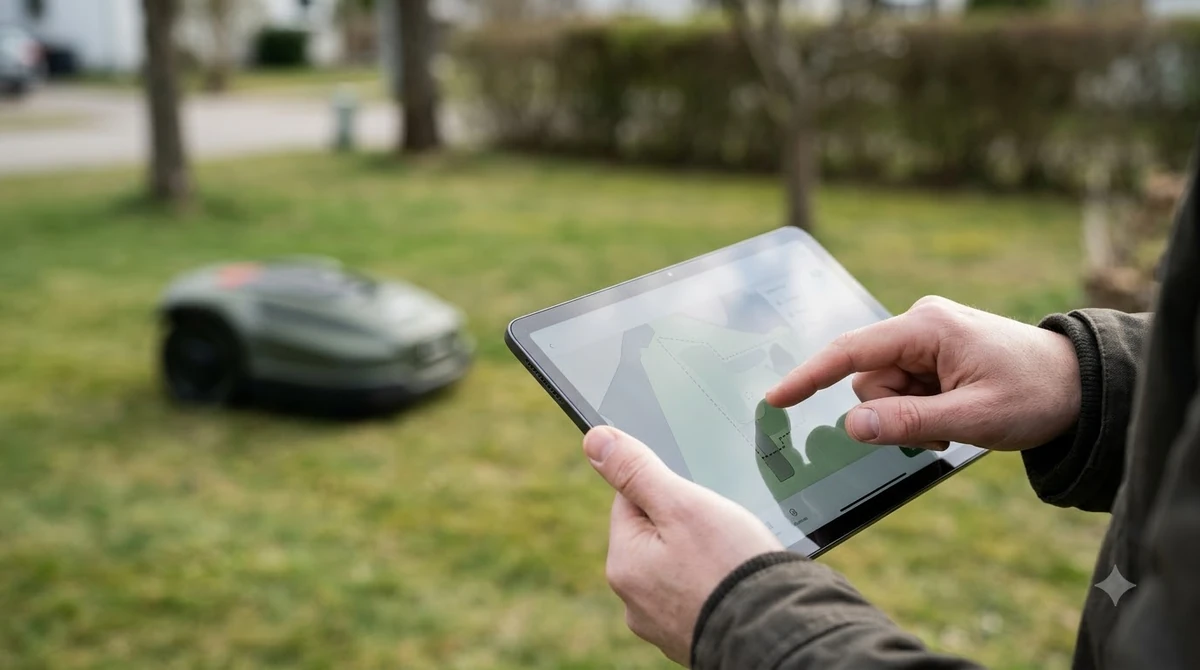
The Mammotion guide describes two approaches. Manual mapping uses the app’s joystick to drive the mower along the boundary, and it suits complicated layouts. Automatic mapping suits neat, level lawns with short grass, and the guide specifies grass under 10 centimetres. In automatic mode you map the first lawn, drive the mower to the next one, turn it to face your preferred mowing direction, and tap Mark. When every lawn is marked, you start the mapping. Another brand compares both modes in Anthbot auto versus manual mapping, and it is worth reading before you change any settings.
Manual mapping is slower because you steer the whole way, but it gives more control around trees, flower beds, and tight corners. Automatic mapping can be quick on a simple lawn, but it is not a good choice for a yard with many obstacles, since the path may not follow the real edge closely.
How the Toro approach differs
The Toro Haven guidance we read works differently. It needs no boundary wires, and you map the property by pushing the mower through the lawn to create a 3D map. Then you set up the working area, mowing zone, and exclusion zones in the app, and let the mower mow on its own. The guide does not give a time for this step, and it does not say how many passes to make.
The practical point is that the mapping method you use decides the workload. A manual drive around a complex yard may take a full session, while an automatic walk-around of a simple lawn may take far less. Either way, expect to spend time on zones and exclusion areas after the outline is done.
Heads up
Keep a safe distance from the lawn edge while mapping. The Mammotion guide suggests about 1.5 metres (about 5 feet) from the edge so the recorded path follows the real boundary.
What makes mapping take longer
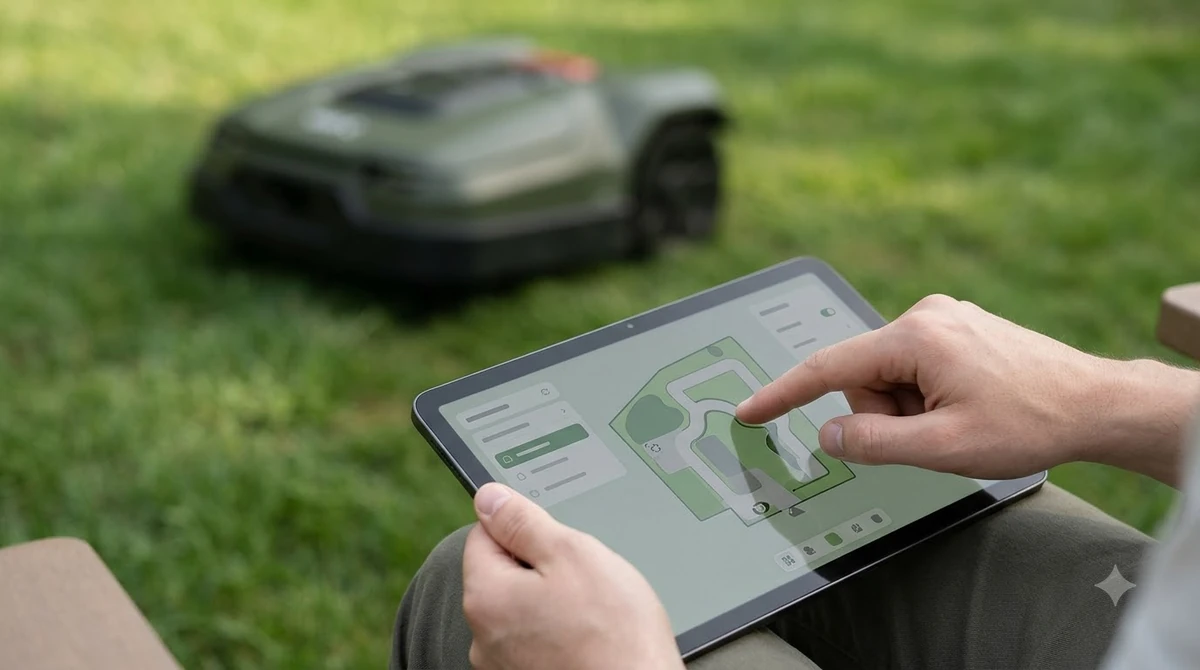
Several factors add time, and each one is easy to plan for before you start: Delays often come from retries, which common causes of mapping failure helps you avoid.
- Size and shape: a large or irregular lawn needs a longer loop and more turns.
- Zones and beds: separate areas, such as a front lawn and a back garden, each need their own path.
- Obstacles: trees, fences, and garden furniture may force a slower, more careful route.
- Grass length: very long grass can make the boundary hard to see, so mow it first if you can.
- Connectivity: a weak app connection can interrupt the session and force you to restart a section.
How to plan a first mapping session
Set aside a calm period with enough battery and a clear route. Mow the lawn before you start if the grass is long, and clear loose items like toys and hoses. Then map the outer boundary first, close the loop, and check the result in the app before drawing zones. Do not try to fix every detail in one go. A second short session to correct a corner is usually easier than starting over. A small test zone speeds up the first session, as Lymow test-zone mapping demonstrates. Mapping is part of a longer install, and a total setup time estimate covers the rest. Prepare the basics in advance with tools needed for installation, which is a useful companion to this section. Planning a first mapping session looks different when sharing one lawn between two mowers, since each machine needs its own work area.
Keep notes on what you mapped and what you changed. That makes it easier to repeat the process after you add a new flower bed or change the fence line.
Frequently asked questions
How long does it take a robot mower to map a yard?
The manufacturer guides we checked do not publish a fixed time. Simple lawns with one loop are quicker, while complex yards with several zones and obstacles take longer. Plan a full session for a first map.
Do I need to map the whole yard in one session?
No. You can map the outer boundary first, check it in the app, and add zones or corrections later. Many people do this in two short sessions.
What if the loop does not close?
The Mammotion guide says the start and end points must overlap. If they do not, the map may have a gap, so repeat the loop and make sure the path closes.
Is manual or automatic mapping better?
Manual mapping gives more control around obstacles, while automatic mapping suits neat lawns with short grass. Choose based on how complicated your yard is, not on speed alone.
Sources
- How to draw a new map the first time (Mammotion): full-loop rule, manual versus automatic mapping, grass length, and edge distance.
- How do I set up my Haven robotic mower (Toro): 3D mapping by driving the mower, zone setup, and the absence of boundary wires.
 Up next7 min readLearnWhy Does My Robot Mower Take So Long to Finish?Updated Nov 13, 2026
 9 min readLearnHow Long Does It Take to Set Up a Robot Mower?Updated Nov 11, 2026
 7 min readLearnDoes a Robot Mower Reduce Ticks in the Yard?Updated Nov 12, 2026
 7 min readLearnDoes a Robot Mower Work With a Dog in the Yard?Updated Nov 11, 2026
 6 min readLearnHow Long Does a Robot Mower Stay on One Charge in Tall Grass?Updated Nov 14, 2026
 8 min readLearnHow Long Does the Husqvarna Automower 430X Battery Last?Updated Nov 12, 2026