
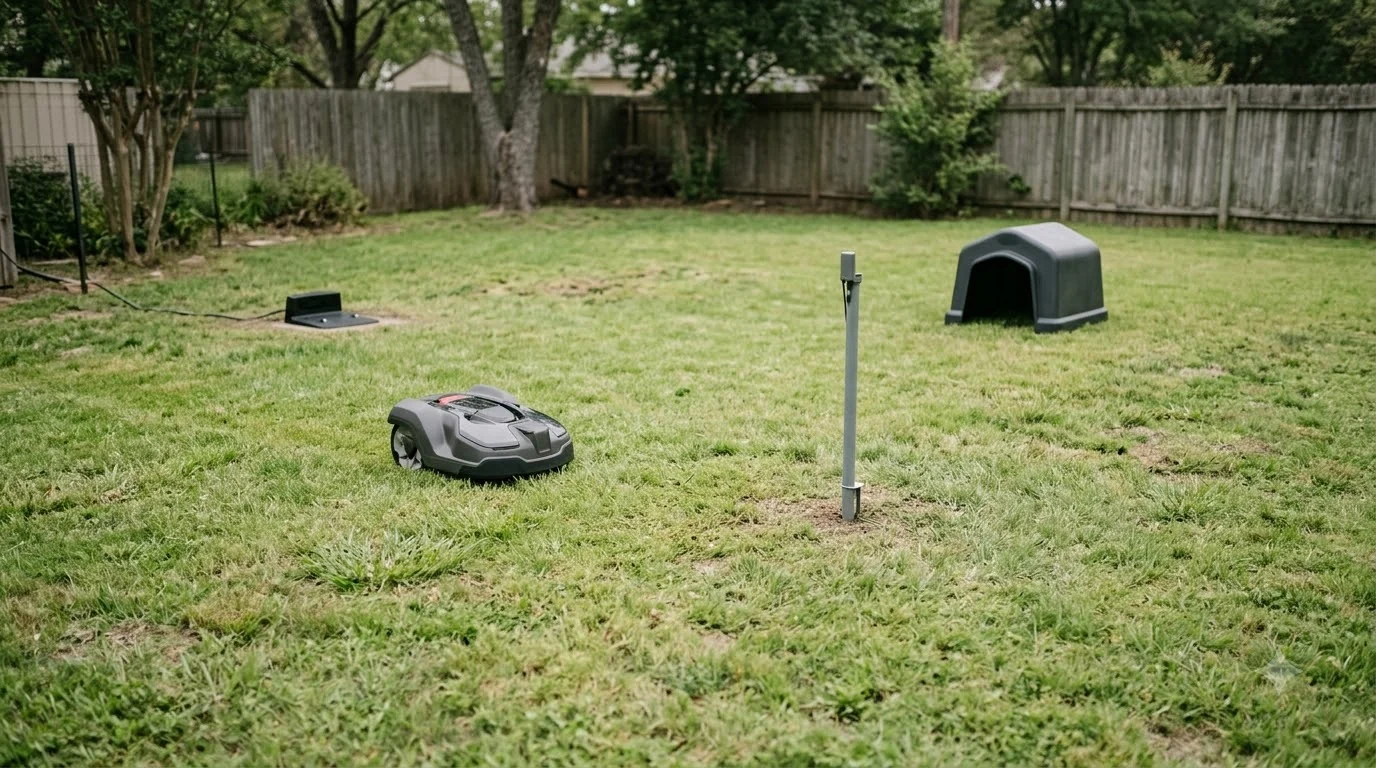

Two robot mowers can share one lawn, but only if you divide it on purpose. The practical way is to split the yard into separate work areas, give each mower its own zone, and keep the mowers from crossing each other’s path. Manufacturer documentation describes how to set up multiple areas for one mower, and that same logic is what makes a shared lawn workable. This guide explains the setup, the limits, and the questions to answer before you buy a second machine.
The short answer
- Yes, with planning: the lawn has to be split into areas so the mowers do not fight over the same grass.
- Separate areas work best: give each mower its own zone with its own schedule and cutting height.
- Plan the charging stations first: a docking point outside an area needs a transport path.
- Areas are hard to change later: one vendor’s guide says a work area cannot be split once it is created.
How a single lawn gets split into work areas
The starting point is the map. Most current robot mowers let you draw more than one work area inside a single boundary, and each area can have its own schedule, cutting height, and mowing pattern. Husqvarna’s documentation for its wire-free system, for example, describes creating separate areas such as a front garden, a back garden, and a pool area, so the mower can be sent to one part while the others stay clear. Dividing the yard between machines builds on how zone mowing splits work areas. Route logic matters when two machines share space, as how mowers decide their work order explains.
This is the core idea behind sharing. You are not asking two machines to mow the same square metre at the same time. You are giving each machine a defined area, and drawing the boundary so the areas do not overlap. Before you draw anything, walk the yard and decide which section each mower will own. A rough sketch on paper saves a lot of trial and error in the app.
Charging stations, transport paths, and stay-out zones
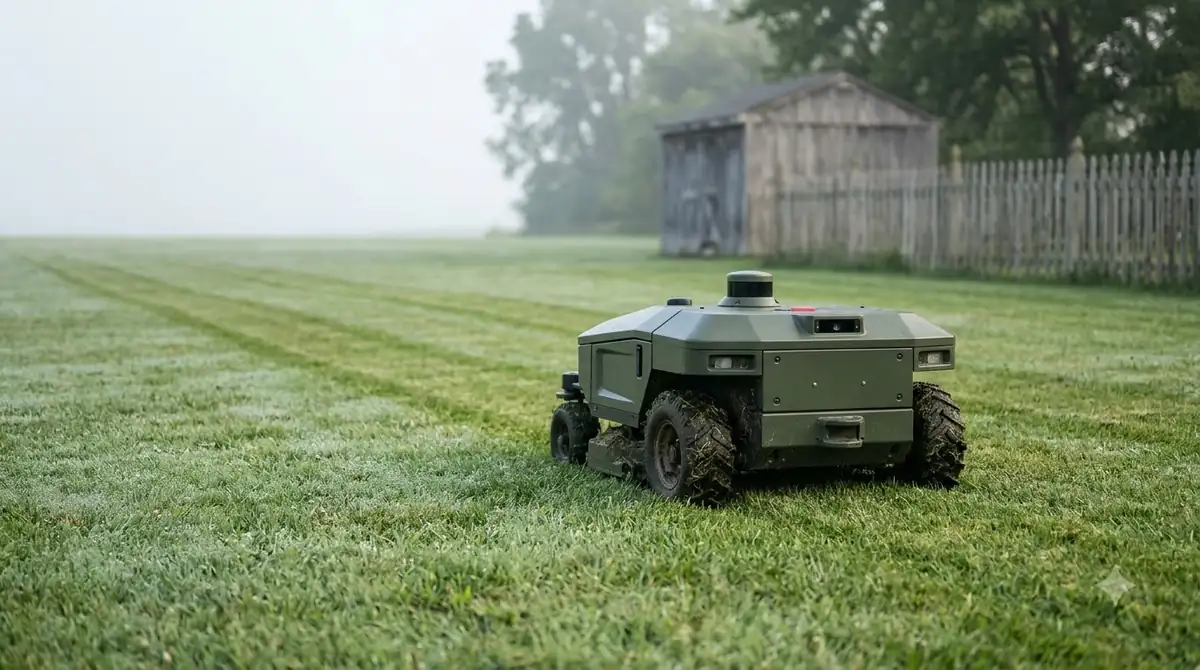
Sharing a lawn adds one complication that a single mower does not have: where each machine goes to charge. If a charging station’s docking point sits outside a work area, the mower needs a transport path to reach its area. The same Husqvarna guide says the path should start at least 1 metre (3.3 feet) inside the work area and be as wide as possible, and that the mower does not cut while it travels along that path. Transport paths between areas are described in channels between lawn zones, so check it if you want the details behind this point. Tight links between sections are explained in narrow corridors between lawn areas. To see how a mower travels between separate sections, read about map passages that connect zones. Stay-out zones are also one practical part of keeping kids away from a mower, alongside supervision and a sensible schedule.
A shared path can serve several areas, or each area can have its own. Keep the paths out of the zones you have set aside as stay-out areas, because a stay-out zone that blocks a transport path can strand the mower. Stay-out zones must also be a reasonable size. The same guide gives a minimum of 30 by 30 centimetres (1 by 1 foot) for each zone, so very small beds are not a good use of a stay-out zone.
Heads up
Avoid leaving narrow, unreachable pockets between zones. A strip the mower cannot enter is wasted space, and it can leave grass that never gets cut.
What a shared lawn needs from each mower
Two machines need more than the same boundary. Each one needs its own charging station, a clear path to it, and enough room to turn at the edges of its area. If the two areas meet along a shared border, plan for the mowers to finish near that border at different times rather than at the same moment. Each mower needs its own map, and creating a lawn map in the app shows what that involves.
- Separate charging stations: put each dock where its mower can enter its own area without crossing the other.
- Separate schedules: run the mowers at different times of day so they are not working the same zone together.
- Matched cutting heights: if the areas are different grasses or shade levels, set each one separately rather than forcing one height on both.
- Clear access for maintenance: you will still need to lift, clean, and check both machines, so leave room around each dock.
Where the documentation stops
The vendor guidance we read covers how to set up several work areas for one mower. It does not describe two mowers working in the same area, and it does not say how two machines avoid each other if their zones touch. That means you should not assume that two mowers will coordinate on their own. Keep their areas separate, and test the first few runs while you are home.
Another open question is whether the second mower is worth the cost for a small yard. For a lawn that is already fully covered by one mower, a second machine mainly speeds up cutting. It does not add coverage. A second mower makes more sense when the lawn is large, when the two halves have different needs, or when one half is far from the charging station.
Questions to answer before you buy a second mower
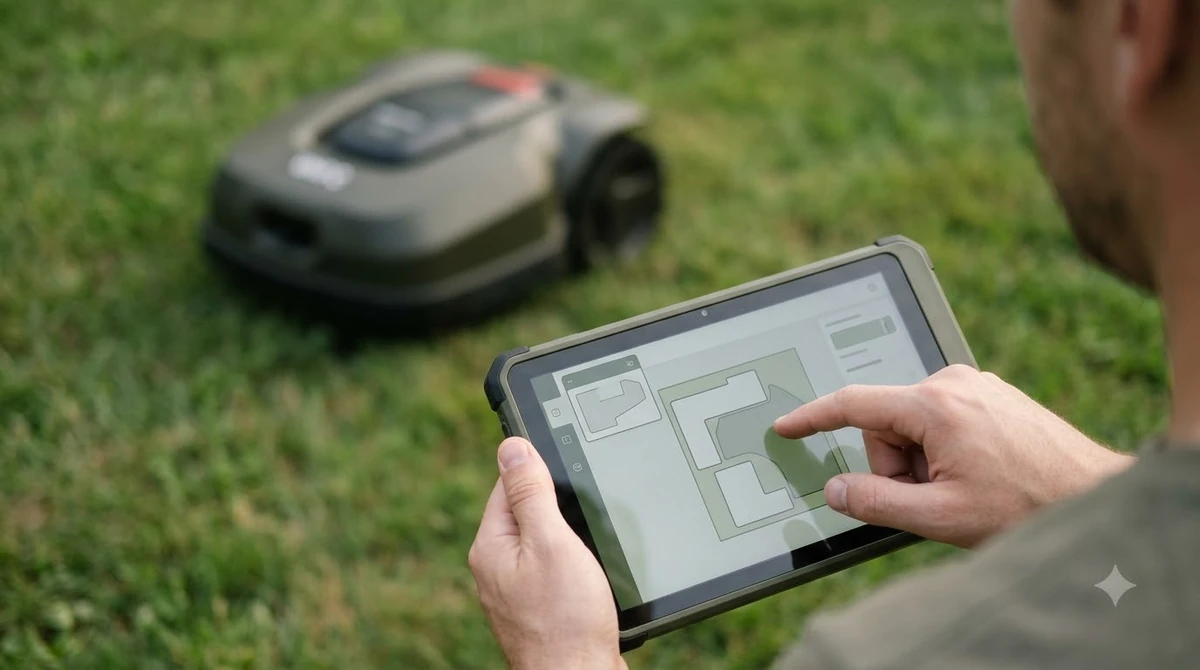
Before buying, measure the lawn, sketch the two areas, and check where each charging station can go. Then confirm that the app supports the number of areas and paths you plan to use. Some mowers handle multiple areas well, and others are more limited, so read the spec sheet carefully instead of relying on the brand name. Before adding a second unit, a robot mower buying guide for new buyers helps compare features.
- How many separate work areas does the app allow, and can each have its own schedule?
- Can each area have a different cutting height?
- Where will each docking station sit relative to its area?
- Will a transport path cross any stay-out zone or narrow passage?
Frequently asked questions
Can two robot mowers mow the same lawn at the same time?
The vendor documentation we read covers one mower working across several areas, not two mowers sharing one area. Keep each mower in its own zone and schedule its runs at different times to avoid overlap.
Can one app map several separate lawns?
Some do. The Mammotion guide we read describes driving the mower around one lawn, moving to the next, marking it, and then starting the mapping for all of them. Check whether your app supports multiple lawns before you plan a split yard.
Can I split a work area after I create it?
Not in the Husqvarna system described in its guide, which states that work areas cannot be split later. Plan the layout on paper first, and delete and redraw an area if you need to change it.
What is a transport path?
A transport path is a route the mower follows from its charging station into a work area when the docking point is outside that area. It does not cut grass while travelling on the path.
Sources
- Set up and manage work areas, stay-out zones and transport paths (Husqvarna): work areas, transport path rules, stay-out zone size, and the no-splitting note.
- How to draw a new map the first time (Mammotion): marking several separate lawns in one mapping session, and the start-and-end overlap rule for each boundary.
 Up next6 min readLearnHow Long Does a Robot Mower Stay on One Charge in Tall Grass?Updated Nov 14, 2026
 9 min readLearnCan You Run Two Different Robot Mower Brands Together?Updated Nov 19, 2026
 7 min readLearnHow to Protect a Robot Mower From Lightning: 5 Easy StepsUpdated Nov 14, 2026
 7 min readLearnHow to Clear a Robot Mower Map and Start OverUpdated Nov 14, 2026
 6 min readLearnDo Robot Mowers Need a Level Lawn?Updated Nov 14, 2026
 7 min readLearnWhy Does My Robot Mower Miss Patches in Corners?Updated Nov 14, 2026