
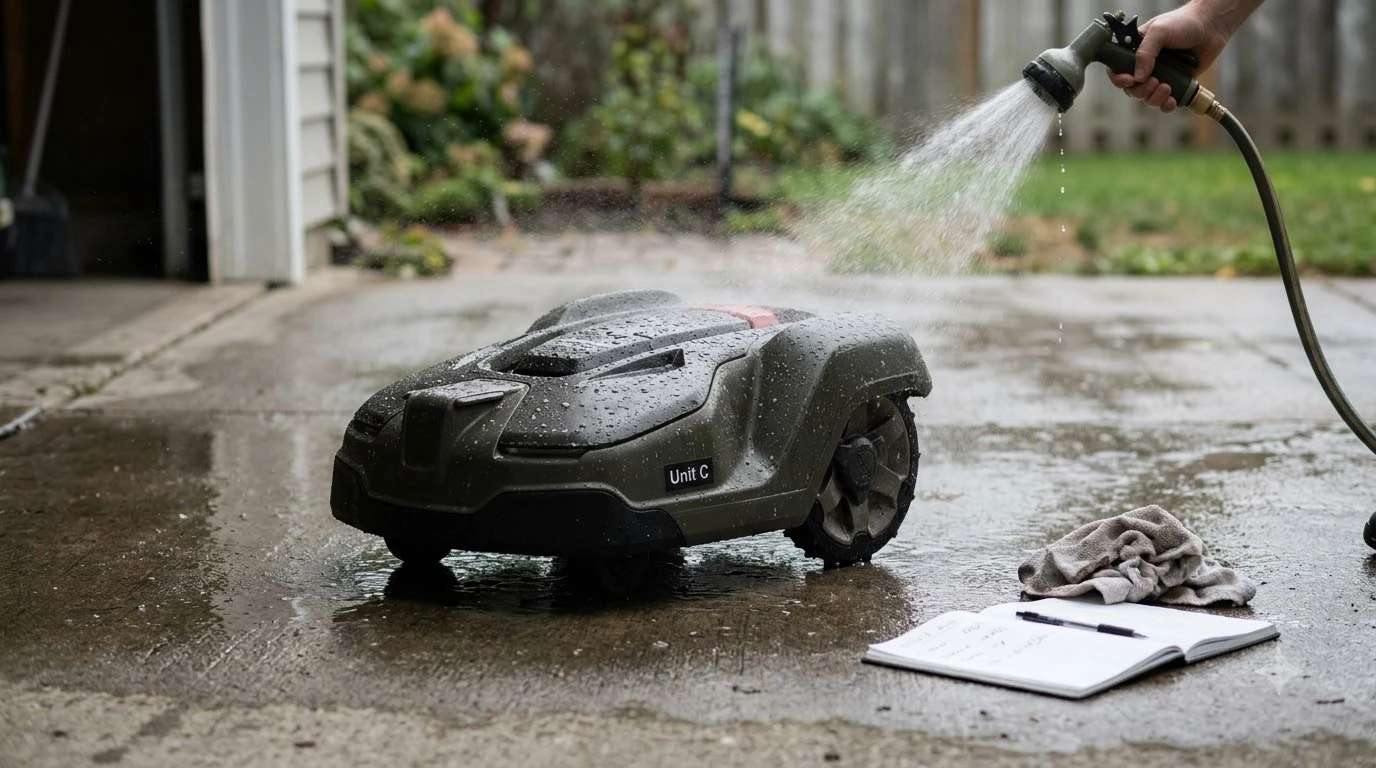

How to protect a robot mower from lightning: before a storm arrives, unplug the charging station’s power supply from the wall and disconnect the charging station, then close the hatch. Husqvarna’s storm guidance says lightning and heavy rain can damage the electrical components in its mower and charging station, and disconnecting them is the step it recommends. The exact connectors differ by model and installation, so use your own manual as the final word.
The short answer
- Act early: disconnect before the storm reaches your area, not while thunder is overhead.
- Unplug at the wall first: remove the power supply from the outlet, then from the charging station.
- Label boundary wires: if your installation uses a boundary wire, mark each cable before you disconnect it.
- Close the cover: closing the charging station hatch shields the connections from rain.
- Reconnect carefully: put each wire back in its labelled position after the storm has passed.
Why storms are hard on robot mowers
The charging station is the part most exposed to the weather. It sits outdoors, it is wired into the mains, and it is connected to the boundary wire that runs across the lawn. Husqvarna’s storm page says, “Lightning and heavy rain can damage the electrical components in Automower® and its charging station.” A surge that travels along a power or wire connection can reach the electronics even when the mower itself is parked somewhere safe. Lightning is only one weather risk, and leaving a mower outside in storms is covered in a broader outdoor guide. Built-in protection varies by model, and how mowers handle thunderstorms explains what the manufacturer features do and do not cover. Storms bring wind as well as lightning, and how wind affects robot mowers is covered in a separate guide.
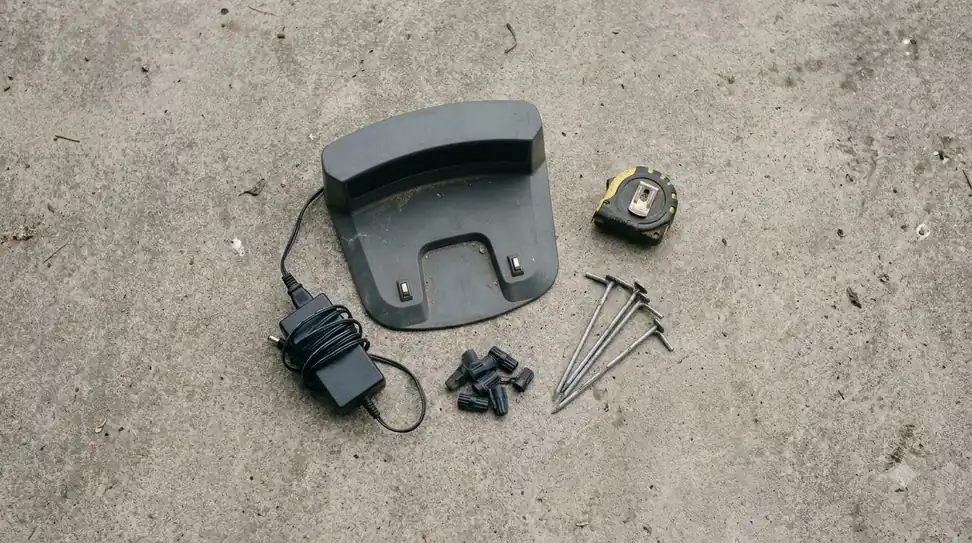
Our reading is that the charging station is the first thing to protect, because it is the link between the mains and the mower. Disconnecting it removes the easiest path for a surge to follow into the rest of the system.
How to protect a robot mower from lightning: unplug before a storm
Husqvarna gives different steps depending on the model. The principle is the same across them: cut the mains first, then disconnect the charging station, and close the cover. The steps below are the common core. The loop wire can carry surges into the charger, and universal boundary wire for Landroid installs shows how a typical loop is laid out.
- Unplug the power supply from the wall outlet. Do this first, so the charging station has no mains supply when you work on its connections.
- Disconnect the power supply from the charging station. On some models, you lift and tilt the top of the charging station and open the hatch to reach the connectors.
- Disconnect the loop wire connectors, if fitted. On installations with a boundary wire, disconnect the wire connectors from the pins as well.
- Close the hatch and reposition the top. The closed cover shields the connections from rain.
On Husqvarna’s Aspire R6V, 308V and 312V, the page describes unplugging the power supply, disconnecting it from the charging station, and closing the hatch. On NERA models, it adds lifting and tilting the top of the station first.
Boundary wire installations: label everything
If your mower uses a boundary wire, Husqvarna says to label the cables before you disconnect them. Its guide lists the labels as AR, AL and G1, with G2 and G3 where your installation has them. Labelling takes a minute, and it stops you from guessing which wire goes where after the storm.
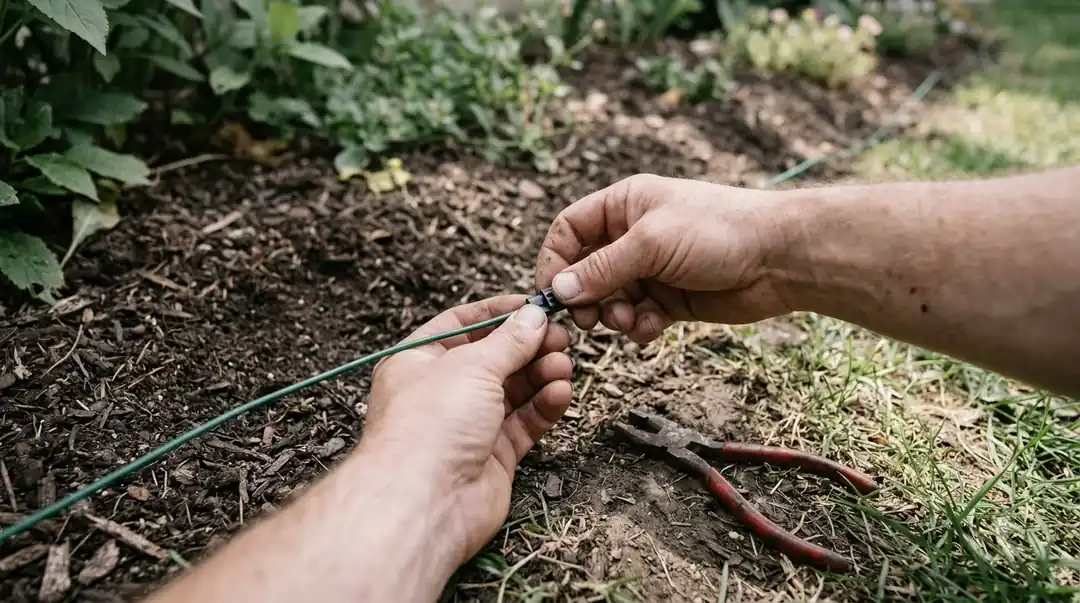
Once every wire is disconnected, close the charging station cover. That shields the connections from rain while the storm passes. Do not leave loose wire ends exposed on the lawn.
Heads up
Husqvarna’s EPOS reference station needs its own step. Disconnect its power supply when a storm is likely. If a lightning rod is nearby, do not mount the station above the height of the rod.
Do not go outside during the storm
The unplugging should be finished before the storm, not during it. The U.S. National Weather Service’s lightning page says, “When Thunder Roars, Go Indoors,” and it adds that there is no safe place outside when thunderstorms are in the area. If you can hear thunder, stay inside, and do not walk out to unplug the mower or the charging station.
Our reading is that the plan should be simple: check the forecast, disconnect the station as soon as a storm is likely, and keep the wiring in the garage or house until the weather clears.
After the storm: reconnect in the right order
Reconnect when the storm has passed and the weather is clear. Husqvarna’s steps reverse the disconnection: put each labelled wire back in its position, reconnect the power supply cable, and restore power to the reference station if you disconnected it. After the storm, power may have dropped, and power outage behavior describes what the mower does when it returns. Once the storm passes, the lawn will be wet, so running a mower after rain explains how long to wait. Reconnecting everything in the right order mirrors a first install, which is covered in mower setup in a new house.
Before you let the mower run again, check that the charging station is working. A quick look at the charging indicator and a short test run on a small area will show whether the connections are sound. If the mower does not dock or charge, check the connections before you assume the storm caused a fault.
What the guidance does not cover
Husqvarna’s storm page is specific about disconnecting, but it leaves some questions open. It does not say whether a surge protector helps, and it does not say whether you should move the mower or the charging station. Its steps describe unplugging in place rather than relocating anything.
That means any advice on surge protectors or moving the equipment should be treated as general electrical practice, not manufacturer guidance. If you add a surge protector, check that it suits outdoor use and your mower’s power supply, and follow the manual for any change to the installation.
Frequently asked questions
Should I unplug my robot mower during every storm?
Husqvarna recommends disconnecting the power and the charging station before a storm, since lightning and heavy rain can damage the electrical components. Do it whenever a storm is likely in your area, and check the forecast so you have time.
What if I cannot unplug the charging station before the storm?
Do not go outside once thunder is audible. The National Weather Service says there is no safe place outside during a thunderstorm. Wait until the storm has passed, then check the connections before the mower runs again.
Do I need to label the boundary wires?
Yes, if your installation uses one. Husqvarna says to label the cables, such as AR, AL and G1, before you disconnect them so each one goes back to the right position.
Will a surge protector stop lightning damage?
Husqvarna’s storm page does not mention surge protectors, so it does not confirm that they help. Treat any surge-protector advice as general electrical practice, and check your manual before adding one to the installation.
Sources
- Protect your Automower during thunderstorms (Husqvarna): the disconnection steps by model, the boundary wire labels, and the reference station advice.
- Lightning safety (National Weather Service): the “When Thunder Roars, Go Indoors” rule and the advice that there is no safe place outside during a thunderstorm.
 Up next7 min readLearnHow to Clean Under a Robot Mower Deck: 6 Easy StepsUpdated Nov 14, 2026
 8 min readLearnHow to Update Robot Mower Firmware: 5 Safe StepsUpdated Nov 11, 2026
 9 min readLearnHow to Set Up Segway Navimow i110N: Easy Step-by-Step GuideUpdated Nov 10, 2026
 7 min readLearnHow to Set Up Mammotion Luba 3: Easy Step-by-Step GuideUpdated Nov 10, 2026
 7 min readLearnHow to Keep Kids Away From a Running Robot Mower: 5 RulesUpdated Nov 14, 2026
 10 min readLearnAre Robot Mowers Worth It for Seniors? 5 Simple ChecksUpdated Nov 11, 2026