
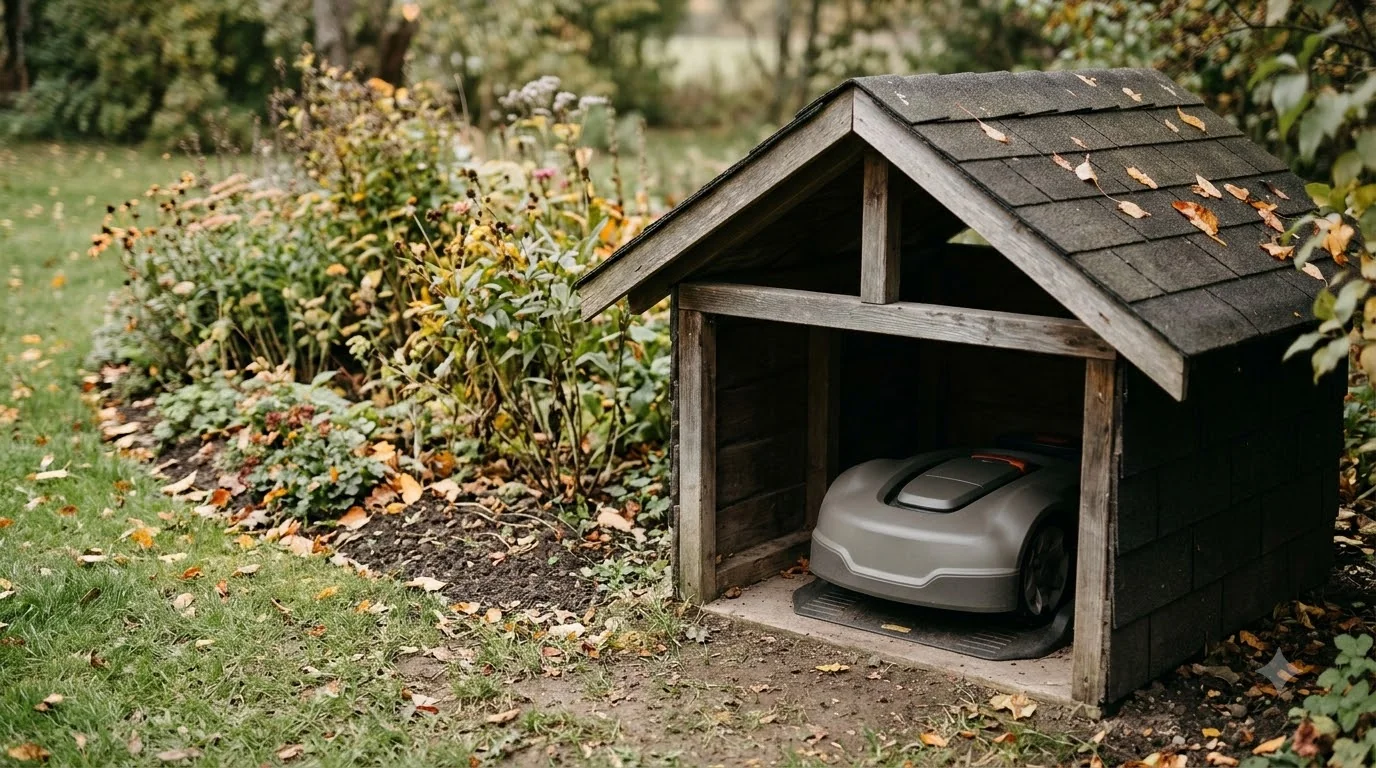

How do robot mowers handle thunderstorms? They do not have a dedicated storm mode, and the sources we read do not say that the mower can sense lightning. The main protection is manual: Husqvarna advises disconnecting the mower’s power and wiring before a thunderstorm, because lightning and heavy rain can damage the electrical parts of the mower and its charging station. The rain sensor works on a different trigger, moisture, and it does not replace unplugging.
The short answer
- Lightning: Husqvarna’s US storm guide says lightning and heavy rain can damage the electrical components of the mower and charging station, and tells owners to disconnect all connections before a thunderstorm.
- Rain sensor: Worx says its rain sensor sends the mower back to the charging base when it detects moisture, then starts a rain delay of 180 minutes by default.
- Timing: none of the sources we read gives a fixed lead time before a storm, so “before a thunderstorm” is the only instruction we can quote.
- People first: the National Weather Service says there is no safe place outside when thunderstorms are in the area, and to go indoors when thunder roars.
How do robot mowers handle thunderstorms? Start with the rain sensor
A rain sensor on a robot mower reacts to water on its sensor surface. Worx describes the behavior plainly: “When the rain sensor detects moisture, Landroid returns to the charging base.”
That is a useful feature for a light shower, because the mower heads home instead of cutting wet grass. If rain behavior is your main concern, our guide to mowing in the rain covers it, and the list of robot mowers with a rain sensor shows which models have one. It is a moisture response, though, not a lightning response. The brand pages we read for robot mowers did not describe a sensor that detects lightning or an electrical storm. An IP rating describes water and dust resistance, not lightning protection.
Our reading is that a rain sensor helps with the mowing decision during rain but gives no protection from a strike. A mower that is parked on its charging station, plugged in during a storm, can still have its electrical parts exposed through the power supply and the wires, which is the risk Husqvarna describes. For that reason the rain sensor should be treated as a scheduling feature, not a storm shield.
Why Husqvarna says to disconnect before a storm
Owners who ask “how do robot mowers handle thunderstorms” get a clear manufacturer answer from Husqvarna. Its US support page on thunderstorms opens with a direct warning: “Lightning and heavy rain can damage the electrical components in Automower and its charging station. To reduce the risk of damage, disconnect all connections before a thunderstorm.” The page covers several models, and the disconnect steps differ by model family, so the first job is to find the page or manual that matches your mower.
The warning applies to the charging station and the boundary wire as well as the mower. The charging station is plugged into a wall outlet through a power supply, and the boundary wire runs around the lawn from the station. Our reading is that both paths are worth disconnecting, so unplugging only the mower does not cover the whole installation as Husqvarna describes it.
An outdoor surge protector for a robot mower is a separate accessory topic, and the Husqvarna page we read does not cover it. The page does not give a minimum number of hours before a storm to disconnect, so the timing is up to you. Our reading is that you should do it as soon as a storm is forecast for your area, not after the first clouds appear.
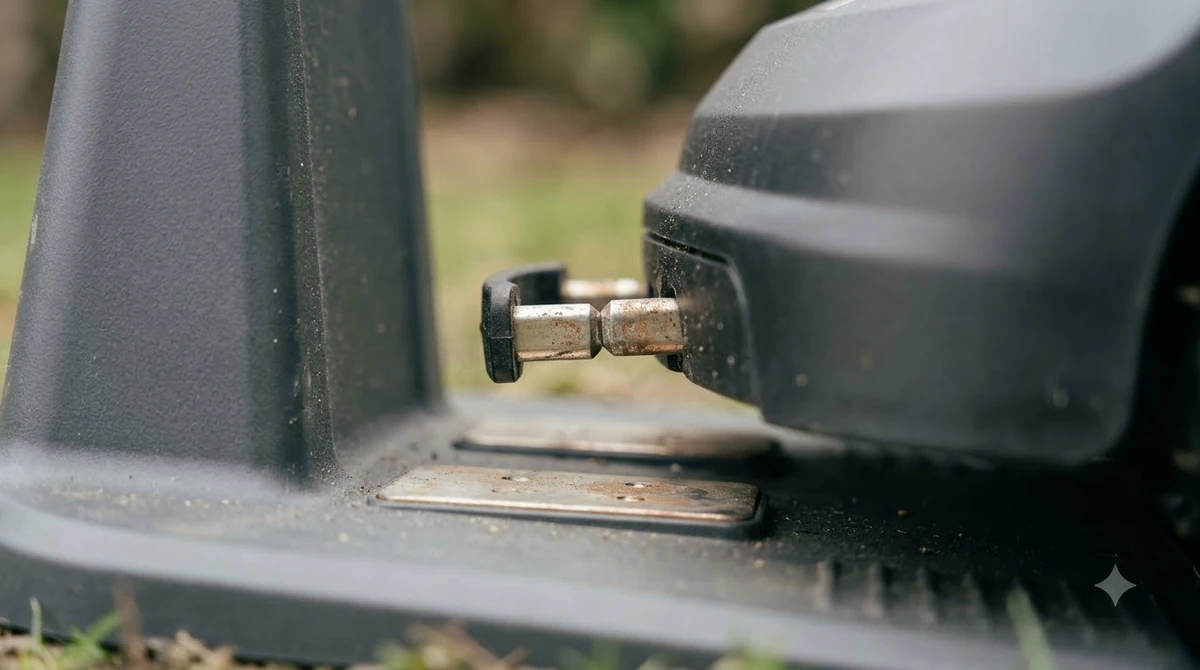
How to disconnect the mower and charging station
The exact steps depend on the model, but the Husqvarna storm page gives three patterns that cover most of what owners will meet. Read the one that matches your charging station before you touch anything.
- Unplug the power supply at the wall. On the models Husqvarna lists as Aspire R6V, 308V and 312V, the first step is to unplug the power supply from the wall outlet, then disconnect the power supply from the charging station and close the hatch.
- Open the charging station on NERA models. Unplug from the wall, lift and tilt the top of the charging station, open the hatch, disconnect the power supply connector and the loop wire connector, then close the hatch and tilt the top back into position.
- Disconnect the wires on boundary-wire installs. Unplug the power supply, disconnect the connectors from the pins, and mark each cable so you can put it back correctly. The labels Husqvarna uses are AR, AL and G1, with G2 and G3 on models that support more than one guide wire. Then disconnect all wires and close the charging station cover so the connections stay out of rain.
The marking step is the one people skip, and it is the one that causes trouble later. Our reading is that a strip of masking tape with the label written on it takes thirty seconds and saves a lot of time when you reconnect.
Heads up
Do not guess the wiring. If the labels on your charging station do not match the page for your model, use the manual that came with your unit, or the manufacturer’s support line, before you reconnect anything.
How to reconnect after the storm
Once the storm has passed and the ground is dry enough to work, reverse the steps. Husqvarna’s after-storm list is short: reconnect all the wires at the charging station, making sure each one goes into its designated position, reconnect the power supply cable, and restore power to the reference station if your system has one.
Before you leave the mower to run its schedule, check that every connector is seated and every label matches the position in your manual. If the mower still does not behave as expected, the manual for your model is the next step. The sources we read do not list a fault code or troubleshooting sequence for this case.
What a rain delay does, and what it does not do
A rain delay is a scheduling feature, and it is easy to confuse with an answer to how do robot mowers handle thunderstorms. On Worx Landroid models, the rain delay starts once the sensor is no longer wet. The default is 180 minutes, and you can change it in the app or on the device screen. The Worx wiki states that “After the delay, Landroid resumes its schedule.” You can also end the delay early by turning the robot off and back on, after drying the sensor area.
What a delay does not do is disconnect anything. The mower waits, but the charging station, its power supply and the boundary wire stay connected. That is why the Husqvarna warning is about disconnecting all connections, not about setting a delay. Our reading is that a rain delay is a useful default for light rain, while a thunderstorm warrants the manual steps above.
Reference stations and lightning rods
Some systems include a separate reference station, usually for satellite positioning. The Husqvarna storm page gives two rules for those. First, disconnect the power supply if there is a risk of a thunderstorm. Second, if a lightning rod stands nearby, do not install the reference station higher than the rod.
These rules apply only if your system has a reference station. A basic charging station with a boundary wire does not have one, so you can skip this section. Our reading is that the lightning rod rule is a placement decision, which means it should be checked before installation rather than during a storm.
Safety first: people go indoors
When you ask “how do robot mowers handle thunderstorms,” the mower is the smaller concern. People come first. The National Weather Service says that “There is no safe place outside when thunderstorms are in the area,” and that “If you hear thunder, you are likely within striking distance of the storm.” Its short rule is “When Thunder Roars, Go Indoors.”
That means you should not walk out to unplug the charging station while thunder is audible. Start the storm routine when a storm is forecast, and wait for the storm to pass before going outside. A mower that stays on its charging station with the power cut is safer than one that you try to fix in the open during lightning.
What to check on your model before storm season
The answer to how do robot mowers handle thunderstorms depends on the model, the charging station and the wiring, so the check below is worth doing once a year.
The sources do not give a single answer for every mower, so the useful step is to check your own model before the first storm of the year. Start with the manual’s storm or weather section, and confirm the charging station layout. Then decide where the power supply plugs in, because an outlet you can reach without going outside is worth a lot during a storm.
- Find the storm section: not every manual has one, and the Husqvarna page is one example, not a universal guide.
- Locate the power supply: know which outlet it uses and whether you can unplug it from inside the house. A robot mower cover for the charging station is one way to shield the station from rain, though Husqvarna still says to disconnect.
- Mark the boundary wire connectors: label them before the first disconnect, not during a storm.
- Check the reference station: if you have one, confirm its power cable and its position relative to any lightning rod.
- Note the rain delay setting: confirm the default in your app so you know how long the mower will wait after a shower.
Frequently asked questions
How do robot mowers handle thunderstorms in practice?
The sources we read do not describe a storm mode, and they do not say the mower is safe to run in lightning. The rain sensor on Worx models returns the mower to its base when it detects moisture, which is a rain response, not a lightning response.
Should I unplug my robot mower before every storm?
Husqvarna’s US storm guide says to disconnect all connections before a thunderstorm to reduce the risk of damage from lightning and heavy rain. It does not give a rule for every storm, so use the page or manual for your model and decide based on the forecast.
Does the rain sensor protect the mower from lightning?
No source we read says that it does. The rain sensor reacts to moisture, and it does not cut the power supply or the boundary wire, so disconnecting the system is still the step the manufacturer describes.
How long should I wait after the last thunder before reconnecting?
The National Weather Service does not give a wait time after the last thunder in the page we read. It says to go indoors when thunder roars. Our reading is that you should reconnect only after the storm has clearly passed and you are safe to go outside.
Sources
- Protect your Automower during thunderstorms (Husqvarna): the lightning warning, disconnect steps for each model family, and after-storm reconnect steps.
- Lightning safety (National Weather Service): no safe place outside, striking distance, and “When Thunder Roars, Go Indoors.”
- Rain delay and sensor (Worx Landroid wiki): the rain sensor return to base, the 180-minute default delay, and how the delay ends.
 Up next8 min readLearnCan a Robot Mower Handle Acorns and Pine Cones?Updated Nov 11, 2026
 6 min readLearnHow to Update Worx Landroid Vision FirmwareUpdated Nov 12, 2026
 9 min readLearnDo Robot Mowers Spread Lawn Disease?Updated Nov 12, 2026
 8 min readLearnHow Long Does the Worx Landroid Vision Battery Last?Updated Nov 12, 2026
 7 min readLearnHow Much Does a Robot Mower Charging Station Cost to Replace?Updated Nov 12, 2026
 8 min readLearnDo Noise Ordinances Apply to Robot Lawn Mowers?Updated Nov 12, 2026