
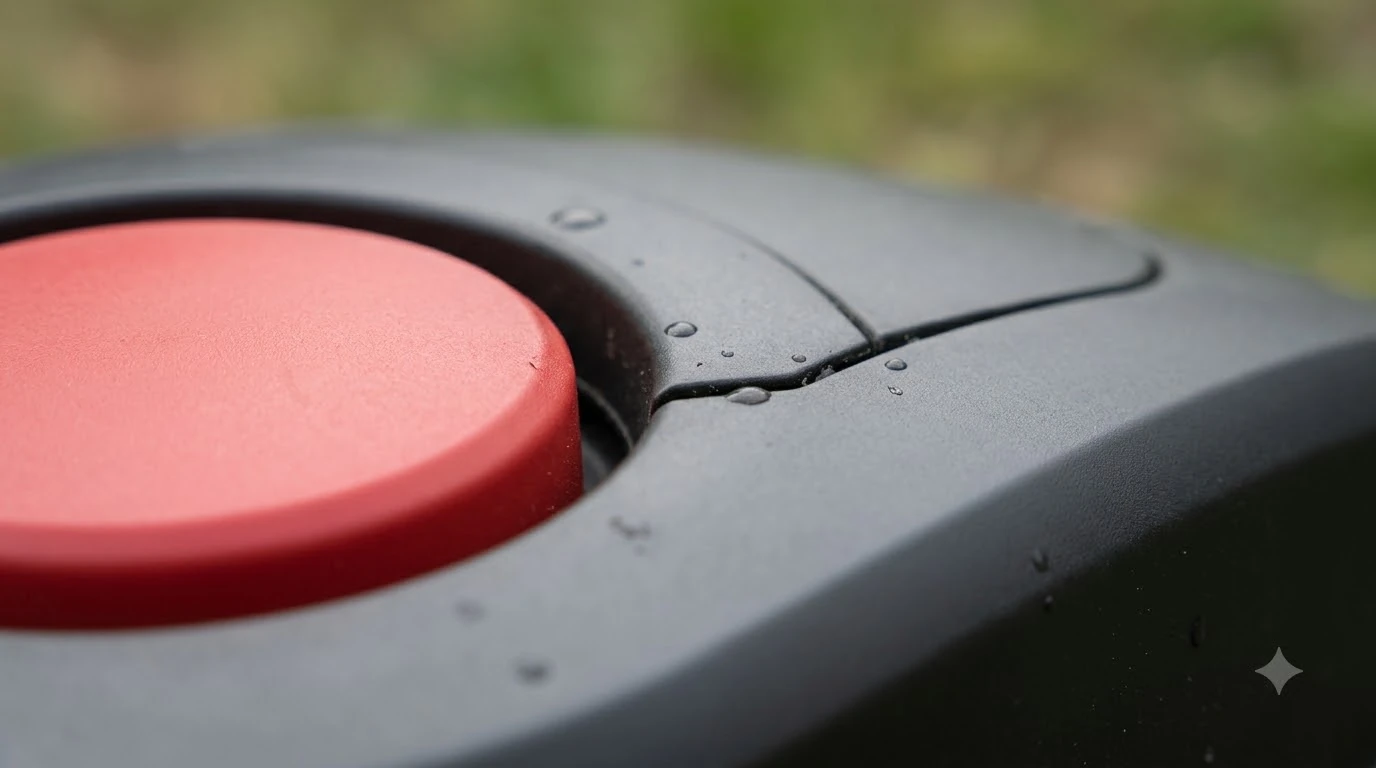

What happens to a robot mower during a power outage? The charging station is hit first, not the mower itself. The mower carries its own battery and cuts on that power, so a mains cut stops the dock from recharging it until electricity returns. None of the manufacturer pages we read describes a special outage mode, so the practical risks are a flat battery, a clock that has drifted, and a stopped mower that needs a hands-on restart.
The short answer
- Mowing during a power outage: the mower keeps its battery charge and runs until that charge is low, then looks for the dock. Our reading, based on how manufacturers describe battery-driven return to base.
- Recharging: the dock needs mains power. Until it is restored, a low battery stays low.
- Settings: a plain restart deletes no settings, but a factory reset clears schedules and map objects.
- After power returns: check the clock, the schedule, and that the mower is seated on the charging contacts.
What happens to a robot mower during a power outage
A robot mower is a battery machine that returns to its dock to recharge. Mammotion’s maintenance guidance says the mower “returns to its charging station on its own when the battery runs low,” and it gives no specific percentage for that point. The charging station is the only part of the setup wired into the house, so it is the piece that depends on mains electricity. Once the battery is spent, the mower can only wait on the dock, and the dock cannot charge until the supply is back.
This also explains why an outage is rarely a mowing emergency. A mower that starts a run with a healthy battery is not directly affected by the cut. If you are weighing a backup supply, see whether a robot mower charger can run on a generator. The risk builds over a long outage, when the battery drains between mowing sessions and the mower is sitting at a low charge when power returns. Our reading is that short outages of a few hours are unlikely to matter, while multi-day outages can leave a mower with a depleted battery.
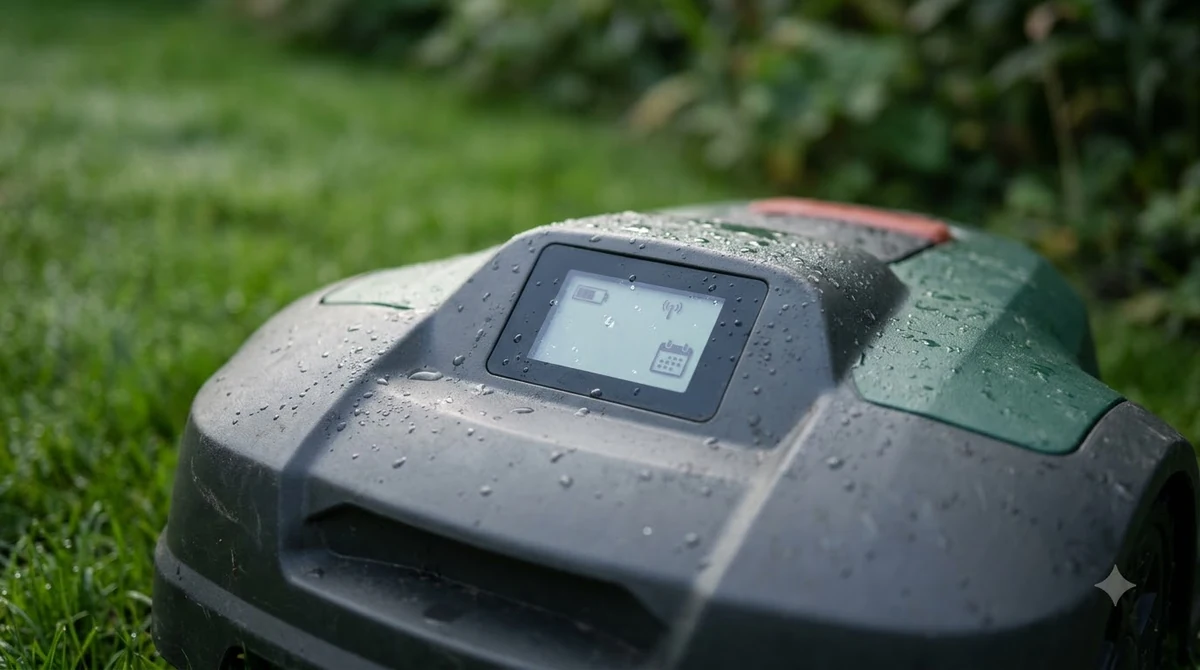
What the manuals say about restarts and settings
Husqvarna’s self-service guidance separates a restart from a factory reset. A restart “turns Automower off and on again” and, in its words, “no settings are deleted.” A factory reset is different: it “restores user settings such as schedules and map objects.” That reset keeps a shorter list of settings, which is useful to know before you touch anything after an outage.
| Item | Kept after a factory reset (Husqvarna list) |
|---|---|
| Security level and PIN code | Yes |
| Loop signal | Yes |
| Messages | Yes |
| Date and time | Yes |
| Language and country | Yes |
| Schedules | No, restored to factory defaults |
| Map objects | No, restored to factory defaults |
No manual we read describes what happens to a robot mower during a power outage in these terms. The same page makes no mention of power loss, so it does not tell you whether a schedule survives a cut. Treat the table as the safe baseline: a restart is the low-risk first step, and a factory reset should be the last one, since it wipes schedules and map objects that you may have spent hours building.
Heads up
Husqvarna’s reset guidance does not say whether the clock survives a power cut. It only lists date and time among the settings kept during a factory reset. Check the clock yourself after any outage.
The STOP button and manual restart
A stopped mower is a different problem from a dead one. Husqvarna’s guidance on why an Automower stops despite having battery capacity says that once the STOP button has been pressed, the mower “cannot be restarted using Automower Connect or a Smart Home service.” The restart has to happen on site. Our reading is that a mower stopped by a surge or a power-cycle may need the same hands-on check, so walk out to the mower and look at its display before assuming a fault.
The same page lists pause commands, Smart Routines and ECO mode among the causes of a mower that stops mid-mow. For pause commands, the mower “can be restarted manually, through the app, or through a Smart Home service.” Smart Routines are different: the mower “will resume its schedule automatically once the Smart Routine condition no longer applies,” so a Smart Routine can keep the mower parked after the power is back. The same page lists the Weather Timer and Frost Guard among other reasons a mower stays parked.

What to check after power returns
What happens to a robot mower during a power outage matters most once the supply is back, so work through these checks in order. The first two are the ones manufacturers tie most directly to a schedule that no longer runs on time.
- Confirm the dock has power. Look at the charging station’s supply and the mower’s contact with it. Husqvarna’s reset guidance says to place the mower on the charging station for at least 30 minutes when a reset is not completing, and to make sure the battery is charged.
- Set the clock. Husqvarna’s schedule troubleshooting says a mower that does not follow its cutting times may have an incorrect clock or schedule, and tells owners to “Set the clock and adjust the start and stop times.”
- Check the schedule and any Smart Routines. Confirm that a Smart Routine, Weather Timer or Frost Guard setting is not holding the mower in the dock. If the mower will not go home or charge, see robot mower not returning to base.
- Clear any STOP. If the display shows the STOP state, restart the mower on site, since the app cannot do it.
- Run a short test. Our suggestion, not a manufacturer instruction: start one short session and watch the first return to the dock before you trust the full schedule again.
Battery care during a longer outage
An outage that lasts beyond a day or two starts to look like storage, and the storage advice from manufacturers is the best guide we found. Mammotion says to “Charge the robot to at least 80% before long-term storage to prevent battery over-discharge,” and to “Recharge the robot to at least 80% every 90 days, even when it is not in use.” Its maintenance page also says to keep the robot indoors if the ambient temperature drops below -10 °C (14 °F).
Our reading: once power is back, bring the battery up to a healthy level before you expect a full mowing week, and do not leave a mower sitting flat on a dock that has been without power for days. A battery maintainer for a robot mower in winter and the steps in how to store a robot mower for winter cover the long-gap case. So what happens to a robot mower during a power outage that lasts days? Mostly a drained battery, which is why the storage rule is the best guide we found.
Heads up
Mammotion’s maintenance page says the robot should be completely powered off before any cleaning work. It does not address storms or outages, so follow your own manual on lightning and surge protection.
Frequently asked questions
Can a robot mower keep mowing during a power outage?
Possibly, until its battery runs low. The mower runs on its own battery, so a mains cut at the dock does not directly stop a run. Our reading is that it returns to the dock when the battery is low and then waits there, since the dock cannot recharge without power. None of the pages we read describes a special outage mode.
Do I need to reset the schedule after an outage?
Not usually. Husqvarna says a restart deletes no settings. What you should check is the clock, because Husqvarna’s schedule guidance names an incorrect clock as a common reason a mower misses its cutting times.
Does a restart erase my map or schedule?
A restart does not. Husqvarna states that a restart “turns Automower off and on again” with no settings deleted. A factory reset is the step that restores schedules and map objects, so avoid it unless the other checks fail.
Should I unplug the charging station during a storm?
Husqvarna’s thunderstorm guide says to unplug the power supply from the wall outlet and, for some models, disconnect it from the charging station. That is the one storm instruction we read, and it covers Automower models only. For other brands, check your manual, and see outdoor surge protectors for robot mowers.
Sources
- Why Automower stops despite having battery capacity (Husqvarna): STOP button restart, pause commands, Smart Routines.
- How to restart or reset Automower and handle error messages (Husqvarna): restart vs factory reset, kept settings, 30-minute charging step.
- Automower not following scheduled cutting times (Husqvarna): clock and schedule checks.
- Protect your Automower robotic lawn mower during thunderstorms (Husqvarna): unplug the power supply before a thunderstorm.
- Robot lawn mower maintenance: cleaning, blades, battery, storage (Mammotion): return to dock on low battery, 80% storage charge, 90-day recharge, -10 °C indoor rule, power off before cleaning.
 Up next8 min readLearnWhat Happens If a Robot Mower Runs Over a Hose?Updated Nov 11, 2026
 7 min readLearnWorx Landroid Stuck? Fix Docking, Power and Path ProblemsUpdated Nov 13, 2026
 9 min readLearnCan a Robot Mower Operate During an Air Quality Alert?Updated Nov 19, 2026
 8 min readLearnDo Robot Mowers Need a Ground Rod? What the Manuals SayUpdated Nov 12, 2026
 8 min readLearnWhat Do Robot Mower Error Codes Mean? Causes and First FixesUpdated Nov 12, 2026
 7 min readLearnHow Long Does the eufy E15 Battery Last?Updated Nov 12, 2026