
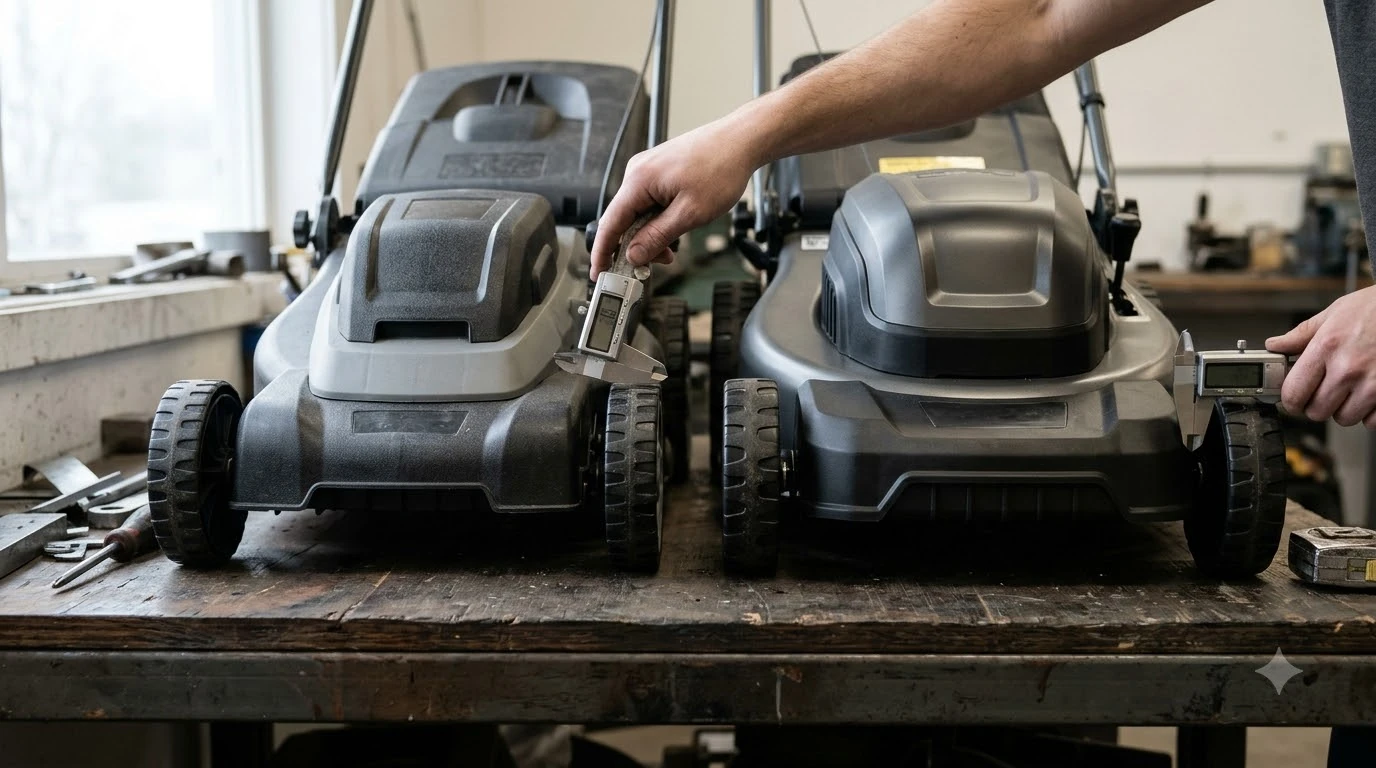

Can a robot mower operate during an air quality alert? Yes, an electric robot mower can physically run during an air quality alert without adding tailpipe emissions, though heavy wildfire smoke, falling ash, or poor visibility can interfere with optical sensors and kick settled dust back into the air. Whether you should let your unit run depends on what triggered the local advisory—ground-level ozone or airborne particulate matter—and what navigation hardware your mower uses. Understanding those differences keeps both your sensors and your household breathing easier during smoky or smoggy days.
The short answer
- Zero direct tailpipe emissions: Unlike gas-powered lawn equipment, battery-operated robot mowers do not burn fuel or release ozone-forming exhaust, which aligns with AirNow.gov action-day recommendations to avoid gas yard tools.
- Ozone alerts vs. smoke alerts: High ground-level ozone rarely bothers mower hardware, whereas wildfire smoke and falling ash introduce fine particulate matter (PM2.5) and physical debris.
- Camera and LiDAR limits: Models relying on AI vision cameras or LiDAR can misread thick haze or ash-coated lenses as obstacles and pause early.
- Ash resuspension risk: Spinning blades and drive wheels can stir settled wildfire ash back into the air around open windows and patios.
- Post-event cleanup matters: After heavy smoke or dust, wiping optical windows, cleaning charging contacts, and clearing the cutting deck prevents premature wear.
How air quality alerts affect robot mowers
An air quality alert tells residents that local pollution has crossed unhealthy thresholds, yet the mechanical impact on your mower depends entirely on whether the culprit is invisible ozone gas or physical smoke particles.
In the United States, regional agencies issue air quality alerts when the Air Quality Index (AQI) climbs above 100, moving into categories ranging from Unhealthy for Sensitive Groups to Hazardous. During warm summer afternoons, alerts are frequently driven by ground-level ozone formed when sunlight reacts with vehicle and engine emissions. Because ozone is a gas rather than floating grit, a boundary-wire or satellite-guided mower can usually complete its schedule normally without hardware strain—and because you do not need to stand behind it, you avoid outdoor exertion during peak afternoon heat.
Wildfire smoke, dust storms, and agricultural burning create a very different yard environment. These events load the air with microscopic soot and leave a fine layer of abrasive ash across turf, charging docks, and sensor housings. While sealed drive motors and weather-resistant chassis handle typical outdoor dust, heavy ash buildup acts like fine sandpaper on moving parts and coats optical windows that wire-free mowers need to see where they are going.
| Alert trigger | Hardware impact on mower | Yard and air side effects | Recommended owner action |
|---|---|---|---|
| Ground-level ozone (smog alert) | Minimal; invisible gas does not block cameras, LiDAR, or RTK signals. | Mower adds zero local tailpipe exhaust; turf remains clean. | Safe to run on schedule, especially early morning or evening. |
| Light wildfire haze (AQI 101–150, no ash) | Low for wire or RTK units; minor contrast drop for basic cameras. | Slight dust kick-up if turf is dry and brittle. | Run shorter cycles and wipe camera lenses afterward. |
| Heavy smoke or visible ash fall | High risk of smudged lenses, LiDAR scatter, and gritty charging contacts. | Blades and wheels resuspend settled ash into breathable air. | Pause schedule via app and park mower until ash settles or rinses away. |
| Severe heat + air quality advisory | Battery management systems may pause charging if ambient temperatures exceed manual limits. | Stressed, dry grass tears easily and creates extra chaff. | Shift mowing to cooler overnight or early morning hours. |
Navigation sensors in smoke, haze, and falling ash
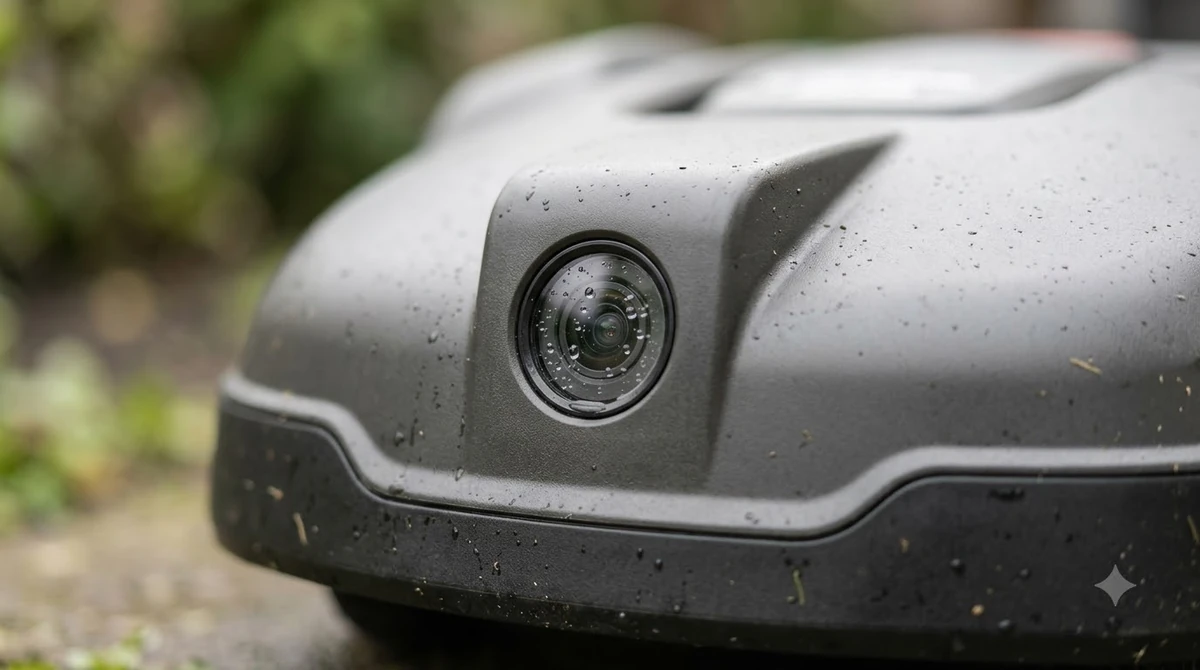
Wire-free robot mowers rely on cameras, LiDAR, and satellite antennas that react differently when smoke reduces visibility or coats optical surfaces.
Modern boundary-free mowers generally combine RTK-GNSS satellite positioning with onboard perception sensors such as RGB cameras, time-of-flight sensors, or LiDAR. Satellite radio frequencies pass through smoke plumes with little trouble, so a mower that relies primarily on a clear view of the sky between its base station and satellites usually keeps its virtual map intact. However, obstacle-avoidance systems are intentionally tuned to err on the side of caution, treating blurry shapes or sudden drops in visual contrast as potential hazards.
When thick smoke rolls across a lawn at ground level, dense particulate plumes can scatter LiDAR laser pulses or obscure the edges of garden beds and toys in an AI camera feed. Manufacturer support documentation notes that dirty or obstructed camera lenses can trigger error messages—such as Husqvarna Automower warning that object detection is unavailable—or cause the robot to slow down, reroute repeatedly, or stop in place. Fine ash settling on a front-facing camera lens or LiDAR window creates the same blind spot as dried mud or morning pollen.
Heads up
Do not wipe dry wildfire ash off a camera lens or LiDAR window with a dry paper towel or dirty rag. Ash contains gritty mineral particles that can leave micro-scratches on plastic or coated glass lenses, permanently hazing your mower’s obstacle detection.
Environmental and health reasons to pause during smoky alerts
Even though a battery-powered robot produces no exhaust, running spinning blades over ash-covered grass can worsen air quality right outside your home.
Federal guidance from the U.S. Environmental Protection Agency and AirNow urges residents to avoid using gas-powered lawn mowers during air quality action days because small combustion engines emit volatile organic compounds, nitrogen oxides, and fine particles. Switching to an electric robot mower solves the tailpipe side of that equation completely. Still, physical lawn mowing is a mechanical process that disturbs whatever sits on top of the grass blades and soil.
When wildfire smoke lingers for days, microscopic ash settles onto your lawn even if the sky starts looking lighter. Sending a robot mower out onto dry, ash-dusted turf turns the cutting deck and treaded wheels into miniature dust stirrers, lifting settled particles back into the breathing zone near ground-floor windows, HVAC air intakes, and patios. Stepping outside repeatedly to rescue a stalled mower or brush off sensors also exposes you to unhealthy particulate levels that public health agencies advise avoiding.
How to safely inspect and clean your mower after an air quality event
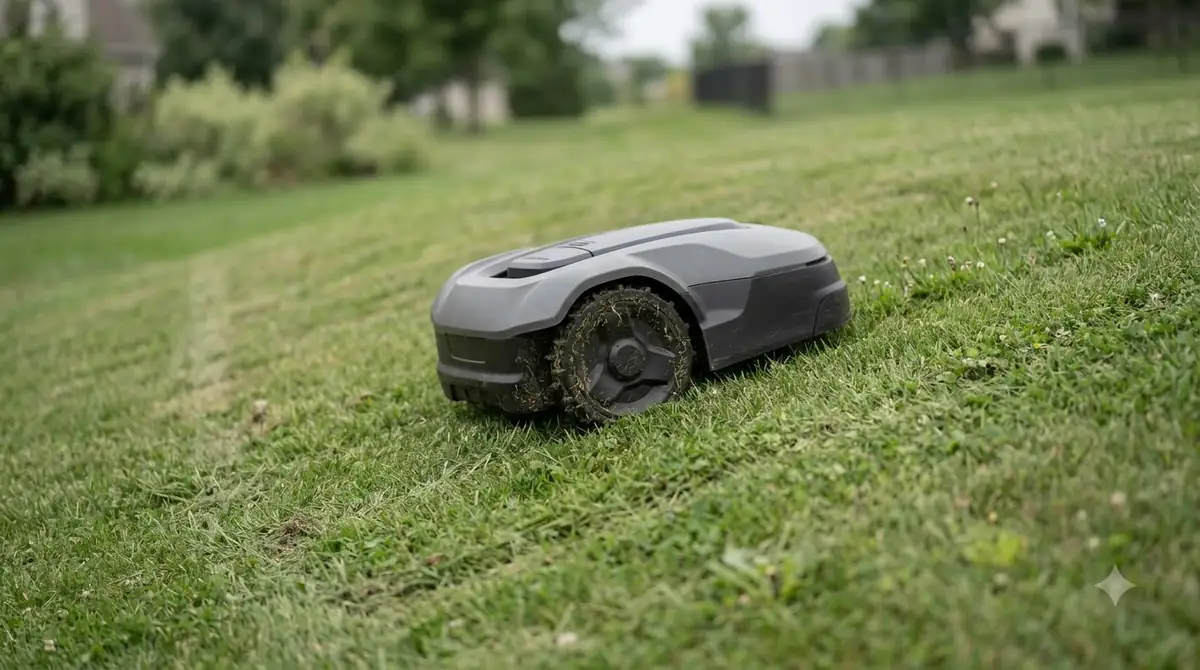
Once local air quality improves and visible ash clears, a quick inspection prevents trapped grit from scratching lenses or interrupting charging cycles.
Before resuming your normal mowing schedule, check local AQI readings and walk the yard to confirm that wind is not kicking up loose ash clouds and that branches or debris have not fallen onto the turf. Manufacturer maintenance guides from brands such as Husqvarna and Mammotion’s robot mower cleaning instructions emphasize powering down the unit completely before touching optical windows, charging strips, or the underside deck.
- Power down and disable the mower. Press the main stop button, switch the unit completely off, and remove the safety key or battery pack if your owner’s manual specifies doing so before maintenance.
- Rinse and gently wipe optical sensors. Use a gentle trickle of clean water—never a pressure washer—to float loose ash off AI vision cameras and LiDAR windows, then blot dry with a clean, soft microfiber cloth.
- Clean metal charging contacts. Wipe the charging strips on the mower nose and the contact pins on the docking station with a clean, dry cloth so fine soot does not insulate the connection or cause docking errors.
- Brush the undercarriage and wheels. Wearing protective gloves, use a soft dry brush to sweep ash and dry chaff away from the cutting disc, blade screws, wheel treads, and bumper gaps.
- Run a short supervised test cycle. Raise the cutting height slightly for the first post-alert pass and watch the mower for a few minutes to verify smooth obstacle detection and dust-free operation.
Frequently asked questions
Does running a robot mower violate air quality alert rules?
No, air quality action day advisories target gasoline-powered lawn equipment, open burning, and vehicle idling rather than battery-powered electric mowers. Because a robot mower produces zero tailpipe emissions, it does not violate typical local burn or gas-equipment restrictions, though pausing during heavy ash is still smart practice.
Can wildfire smoke damage a robot mower’s battery or motor?
Smoke itself does not harm sealed brushless motors or lithium-ion battery packs, since robot mowers are built inside weather-resistant housings. However, extreme heat waves that often accompany smoke events can push ambient temperatures past safe charging limits—typically around 104 to 113 degrees Fahrenheit depending on the model—causing the mower to pause charging until it cools.
Will smoke block RTK satellite signals on wire-free robot mowers?
Ordinary wildfire haze and smog do not block GNSS satellite signals or the radio link between an RTK reference station and the mower. Navigation slowdowns during smoky conditions almost always come from dirty camera lenses, LiDAR scatter in dense smoke, or trees and structures blocking the sky view.
How should I clean wildfire ash off my robot mower’s camera?
Turn the mower off first, then rinse the camera housing gently with clean water to wash away abrasive ash particles before wiping with a clean microfiber cloth. Avoid alcohol, harsh solvents, or dry scrubbing, which can scratch optical coatings or cloud the lens.
Sources
- What You Can Do (AirNow.gov / U.S. EPA): Federal air quality action day recommendations regarding gas-powered lawn equipment and reducing outdoor pollution.
- How to clean the camera on Automower with AI vision technology (Husqvarna Support): Guidance on obstructed camera warnings, rinsing loose debris, and wiping vision lenses safely.
- Cleaning a Robot Lawn Mower: A Step-by-Step Guide (Mammotion): Maintenance procedures for cleaning LiDAR windows, vision lenses, and charging contacts without damaging optical surfaces.
- LiDAR Requirements for Robotic Lawn Mowers (Orbbec): Technical background on how robotic mower LiDAR and perception modules handle airborne debris and environmental robustness.
 Up next7 min readLearneufy E15 App: Fixing Offline, 4G, and Lifted AlertsUpdated Nov 13, 2026
 7 min readLearnHow to Update Dreame A1 Pro Firmware: Over-the-Air Updates ExplainedUpdated Nov 12, 2026
 8 min readLearnWhat Happens to a Robot Mower During a Power Outage?Updated Nov 12, 2026
 8 min readLearnHow to Fix a Robot Mower That Cuts in CirclesUpdated Nov 19, 2026
 8 min readLearnHow to Adjust Cutting Height After Overseeding With a Robot MowerUpdated Nov 19, 2026
 8 min readLearnHow to Prevent Ant Nests Inside a Robot Mower Charging BaseUpdated Nov 19, 2026