
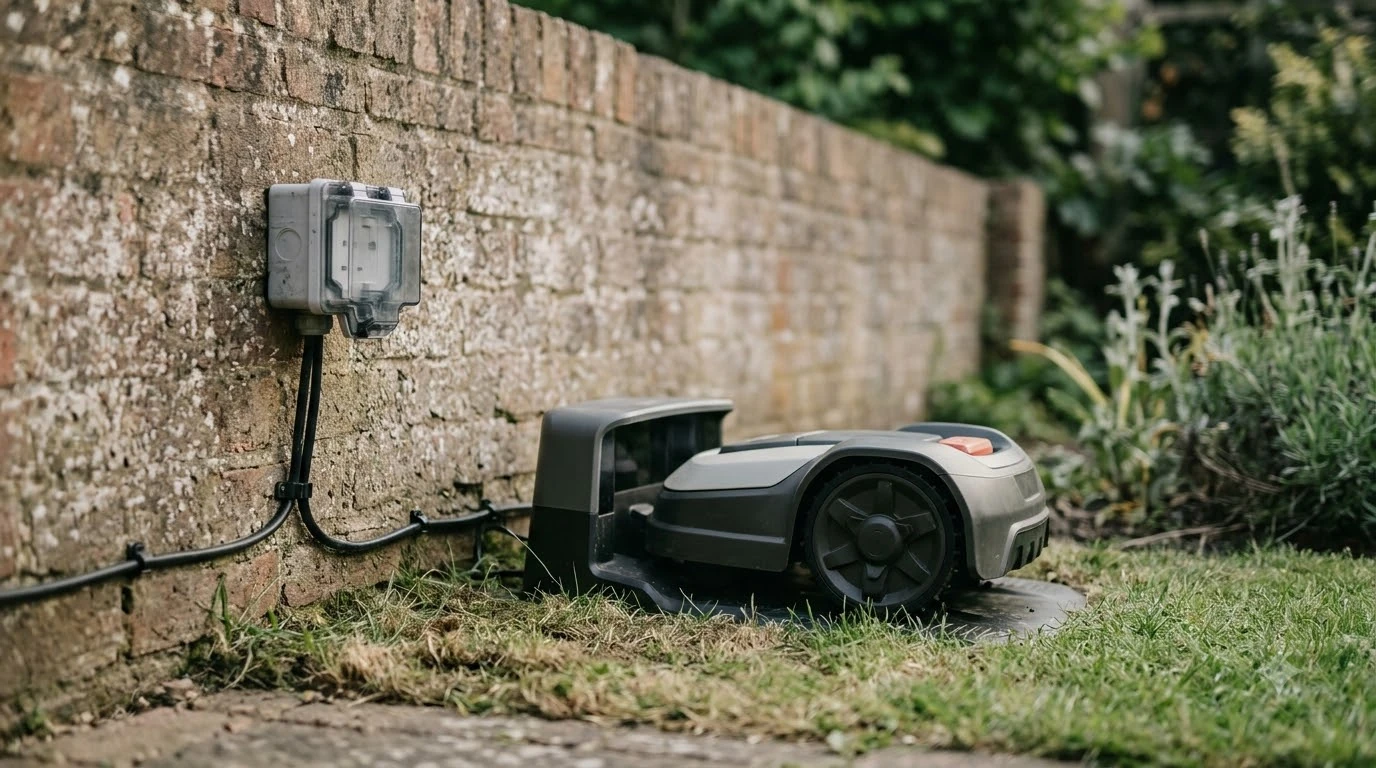

What makes the best robot mower with auto return to dock? No single model wins for every yard, because auto return depends on how the mower finds its charging station, when it decides to go back, and how the station is installed. As of 2026-11-10, the clearest answer is to pick a model whose manufacturer documents the return trigger, the docking method and the placement rules, then test the dock before you rely on it.
The short answer
- Check the return trigger: Navimow documents returns at 15% battery while mowing and 20% during auto mapping for its H2 model, and a support FAQ describes a return near 30% for another brand.
- Check how it finds the dock: wire-guided systems follow a boundary or guide wire, satellite-assisted systems rely on a clear sky view at the station, and vision-based systems say they need no boundary wire.
- Check the station placement rules: clearance in front, at the sides and behind the station matters more for docking than most feature lists suggest.
- Test before you trust it: run a docking test on the first day and confirm the mower docks on the first attempt. A best robot mower with auto return to dock should pass that test in your yard, not just list the feature.
What auto return to dock actually means
For the best robot mower with auto return to dock, auto return means the mower leaves the lawn and drives back to its charging station without you pressing anything. In practice, the trigger is usually one of three things: the battery falls below a set level, a weather or safety rule applies, or the scheduled mowing window ends. Each trigger behaves differently, so a feature called auto return can mean very different things on two products. The explainer on how robot mower docking works covers the mechanics in more depth.
The battery threshold is the number most buyers want. Segway Navimow’s support page says its H2 returns to the charging station when the battery drops below 15% while mowing, and below 20% during auto mapping. A separate robot mower support FAQ says a mower returns to recharge at about 30% battery and can need up to 100 minutes for a full charge. These are model-specific figures, so treat them as examples of what to look for rather than a standard. For the wider picture, see robot mower battery life and robot mowers with the fastest charging.
Non-battery triggers matter just as much. The same Navimow page lists rain or wet conditions, heavy fog, high temperatures, the end of the schedule period and other safety or protection triggers as reasons the H2 may head home even when the battery is high. For another view of wet-weather behavior, see the guide to robot mowers with a rain sensor. Our reading is that a mower that returns often in wet weather or at the end of every window is behaving as designed, but it can make the yard look like the dock is failing.
How the mower finds the station
Docking methods fall into three broad groups, and the group you choose affects how much setup work you do before the first cut.
- Wire-guided docking. Husqvarna’s support guidance says its mowers first try to detect the charging station signal directly, then follow the boundary or guide wire if that fails. A guide wire is a separate wire that runs from the station to the boundary wire, so the mower has a path back; see whether robot mowers need boundary wire for when it can be skipped.
- Satellite-assisted docking. Husqvarna’s EPOS support-by-wire guidance says the docking point needs a good satellite signal and an unimpeded view of the sky, and that it will not compensate for poor satellite signal at the charging station. Its AI vision models do not support Support by Wire and rely on the built-in camera in weak-signal areas.
- Wire-free, vision-based systems. Worx says its Landroid Vision AI mower “doesn’t need boundary wires, RTK antennas or radio beacons” and that it needs no mapping. The Worx page does not say how the mower returns to its base or at what battery level, so ask the manufacturer for both before you buy.
Our reading is that the simplest way to compare these groups is to ask one question: what does the mower need to see or follow to reach the dock, and what happens if that signal is weak? A wire path breaks when a wire is damaged, a satellite path depends on sky view, and a vision path depends on the camera working in the lighting and weather you actually have.
Station placement matters more than most buyers expect
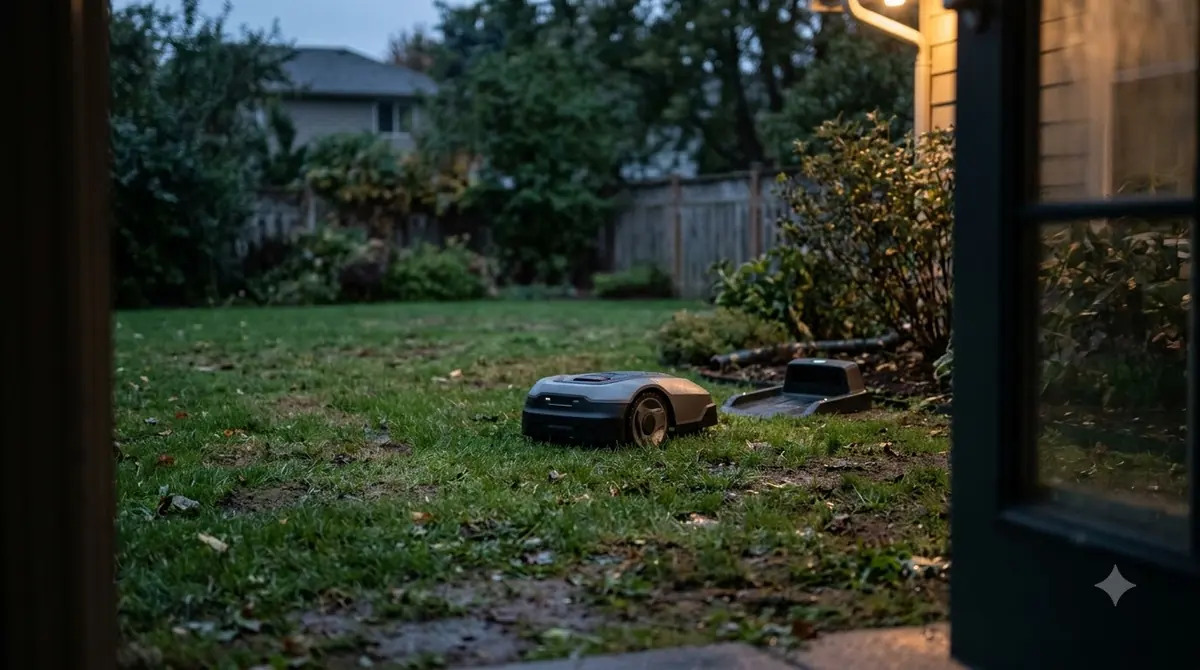
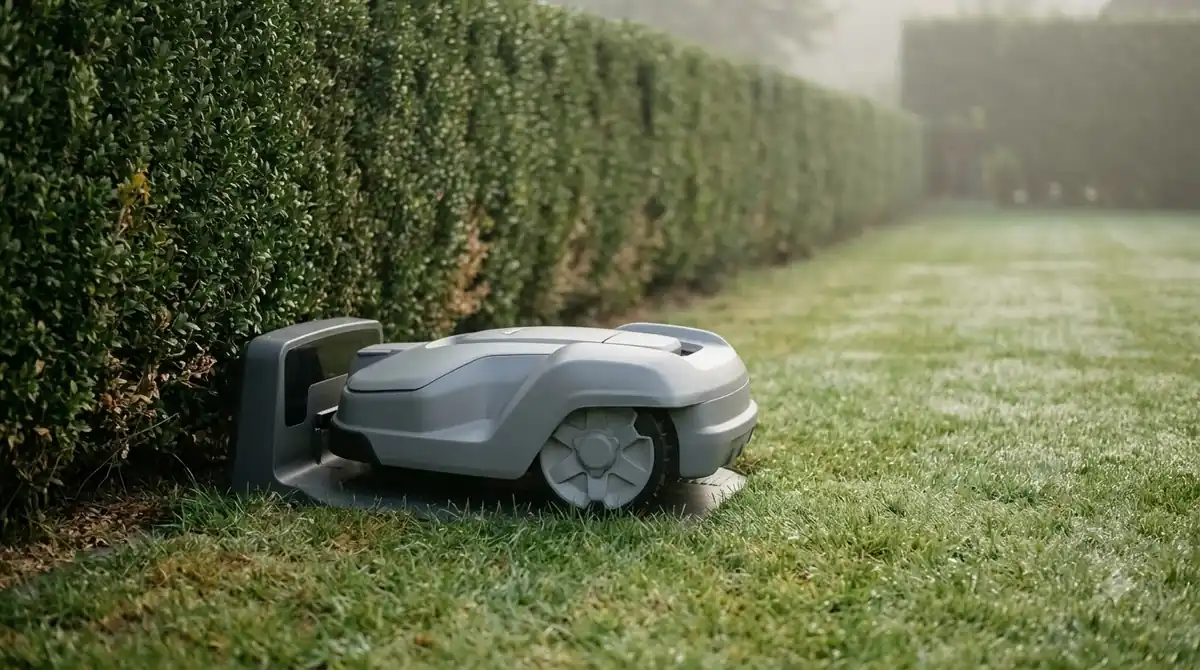
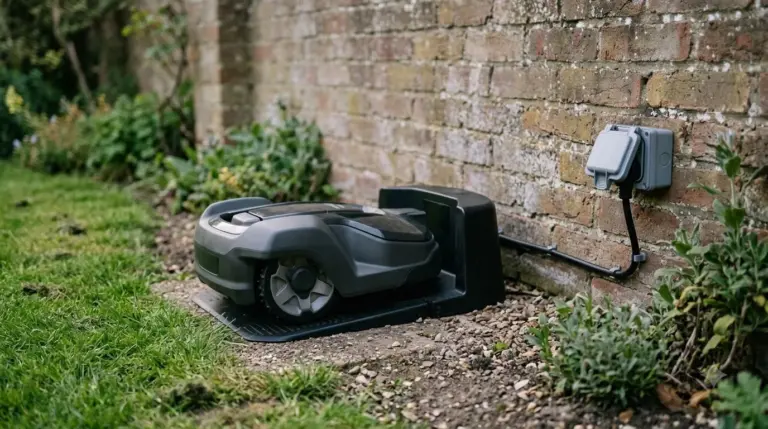
The station is the part of the system a buyer controls, so placement deserves care. Husqvarna’s placement guide asks for at least 3 m (10 ft) of free space in front of a boundary-wire station, at least 150 cm (60 in) to the left and right of its center, and at least 60 cm (2 ft) behind it. Its EPOS wire-free installations need at least 6 m (20 ft) in front and an unimpeded sky view. The same guide says to place the station on a level surface, keep its baseplate unbent and put it near a power outlet.
Other brands give similar warnings with smaller numbers. Worx’s Landroid Vision charging base guide asks for a 2 m (6.5 ft) straight path in front and 1.5 m behind the base, and says to secure it to the ground with the provided screws. Mammotion’s charging station guide says to secure the station with the included ground stakes, keep at least 1.5 m of clear space in front and at the sides, and warns that “if the station moves slightly, the robot may fail to dock correctly.”
Husqvarna’s guidance also says to keep metal away from the station and wires, including reinforcement bars, metal edging and coils of low-voltage cable, because they can interfere with the signal. If you plan to use a shelter or a bracket, check that it does not bend the baseplate, which Husqvarna also flags.
Side-by-side: what each brand documents
The table below lists only what the brand’s own pages state. Where a page is silent, the cell says so, because a missing number is a question to ask the seller rather than a gap to fill with a guess.
| Brand and page | Return trigger stated | Docking method stated | Station clearance stated |
|---|---|---|---|
| Segway Navimow (H2 support page) | 15% while mowing; 20% during auto mapping; rain, fog, heat, schedule end | Not stated on this page | Not stated on this page |
| Husqvarna Automower (placement and docking test guides) | Not stated on these pages | Station signal first, then boundary or guide wire | 3 m front, 150 cm each side, 60 cm rear; EPOS 6 m front |
| Worx Landroid Vision (AI page and charging base guide) | Not stated | No boundary wire, RTK antenna or beacon required | 2 m in front, 1.5 m behind the base |
| Mammotion (charging station installation guide) | Not stated on this page | Not stated on this page | 1.5 m clear in front and at the sides; secure with ground stakes |
The gaps are useful information. A brand that documents its return threshold, its docking method and its clearance in one place is easier to evaluate than one that documents only the marketing claim. Ask for the manual before you buy and check that all three appear there.
How to test the dock before you rely on it
Husqvarna’s docking test is a good template for any brand. It places the mower about 3 m (10 ft) from the boundary wire, facing the wire, and counts the test as successful only if the mower follows the wire all the way and docks on the first attempt. If your model has no boundary wire, use the same idea with the best robot mower with auto return to dock you are considering: start the mower a short distance from the station and confirm it docks on the first try, then repeat the test at different times of day.
- Confirm the station is powered and level. A station that rocks or sits on uneven ground can cause docking trouble.
- Start the mower a few meters away. Begin from the position Husqvarna’s test describes, then from a second spot if the yard has a corner or a fence that blocks the view.
- Count the attempts. A dock on the first try is the goal. Repeated attempts point to placement, wire path or sky view.
- Trigger a return manually. Send the mower home from the app and check whether it finds the station without help.
- Change one thing at a time. Move the station, clear metal or adjust the corridor, then run the test again.
What to check in the best robot mower with auto return to dock
Use the table and the placement rules as a checklist. Confirm that the manufacturer documents the battery or weather trigger you care about, that the docking method works with your yard (a wire path, a clear sky view or a camera), and that your lawn has room for the clearance the station needs. A dock with a good feature list still fails if its front is blocked by a fence or a hedge.
Our reading is that the best robot mower with auto return to dock is the one you can place correctly and verify on the first day. Feature lists rarely show whether a mower will reach its station reliably in your yard, so the manual and a short docking test are worth more than a headline claim.
Frequently asked questions
Do all robot mowers with auto return to dock come back on their own?
Mowers sold with this feature do, but the trigger and the method differ. Navimow documents battery and weather returns for its H2, and Husqvarna describes a signal-first, wire-second docking method. Check the manual for the trigger and method of the exact model.
What battery level makes a robot mower go back to charge?
It depends on the model. Segway Navimow’s H2 returns at 15% while mowing and 20% during auto mapping, and one robot mower support FAQ describes a return near 30%. Those are examples, so confirm the number for your model before you plan around it.
Does the best robot mower with auto return to dock return when it rains?
Some do. Navimow lists rain or wet conditions among the reasons its H2 returns to the dock, even above its battery threshold. Look for the weather rules in your model’s manual, since they vary between brands.
Can a wire-free robot mower dock without a boundary wire?
Worx says its Landroid Vision AI needs no boundary wires, RTK antennas or radio beacons. That is a manufacturer claim, and the page does not state the return method or threshold. Test the dock in your own yard and confirm the sky view and lighting you have.
Sources
- Segway Navimow support (manufacturer): H2 battery and non-battery return triggers.
- Robot mower support FAQ (CoreService) (manufacturer support): recharge threshold and charge time.
- Husqvarna docking test guide (manufacturer): signal-first docking and the first-attempt test.
- Husqvarna charging station placement guide (manufacturer): clearances, level surface, metal to avoid.
- Husqvarna EPOS support by wire guide (manufacturer): satellite docking point and sky view.
- Worx Landroid Vision AI product page (manufacturer): wire-free claim, no mapping required.
- Worx Landroid Vision charging base guide (manufacturer): base clearances and anchoring.
- Mammotion charging station installation guide (manufacturer): anchoring and the effect of a moved station on docking.
 Up next9 min readBest Robot MowersWhat Is the Best Cheap Robot Lawn Mower? How to Choose One That FitsUpdated Nov 11, 2026
 7 min readBest Robot MowersBest Mid-Range Robot Lawn Mower: How to Choose OneUpdated Nov 11, 2026
 8 min readBest Robot MowersHow Robot Mowers Return to the Charging StationUpdated Nov 11, 2026
 8 min readBest Robot MowersBest Robot Mower That Handles Tall Grass: 5 Things to CheckUpdated Nov 11, 2026
 9 min readBest Robot MowersBest Robot Mower That Mows in Straight Lines: 6 ChecksUpdated Nov 11, 2026
 8 min readBest Robot MowersBest Robot Mower That Works in the Rain: What to Check Before You BuyUpdated Nov 11, 2026