
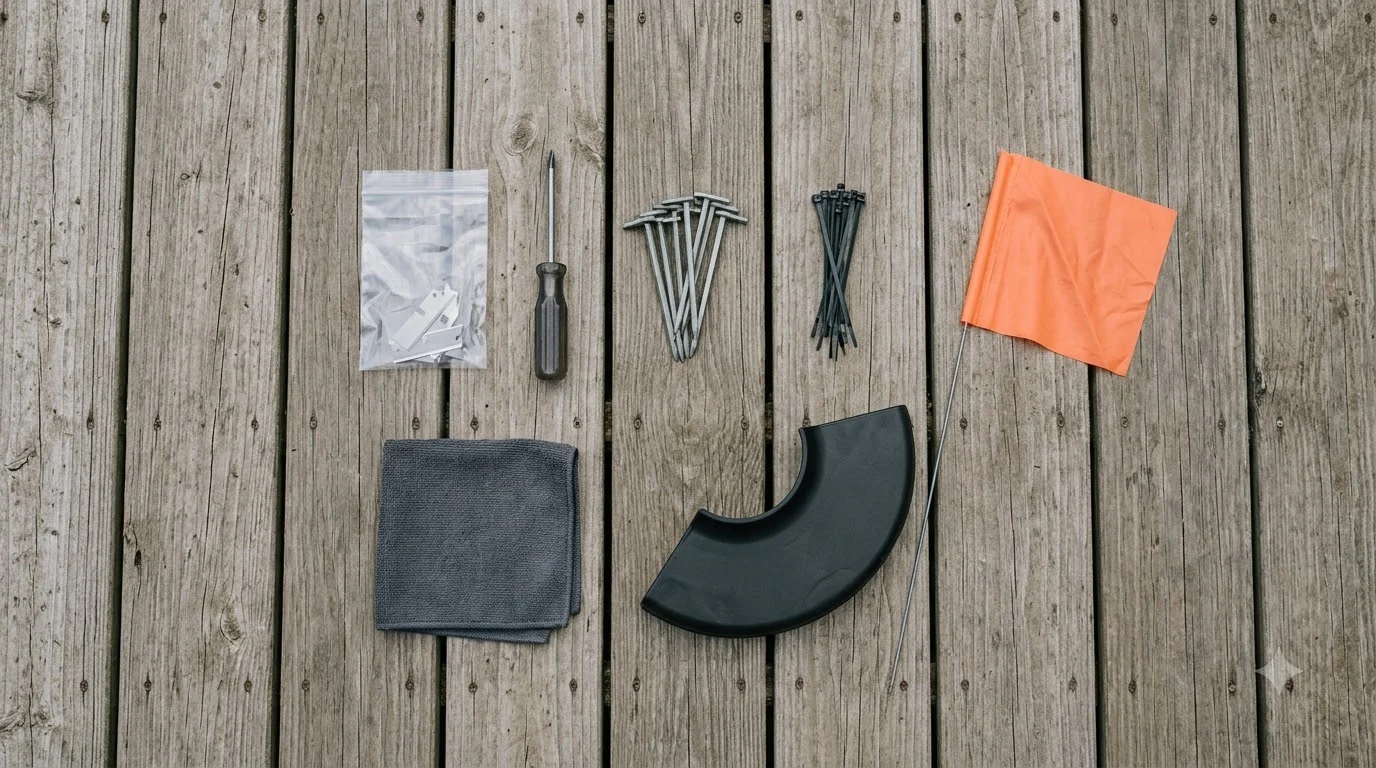

The accessories that matter most for a dreame a1 accessories setup are blades, a protective garage, a charging station, and a cleaning brush, and each one must match your exact model. Dreame sells parts for the A1 and its successors through regional stores, and the listings do not always agree on compatibility. This guide sorts the accessory types, what to check before you buy, and where third-party parts fit, as of Nov 2026.
The short answer
- Blades first: the A1 ships with a set of spare blade kits, so replacement blades are a routine cost rather than an emergency purchase.
- Garage next: an official garage protects the mower from weather and theft, and the US store listed one for the A1 at about $199 when we checked.
- Check compatibility: several blade sets and garages are listed for the A3 AWD, not the A1, so match the model name before you add to cart.
- Third-party parts can be cheaper, but they are not official, so check the fit and warranty terms first.
Which dreame a1 accessories matter most
Most owners do not need every accessory on the shelf. The parts that affect how the mower works day to day are the blades, the charging station, and the cleaning or protection gear. Start with those, then add the garage and extras only if your yard or budget calls for them. Before choosing model-specific parts, the robot mower accessory overview explains which add-ons apply to most mowers. A battery is a major wear item, so see Dreame replacement battery options for what to expect.
Accessory lineups change often, and each regional Dreame store carries a different selection. A part that appears on the Australian site may not be sold in the US store, and the reverse is also true. Confirm the listing shows your country and your exact mower model before you pay.
Blades and the replacement cycle
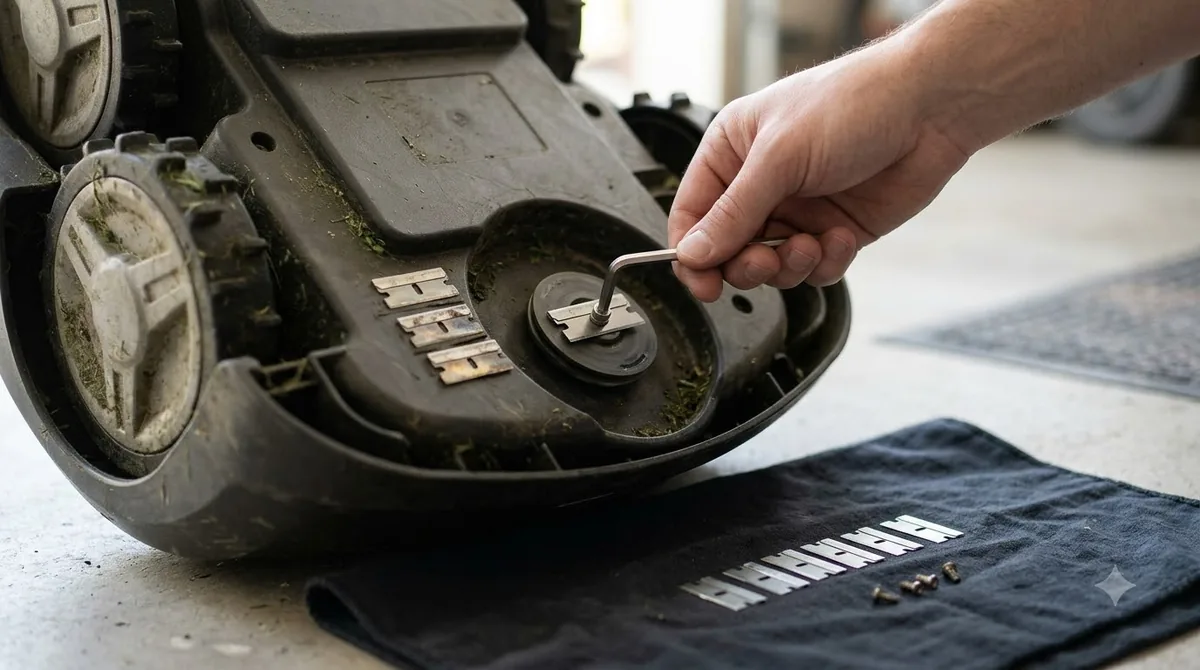
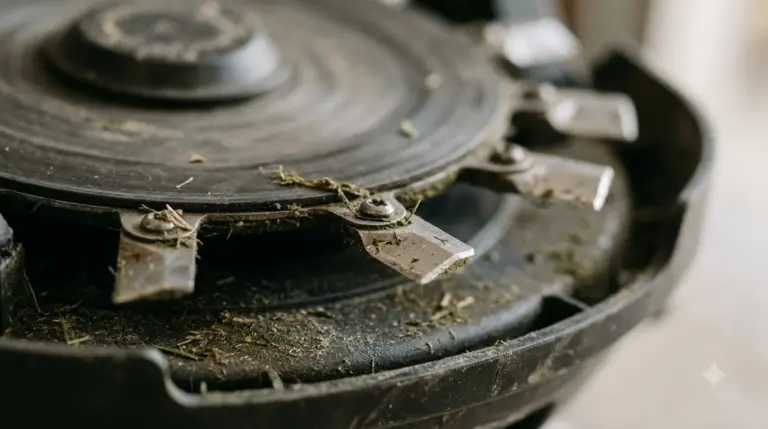
Blades wear faster than most owners expect, especially on thick or wet grass. Dreame includes spare blade kits with the A1, which means you can keep a set on hand instead of waiting for a shipment. Replace blades in sets rather than one at a time, so the cutting edges stay balanced and the mower does not vibrate. When a worn set needs replacing, follow how to swap Dreame blades for the steps. Compatible spares are covered in Dreame replacement blade options for this model line.
When a blade set is listed, read the compatibility line. Some Dreame blade sets and quick-detach kits are marketed for the A3 AWD or for other models, and they may not fit the A1 housing. The same caution applies to replacement discs sold by third-party shops.
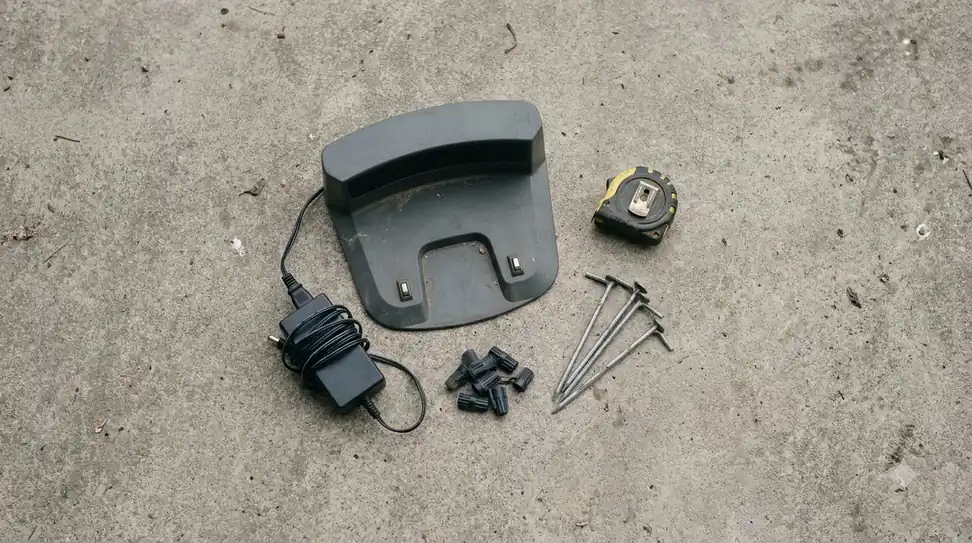
Garages, charging stations, and protection
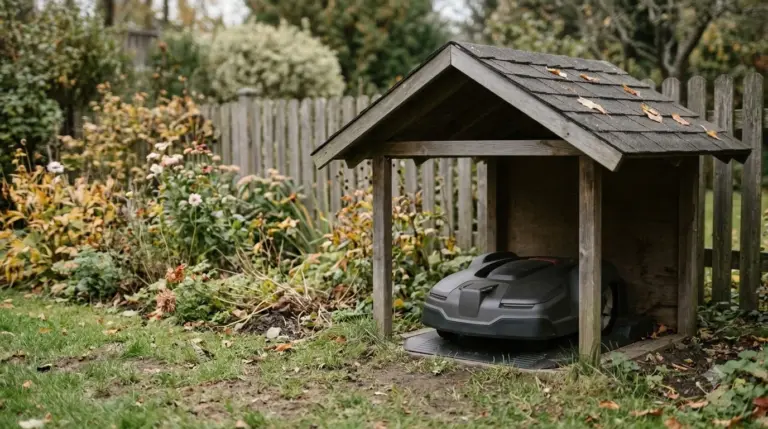
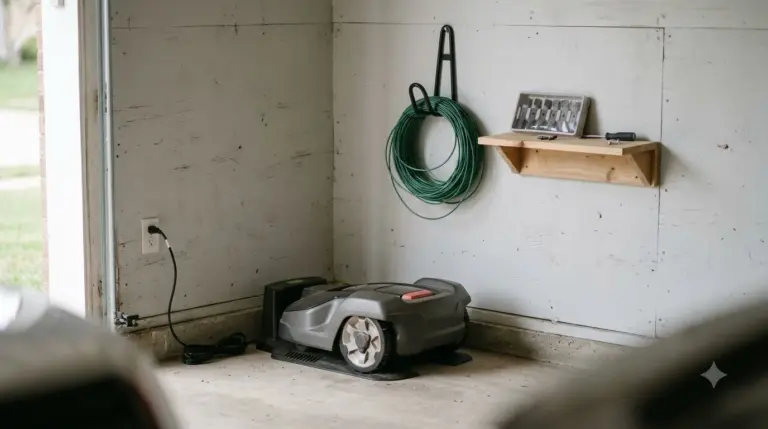
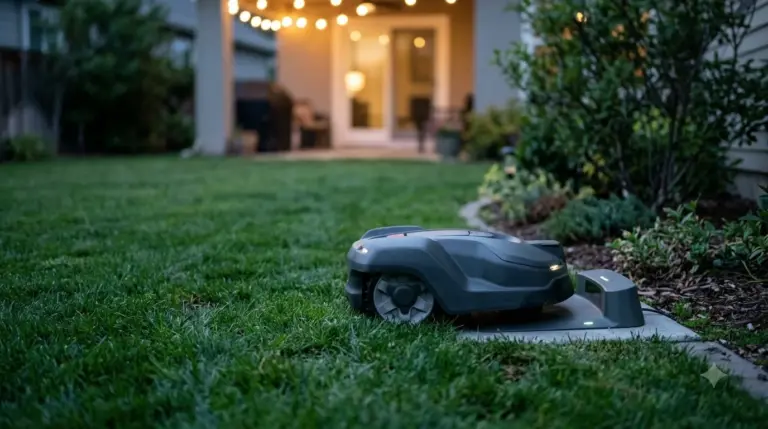
A protective garage keeps the mower out of rain, sun, and snow between cuts, and it can reduce the time the body spends in damp conditions. Our reading is that a garage is most useful in a yard with heavy weather or where the mower sits in the open for long periods. The US store listing for the A1 garage was priced at about $199 when we checked, so compare that against the cost of the mower’s sensors and body panels. Shelter choices for the mower and its dock are compared in garage options for Dreame mowers, including sizing notes.
Heads up
Charging stations and adapters are often sold separately from the mower. Confirm that a station is included in your bundle before you assume the mower will charge where you park it.
Cleaning brushes and maintenance gear
A cleaning brush helps remove grass build-up from the underside and the cutting deck. Clearing the deck after each cut reduces clumping and keeps the blade motor from working harder than it should. An Australian listing for the A1 cleaning brush was priced at about 89.95 AUD when we checked, and the same page noted that charging stations were sold separately.
Third-party parts: when they make sense
Third-party sellers list blade discs and protective parts for the A1 and A2, sometimes at a lower price than the official store. One example we found was a 9-blade cutting disc for the A1, A1 Pro and A2 listed in euros. These parts are not official Dreame products, so the fit, the material, and the warranty can differ. Whether third-party parts make sense depends on what you need, which the Dreame spare parts guide lists.
- Check the model list: confirm the part names the exact A1 or A1 Pro model, not just the family.
- Read the return policy: a part that does not fit should be easy to return.
- Keep the official part as a reference: compare the blade count, mounting holes and weight before you install a substitute.
How to choose without overspending
- Identify the model. Read the model name on the mower body, not the box or the marketing name.
- Buy one blade set. Keep it on hand, and add spares once you know your wear rate.
- Check the charging station. Confirm it is included or buy it separately.
- Add a garage or brush only when the yard or the weather calls for it.
Common mistakes with dreame a1 accessories
The most common mistake is buying by product name alone. Accessory pages often use family names, and a part that is listed for one generation can look identical to the next one while using different mounting points. Read the model line on the mower body and match it against the compatibility note before adding to cart. Avoiding overspending is easier with a list, and accessories for Dreame robot mowers narrows down which extras are worth having for that model.
The second mistake is ordering a full bundle when only one or two parts are needed. Bundles can include a garage, a trimmer kit, or extra blades that a sheltered yard never uses. Price each item on its own first, then decide whether the bundle saves money.
The third mistake is delaying blade replacement until the cut quality drops. Worn blades make the mower work harder and leave a ragged finish. Keeping one spare set on hand means a swap takes minutes rather than a week of waiting for delivery. Owners searching for a dreame a1 pro accessories list should apply the same check, because the pro models share some parts but not all of them.
Related reads: If you have just unboxed the mower, see setting up the Dreame A1 Pro for the initial steps.
Frequently asked questions
Which dreame a1 accessories should I buy first?
Start with spare blades and a charging station if one is not included. Add a garage or cleaning brush once you know how the mower handles your yard.
Do Dreame A1 blades fit the A1 Pro or A3?
Not always. Some blade sets are listed for the A3 AWD or for other models, so check the compatibility line for your exact model before ordering.
Is a third-party cutting disc safe to use?
It can work, but it is not an official Dreame part. Confirm the model fit and check the return policy before you install it.
Is a garage worth it for a robot mower?
For yards with heavy weather or long periods outside the mower’s dock, a garage can protect the body and reduce wear. For a sheltered yard, it is a lower priority.
Sources
- DreameTech, Dreame Roboticmower A1 Garage (manufacturer): garage listing and price noted. Seen in search results; page not opened.
- Dreame Australia, Robotic Lawn Mower A1 (manufacturer): cleaning brush price and note that charging stations are sold separately. Seen in search results; page not opened.
- GreenGears3D, Dreame A1 collection (third-party seller): 9-blade disc example. Seen in search results; page not opened.
 Up next7 min readGearDreame Accessories Worth Buying: 4 Essential PicksUpdated Nov 14, 2026
 8 min readGearDreame Spare Parts: Blades, Battery and What to Check Before You BuyUpdated Nov 12, 2026
 9 min readGearDreame Replacement Battery: What to Check Before You BuyUpdated Nov 12, 2026
 8 min readGearDreame Replacement Wheels: 5 Easy Checks Before You BuyUpdated Nov 19, 2026
 8 min readGearBest Garage for Dreame Robot Mowers: 5 Checks Before You BuyUpdated Nov 13, 2026
 8 min readGearMammotion YUKA Accessories Worth Buying: Wear Parts First, Extras SecondUpdated Nov 12, 2026