
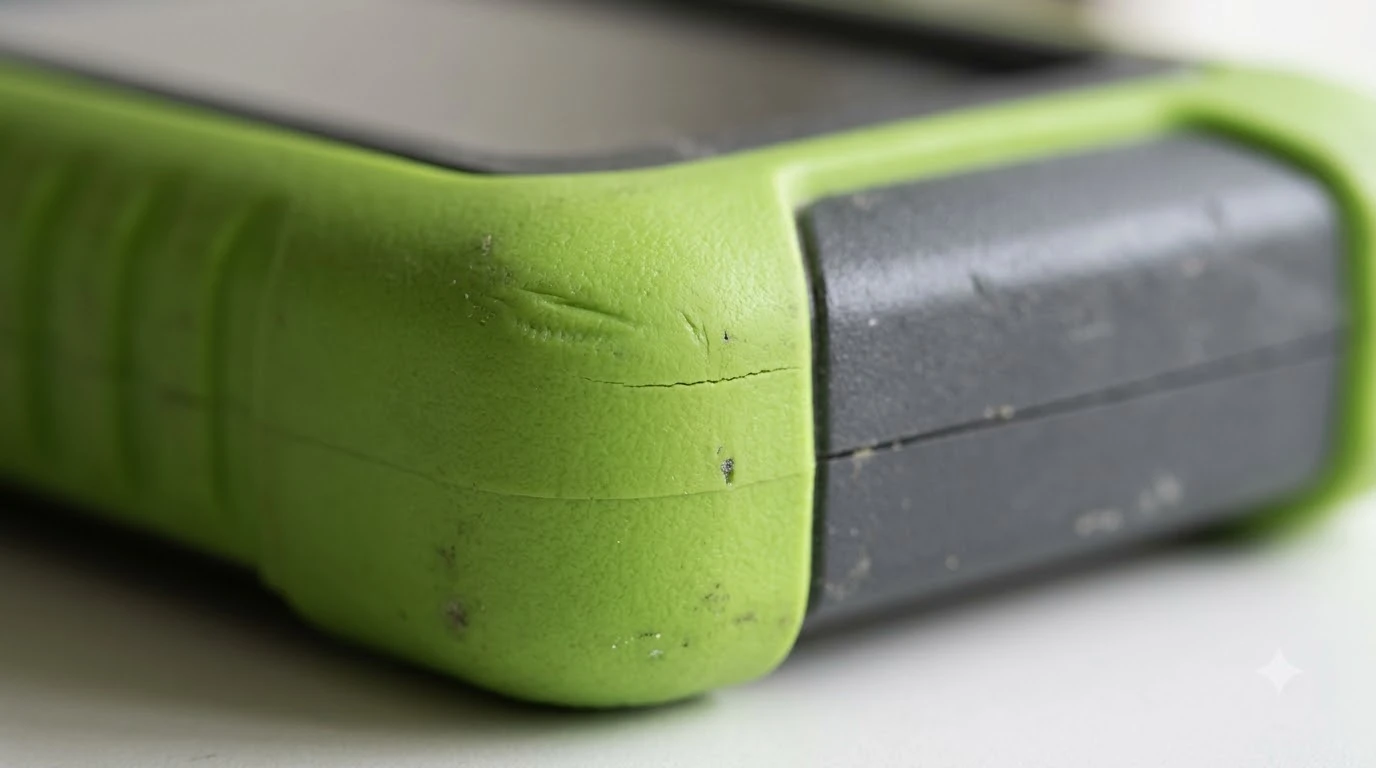

A robot mower spare bumper cover is worth having only if your model sells one and the cover is the part that wears out. The bumper is the soft outer edge that detects contact with obstacles. Many owners never need a spare, because the bumper rarely breaks. When it does crack, sticks, or gets packed with debris, a replacement cover can restore normal contact sensing. This guide explains what the bumper does, what to check before you buy a spare, and how to tell a damaged cover from a sensor problem.
The short answer
- What the bumper does: it detects physical contact, which is the mower’s first line of defense against solid obstacles.
- Spare or not: buy a spare only if your model’s parts list includes the bumper cover. Many brands do not sell it separately.
- Check first: confirm the bumper is seated, moves freely, and is free of trapped grass or dirt.
- Before you order: match the exact model number and the bumper’s left and right shape, not just the brand.
- When to call the dealer: if the error continues after cleaning and reseating, the problem may be a sensor, not the cover.
What the robot mower bumper does
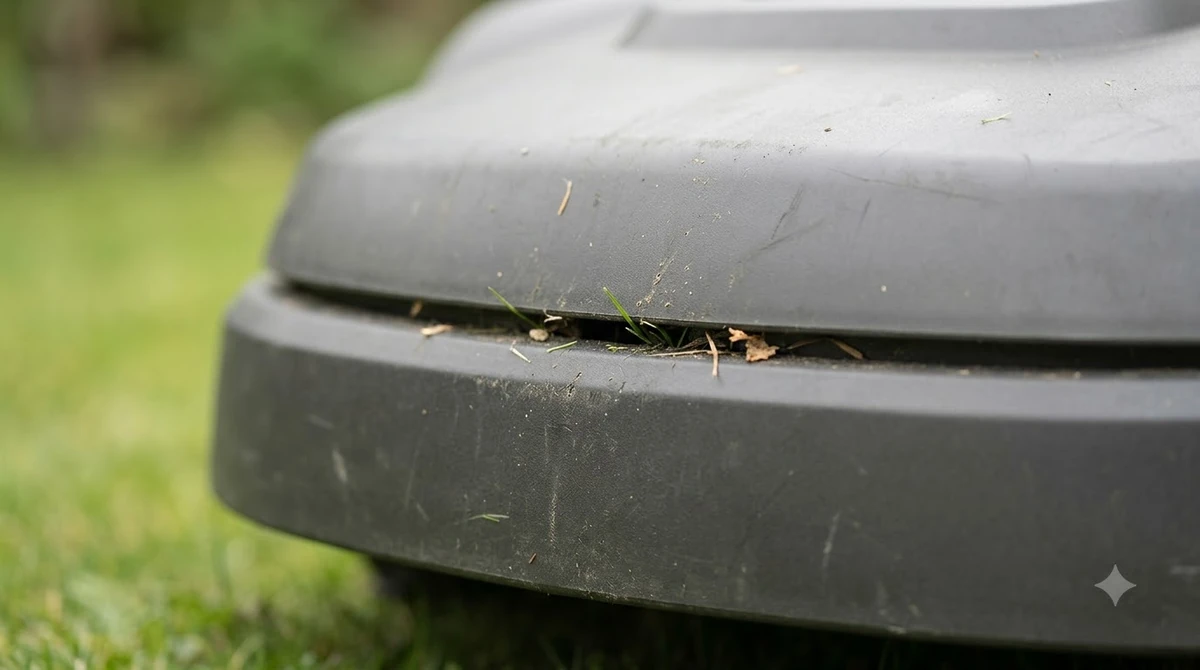
The bumper is the soft shell around the front of many robot mowers. Its job is simple: when the mower touches an obstacle, the bumper moves, and sensors inside the body register the contact. The mower then stops, backs off, and turns. Because it reacts only after contact, the bumper is a backup to other sensing methods, not a replacement for them.
Navimow’s support blog describes bumper sensors as the first line of defense against solid objects, placed around the perimeter for 360-degree coverage. It also says that bumper sensors respond only after contact. That is why a damaged or stuck bumper can change how the mower handles fences, furniture legs, and garden edging.
Is a robot mower spare bumper cover worth buying?
A spare cover is worth buying when three things are true. First, the cover has actually been damaged, not just dirty. Second, your model’s parts list includes a bumper cover. Third, the replacement is cheaper than sending the mower in for service. If any of those is not true, a spare sitting on the shelf will not help. When you are ready for the next step, read our bumper sensor replacement notes for more detail.
Brand policies vary. Some companies sell bumper parts through their online store or dealers, while others only offer blades and a few consumables. Our reading is that owners should look for the official parts list for their exact model first. Third-party covers can fit a different body shape, so a near match can leave gaps that let debris in or change how the sensor moves.
| Situation | Likely cause | Spare cover needed? |
|---|---|---|
| Bumper cracked or split along the seam | Impact damage or age | Yes, if the part is sold |
| Bumper stuck inward or sluggish | Debris trapped between body and bumper | No, clean and check first |
| Frequent contact errors with no visible damage | Sensor or wiring fault, or a seated problem | No, contact the dealer |
| Bumper missing after a hard impact | Clip or latch broken | Yes, if the part is sold |
The table above is a starting point, not a diagnosis. The symptoms overlap, so work through the checks below before you spend money.
How to check the bumper before you buy a spare
Husqvarna’s support guidance for a collision sensor error lists several checks that apply to many robot mowers. The body and bumper should be seated correctly and able to move freely, and dirt or debris should be cleared from the gap between the body and the chassis. The same article notes that an obstacle wedged under furniture or a blocked drive wheel can also trigger the error. For the next step after this section, continue with our collision bumper strips guide. A neighbouring subject worth a look for the same yard is our common robot mower problem fixes.
Work through these steps before you order a replacement:
- Power off and lift the mower. Turn it off at the switch and remove the blade cover or key before you handle the bumper area.
- Clean the gap. Brush out grass, leaves, and soil from the seam between the bumper and body. Compressed air works well for the small spaces.
- Press the bumper. Push it gently on each side and check that it springs back evenly. A bumper that stays pushed in or feels stiff on one side points to a seating or debris problem.
- Look for cracks. Check the seams and the clip points. A hairline crack that does not affect movement is worth watching but may not need a new cover.
- Test the mower. Power it on in an open area and watch whether it stops and turns cleanly when it touches a light object like a cone.
- Record the error. If the message returns after these steps, note the model, the error text, and when it appears before you contact the dealer.
What to look for in a replacement cover
A replacement cover has to match the mower’s body and sensor layout. The shape of the bumper, the clip locations, and the material all affect how it moves and how it protects the sensors. The points below help you check a listing before you buy. You can find more background and practical detail on this point in our LCD screen protector for robot mowers.
Start with the exact model number and the version of the body. Some mowers changed their bumper shape between production runs, so a cover that fits one revision may not fit another. Next, confirm whether the cover is sold as a left, right, or full front piece. A partial piece can leave a gap that lets grass into the sensor housing.
Material matters too. The bumper must flex without cracking in cold weather and resist sun and fertilizer. Look for a rubber or flexible polymer part rated for outdoor use, and avoid parts that feel brittle or are missing a clear material description.

Mistakes that make the bumper problem worse
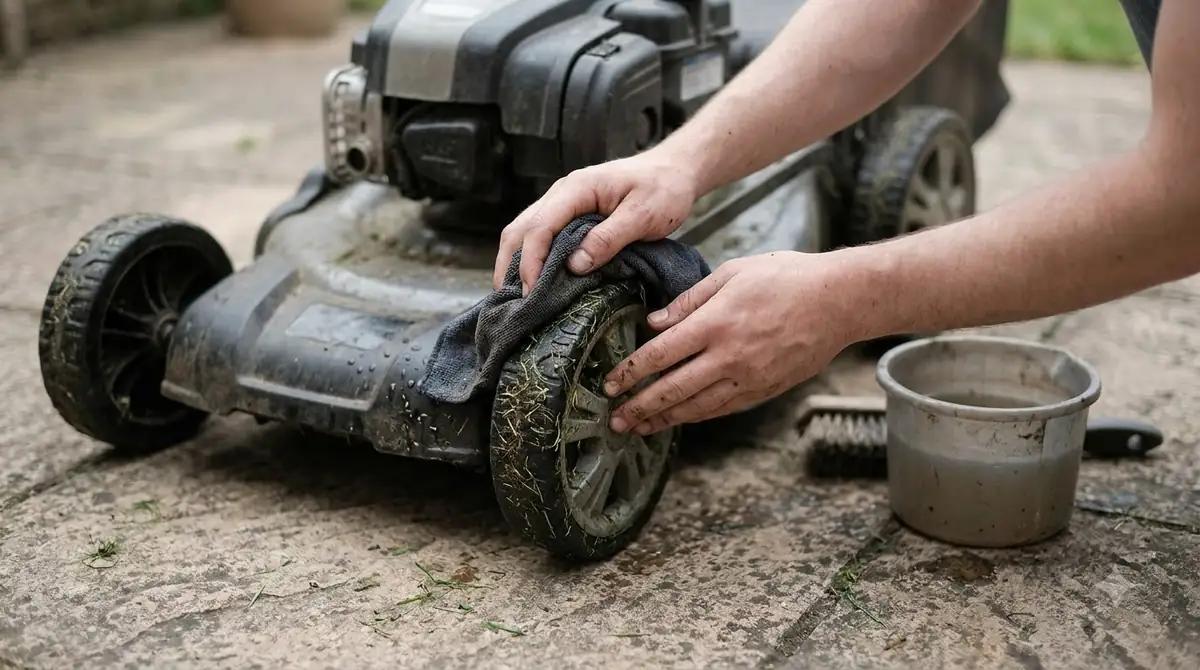
Most bumper trouble comes from a few avoidable habits. Fixing them costs nothing and often clears the error on its own. See our front caster wheel guide for further detail on a connected question.
Heads up
Do not force the bumper back into place with a tool or pry it with a screwdriver. Force can crack the clips and the sensor housing, which turns a cheap cover problem into a costly body repair.
- Using a loose or mismatched cover. A cover that does not seat fully can change how the bumper moves, leading to missed contacts or false stops.
- Spraying the sensors. Water and cleaners can get into the sensor housing. Clean with a dry or lightly damp cloth instead.
- Ignoring debris. Grass and soil packed behind the bumper can hold it out of position and keep the sensor from settling.
- Buying before checking the error. If the cover is not cracked, a spare will not fix a sensor or wiring fault.
Related reads: Also worth reading is our US sources for robot mower parts, which covers a connected question.
Frequently asked questions
Can I replace a robot mower bumper cover myself?
Often yes, if the manufacturer sells the part and the manual shows the removal steps. Power off the mower first, follow the model-specific instructions, and avoid forcing clips. If the bumper is linked to a sensor board, contact the dealer instead.
Why does my mower keep stopping for no visible reason?
A bumper that sticks, sits unevenly, or has debris behind it can send false contact signals. Clean the seam, press the bumper to check its spring, and make sure the mower moves freely. If the stops continue, check the error code and contact support.
Is a third-party bumper cover safe to use?
It can be, but fit is the main risk. A cover that does not match the body may leave gaps or change how the sensor moves. Our reading is to choose a cover that lists your exact model and matches the bumper shape before you install it.
Should I keep a spare bumper on hand?
Only if the part is available for your model and you expect contact damage, such as from a mower used near fences or in a yard with many obstacles. For most owners, keeping the parts list and model number on file is enough.
Sources
- Navimow: how robot lawn mowers avoid hazards (manufacturer blog): described bumper sensors as the first line of defense and their contact-only response.
- Husqvarna AU support: collision sensor problem (manufacturer): listed the seating, debris, and free-movement checks.
 Up next6 min readGearRobot Mower Spare Antenna: When You Really Need OneUpdated Nov 20, 2026
 7 min readGearHusqvarna Automower Spare Parts: What Exists and Where to Buy Genuine OnesUpdated Nov 20, 2026
 7 min readGearMammotion Luba Spare Parts: Which Ones Wear Out and What Is CoveredUpdated Nov 19, 2026
 8 min readGearRobot Mower Cable Conduit for Driveways: When to Use OneUpdated Nov 20, 2026
 7 min readGearRobot Mower Dock Leveling Pad: When One HelpsUpdated Nov 20, 2026
 7 min readGearRobot Lawn Mower Accessories: What Each One Does and When You Need ItUpdated Nov 13, 2026