
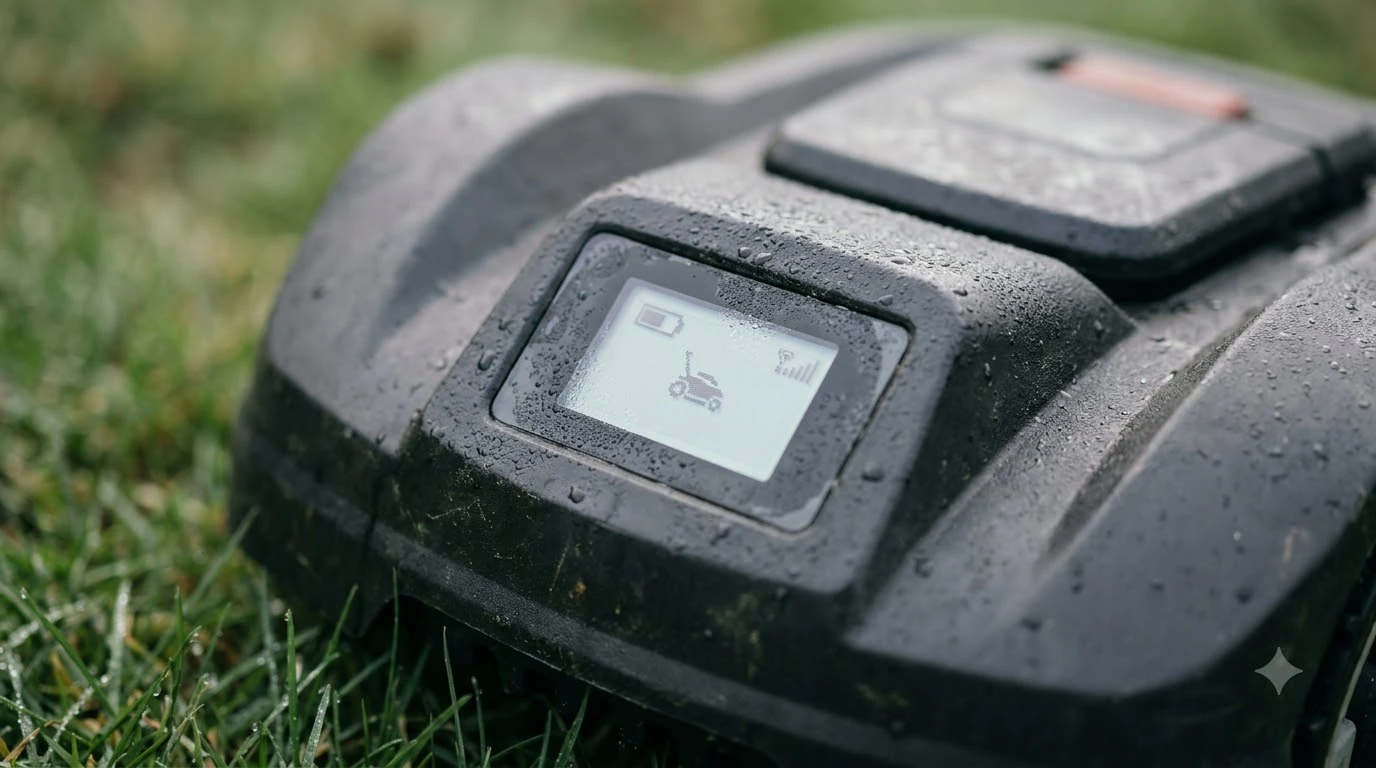

A robot mower LCD screen protector is a thin clear film placed over the control display to guard it against scratches and everyday knocks. It can be useful on a mower that is handled often, but we found no manufacturer guide that recommends one, so treat it as an optional add-on. Before buying, check that the mower’s display still responds to button or touch input with the film fitted, and replace the film as soon as it is scratched.
The short answer
- What it protects: the display surface from scratches and small impacts during setup, cleaning, and storage.
- Manufacturer advice: the maker guides we checked did not mention display protectors, so there is no official endorsement either way.
- Check the response: confirm buttons or touch input still work with the film in place, because a thick or poorly cut film can block input.
- Clean gently: use a screen-safe solution and a soft cloth, and avoid alcohol and ammonia on the film.
- Replace when damaged: a scratched or bubbled protector stops protecting and can scratch the screen beneath.
What a robot mower LCD screen protector does
A protector is a sacrificial layer. It takes the scratches, scuffs, and grit that would otherwise land on the display, so the panel underneath stays clear. Vintez’s care guide describes a protector’s purpose the same way: it is there to be scratched instead of the screen, and once damaged it loses that job.
On a robot mower, the display is mostly a control panel for schedules, zones, and settings. It is touched during setup and on each menu change, and it can pick up dust and fine grit from the lawn. A film does not make the display waterproof or stronger against a hard blow, and it does not change how the mower cuts.
Does the display need protecting at all?
That depends on how the mower is used. A display kept in a garage and touched only for occasional changes has little exposure. A mower that lives outdoors, is cleaned with a hose or brush, or is often adjusted by several people has more chances for scratches. Our reading is that a protector is most useful in those heavier-use cases, and that it is hard to justify for a display that is rarely touched. You can find more background and practical detail on this point in our spare bumper cover guide. See our collision bumper strips for robot mowers for further detail on a connected question.
Check the mower’s manual for cleaning and care instructions first. The manufacturer’s own guidance on cleaning the display, and on what liquids to avoid, should come before any accessory.
Check the display response before you commit
A protector that blocks input is worse than no protector. Vintez’s guide does not address how a film affects touch sensitivity, so we could not confirm the effect from any source we read. The practical test is simple: fit the film, then press each button and check the menus, and if the mower has a touch screen, confirm that taps register at the edges as well as the centre. For a closely related angle, see our bumper sensor replacement steps as well.
Do not rely on the protector to stop a hard knock. A film can crack under a strong impact, and the cracked piece can then catch on a cloth or a finger.
How to choose a robot mower LCD screen protector
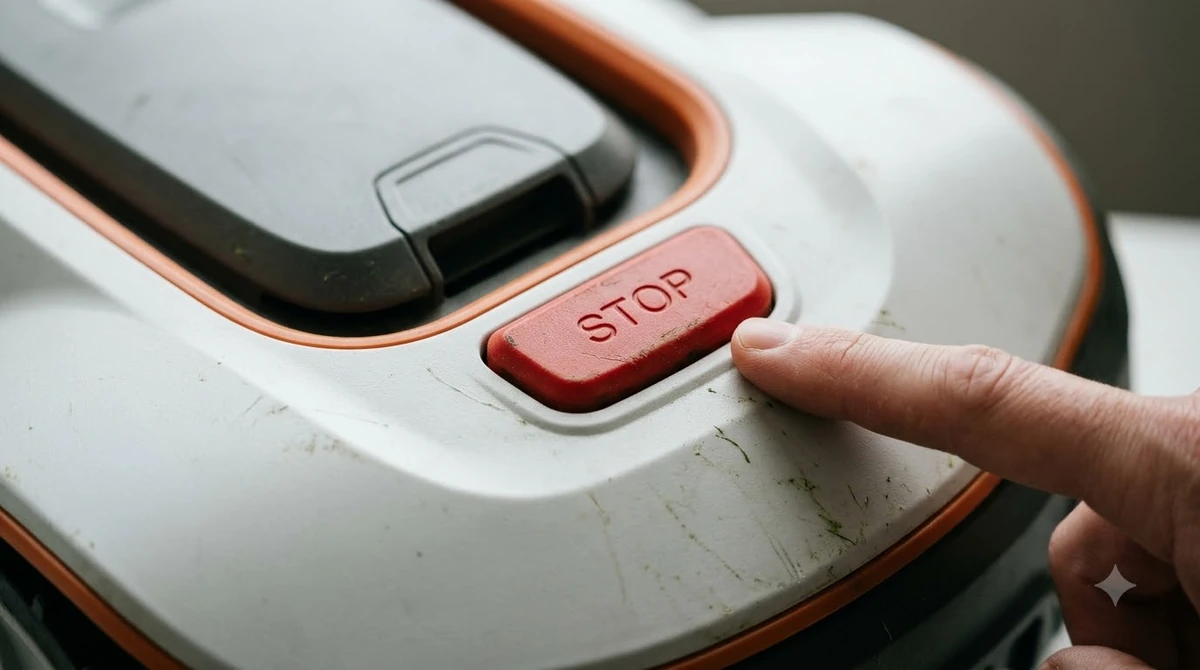
Choose a film cut to your model’s display size and button layout. A film that is too large can cover a button, and one that is too small leaves an edge exposed to dust. A clear film keeps the screen readable in sunlight, while an anti-glare film reduces reflections but can make the text look slightly softer. Pick the one that matches how and where you use the mower. If this point matters for your setup, read our rubber wheel covers fit guide for more detail on it.
- Exact cut: the film should match the display and leave every button uncovered.
- Thin profile: a thick film can change how buttons feel and may block touch input.
- Removable adhesive: you may need to replace the film, so choose one that peels off cleanly.
- Clear or anti-glare: clear for maximum sharpness, anti-glare for bright outdoor glare.
How to clean the screen and the protector
Use a soft microfiber cloth and a cleaning solution made for screens. Vintez advises avoiding harsh chemicals such as alcohol and ammonia, which it says can damage the protector. Apply the solution to the cloth rather than the screen, wipe gently, and do not press hard, since pressure can lift the film’s edge or damage its coating.
Dust and grass dust on the film are best removed with a dry cloth first. A damp cloth can then deal with fingerprints. This is cheap, quick, and keeps liquid away from the button seals.
Power off and handle the mower safely
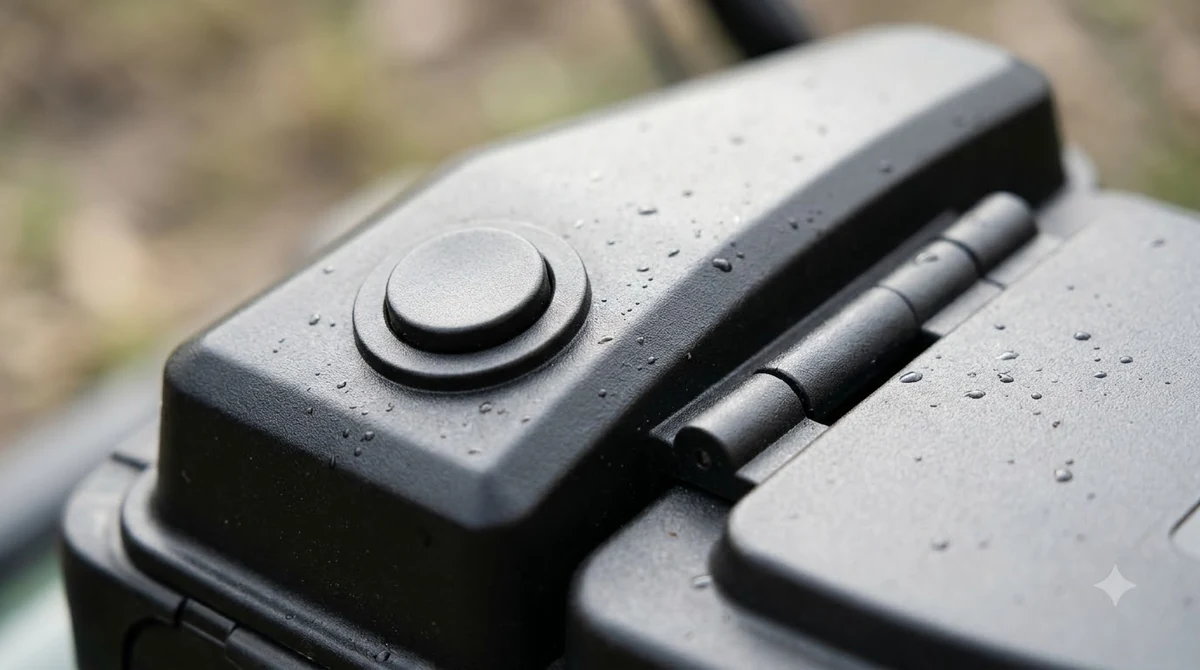
Any work around the display should start with the mower switched off. Mammotion’s blade maintenance guide tells owners to turn the robot off, place it on a soft, clean surface, and avoid pressing on the vision module. The same caution applies here: do not lean on the top of the mower when you clean or fit a film, and keep the body from sliding on a hard floor.
| Situation | Action | Why |
|---|---|---|
| Film fitted, buttons do not respond | Remove and try a thinner or correctly cut film | Input is blocked |
| Film scratched or bubbled | Replace the film | It no longer protects the screen |
| Screen dusty after mowing | Dry wipe, then a lightly dampened cloth | Keeps liquid off the seals |
| Display rarely touched | Skip the film unless the mower is stored outdoors | Low exposure to scratches |
When to replace the protector
Replace the film when it shows scratches, bubbles, lifting edges, or cracks. Vintez notes that a damaged protector can scratch the screen beneath it, so waiting too long defeats the purpose. Keep a spare film if the mower is in daily use, since changing it is quicker than cleaning a damaged one. Beyond this topic, you can also read our US robot mower parts sourcing guide for an adjacent part of owning a robot mower.
Heads up
We found no manufacturer warranty statement for screen protectors. Before fitting one, check whether the display falls under the mower’s warranty and whether the maker lists any accessory restrictions.
Related reads: Also worth reading is our wheel brush maintenance guide, which covers a connected question.
Frequently asked questions
Do robot mowers need a screen protector?
Not usually. The maker guides we checked do not recommend one. A protector is most useful when the mower is handled often or stored outdoors.
Will a screen protector stop the buttons working?
It can if the film is too thick or cut wrong. Test every button and any touch area with the film fitted before relying on it.
Can I clean the display with alcohol?
Vintez advises against alcohol and ammonia on a protector, because they may damage it. Use a screen-safe cleaning solution and a soft cloth instead.
How do I know when to replace the film?
Replace it when it is scratched, bubbled, lifting, or cracked, since a damaged film no longer protects the screen and can scratch it.
Sources
- Vintez Technologies, how to care for a screen protector (independent care guide, not mower-specific): used for the cleaning advice, the warning about alcohol and ammonia, and the replacement guidance.
- Mammotion, maintenance for cutting blades and motor (manufacturer support): used for the power-off and careful-handling steps.
 Up next7 min readGearRobot Mower Accessories Not Worth It: What to Skip FirstUpdated Nov 11, 2026
 7 min readGearBest Outdoor Surge Protector for Robot Mower: What to Check Before You BuyUpdated Nov 11, 2026
 7 min readGearBest Outdoor Cable Protector for Robot Mower: 5 Key ChecksUpdated Nov 11, 2026
 10 min readGearRobot Mower Charger Not Working? Check These Causes FirstUpdated Nov 19, 2026
 6 min readGearRobot Mower Collision Bumper Strips: Are They Worth It?Updated Nov 20, 2026
 7 min readGearMilwaukee String Trimmer Review: Worth It? 5 Expert ChecksUpdated Nov 13, 2026