
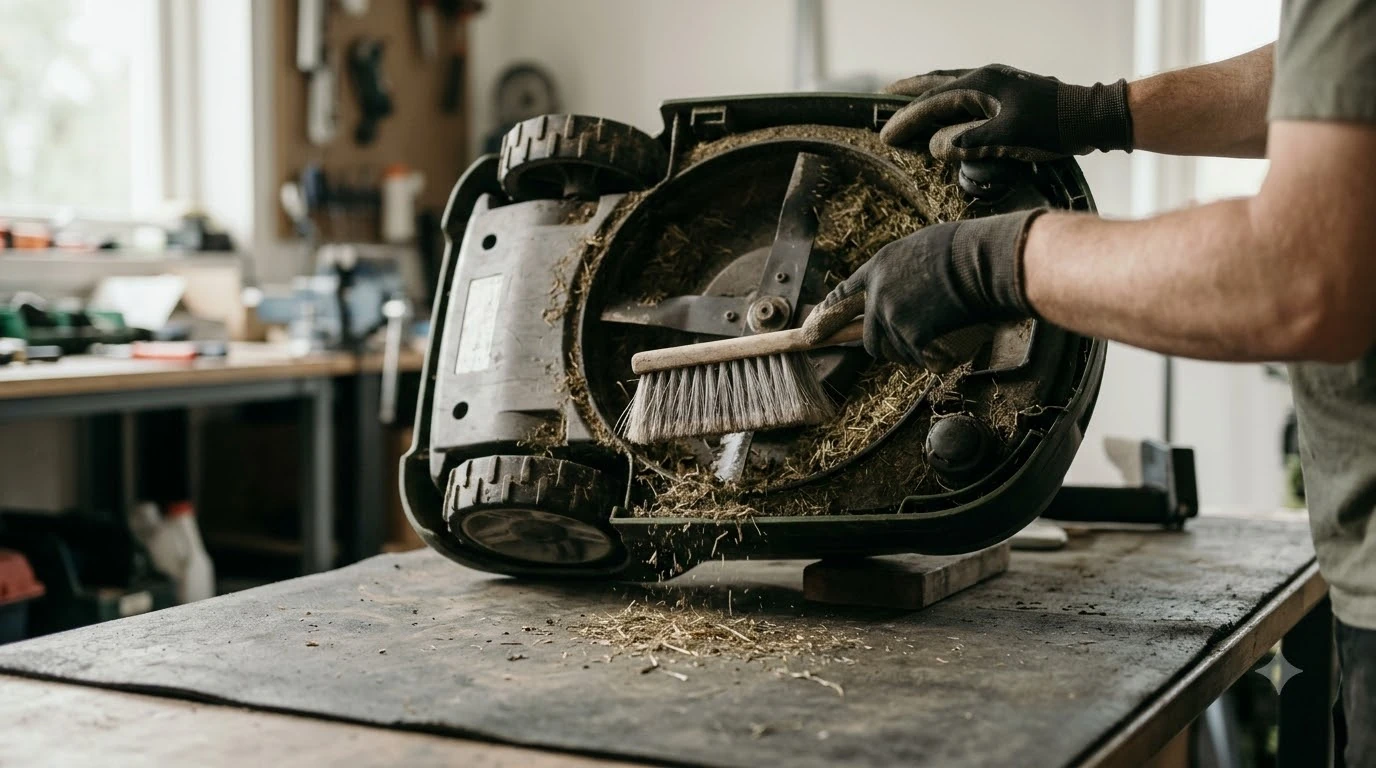

A robot mower ultrasonic sensor cleaning kit is useful only if it is gentle enough for the sensor face. Most owners need a soft dry cloth, a soft brush for the housing, and a way to keep water away from the sensors. A kit with a dedicated brush and cloth can make that routine easier, but it does not change how the sensors work.
The short answer
- What to clean: the sensor faces and the housing around them, not the whole body with a jet of water.
- Best tool: a soft, dry cloth for the sensor face, and a soft brush for grass in the housing gaps.
- What to avoid: spraying water, cleaners, or compressed air at the sensors.
- When a kit helps: when you clean the mower often in wet or grassy conditions and want the same tools each time.
Why ultrasonic sensors need careful cleaning
Ultrasonic sensors on a robot mower send out sound pulses and listen for echoes, so they help the mower spot walls, fences, and obstacles. A film of dust, pollen, or wet grass on the sensor face can change what the sensor reads. That is why keeping the sensor face clean is part of routine upkeep. Sensor care is part of general upkeep, which is described in the guide to routine robot mower cleaning.
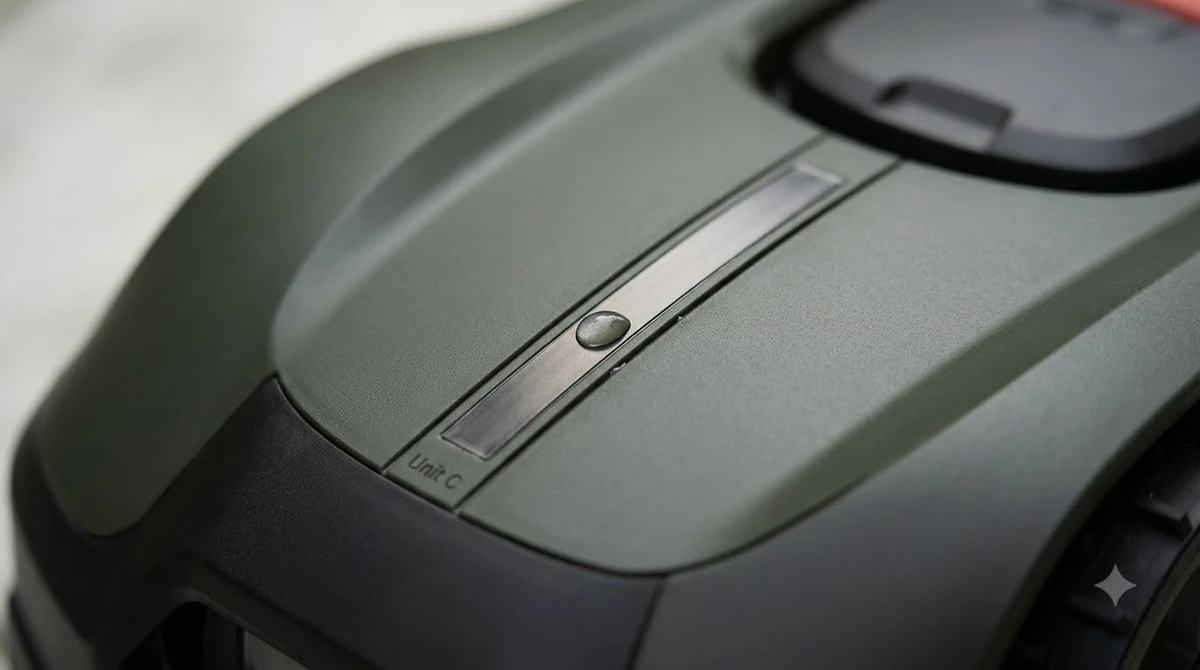
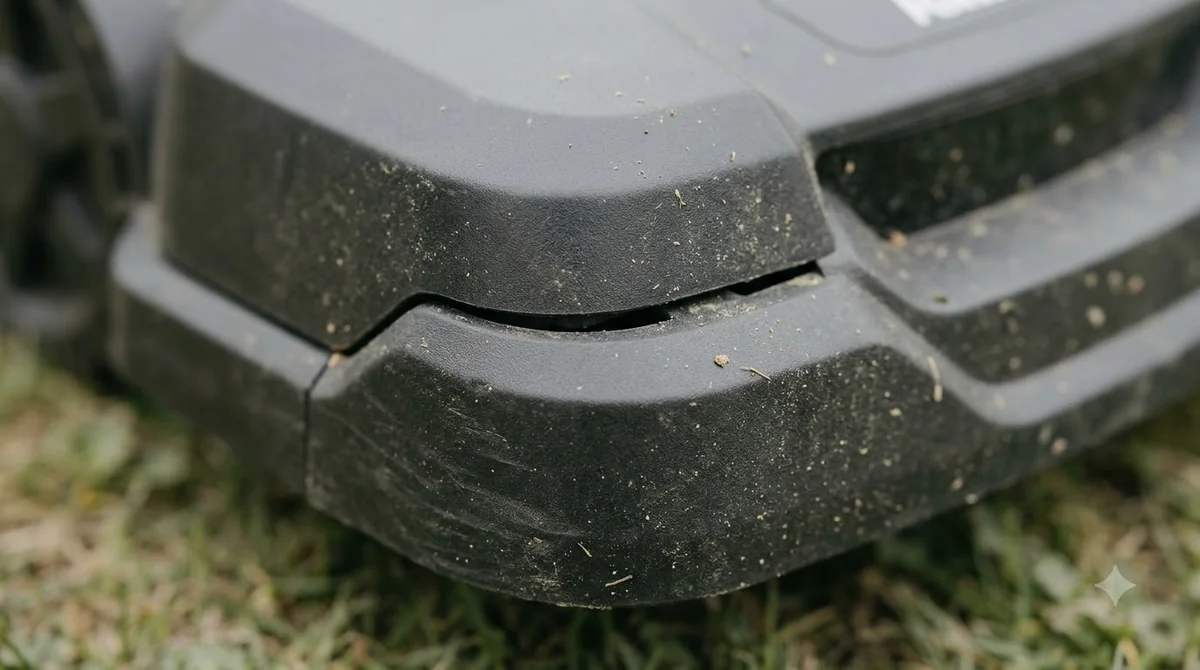
The sensor is usually a small, sealed face on the body, with a housing around it. Grass and fine dirt collect in the gaps around the housing, not only on the face. The aim is to clear both areas without pushing debris into the sensor or wetting the electronics behind it.
What a robot mower sensor cleaning kit usually includes
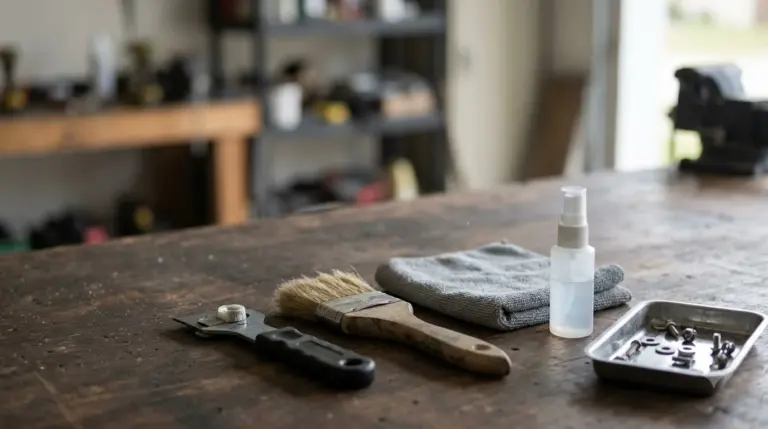
Kits vary by brand and seller, so check the list before you buy. A typical kit might include a soft microfiber cloth, a small brush with soft bristles, and a plastic scraper or pick for packed grass. Some include a cleaning solution, but that is the part to be most careful with, since the maintenance guidance we read says not to spray liquids at sensors. Kits often include a small tool, but a soft cleaning brush for sensor areas works on the surrounding body panels too. Another common inclusion is a microfiber cloth for delicate surfaces, which avoids scratching the sensor faces.
Our reading is that a kit is convenience, not necessity. A clean cloth and a soft paintbrush cover most of the same jobs. What matters more is avoiding stiff tools that can scratch the sensor face or push debris deeper into the housing.
How to clean the sensors without damaging them
Anker’s maintenance guidance for robot mowers says to avoid spraying cameras and sensors directly, and to wipe them gently with a soft, dry cloth instead. Charging contacts get a similar treatment, cleaned with a cloth that is dry or only slightly damp. Keep the mower powered off or unplugged from the dock while you work, so a sensor reset or a stray key press does not interrupt the job. Light dust can be cleared with compressed air for sensor openings before any wiping. Sensors need gentler treatment than the deck, so choose a hose sprayer for cleaning a mower with care and keep the pressure low around any sensors.
- Power down. Switch the mower off and keep it away from the charging dock while you clean.
- Wipe the sensor face. Use a soft, dry microfiber cloth in one direction, without pressing hard.
- Clear the housing gaps. Use a soft brush to loosen grass and dirt around the housing edges.
- Check for dampness. Let the area dry fully before you run the mower again.
- Test a short run. Watch the first few passes for unexpected stops near walls or edges.
Heads up
Do not use a pressure washer, garden hose spray, or a stiff metal tool on the sensor face. Those can damage the surface or push water into the electronics.
When a sensor problem is more than dirt
Cleaning fixes some problems, but not all. Husqvarna’s collision-error guidance lists debris trapped in the body, an obstacle wedged under the mower, and a temporary electronic fault among the causes, and suggests a restart when the cause is unclear. If the mower keeps stopping or misreading obstacles after cleaning and a restart, the problem may be a damaged sensor or a fault that needs the dealer. If the mower also has a camera, camera lens cleaning for vision mowers follows a similar gentle approach.
Keep a simple log of the error codes and when they happen. That makes it easier for the dealer to tell whether the cause is dirt, a loose part, or a sensor fault.
Checking a robot mower ultrasonic sensor cleaning kit before you buy
Read the kit description with the same care you would give a parts list. Look for soft bristles on any brush, a microfiber or lint-free cloth, and a scraper that is plastic rather than metal. Ask whether the kit is sold for your mower brand or as a general accessory, because the shape of the housing differs between models and a generic brush may not reach the gaps around the sensor. A kit rarely covers lubrication, so silicone spray for moving parts is a separate item to consider.
Also check whether the kit asks you to use liquids. If it does, read the instructions for how much to use and where to apply it, and skip any product that tells you to spray the sensor face directly. A kit that works best with a dry cloth is the safer choice for most owners, since it keeps the sensor surface free of residue.
Is a cleaning kit worth buying?
For most owners, a kit is optional. If you already have a soft cloth and a soft brush, the cleaning routine works the same way. A kit is more useful when you want matching tools kept with the mower, or when you clean often enough that a labelled brush and cloth save time. Whether a cleaning kit is worth buying depends partly on what else needs care, such as gearbox grease and lubrication.
Whatever you buy, avoid kits that push a spray or solvent as the main method. The safest routine is dry, gentle, and repeated often, not a deep clean with liquids.
Frequently asked questions
Can I use water to clean the ultrasonic sensors?
Avoid spraying water directly at sensors. Wipe the face gently with a soft, dry cloth instead, and let the area dry before running the mower.
What tool is best for grass stuck around the sensor housing?
A soft brush is the safest choice. Avoid stiff metal or sharp tools that can scratch the sensor face or damage the housing.
How often should I clean the sensors?
Check them after each mow in wet or grassy conditions, and clean them whenever you see dust or debris on the face. There is no fixed interval in the sources we read, so use what you see as the guide.
Will cleaning fix a collision or obstacle error?
It can, if dirt or debris caused the error. If the mower keeps stopping after cleaning and a restart, contact the dealer with the error code.
Sources
- Robotic lawn mower maintenance (Anker): avoid spraying cameras and sensors; wipe with a soft, dry cloth; charging contacts cleaned with a cloth only.
- How robot lawn mowers avoid hazards (Navimow): sensors and cameras should be kept clean to detect accurately.
- Collision sensor problem: Automower error message (Husqvarna support): debris, obstacles, and temporary faults as causes, with a restart and dealer contact as next steps.
 Up next8 min readGearRobot Mower Camera Lens Cleaning Kit: Do You Need One?Updated Nov 19, 2026
 6 min readGearRobot Mower Spare Antenna: When You Really Need OneUpdated Nov 20, 2026
 7 min readGearRobot Lawn Mower Accessories: What Each One Does and When You Need ItUpdated Nov 13, 2026
 8 min readGearRobot Mower Wall Mount Bracket: Do You Need One?Updated Nov 11, 2026
 8 min readGearRobot Mower Bumper Sensor Replacement: What to Check FirstUpdated Nov 19, 2026
 8 min readGearBest Soil Moisture Sensor to Pair With Robot Mower: What Actually Controls MowingUpdated Nov 13, 2026