
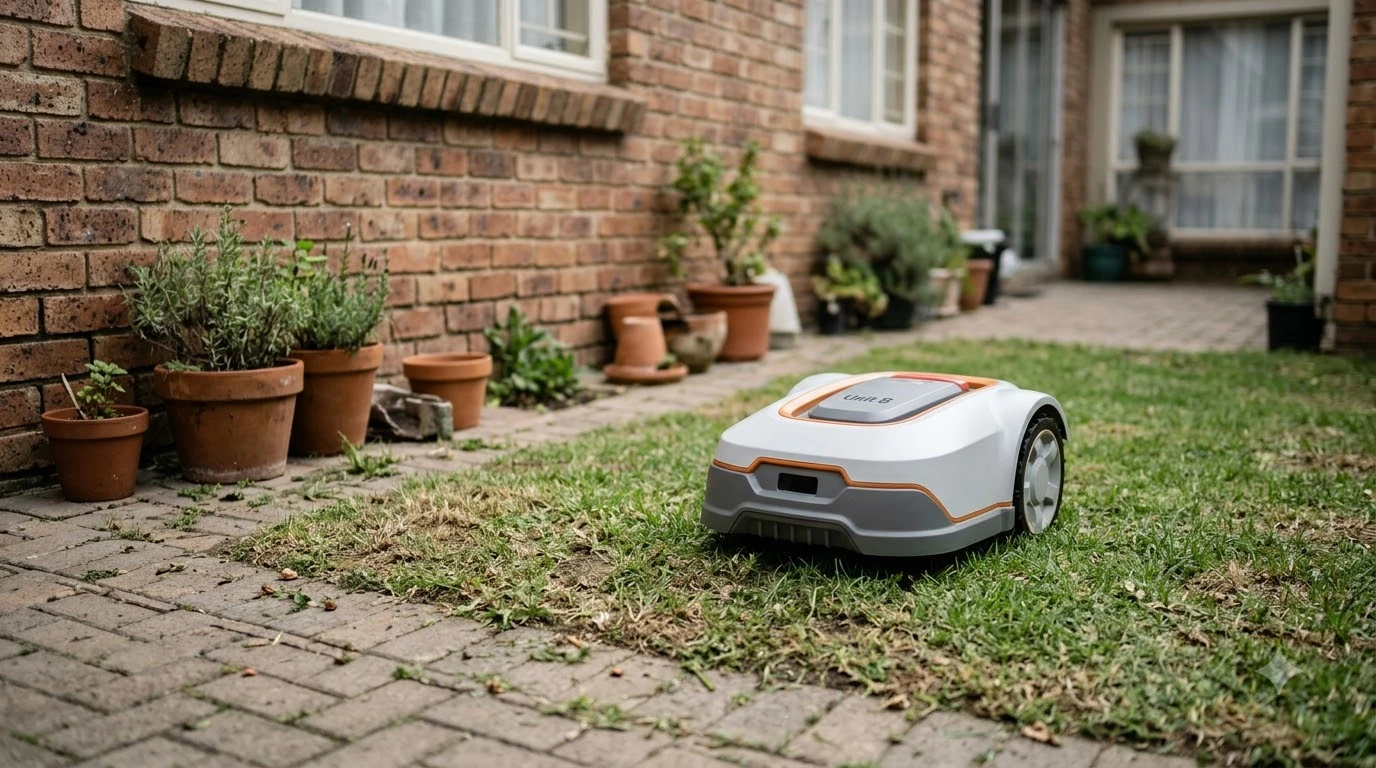

How does a robot mower handle a well cap or utility pedestal in the lawn? It depends on how far the fixture rises above the grass. A tall pedestal can be sensed and bumped, but a cap that sits flush with the turf may never be detected, so most manufacturers suggest fencing fixed objects in with the boundary wire. The limits and clearance figures below come from manufacturer support pages and manuals, as of November 2026.
The short answer
- Tall fixtures can be detected and bumped, depending on the model’s sensors and the height of the object.
- Flush fixtures may be missed, because Husqvarna says objects lying flat or very close to the ground may not be detected.
- Wire islands are the manufacturer method for fixed objects that cannot take a bump.
- Virtual stay-out zones tell the mower where not to go, but they are not a physical barrier.
How does a robot mower handle a well cap or utility pedestal in the lawn?
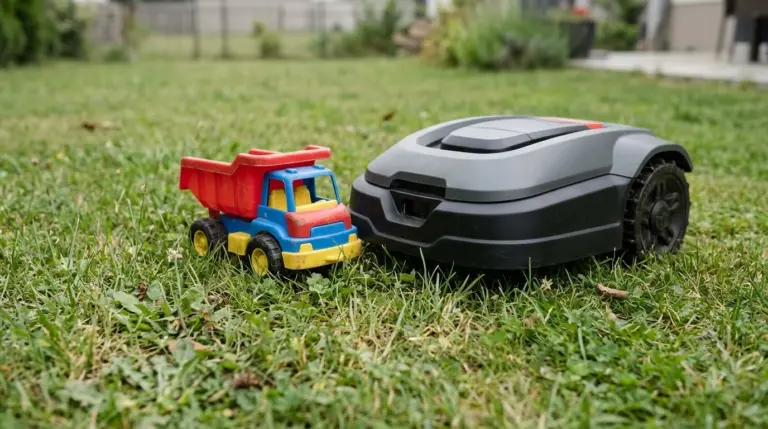
A well cap or utility pedestal is a fixed object, but its height decides what the mower can see. A pedestal that stands well above the turf is a large, upright target for sensors. A cap set level with the lawn gives the sensors very little to read, and the mower may roll straight over it. Husqvarna’s AI vision article adds that raised sections of an object are hard to assess, and the mower may try to pass under them.
Husqvarna’s object-avoidance support article says that objects lying flat or very close to the ground may not be detected, and that the feature is not a safety feature. In its words, there is no guarantee that objects will not be run over.
Our reading is that a flush well cap should be treated as an unprotected object, not as one the mower will avoid. Check it by walking the lawn and noting which fixtures sit level with the grass.
What the sensors can and cannot see
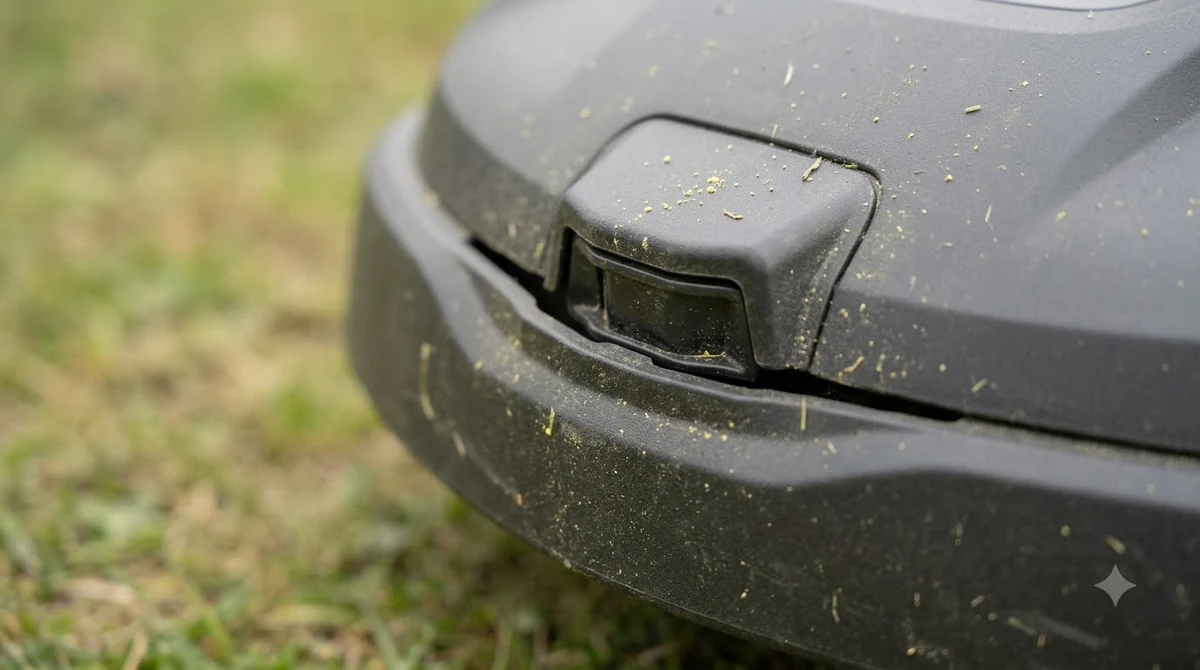
Sensing systems differ, and they decide how a robot mower handles a well cap or utility pedestal. Our guide to how robot mowers avoid obstacles covers the sensor types. Husqvarna’s AI vision support article describes sorting objects into risk groups, and says the mower may attempt to pass under raised sections of an object. Where that is a risk of getting stuck, the page recommends a stay-out zone. The page does not name well caps or utility boxes, so the behavior for those fixtures is not stated there.
The Robomow RT user guide gives one concrete threshold: rigid obstacles taller than 15 cm are bumped and avoided without wire, while lower objects need a boundary wire or a zone. That is a single model’s manual, not a rule for every brand, but it shows why height matters. A utility pedestal above that line has a better chance of being handled by bump and avoidance. A flush cap below it does not.
Use a wire island around a fixed fixture
So how does a robot mower handle a well cap or utility pedestal that it cannot be trusted to avoid? The usual manufacturer answer is a wire island. Husqvarna’s islands article says that for obstacles such as flower beds or rockeries, creating islands with the boundary wire is the recommended approach. The mower then drives around the island instead of into it. Our guide to laying boundary wire around trees and obstacles shows the layout, and the boulder-in-the-lawn guide covers a similar fixed object.
The closing wires have one strict rule. Husqvarna warns that the wires must not cross, because the mower will not recognize the island and will stop. The fix is to lay the two wires close together on the return path so their signals cancel and the mower can pass over them. Worx’s Landroid guide gives a specific clearance for its island setup: 26 cm of island wire clearance on that model. That figure belongs to that system only, so it should not be carried over to a different brand.
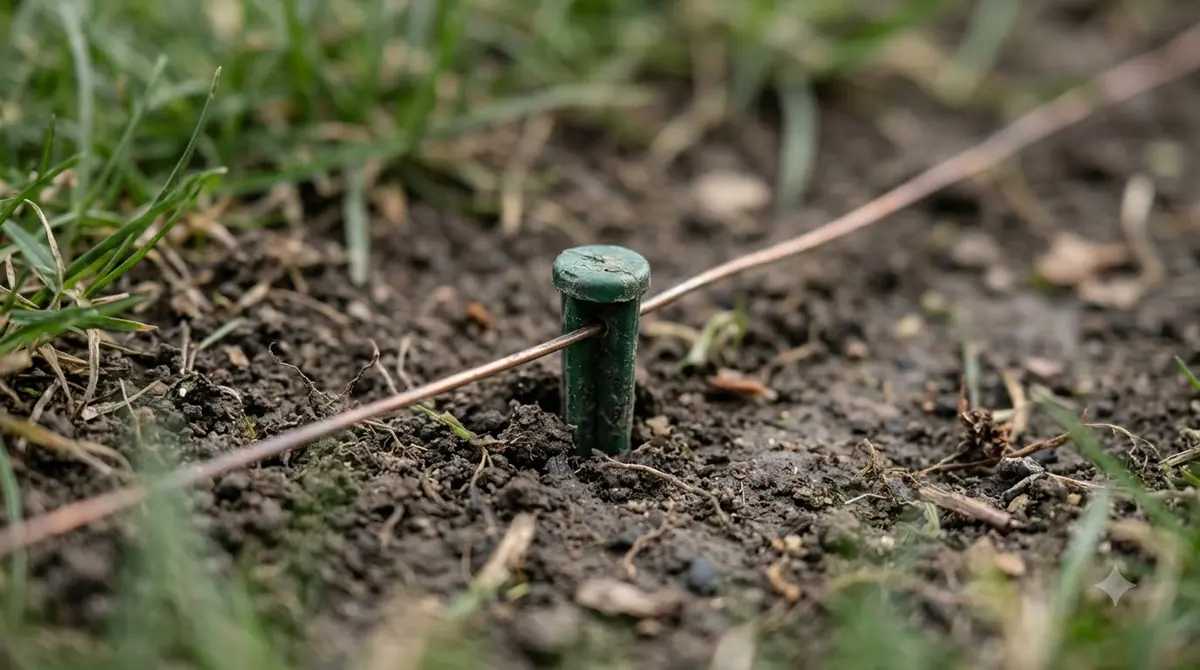
Our reading is that a well cap or utility pedestal is close to the textbook case for an island, because it is a fixed object you do not want the mower to hit. The island should be wide enough to keep the mower a safe distance away, and the exact distance depends on your model, so check the manual before you pin the wire down.
Stay-out zones are not a physical barrier
A virtual stay-out zone is a map setting (see how to set up no-go zones). It tells the mower where not to go, but it does not stop the mower by itself, and it does not put anything in the way. Husqvarna’s AIM stay-out article is blunt on this point: never use an AIM stay-out zone to stop the mower from running into a swimming pool or the street. Those areas should be fenced off with the boundary wire and a barrier at least 15 cm (6 in.) tall, and a virtual zone does not replace that physical fence. A garden fence for a robot mower no-go zone is one way to add that barrier.
Heads up
Husqvarna’s EPOS stay-out zones have a minimum size of 30 x 30 cm, and the mower will not pass through them. Husqvarna recommends zones around trees, roots and stones. A zone is still a map setting, so a serious hazard needs a physical barrier as well.
In short, how does a robot mower handle a well cap or utility pedestal safely? Our reading is to use a wire island as the first line of protection and a stay-out zone as a second layer, not as a substitute for either one.
Clearance numbers from manuals at a glance
The published figures below come from different manufacturers and different systems. They cannot be combined into one rule, so use only the figures for your own model.
| Figure | Value | Where it applies |
|---|---|---|
| Object avoidance switched off near the boundary | Within 60 cm of a virtual boundary, 90 cm of a boundary wire | Husqvarna object avoidance (KA-70110) |
| Island wire clearance | 26 cm | Worx Landroid island setup |
| Minimum EPOS stay-out zone | 30 x 30 cm | Husqvarna EPOS (KA-70385) |
| Barrier beside a pool or street | At least 15 cm (6 in.) tall | Husqvarna AIM stay-out (KA-01699) |
| Rigid obstacle bump threshold | Taller than 15 cm is bumped and avoided without wire | Robomow RT user guide |
The 60 cm and 90 cm figures are worth reading carefully. Husqvarna switches object avoidance off within those distances of the boundary, so a fixture close to the edge of the lawn cannot count on sensors to handle it. That is one more reason to fence it with wire.
A checklist before you mow near a fixture
Before you plan around a fixture, remember that tall grass can hide a low one. Husqvarna’s AI vision article warns that objects hidden in high grass can trap the mower, and recommends trimming the edges, protecting or burying exposed legs or parts, or creating a stay-out zone. Our reading is that the grass around each cap should be cut short before the first run.
Each fixture should be dealt with before the first run, not after the mower has stopped against it. The steps below follow the manufacturer approaches above and are our own reading.
- Mark every fixture. Walk the lawn and flag each well cap and pedestal, including any that sit level with the grass.
- Measure the height above turf. Note which fixtures stand above the 15 cm figure and which are flush.
- Plan the wire. Use a wire island for fixed objects, and keep the closing wires from crossing.
- Check your model’s clearance. Use the island and zone figures from your own manual, not a figure from another brand.
- Add a physical barrier where the risk is serious. A virtual zone alone is not enough near hazards.
Frequently asked questions
How does a robot mower handle a well cap or utility pedestal near the lawn edge?
Do not count on sensors there. Husqvarna switches object avoidance off within 60 cm of a virtual boundary and 90 cm of a boundary wire, so a fixture near the edge should be fenced with a wire island.
Will a robot mower run over a flush well cap?
It may. Husqvarna says objects lying flat or very close to the ground may not be detected, and there is no guarantee of avoidance. A wire island is the safer approach.
Do I need boundary wire around a utility pedestal?
Husqvarna recommends creating islands with the boundary wire for fixed obstacles that cannot take a bump. Whether your pedestal needs one depends on its height and your model’s manual.
Is a virtual stay-out zone enough?
No. Husqvarna says a virtual zone does not replace a physical barrier. Its AIM guidance asks for a barrier at least 15 cm (6 in.) tall near pools and streets.
What is the minimum island clearance?
There is no universal figure. Worx lists 26 cm of island wire clearance for its Landroid setup, and other brands publish different numbers, so use the figure in your own model’s manual.
Sources
- Object avoidance with radar or ultrasonic sensors (Husqvarna support, KA-70110): flat or low objects may not be detected; avoidance switched off near the boundary.
- Object detection and avoidance with AI vision technology (Husqvarna support, KA-70388): risk groups, raised sections and hidden objects in tall grass.
- How to create islands in a boundary wire installation (Husqvarna support, KA-01427): islands for fixed obstacles; wires must not cross.
- Creating stay-out zones with AIM Technology (Husqvarna support, KA-01699): virtual zones are not a physical barrier; 15 cm barrier near pools and streets.
- Set up and manage work areas, stay-out zones and transport paths with EPOS (Husqvarna support, KA-70385): 30 x 30 cm minimum.
- Setup an island (Worx Landroid wiki): island wire clearance of 26 cm.
- Robomow RT user guide (Robomow): rigid obstacles taller than 15 cm are bumped and avoided without wire.
 Up next6 min readBy YardRobot Mower for a Lawn With Utility BoxesUpdated Nov 13, 2026
 8 min readBy YardHow Does a Robot Mower Handle a Lawn with Lamp Posts?Updated Nov 12, 2026
 9 min readBy YardHow Does a Robot Mower Handle Tree Stumps in the Lawn?Updated Nov 12, 2026
 7 min readBy YardHow Does a Robot Mower Handle a Boulder in the Lawn?Updated Nov 12, 2026
 8 min readBy YardHow Does a Robot Mower Handle a Patio? Wire and Edge RulesUpdated Nov 12, 2026
 6 min readBy YardHow Does a Robot Mower Handle a Wheelbarrow Left on the Lawn?Updated Nov 12, 2026