
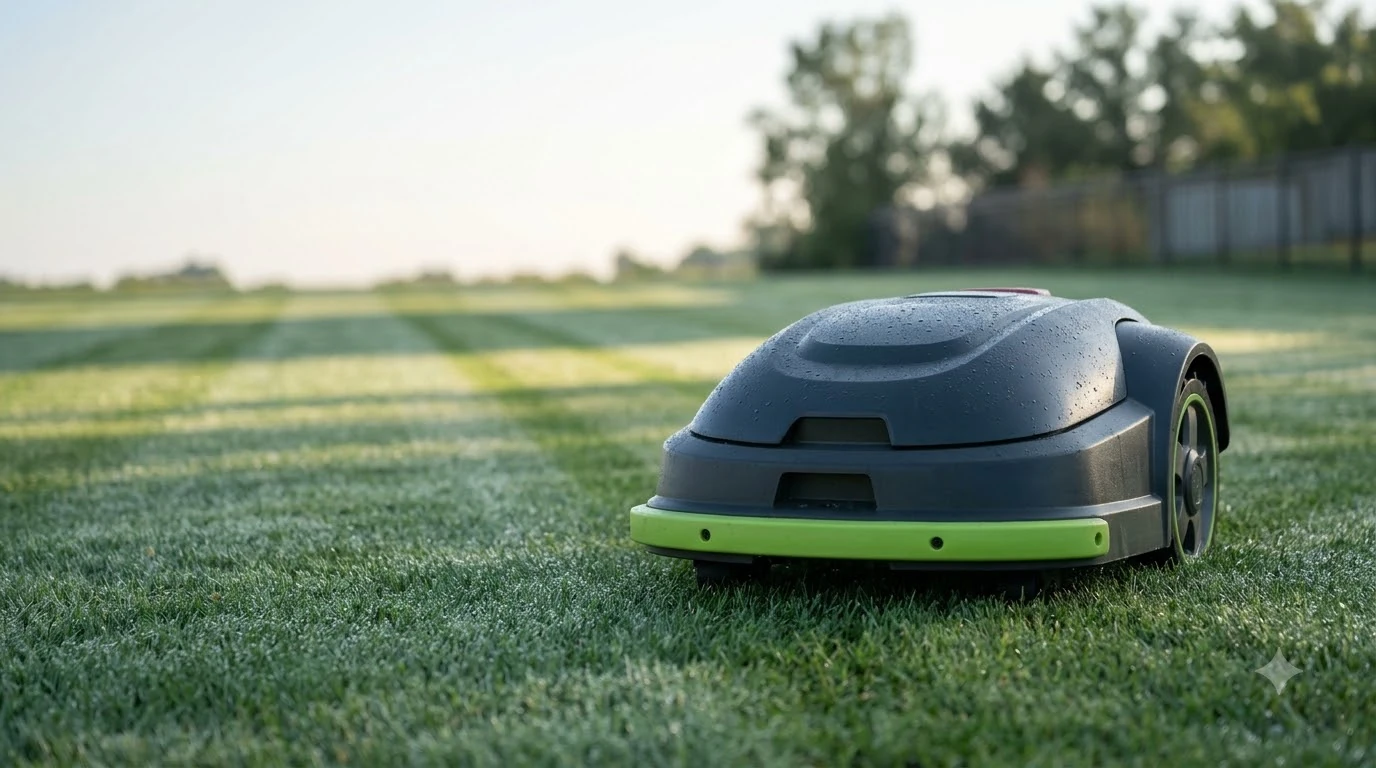

What does a robot mower rain delay setting do? It keeps the mower docked for a fixed period after its rain sensor dries out. The timer starts when the sensor is no longer wet, so the mower does not restart the moment the sky clears. Worx documents a default of 180 minutes for its Landroid models, and the setting can usually be changed or resumed early. This guide explains what the timer does, how it differs from the rain sensor and from forecast-based rain protection, and when adjusting it makes sense.
The short answer
- The sensor detects water and sends the mower back to its dock.
- The rain delay is a timer that holds the mower docked after the sensor dries.
- The default is 180 minutes on Worx Landroid models, according to the manufacturer’s wiki.
- Resuming early is possible on those models by turning the mower off and back on.
- Shortening the delay makes the mower run on damp grass sooner, which can cause ruts and clumping.
What does a robot mower rain delay setting do after the sensor reacts?
Most robot mowers with a rain sensor follow the same sequence. When the sensor detects moisture, the mower stops cutting and returns to its charging base. The rain delay then starts only after the sensor is dry, so a passing shower does not restart the clock while the sensor is still wet. When the timer runs out, the mower goes back to its normal schedule. Rain delay is one part of the schedule, and yearly start and stop timing covers the seasonal side. Weather limits also include temperature and frost, as cold-climate operation explains for northern lawns and short seasons.
In short, a robot mower rain delay setting is the cooldown that follows the sensor. This two-step design is why the delay matters. The sensor reacts to the weather right now. The delay covers the time after the weather has cleared, when the grass is still soaked and the surface is still soft.
What the default delay looks like in practice
On Worx Landroid models, the default is 180 minutes, or three hours. The manufacturer’s wiki says the delay can be adjusted in the Landroid app or on the display, and that some models will not allow the setting to be changed. Other brands do not always use the same timer. Some rely more on the weather itself, so check your own manual rather than assuming the Worx numbers apply. Rain delay interacts with the daily run window, as time of day scheduling shows for typical lawns.
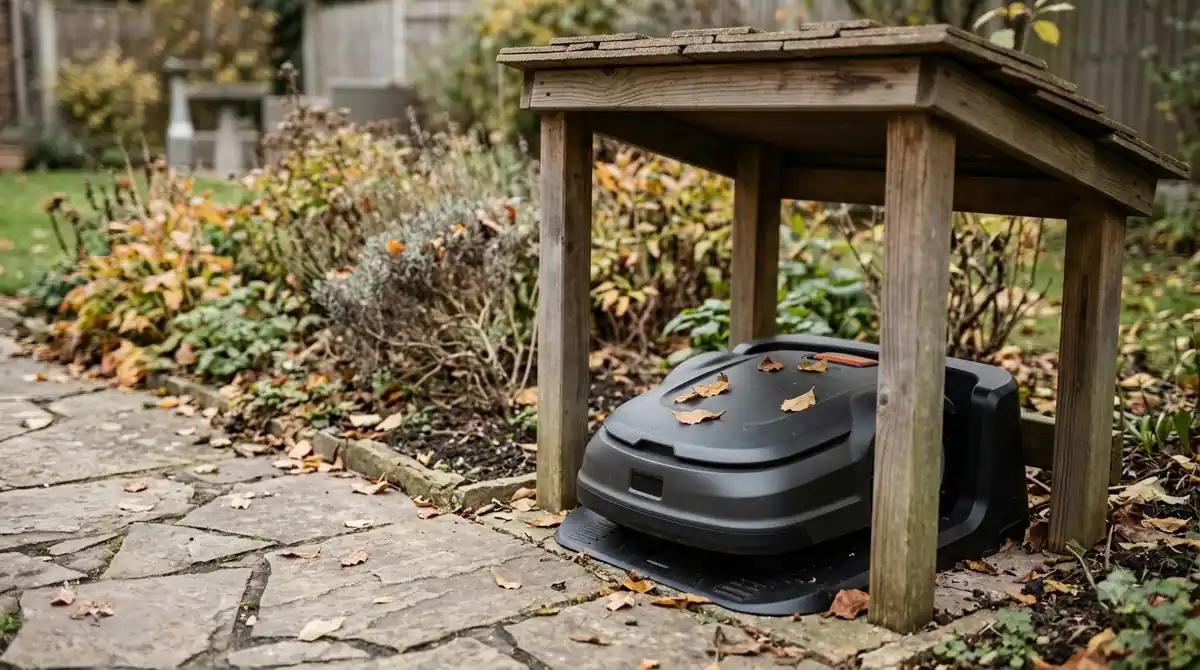
A three-hour delay is a sensible starting point for a typical afternoon shower on a lawn with good drainage. It is less useful after a heavy storm, when water may sit in low spots long after the sensor dries.
Sensor, delay and forecast are three different controls
People often mix these up, so it helps to keep them separate. The sensor is a reaction to water on the sensor surface. The delay is a timer that starts after that reaction. Forecast-based protection, where a brand offers it, is a separate feature that tries to avoid the rain altogether by docking the mower when precipitation is expected.
| Control | What triggers it | What it does |
|---|---|---|
| Rain sensor | Water on the sensor | Sends the mower back to the dock |
| Rain delay | Sensor drying out | Holds the mower docked for a set time |
| Forecast protection | Rain predicted by the app or weather data | Keeps the mower docked before rain starts, on models that offer it |
Because the delay only counts after the sensor dries, it cannot replace the other two controls. It is a cooldown on top of them.
When to change the rain delay
Most owners leave the default alone. A longer delay is the safer choice on clay soil, on lawns with low spots, and in regions with frequent heavy rain. The mower stays off the grass longer, which protects the turf from tracks and clumping. Lawns that hold water need extra changes, as flood-prone lawn adjustments explains.
A shorter delay makes sense only when your lawn drains quickly and the grass dries fast, such as in a sunny, windy climate. Even then, the Husqvarna how-to guidance on wet grass suggests waiting a full day after rain, and a practical field check: if the grass is damp or clumps when you press it, the lawn is too wet to mow.
Heads up
Resuming early by power cycling the mower skips the timer for that session. Do it only after you have checked the lawn yourself, because the mower will run on the wet grass straight away.
How to check the setting on your mower
Menu names and steps vary by brand and model, so start with your manual or the manufacturer’s app. Look for a rain delay or rain sensor menu, read the current value, and change it only if you have a reason. Some models do not allow changes at all. Some allow the delay to be turned off, but that removes the cooldown entirely, so most owners prefer to keep a short value rather than zero. Dry regions need different run settings and timing, as drought-prone area timing explains for hot and arid lawns.
After any change, watch the first few runs after a storm. If the mower leaves tracks, pushes clippings into clumps, or struggles on slopes, the delay is probably too short for your lawn.
What to do after a heavy storm
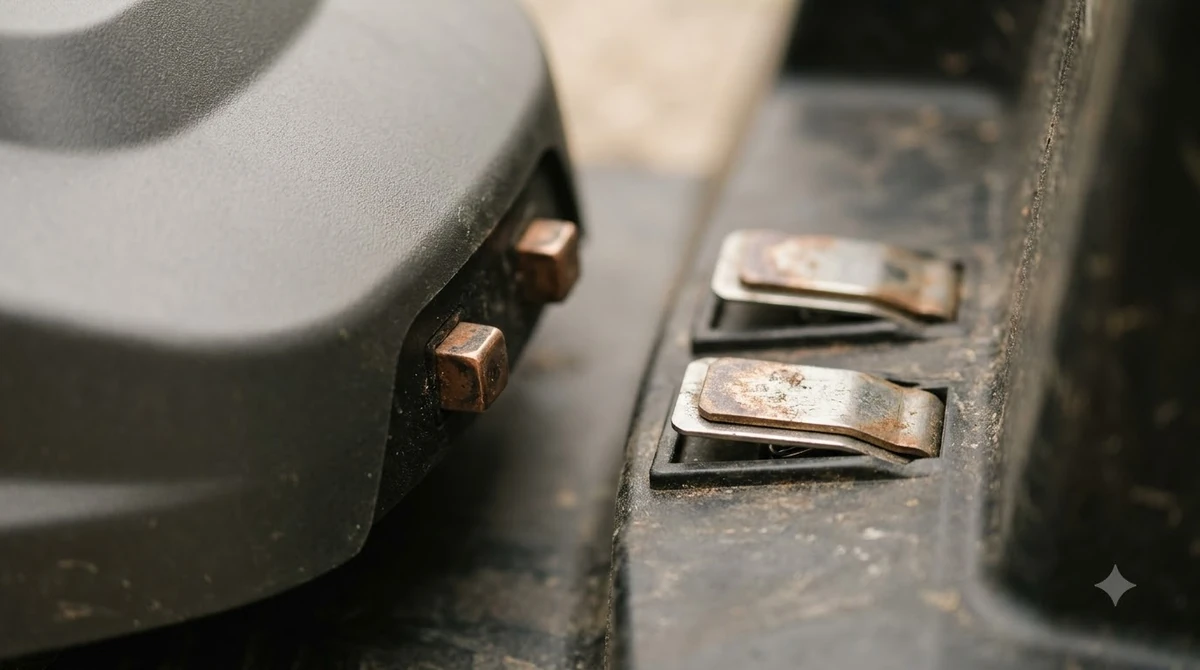
After a heavy storm, the delay is only one part of the answer. Wait until the lawn is firm underfoot, check the low spots for standing water, and confirm that the sensor and charging contacts are clean and dry before the mower restarts. A long delay does not replace a visual check of the yard. After a storm the ground stays soft, as soggy lawn recovery after storms explains.
Related reads: Winter weather and snow cover are covered in snowy region operation, with notes on storage and restart timing.
Frequently asked questions
Is the rain delay the same as the rain sensor?
No. The sensor detects water and sends the mower to the dock. The rain delay is a timer that starts after the sensor dries and holds the mower docked for a set period.
What is the default rain delay on Worx robot mowers?
The Worx wiki gives a default of 180 minutes for its Landroid models. The value can be changed in the app or on the display on most models.
Can I start the mower before the rain delay ends?
On the Worx models described in the manufacturer’s wiki, turning the mower off and back on overrides the delay. Check your own model’s manual before relying on this.
Should I shorten the rain delay?
Only if your lawn drains quickly and dries fast. On heavy clay or low spots, a longer delay protects the grass from tracks and clumping.
Sources
- Worx Landroid wiki, rain delay and sensor (Worx): used for the rain sensor sequence, the 180-minute default and the early resume by power cycling.
- Husqvarna, can you mow wet grass (Husqvarna): used for the wait-after-rain guidance and the bounce and footprint field checks.
 Up next7 min readBy YardRobot Mower for a Lawn With a Rain Barrel: Placement and Hose SetupUpdated Nov 14, 2026
 8 min readBy YardCan a Robot Mower Work Around a Rain Garden?Updated Nov 12, 2026
 10 min readBy YardChoosing and Setting Up a Robot Mower for a Yard with Exposed Septic Cleanout PipesUpdated Nov 19, 2026
 9 min readBy YardChoosing and Setting Up a Robot Mower for a Yard With an Outdoor Kitchen IslandUpdated Nov 19, 2026
 9 min readBy YardChoosing and Setting Up a Robot Mower for a Yard with Crushed Granite PathwaysUpdated Nov 19, 2026
 9 min readBy YardChoosing and Setting Up a Robot Mower for a Lawn with Steep Roadside Drainage SwalesUpdated Nov 19, 2026