
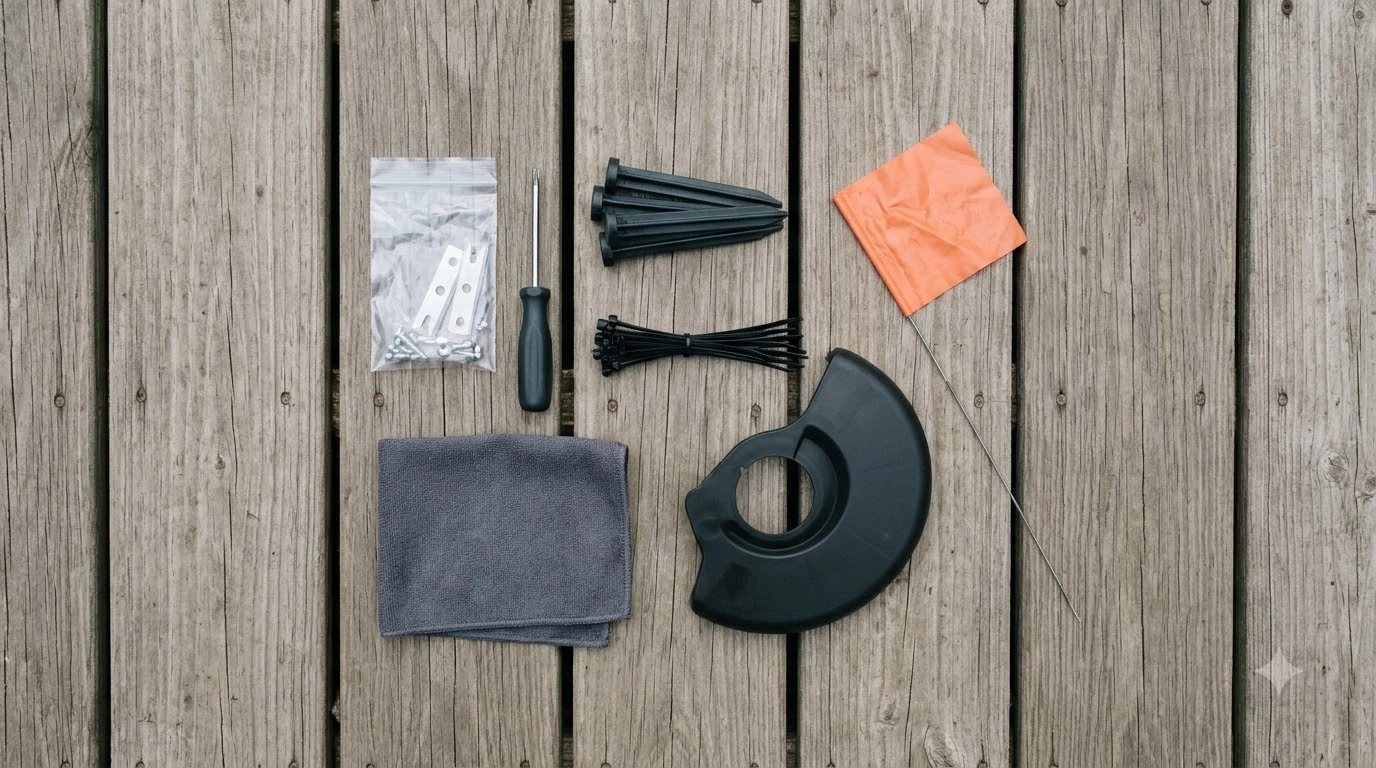

Mammotion accessories fall into three groups: wear parts you replace over time, add-ons such as extension cables and bumpers, and protection like garages and storage routines. Which items you need depends on the model. A LUBA 2 ships with a different kit from a YUKA, and LUBA 3 and YUKA owners should check their own compatibility list before ordering. This guide explains what each group covers, what Mammotion’s own guidance says about replacement and storage, and how to shop without guessing.
The short answer
- Wear parts: cutting blades and discs, front wheels, and charging cables are normal replacements. Mammotion’s after-sales policy lists them as wearing parts.
- Blade interval: Mammotion support advises replacing blades every 3 months or after 150 hours of use, and sooner if cutting quality drops.
- Charging station: the station and its extension cable are often the first add-on owners buy, because placement limits where the mower can work.
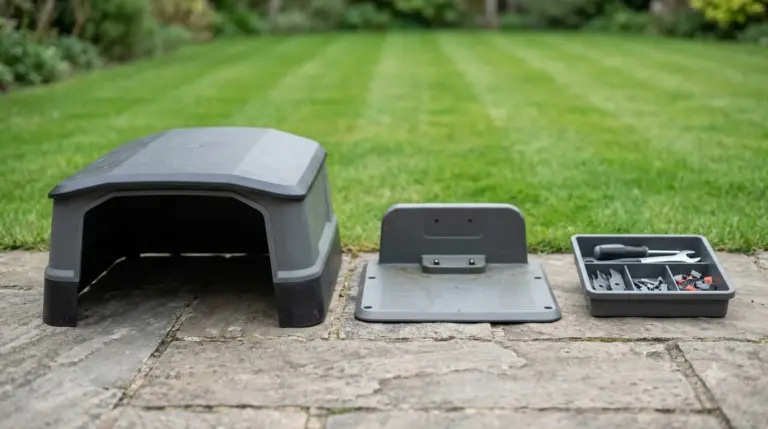
- Protection: a garage or shelter is useful, but check clearance first. Mammotion’s garage guide suggests adding about 4 to 6 inches on each side of the mower.
- Model check: the official accessory list differs by model, so match every part number to your exact mower before you buy.
What counts as Mammotion accessories
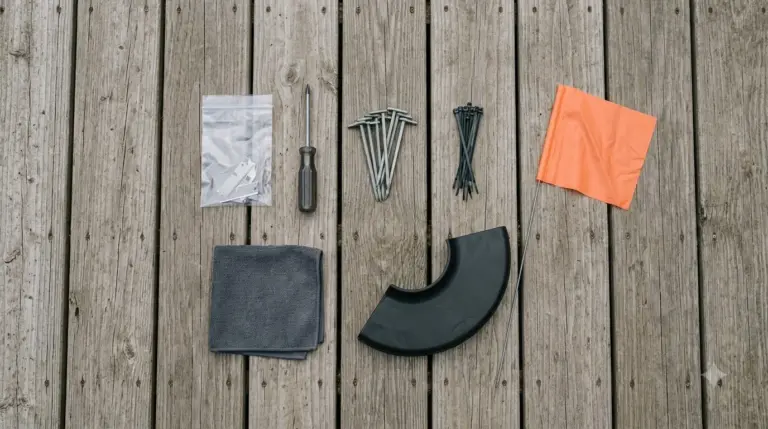
Mammotion sells accessories in three practical groups. The first is wear parts, which the company’s after-sales policy lists as decorative elements, cutting blades, tires, cutting discs, charging cables, grass catcher bags, and rotating roller brushes. Those items are expected to wear out, so they are not covered in the same way as a defect. The second group is functional add-ons, such as an extra charging station, a longer extension cable, an RTK reference station on models that use one, and a front bumper. The third group is protection, meaning a garage or shelter and the storage routine that keeps the battery and electronics in good shape. Brand-neutral add-ons such as blades, covers and cable protection are explained in the robot mower accessory roundup.
Separating the groups helps with budgeting. Wear parts are a running cost. Add-ons are a one-time decision based on where the mower works. Protection pays off over years, mostly in weather-exposed yards.
What each model includes and what to add
Mammotion’s compatibility table for the LUBA 2 lists the charging station, a 10 m extension cable, a heightened charging station, a charging station power adapter, an RTK reference station and power adapter, and a front bumper. That is a fuller kit than many owners expect, so check your order before you buy extra. The YUKA official US accessory list covers cutting discs for the YUKA 2025 and 2024 and for the YUKA mini 2 and YUKA mini, front wheels, charging stations, and a 16.4 ft charging station extension cable. Some parts overlap across models and some do not, so a disc or wheel for one YUKA may not fit a different one. Mounting hardware and what it holds are covered in the page on a wall mount kit for Mammotion docks.
For a LUBA 3 or any other model, do not rely on a general accessory list. Find the compatibility table for that exact mower on the manufacturer’s support site, and compare it with the part number printed on the item you plan to buy. A mismatch can mean a part that looks right but does not fit the cutting deck or the charging contacts.
Mammotion accessories: cutting discs and blades first
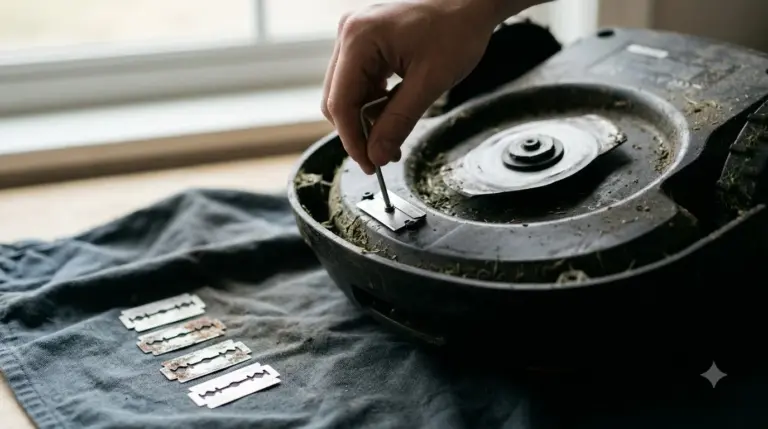
Blades are the accessory you will buy first. Mammotion’s blade and motor guidance recommends replacing blades every 3 months or after 150 hours of use, and it says heavier grass may need more frequent changes. Replace sooner when you see uneven cutting, torn grass tips, or a rough finish. The same guidance says the screws are single-use, so use the new screws supplied in the blade kit rather than reusing the old ones. Blade swaps are the most common job, so see changing Mammotion Luba blades. For the other model line from the same brand, read Mammotion Yuka replacement blades before ordering a cutting set.
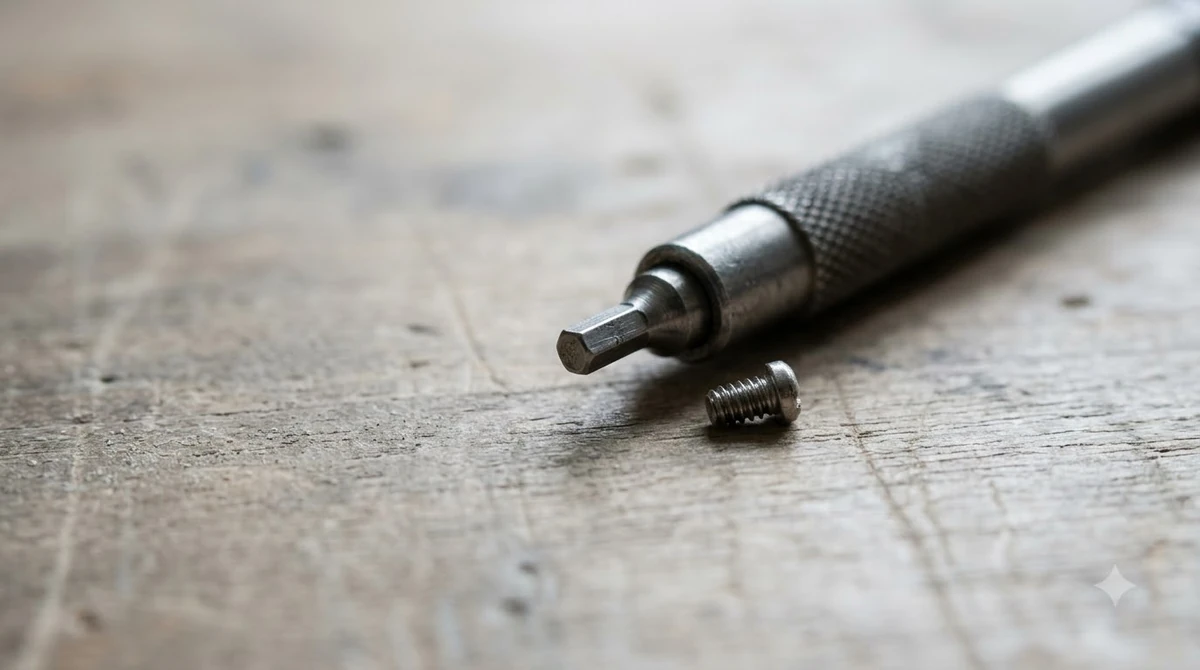
Keep the mower powered off during any blade change, and replace blades as a set so the cutting disc stays balanced. Mixing old and new blades can cause uneven wear and vibration. Store spare blades dry and away from the lawn, so you can rotate them on schedule instead of waiting for a delivery.
Charging station, extension cable and placement
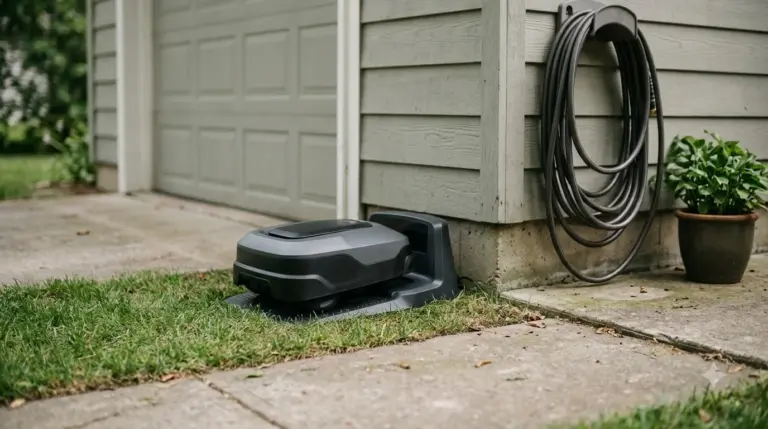
The charging station is the accessory that most shapes where the mower can work. A longer extension cable helps when the station sits far from a power outlet, but it does not change the open space the station needs in front. Check your model’s manual for the clear space it asks for in front of the station, and keep that area free of hoses, toys, and tools. Longer cable runs and outdoor-rated options are covered in the guide to extension cable for Mammotion docks.
Before you buy a longer cable, plan the route. Keep it out of the mowing path, protect it from the blade, and check that the connection stays dry.
Garage and shelter: check clearance first
A garage or shelter protects the mower from sun, rain, and debris, which helps the electronics and the plastic body last longer. Mammotion’s garage guide suggests allowing roughly the machine’s width plus about 4 to 6 inches on each side, and going slightly larger rather than tighter, so the mower can turn and back out without touching the walls. Mammotion’s guide also describes a polycarbonate roof with open sky above. Weather covers for the mower and dock are compared in Mammotion cover options, including how well each one fits.
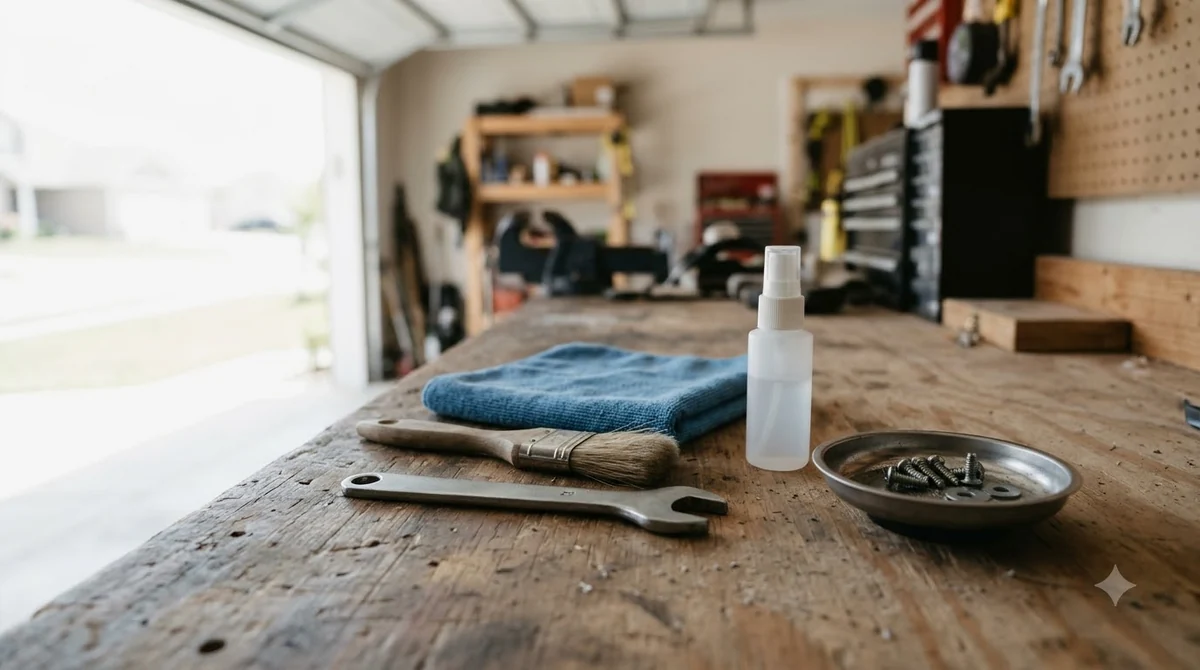
Measure the mower and the dock together, since the charging station adds length to the footprint. A garage that fits the mower but not the dock will cause problems every time the mower returns.
Winter storage and battery care
Storage is an accessory in its own right, because the routine matters as much as any part you buy. Mammotion’s LUBA 1 winter guidance gives a storage range of -10 to 25 C (14 to 77 F), and says to store the mower dry. For the YUKA mini, the support guidance says to charge the battery to at least 80 percent before long-term storage, and to recharge to 80 percent or higher at intervals of no more than 90 days while it is inactive. Those are model-specific instructions, so follow the page for your own mower. Battery care ends with replacement at some point, so see Luba replacement battery options for what to expect.
How to shop for Mammotion accessories without guessing
- Start from the part number: match the number on your current part or the manual, not the product title.
- Compare the compatibility table: check the model list on the manufacturer’s site before buying a disc, wheel, or cable.
- Price the consumables: add up a year of blades, and any cable or wheel you expect to replace, before deciding on add-ons.
- Check the warranty terms: wear parts are usually excluded from warranty, so the cost of replacement is yours to plan for.
- Buy genuine when fit matters: third-party discs and blades can cost less, but a poor fit can damage the deck or the charging contacts.
Who needs which accessories
Most owners need replacement blades and a spare set of discs. A yard with a long run from the outlet needs a longer cable. A yard with direct sun, heavy rain, or frequent storage in cold weather benefits most from a garage and a winter routine. A small, simple lawn with a single outlet close to the station may need almost nothing beyond the blades. Start with what the mower came with, then add the parts your yard actually requires.
Related reads: For a view of the brand, read how Mammotion stacks up as a brand.
Frequently asked questions
What Mammotion accessories should I buy first?
Start with replacement blades and a spare set of cutting discs, since they wear out on a schedule. Add a longer charging cable or extra station only if your outlet placement or yard layout requires it.
How often should I replace Mammotion blades?
Mammotion support advises every 3 months or after 150 hours of use, and sooner if cutting quality drops or grass tips look torn. Heavier grass can call for more frequent changes.
Do Mammotion accessories fit every model?
No. The accessory list differs by model, and parts for one YUKA or LUBA may not fit another. Check the compatibility table for your exact mower before ordering.
Is a garage worth it for a robot mower?
It helps most where the mower sits in direct sun, heavy rain, or cold weather. Measure the mower and dock first, and allow the clearance Mammotion’s garage guide describes, about 4 to 6 inches on each side.
Sources
- Mammotion support: maintenance for cutting blades and motor (manufacturer): blade interval, single-use screws.
- Mammotion after-sales policy (manufacturer): list of wearing parts.
- Mammotion garage guide (manufacturer): clearance on each side and roof advice.
- Mammotion YUKA mini maintenance (manufacturer): 80 percent charge before storage, 90-day recharge interval.
- Mammotion LUBA 1 winter maintenance (manufacturer): storage range for the LUBA 1.
 Up next8 min readGearMammotion YUKA Accessories Worth Buying: Wear Parts First, Extras SecondUpdated Nov 12, 2026
 9 min readGearMammotion Luba Accessories Worth Buying: What to Get and What to CheckUpdated Nov 19, 2026
 7 min readGearDreame A1 Accessories: What to Buy FirstUpdated Nov 13, 2026
 9 min readGearRobot Mower Winter Storage Accessories: What to Buy and CheckUpdated Nov 19, 2026
 8 min readGearMammotion YUKA Replacement Blades: What to Check Before You BuyUpdated Nov 20, 2026
 7 min readGearMammotion Yuka Replacement Battery: What to Check Before You BuyUpdated Nov 11, 2026