
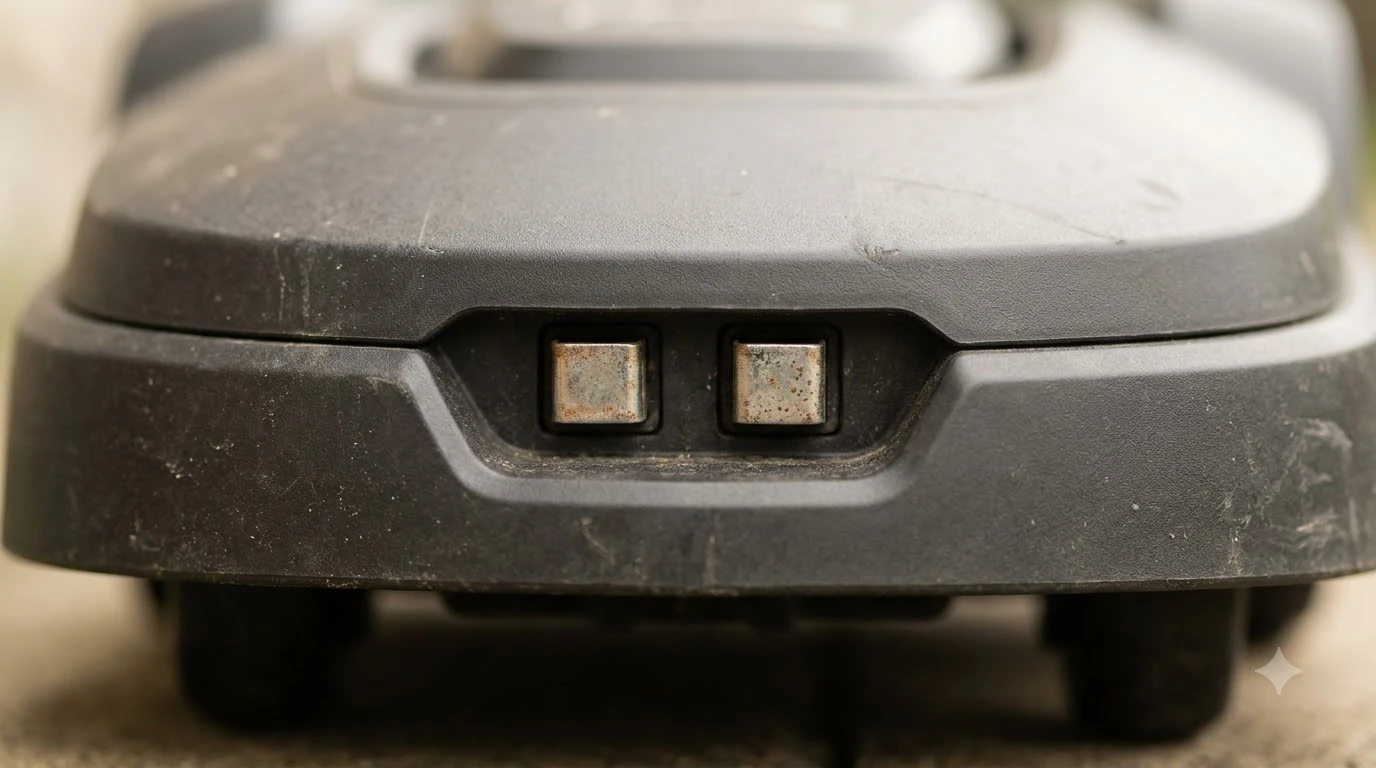

To do an ecovacs goat factory reset, hold the Start and Return to Charge buttons together for 5 seconds, then enter the PIN and confirm. The mower clears its memory, takes about 30 seconds, and restarts on its own. Ecovacs support pages describe this button method and a menu-based option, and they do not agree on every hold time, so the steps below use the version the official US support page gives, as of Nov 2026.
The short answer
- Button method: press and hold Start and Return to Charge together for 5 seconds.
- PIN: enter the PIN on the input screen that appears, then click OK.
- Wait: allow about 30 seconds while the memory clears. The mower restarts when the reset is done.
- Menu option: the display menu can restore default settings instead, and that route keeps the original PIN.
Before you start the ecovacs goat factory reset
A factory reset returns the mower to its default state, so plan for setup again afterward. Keep the PIN handy, because the button method asks for it on the screen. If you do not know the PIN, check the manual or the app before you start, since the reset cannot be completed without it. If the button method does not work, the guide to robot mower reset steps for any brand outlines the general sequence. Check your model against the Ecovacs GOAT A3000 manual before choosing the reset method.
Note the mower’s model variant and the serial number on the label. Ecovacs support asks for these details when a reset does not finish or the mower stays in a bad state. Put the mower on the charging station first if the battery is low, so the reset does not stop partway.
Step-by-step button method
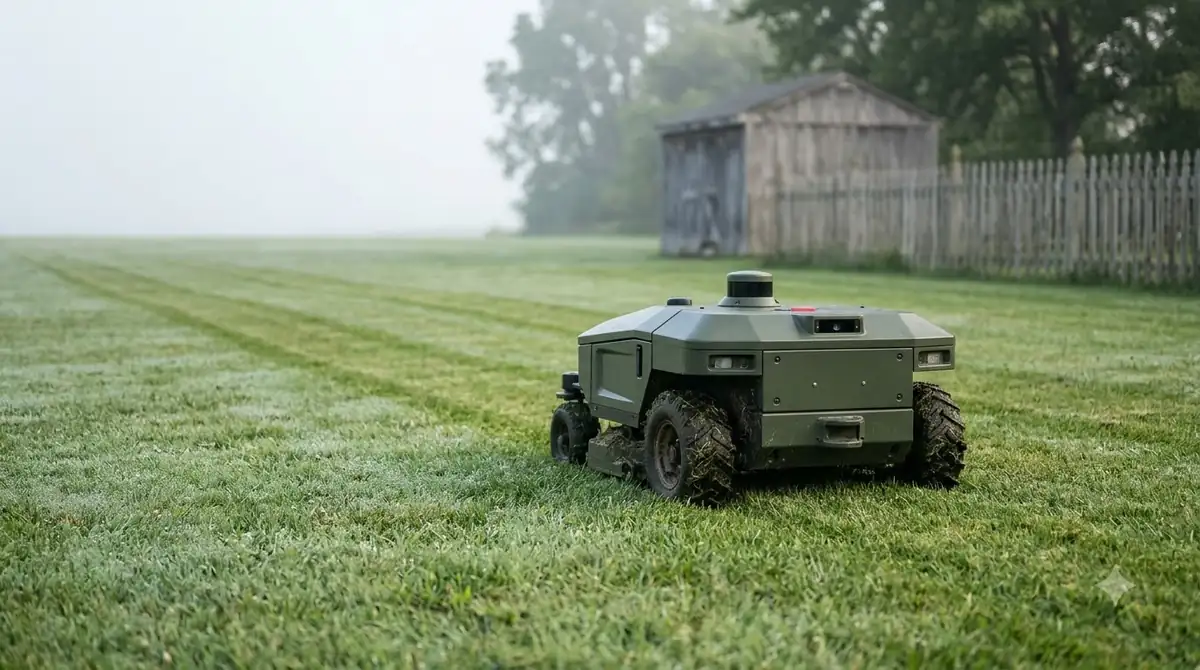
The button method is the route the official US support page describes for GOAT mowers. It works from the mower itself, so you do not need the app to be connected. Hold the two buttons at the same time and keep them pressed for the full 5 seconds.
- Press and hold Start and Return to Charge together for 5 seconds.
- Enter the PIN when the PIN code input page appears.
- Click OK to confirm the reset.
- Wait about 30 seconds while the memory is cleared.
- Check the restart. The mower restarts automatically when the reset succeeds.
If the mower does not restart, or the PIN screen does not appear, repeat the hold once and check that both buttons are pressed together. A reset that stops halfway should be followed up with Ecovacs support rather than repeated many times.
The menu-based option
A second route uses the display menu. Select Settings, then Restore Default Settings. According to the Ecovacs support article that covers this route, it keeps the original PIN code after the defaults are restored. That makes it a useful option if you want to clear the settings without changing the PIN. A reset may be needed to fix pairing faults, and Ecovacs GOAT app problems lists the usual app-side causes.
Heads up
Some Ecovacs FAQ pages give a shorter hold of about 2 seconds for the same two buttons. The US support page we read gives 5 seconds, and the manual for your model is the best tie-breaker if the mower does not respond.
What a reset clears and what it keeps
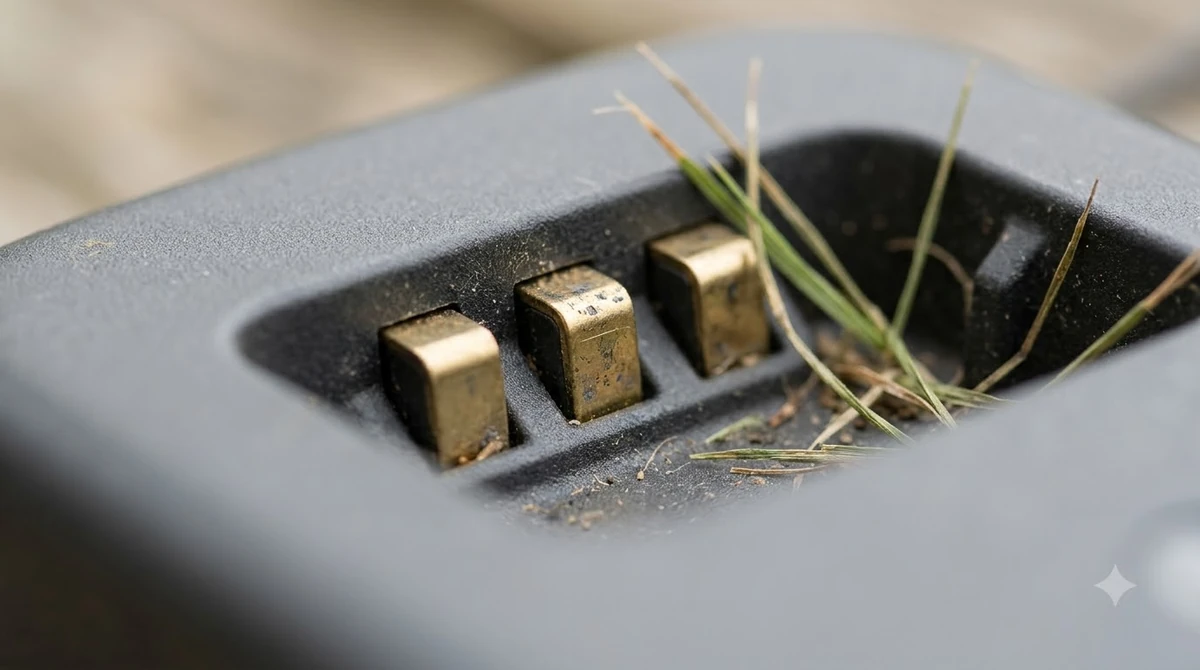
The official page says the memory is cleared, but it does not list every setting in detail. Our reading is that you should expect to set up the following again: the lawn map, the schedules, the charging station pairing, and the account link in the app. Plan a short setup session once the mower restarts. After the reset the mower has to be set up again, and setting up the Ecovacs GOAT O1000 again lists the steps.
The menu route keeps the PIN, which means the button route is the one to use only when you need the full clear. If the mower will be sold or given away, a full reset with the button method is the usual choice, followed by removing the mower from the app account.
When a reset does not fix the problem
A reset is not a repair. If the mower still shows an alarm after the restart, record the alarm code, the model name and the serial number, then contact Ecovacs support. Avoid repeating the reset many times, because each attempt clears the memory again and removes any clue the support team could use. A lost positioning signal is not always fixed by a reset, as covered in Ecovacs GOAT RTK signal loss.
- Check the charging path if the mower will not start after the reset.
- Check the trimmer module if the alarm points to cutting parts.
- Check the app version if pairing fails after the restart.
Common mistakes during an ecovacs goat factory reset
The most common mistake is releasing one button early. The two buttons must be held together for the full hold time, and a short press does nothing except trigger a normal start or return command. If the PIN screen does not appear, release both buttons, wait a moment, and try again with a steady hold.
The second mistake is starting the reset on a low battery or with the mower stuck in the grass. Move the mower onto the charging station or a flat, clear area first. A reset that stops partway can leave the mower confused about its position, which makes the setup after the restart harder.
The third mistake is repeating the reset many times in a row. Each attempt clears the memory again and removes the details support staff would use to diagnose the problem. If two careful attempts do not restart the mower, record the alarm code and contact support.
Related reads: For a broader opinion on the range, read whether Ecovacs GOAT mowers are good for owner feedback and key trade-offs.
Frequently asked questions
How do I do an ecovacs goat factory reset?
Hold Start and Return to Charge together for 5 seconds, enter the PIN when the screen appears, click OK, and wait about 30 seconds for the mower to restart.
How long does the reset take?
The support page says about 30 seconds for the memory to clear. The mower restarts on its own when the reset is complete.
Do I need the PIN for a factory reset?
Yes for the button method, because the PIN screen appears during the reset. The menu route keeps the original PIN after the defaults are restored.
Will a reset delete my lawn map?
Expect to set up the map again. The support page says the memory is cleared, so plan a new mapping session after the restart.
Sources
- Ecovacs US support, How to restore GOAT to factory settings (manufacturer): button method, PIN step, 30-second clear and automatic restart. Page read.
- Ecovacs Help Center, How do I restore the GOAT to default settings? (manufacturer): menu route and PIN note. Seen in search results; page not opened.
 Up next6 min readLearnMammotion Factory Reset: Luba Steps, What Is Erased, and What to CheckUpdated Nov 13, 2026
 7 min readLearnLymow Factory Reset: Steps, Backup and What to Try FirstUpdated Nov 13, 2026
 7 min readLearnHusqvarna Automower Factory Reset: Steps for Newer and Older ModelsUpdated Nov 13, 2026
 9 min readLearnHow to Set Up Ecovacs GOAT O1000: Step-by-Step GuideUpdated Nov 10, 2026
 7 min readLearnWorx Landroid Factory Reset: What You Can DoUpdated Nov 13, 2026
 7 min readLearnEcovacs GOAT A3000 Manual: Where to Find the Right PDFUpdated Nov 13, 2026