
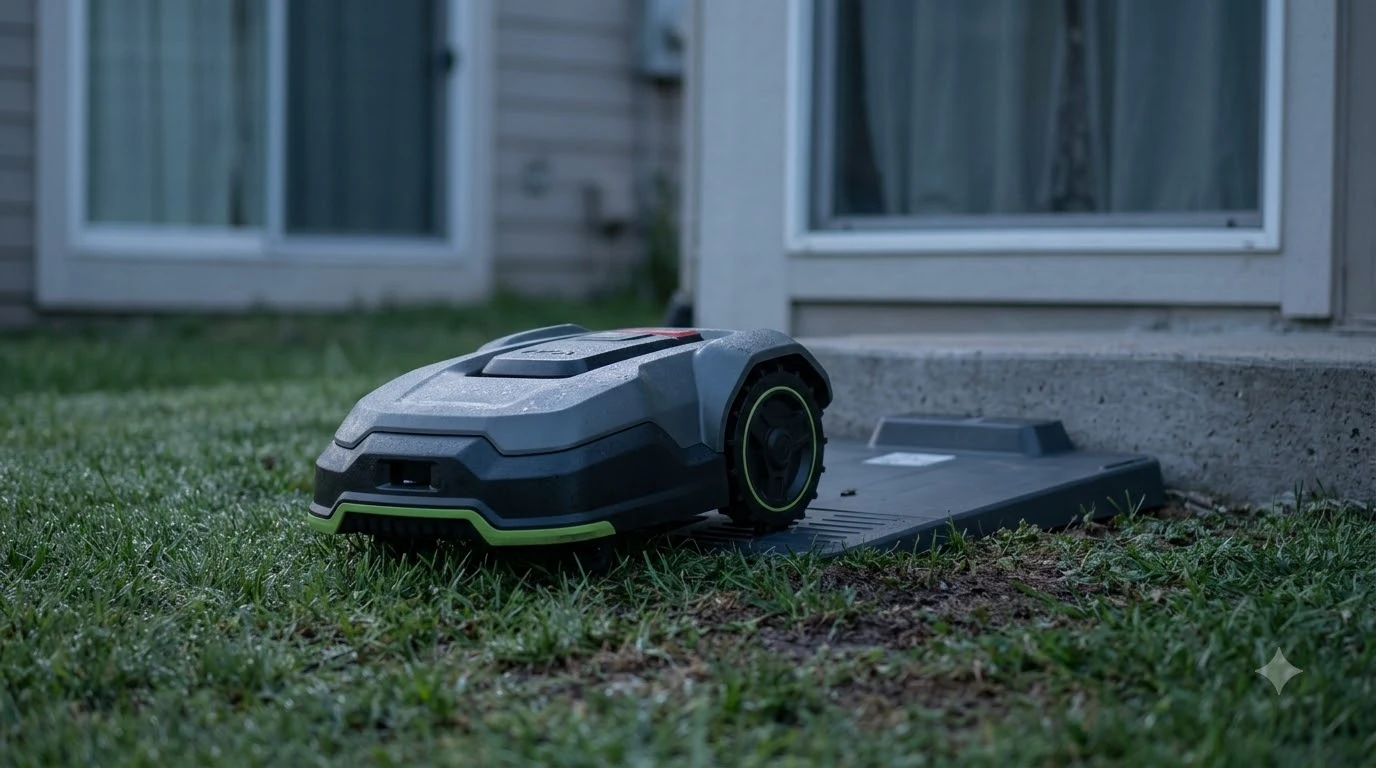

The official ecovacs goat a3000 manual is a PDF on Ecovacs’ own support site, and the first thing to check is which A3000 variant you own. The GOAT A3000 comes as a LiDAR, a LiDAR PRO and an RTK version, and the manuals differ in base station, trimmer module and setup steps. This guide shows where to find the right manual, what it covers, and how to use it when the mower gives an error, as of Nov 2026.
The short answer
- Official source: Ecovacs support lists an Instruction Manual PDF and a Quick Start Guide for the GOAT A3000 LiDAR PRO on its US help site.
- Match the variant: check the label on the mower or the box for LiDAR, LiDAR PRO or RTK before you open any manual.
- Third-party copies: sites that host the manual often mix editions, so their page counts and model numbers may not match your unit.
- Use the manual for setup, trimmer module, and alarms: those are the sections owners search for most often.
Where to find the official ecovacs goat a3000 manual
The most reliable copy is the one on Ecovacs’ own help site. On the US support page for the GOAT A3000 LiDAR PRO, Ecovacs links an Instruction Manual PDF and a Quick Start Guide. Those files are dated to February 2026 in their web addresses, which suggests they were refreshed for the current product release. If the manual does not describe a reset for your fault, the guide to how a robot mower reset works explains the usual sequence and what it clears.
Ecovacs also publishes a separate support page for the standard GOAT A3000 LiDAR and an EMEA version of the manual on its global product pages. If your mower is not the PRO model, open the support page for your exact variant rather than the PRO file, because the base station and trimmer parts can differ.
Check the model before you read the manual
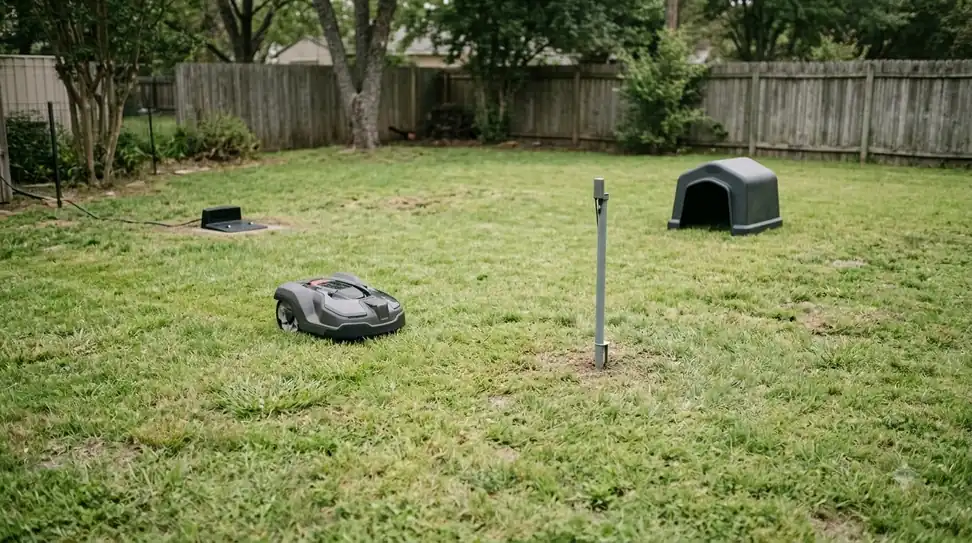
The A3000 name covers more than one configuration, and a manual for one can mislead you on another. Look at the label on the mower body and the box, then match it to the support page. A mismatched manual is the most common reason owners follow the wrong steps for the base station or the trimmer module. A close relative of this unit is covered in the Ecovacs GOAT A2000 LiDAR Pro review, which helps when model names look alike. The model letter changes which manual applies, and GOAT O series compared with A series explains how the two ranges differ.
Heads up
Some third-party listings say “A3000 LiDAR” but show page counts and model numbers that belong to other editions. Treat those files as unverified until they match the Ecovacs file for your variant.
What the manual covers for a GOAT A3000 LiDAR PRO
The support page lists a set of help articles that map closely to the topics owners ask about. They include base station installation, whether the base station must be paired with the mower, and why the mower may fail to find or connect to it. Charging questions are covered too, including why the mower will not charge and why it charges slowly. To see how the features the manual describes behave in practice, read the Ecovacs GOAT A3000 LiDAR Pro review alongside it.
For the trimmer module, the support articles cover how to install it, whether the mower can work without it, and how to install or replace the grass rope. There are also articles on the trimmer brush and on how to tell when the grass rope is used up. Mapping questions, such as whether to map along the lawn outline or the garden outline, are covered as well.

Using the manual for alarms and errors
The manual is the place to start when the mower shows an alarm code. The support page names several codes, including E613 and the E621, E622, E623 and E627 group, and it points to the trimmer line as a common cause of some trimming alarms. Note the code shown on the display or in the app, then search for it in the manual before you change any settings. Many alarms are cleared with a reset, and the Ecovacs GOAT factory reset guide outlines the button and menu methods in order. Positioning alarms are described in GOAT RTK signal lost alarms alongside the checks the manual itself recommends.
Some issues are not fixed by the manual alone. If an alarm keeps returning after a clean reinstall of the trimmer line, or if the mower stops working after a reset, contact Ecovacs support with the model name and the code. Keep the serial number from the label handy.
Setup steps to check first
- Confirm the variant. Match the label to the support page before you download anything.
- Read the base station section. Installation notes and pairing questions are the most common setup issues.
- Map the lawn. Decide between a lawn outline and a garden outline, as the support article describes.
- Check the trimmer module. Install the module and the grass rope exactly as shown before the first trim.
Quick start guide or full manual: which to open first
Owners often open the full manual on day one and get lost in pages they do not need yet. The quick start guide covers the first power-up and the basic steps to get the mower running, while the full instruction manual covers the base station, trimmer module, mapping and alarms in depth. Our reading is that you should read the quick start first, then use the full manual as a reference when a specific question comes up. The setup chapter is easier to follow with a worked example, such as Ecovacs GOAT O1000 setup steps for a sister model.
Keep the full PDF saved on your phone or in the app’s documents folder, because the base station section is the one you will return to most often. Print the alarm section if you keep the mower in a garage without a good signal.
Common questions the manual helps answer
Most support questions about the A3000 fall into a few groups. Setup questions are about the base station, its pairing and the charging path. Trimming questions are about the trimmer module, the grass rope and the edge behavior. Connectivity questions cover the 4G module and the SIM card. Each group has its own section in the support articles, and the manual follows the same grouping. Routine questions such as blade swaps are answered in how to change Ecovacs GOAT blades, which lists the steps and tools.
If a question is not in the manual, the support list on the Ecovacs page is the next place to search. The article titles there are written as owner questions, so a search for the symptom often finds the right page faster than a search for a section name.
Frequently asked questions
Where is the ecovacs goat a3000 manual PDF?
The official PDF is on Ecovacs’ US help site, linked from the GOAT A3000 LiDAR PRO support page. Choose the page that matches your exact model before downloading.
Is there a quick start guide as well?
Yes. Ecovacs lists a quick start guide for the GOAT A3000 LiDAR PRO on the same support page, alongside the full instruction manual.
Why does my manual page count not match the listing?
Third-party sites often host more than one edition under the same name. Compare the model number and the figures in the manual with the label on your mower.
What should I do if the manual does not solve an alarm?
Record the alarm code, the model name and the serial number, then contact Ecovacs support. Do not keep resetting the mower without the code, because some resets clear the stored settings.
Sources
- Ecovacs US support, GOAT A3000 LiDAR PRO (manufacturer): manual and quick start guide links, the list of setup, trimmer and alarm help articles, and accessory listings. Page read.
- ManualsLib, Ecovacs GOAT A3000 RTK manuals (third-party host): used only to note that third-party copies exist for different variants. Seen in search results; page not opened.
 Up next6 min readLearnDreame A1 Manual: Where to Find the Right VersionUpdated Nov 13, 2026
 7 min readLearnNavimow X430 Manual: Where to Find the Official Copy and What to ReadUpdated Nov 13, 2026
 6 min readLearnAnthbot Genie 3000 Manual: Where to Find It and What to CheckUpdated Nov 13, 2026
 6 min readLearnWhere to Find the Serial Number on a Robot Lawn MowerUpdated Nov 12, 2026
 6 min readLearnEcovacs GOAT Factory Reset: Step-by-Step GuideUpdated Nov 13, 2026
 6 min readLearnEcovacs GOAT App Problems and How to Fix ThemUpdated Nov 13, 2026