
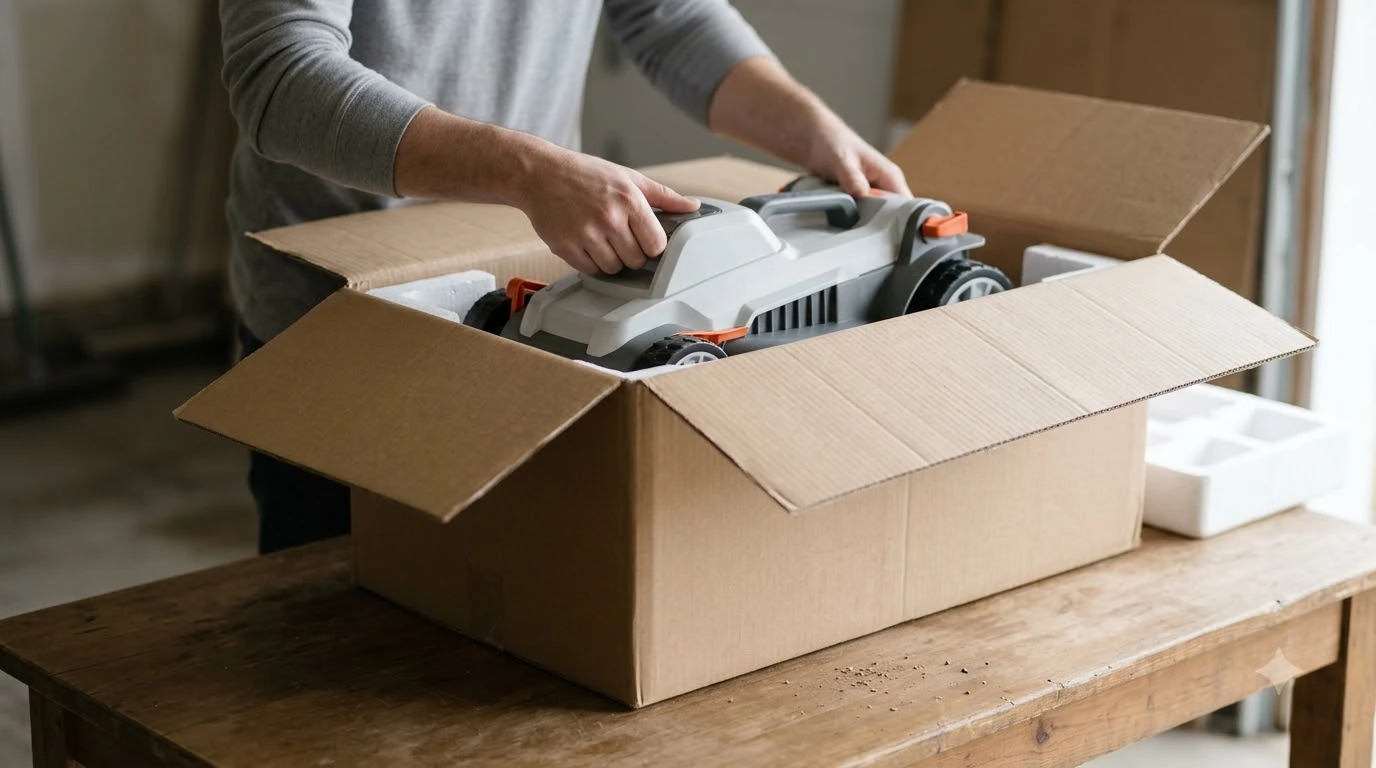

The Navimow X430 manual is the X4 series user manual, which you can download from the User Manual link in Navimow’s official support menu. Check the model name and revision code on the cover before you rely on it, because third-party copies can be older. This guide explains where to get the right document, what to read first and which questions it answers, without inventing button steps that depend on your app version.
The short answer
- Where: the User Manual link in Navimow’s Support menu, or the X4 series support page on the official site.
- Match the model: the X430 sits in the X4 series. Navimow also sells i-series models such as the i206 AWD, i210 AWD and i215 LiDAR, which need their own manuals.
- Check the version: confirm the revision code and language on the cover. Third-party copies list between 52 and 54 pages, so page counts differ.
- Quick start: a separate short guide exists for the X4 series, according to a third-party listing. Look for it on the official support pages.
Where to find the official Navimow X430 manual
Start on Navimow’s own site. The X4 series support page links to a User Manual page on the same site, and that page is the place to find the current file for the segway navimow manual family. Using the official link also means you get the newest revision rather than a copy someone uploaded earlier. For reset steps that apply across brands, see reset guidance that applies across brands before turning to the model pages.
Third-party sites such as ManualsLib and manualsfile host copies of the X4 manual. They can be useful as a backup, but they do not always match the revision you own. If you use one, compare the cover, revision code and page layout with the official file before you follow any step in it.
Check that you have the right version
Before reading, confirm three things on the cover or the first page. The first is the model name: the X430 belongs to the X4 series, so a manual for an i-series or X3 mower will not match your machine. The second is the revision code. Navimow’s Zendesk attachment for the X4 series is labeled “User Manual 260202-A”, which shows the kind of code to look for. The third is the language, since some copies are bilingual and the page order can shift. Version differences change which steps apply, and checking firmware versions explains how to confirm what is installed.
Our reading is that a mismatch in any of these three points is a reason to find another copy before you follow the setup steps, not after.
Sections to read first
Read the safety section and the intended-use section before you power the mower. These cover how the mower should be used, which areas to keep people and pets away from, and what the obstacle detection does and does not replace. Then move to the charging station section, because station placement affects everything that follows. The sections to read first line up with the order in Navimow X430 setup, which gives a worked walk-through.
After that, read the section that matches your setup. If your yard uses boundary setup, follow the boundary and station layout first. If you plan to use network RTK, read the app pairing section. The manual’s section titles and their order can differ between revisions, so search the file for the words “charging station”, “boundary”, “app” and “firmware” rather than scrolling page by page.
Navimow’s X4 series page states that with Network RTK support, “there’s no need to install any local antenna,” and that you can “simply connect through the Navimow app.” It does not give the pairing steps, so the manual or the app’s own help is the place to check the exact sequence.
What the spec pages add to the manual
The manual covers operation, but a spec page helps you check whether the mower suits your lawn. Navimow’s X4 series page lists a slope rating of 84% (40 degrees) for the X4, and a mowing area per charge of 1,300 square meters for the X450. The same page does not list an X430 figure, so use the X430 product spec sheet for that number rather than assuming the X450 value applies. Spec tables are easier to read with context, which the Navimow X430 specifications in the full review provide. Comparing specifications across models is easier with Lymow One Plus against the Navimow X430 open beside the manual.
Compare these figures with the slope and area in your own yard before you decide whether the manual’s settings and charging advice will fit your lawn. The manual is the right place for how to set things up, and the spec sheet is the right place for what the machine can handle.
Using the manual with the app
The manual and the app can describe the same step in different ways, and both change over time. Use the manual for safety, placement and maintenance, and treat app screens as the final word for pairing. If a step in the manual does not match what you see on your phone, check the app version first. Update the app, then look for the section in the app’s help menu that matches the screen you are on. Pairing depends on the app, so Navimow in-app connection problems lists what to check if the mower does not appear. If a printed answer is missing, Navimow support channels by region lists the official contact routes and what to prepare.
If the two still disagree after an update, contact Navimow support with the model name, revision code and app version. Include a photo of the screen so support can see the same step you are looking at. We have not included button-by-button steps in this guide because they depend on the app version and the firmware installed on your mower.
Frequently asked questions
Where can I download the Navimow X430 manual?
Use the User Manual link in Navimow’s official Support menu, or the X4 series support page on the same site. That way you get the official file and its current revision.
Is there a quick start guide as well as the full manual?
A third-party listing describes a separate 16-page quick start guide for the X4 series. Check the official support pages for the current quick start, since the listing is not a Navimow source.
Why do the page counts of different copies not match?
Copies come from different sources and revisions. ManualsLib lists versions of 52 and 54 pages for the X4 series, so the count alone does not tell you which copy is newest. Compare the revision code on the cover.
What if my app steps do not match the manual?
Update the app first, then follow the app’s current screens. If the mismatch remains, contact Navimow support with the model, revision code and app version. As of Nov 2026, the app and manual may be updated at different times.
Sources
- Navimow X4 series support page (Segway Navimow): slope ratings, X450 mowing area per charge, Network RTK and app connection wording.
- Navimow user manual page (Segway Navimow): the official location of the User Manual link. The page content was truncated, so we did not read the file list itself.
 Up next7 min readLearnEcovacs GOAT A3000 Manual: Where to Find the Right PDFUpdated Nov 13, 2026
 6 min readLearnDreame A1 Manual: Where to Find the Right VersionUpdated Nov 13, 2026
 6 min readLearnAnthbot Genie 3000 Manual: Where to Find It and What to CheckUpdated Nov 13, 2026
 7 min readLearnNavimow X430 Setup: Step by Step From Charging Dock to First MowUpdated Nov 13, 2026
 6 min readLearnWhere to Find the Serial Number on a Robot Lawn MowerUpdated Nov 12, 2026
 6 min readLearnHusqvarna 115H Manual: Where to Download It and What It CoversUpdated Nov 13, 2026