
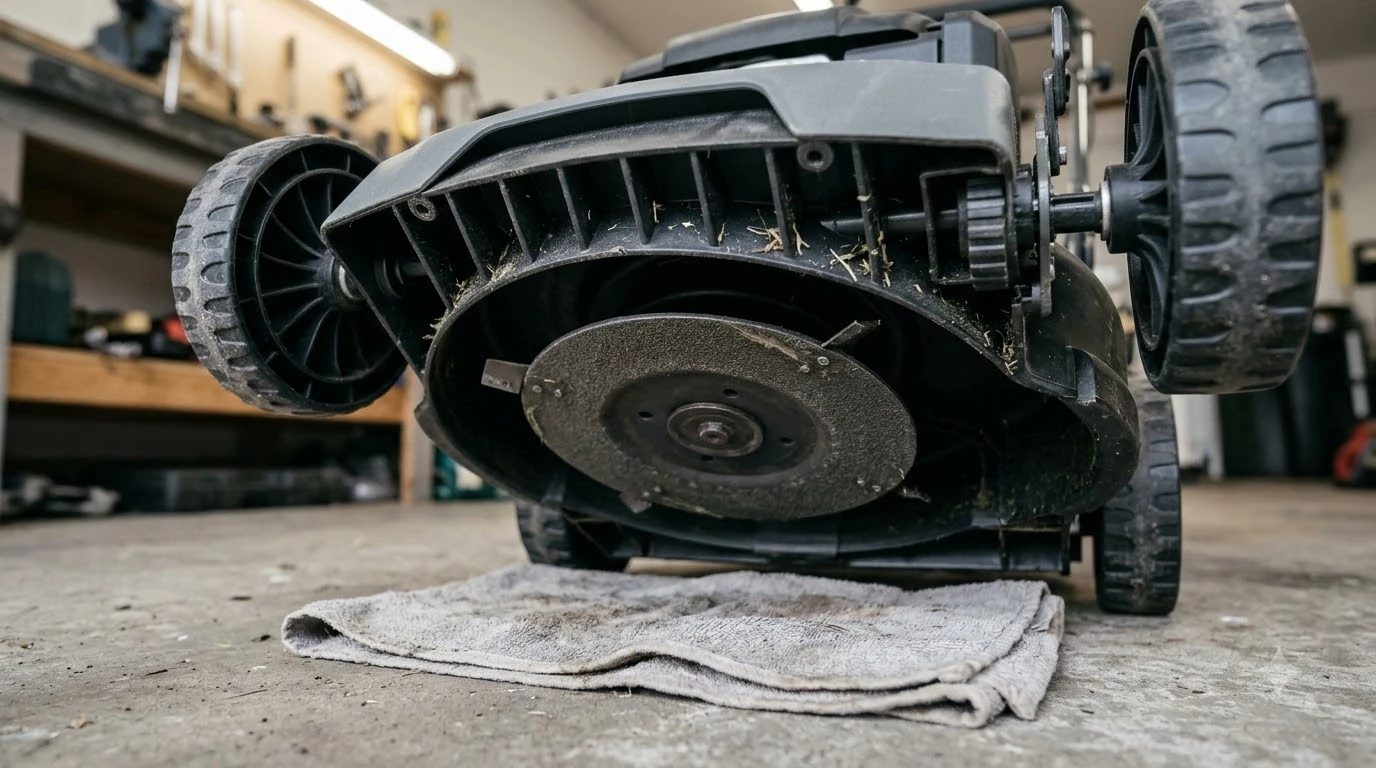

Where to find the serial number on a robot lawn mower: on Husqvarna Automower models, it sits on a product plate under the display hatch or on the underside near the handle. The plate can also be on the charging station, and the mower’s app shows the number too. Other brands place their labels elsewhere, so your model’s manual is the final check.
The short answer
- Mower: product plate under the display hatch, or underside near the handle.
- Charging station: some models also carry a plate on the station tower.
- App or menu: Husqvarna’s app and display show the serial number without opening the mower.
- Safety: power the mower off before turning it over.
- After a theft: police, the dealer, and insurers all ask for the serial number.
Where to find the serial number on a robot lawn mower
On Husqvarna models, the product plate is the label that carries the serial number. Models with a display hatch have the plate underneath the hatch, which you open to read it. Models without a hatch have it on the underside near the handle. If that label is hard to read, Husqvarna’s support article says you can remove the top cover to find the rating plate underneath.
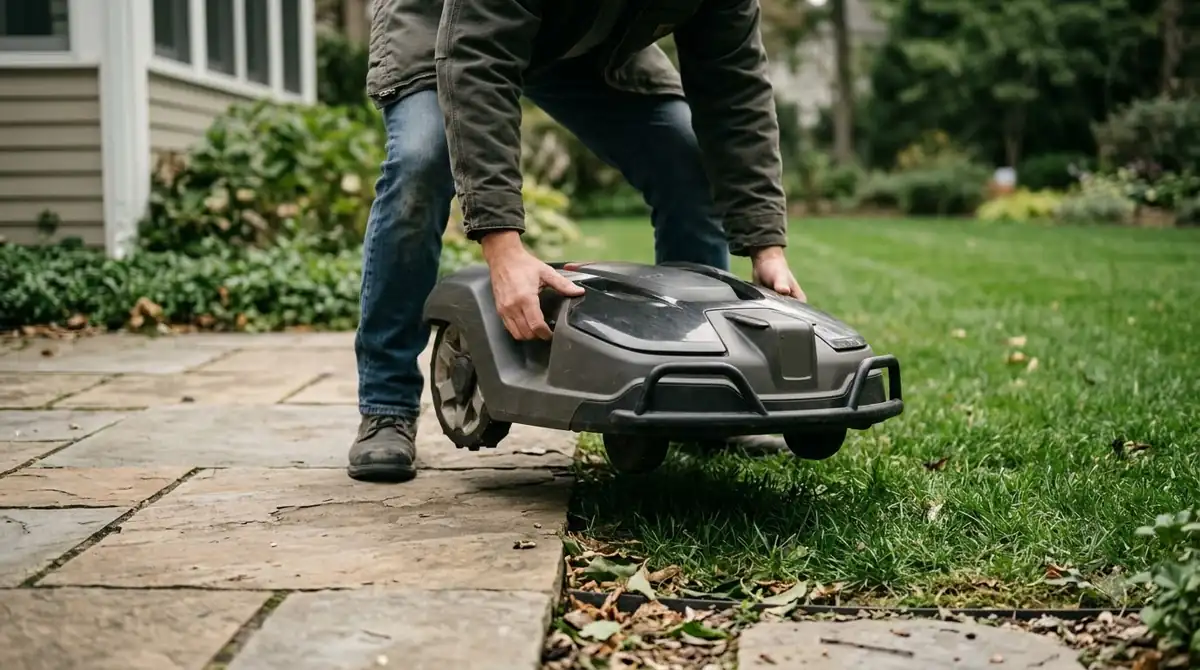
The charging station can also carry a plate on its tower. The Ecovacs and Mammotion pages we read do not say where their labels sit, so for those brands the manual is the reliable source. Where to find the serial number on a robot lawn mower from another brand is a question for that model’s manual. Our reading: check the manual’s product information page first, then the underside, before you take any cover off.
Heads up
Husqvarna says to make sure the mower is powered off before lifting or turning it upside down. Check this before you start, especially if the mower has a blade that can still turn.
How to read the serial number in the app or on the display
You do not need to flip the mower to read its serial number on Husqvarna models. The display menu and the Automower Connect app both show it, along with the firmware version.
- Display models. Open the menu, select the Settings symbol, then General, then About.
- Automower Connect app. Select your mower, tap Mower details, then read the Overview section for the model name, serial number, and firmware version.
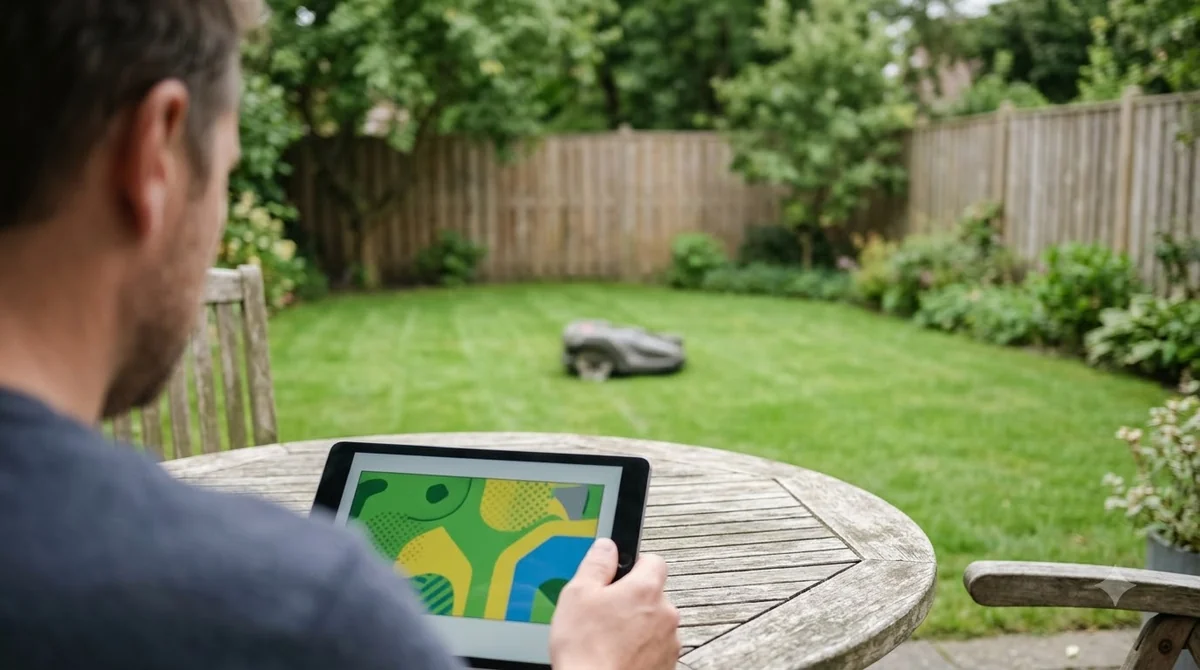
Save a screenshot or write the number in your records once you have it, so you know where to find the serial number on a robot lawn mower even when the mower is not in front of you. Our reading: a saved copy is faster to find than the label after a repair, a theft, or a warranty claim.
Serial number, product number, and QR code
The serial number identifies one unit, while the product number identifies the model. Husqvarna describes the three identifiers below, so you know which one a form or report is asking for.
| Identifier | What it identifies | What to know |
|---|---|---|
| Serial number | One mower | A unique code with production date and sequence information. The format varies by product. |
| Product (article) number | The model | A 9-digit number, usually starting with 5 or 9. |
| Husqvarna ID (HID) and QR code | Product details | Some products have a 25-character HID. Many have a QR code that shows the same product details. |
Use the serial number for theft reports, robot mower warranty claims, and dealer records. Use the product number when you only need to confirm the model, such as when you look up a manual.
Why the serial number matters after a theft
Knowing where to find the serial number on a robot lawn mower before a theft saves time later. When a mower is stolen, the serial number is the identifier that police, dealers, and insurers ask for first. Husqvarna advises filing a police report, noting the case number, telling your local dealer, and checking your home insurance, since many policies cover robotic mowers. Our evidence-based note on how often robot lawn mowers get stolen and the guide to protecting a robot mower from theft cover prevention.
- Police: give the serial number and keep the case number.
- Dealer: Husqvarna’s dealer records the theft and asks for the serial number, model, the date it went missing, whether the charging station was taken, and the case number.
- Tracking data: Ecovacs and Mammotion add GPS data, tracking screenshots, and timestamps to the report. See what to check in a GPS tracker for robot mower theft.
- Proof: dealers ask for proof of purchase or ownership if a reported unit is brought in.
Heads up
Brands differ on details. Husqvarna’s theft page does not mention GPS data or timestamps, while Ecovacs and Mammotion do. Collecting all of them covers every case. A serial number helps identify a mower, but Mammotion describes serial registration as mainly useful for identification, so it does not guarantee recovery.
Frequently asked questions
Where is the serial number on a robot lawn mower?
Where to find the serial number on a robot lawn mower depends on the brand. On Husqvarna Automower models, it is on a product plate under the display hatch or on the underside near the handle, and the charging station can also carry a plate.
Is the serial number the same as the product number?
No. The serial number identifies one mower. The product (article) number identifies the model, and Husqvarna describes it as a 9-digit number.
Can I find the serial number without turning the mower over?
Yes, on Husqvarna models. On display models, open the menu and go to Settings, General, then About. In the Automower Connect app, select the mower and open Mower details.
What should I give police if my robot mower is stolen?
Give the serial number and note the case number. Mammotion also lists screenshots of the last GPS position, proof of purchase, and the date and time of the alert.
Sources
- Where to find the serial number and product number on your Automower robotic lawn mower (Husqvarna): plate locations, display and app steps, number formats.
- My Automower robotic lawn mower has been stolen. What should I do? (Husqvarna): police, dealer, and insurance steps.
- Do robot lawn mowers get stolen? (Ecovacs): serial number, tracking data, app lock, and dealer blocking.
- Robot lawn mower anti-theft guide (Mammotion): details to give police and the limits of serial registration.
 Up next6 min readLearnAnthbot Genie 3000 Manual: Where to Find It and What to CheckUpdated Nov 13, 2026
 6 min readLearnDreame A1 Manual: Where to Find the Right VersionUpdated Nov 13, 2026
 7 min readLearnEcovacs GOAT A3000 Manual: Where to Find the Right PDFUpdated Nov 13, 2026
 7 min readLearnNavimow X430 Manual: Where to Find the Official Copy and What to ReadUpdated Nov 13, 2026
 6 min readLearnRobot Mower Carbon Footprint vs Gas Mower: What the Numbers ShowUpdated Nov 14, 2026
 8 min readLearnDoes a Robot Mower Save Money? What the Numbers ShowUpdated Nov 11, 2026