
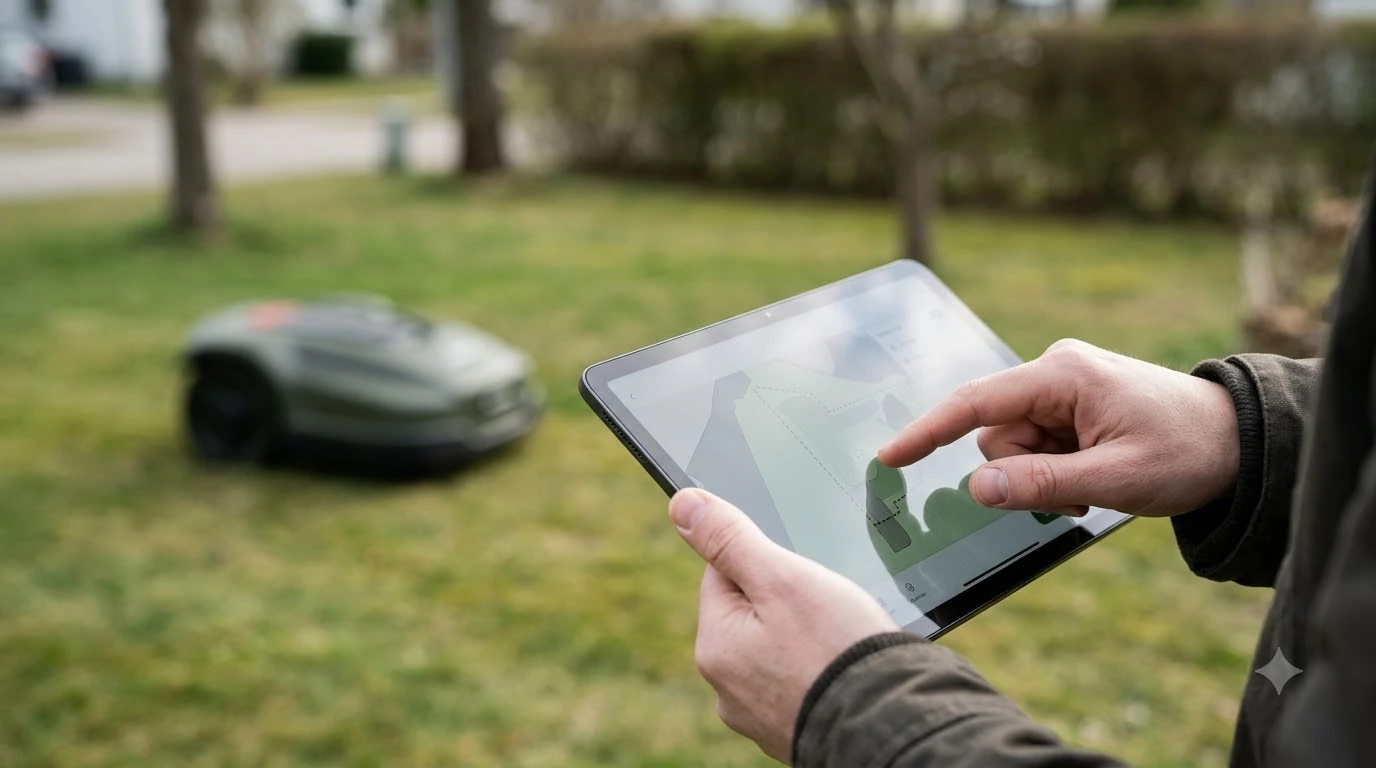

There is no single best robot mower with geofencing alerts, but the feature to check first is whether the alarm works without a network. Husqvarna’s GeoFence sounds an alarm on the mower itself and needs neither Wi-Fi nor mobile service, while phone notifications and map tracking depend on a connection. As of November 2026, this guide explains what each layer does and what to look for on a spec sheet before you buy.
The short answer
- Geofence alarm: a virtual boundary you set. If the mower leaves it, the alarm sounds on the mower. Husqvarna says this works without Wi-Fi or mobile connectivity.
- Phone alerts: app notifications and SMS need a connected mower. Husqvarna limits SMS to 3 numbers and 10 messages per month, on some models only.
- Map tracking: needs Wi-Fi in range or mobile coverage. Outside that, the alarm still sounds but the map cannot show the mower.
- Lock features: a PIN, a lift alarm and account binding matter as much as the fence. Check each one in the manual for your model.
- Our reading: a geofence deters and helps recovery. It does not stop a theft in progress, and no robot mower is theft-proof.
What a geofence alarm does on the mower
A geofence is a virtual fence, and it is the core feature of any best robot mower with geofencing alerts. You place the mower roughly in the middle of the work area, set a center point and a radius, and the mower raises the alarm if it leaves that zone. Husqvarna describes its GeoFence as a GPS-based theft protection system, and it states that the alarm triggers locally on the mower, even when the mower is not connected to any network.
When the alarm trips, it starts on the mower, and the mower either enters sleep mode or turns off, depending on the model. A PIN code is needed to silence the alarm, wake the mower and change GeoFence settings. Husqvarna also notes that turning off the main switch deactivates GeoFence until the mower is switched on again, and the PIN is required at that point.
The fence is a deterrent and a recovery aid, not a lock. Sunseeker’s anti-theft guide states that robotic mowers cannot guarantee complete theft prevention, so treat the geofence as one layer among several. Our overview of how robot mower theft protection works covers the other layers.
Alerts that need a connection
Most of what people think of as “geofencing alerts” on a best robot mower with geofencing alerts is actually the phone side. The alarm sounds without a connection, but the notifications that tell you about it do not.
| Feature | Works without a connection? | What it needs (Husqvarna) |
|---|---|---|
| Geofence alarm on the mower | Yes | A PIN to silence it |
| App notification “Outside of GeoFence” | No | A connected mower with notifications turned on |
| SMS alert | No | Up to 3 numbers, 10 messages per month, some models only |
| Map position and movement history | No | Wi-Fi in range, or mobile coverage |
Husqvarna says adding a phone number is optional, because the alarm triggers locally regardless. Numbers must include the country code, and the company provides a test SMS function to confirm a number works. When the mower is connected, its position updates every 30 seconds, and Husqvarna gives a precision of within 10 meters, depending on GPS signal strength. On the Automower 420 and 440, updates occur every 5 minutes while mowing and every 14 minutes in the charging station.
How Wi-Fi and mobile coverage change tracking
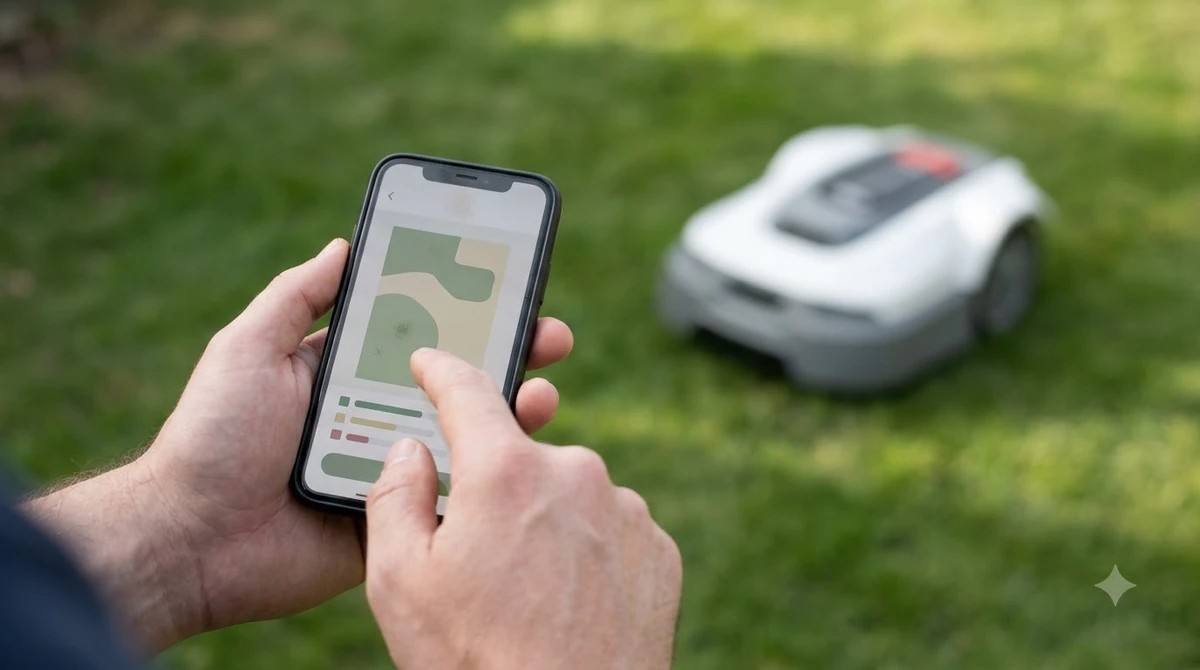
Coverage decides how far the map can follow the mower. Husqvarna separates three connection setups. With Bluetooth only, GPS tracking and the map view are unavailable. With Wi-Fi, tracking works only within Wi-Fi range, which usually means your property. With mobile connectivity, tracking works beyond the property wherever mobile coverage exists.
Mammotion’s anti-theft guide makes a similar point from a different angle. It says tracking depends on open-sky conditions and cellular or network connectivity, and it does not support remote real-time control over 4G or Wi-Fi, with direct operation limited to local Bluetooth. Its remote lock is available only “if available for your model.”
Our reading is that you should test signal where the mower charges, not only at the house. A shaded corner or a garage can cut a Wi-Fi link even when the house has full coverage. If the map matters to you, plan for cellular connectivity on a robot mower or a Wi-Fi extender for the mower app before you rely on tracking.
Radius, sensitivity and false alarms
The radius is the setting that matters most for a geofence on any best robot mower with geofencing alerts. Husqvarna’s app shows the GeoFence radius as a blue circle on the map, and it states the radius can go up to 500 meters. You adjust it with a slide bar in the app and save.
If the alarm triggers too easily, Husqvarna advises two fixes: lower the sensitivity on the mower display, or increase the radius. It also says to reset the center point to the middle of the work area. Mammotion’s guide takes a different approach, sending an anti-theft alert when the robot leaves the lawn by more than 50 meters, with the boundary set by the user.
Our reading is that a larger radius cuts false alarms but gives a thief more room before the alarm sounds. Test the setting on your own lawn during setup, and check that it does not reach a public path or a neighbor’s yard.
Features that go with the fence
A best robot mower with geofencing alerts is strongest when the fence sits alongside other protections. Sunseeker’s guide covers a PIN code, a lift and tilt alarm, a geofence alert, and a remote lock with serial blacklisting, and it advises bolting the charging station down. Those are the features we would check on any model.
- PIN code: Husqvarna requires it to silence the alarm, wake the mower and change settings.
- Account binding: Mammotion says each mower is permanently linked to the first user account at activation, and it cannot be re-registered without the owner’s credentials.
- Secured charging base: Sunseeker advises bolting the charging station to the ground or a wall, because the station is a target too.
- Backup tracker: Sunseeker suggests a small tracker, such as an AirTag, in case the main module is switched off or removed. See add-on GPS trackers for robot mowers for how those work.
Note that Mammotion’s guide does not mention a PIN or a lift alarm, so do not assume a feature is present because a brand offers others. Check the manual for the exact model, and see our guide to robot mowers with a PIN code lock for how the lock side works.
How to pick the best robot mower with geofencing alerts
Use the spec sheet and the model’s support page, because features differ by model and by region. When you compare any best robot mower with geofencing alerts, these five points cover the key differences. Husqvarna lists the Automower models that support GeoFence on its support page, so check that your model is on that list.
- Alarm without network. Confirm the manual says the geofence works without Wi-Fi or mobile connectivity. Husqvarna does.
- Radius and sensitivity. Find the maximum radius and whether you can adjust sensitivity. Husqvarna’s maximum is 500 meters.
- Notification channels. Check whether SMS is offered for your model, and the number of numbers and monthly message limits.
- Connectivity. Confirm Wi-Fi or mobile service for map tracking, and check coverage where the mower charges.
- Lock features. Look for a PIN, a lift alarm, account binding and remote lock, and confirm which of these your model has.
Heads up
Geofence settings and feature names change between firmware versions and regions. Treat any figure here as a starting point and confirm it on the support page for your model before you buy.
Frequently asked questions
Does a geofence alarm need Wi-Fi or a phone plan?
Not for the alarm itself. Husqvarna says its GeoFence triggers locally on the mower and works without Wi-Fi or mobile connectivity. App notifications, SMS alerts and map tracking do need a connection.
Can a robot mower still be stolen with a geofence alarm?
Yes. Sunseeker states that robotic mowers cannot guarantee complete theft prevention, so the alarm is a deterrent and a recovery aid. Pair it with a PIN, a lift alarm and a secured charging base.
How far can the mower go before an alert?
It depends on the brand. Husqvarna’s radius can be set up to 500 meters. Mammotion’s guide describes an alert when the robot leaves the lawn by more than 50 meters.
Do I need SMS alerts?
No. Husqvarna says a phone number is optional, and the alarm sounds on the mower either way. Where SMS is offered, it covers up to 3 numbers and 10 messages per month.
Sources
- How to enable GeoFence and GPS tracking on your Automower robotic lawn mower (Husqvarna): GeoFence without a network, PIN, radius up to 500 m, sensitivity, SMS limits, tracking intervals.
- Mammotion anti-theft guide (Mammotion): 50 m boundary alert, account binding, network dependence, remote lock.
- Are lawn mower robots theft proof? (Sunseeker): anti-theft feature list and the statement that theft prevention cannot be guaranteed.
 Up next8 min readBest Robot MowersBest Robot Mower With Ultrasonic Sensors: 5 Checks Before You BuyUpdated Nov 11, 2026
 8 min readBest Robot MowersBest Robot Mower That Handles Tall Grass: 5 Things to CheckUpdated Nov 11, 2026
 7 min readBest Robot MowersBest Robot Lawn Mower for Florida Lawns: 6 ChecksUpdated Nov 11, 2026
 9 min readBest Robot MowersBest Robot Lawn Mower With Best Customer Support: What to CheckUpdated Nov 11, 2026
 9 min readBest Robot MowersBest Robot Lawn Mower With Theft Alarm: Features to CheckUpdated Nov 11, 2026
 8 min readBest Robot MowersBest Robot Lawn Mower for Texas Lawns: 4 Specs to CheckUpdated Nov 11, 2026