
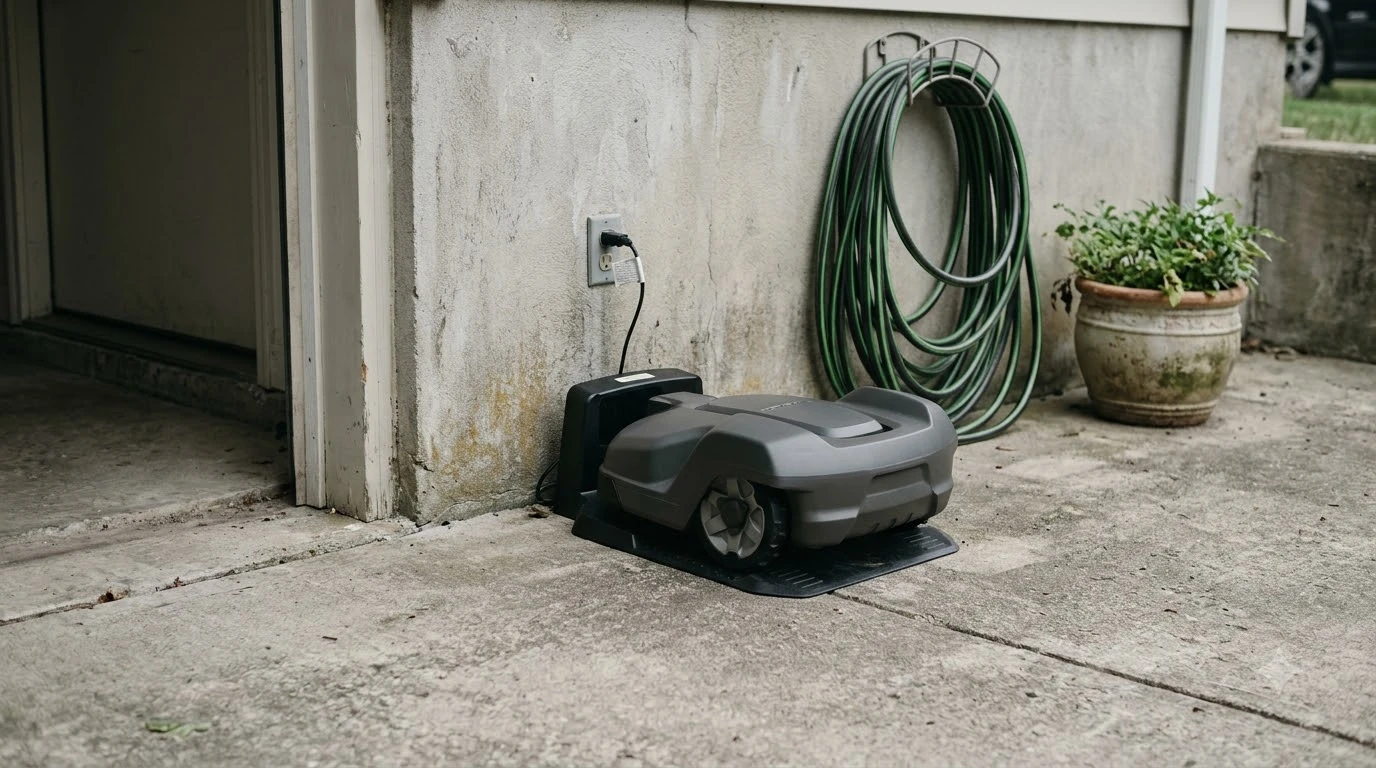

What is an RTK base station? It is a fixed satellite receiver at a precisely surveyed spot that sends correction data to a robot mower. With those corrections the mower can place itself to within a few centimeters, while a phone-grade GPS fix is usually 3 to 10 meters off, according to PointOne Navigation and Sunseeker Elite.
The short answer
- Role: the base station works out satellite signal errors at its own known position and sends corrections to the mower.
- Link: corrections usually travel in real time over the internet (NTRIP), or by radio or Wi-Fi in some setups.
- Placement: a clear sky view, a few meters from the charging station, on a wall, fence or pole. For mounting options, see where to mount an RTK base station.
- Signal loss: the mower falls back to other sensors, and accuracy can dip briefly under trees or near buildings.
What is an RTK base station and what does it do?
An RTK base station is a stationary GNSS receiver whose position is known very precisely (RTK stands for real-time kinematic; see what RTK stands for on a robot mower). It calculates the errors in the satellite signals at that exact spot, then sends those errors to the mower as corrections. The mower uses them to correct its own position reading, which is how RTK reaches accuracy far beyond a normal satellite fix.
The base does not cut grass. Its only job is to supply correction data. That is why the base is a separate unit from the charging dock, even though the two are usually installed close together.
The standard numbers are worth keeping in mind. A phone’s GPS might get within 5 to 10 meters, according to Sunseeker Elite’s glossary page. PointOne Navigation describes RTK as 1 to 3 centimeters horizontally and vertically, compared with 3 to 10 meters for standard GNSS. Both are vendor-published figures, so treat them as the best case rather than a guarantee on every lawn.
How the base station and the mower exchange data
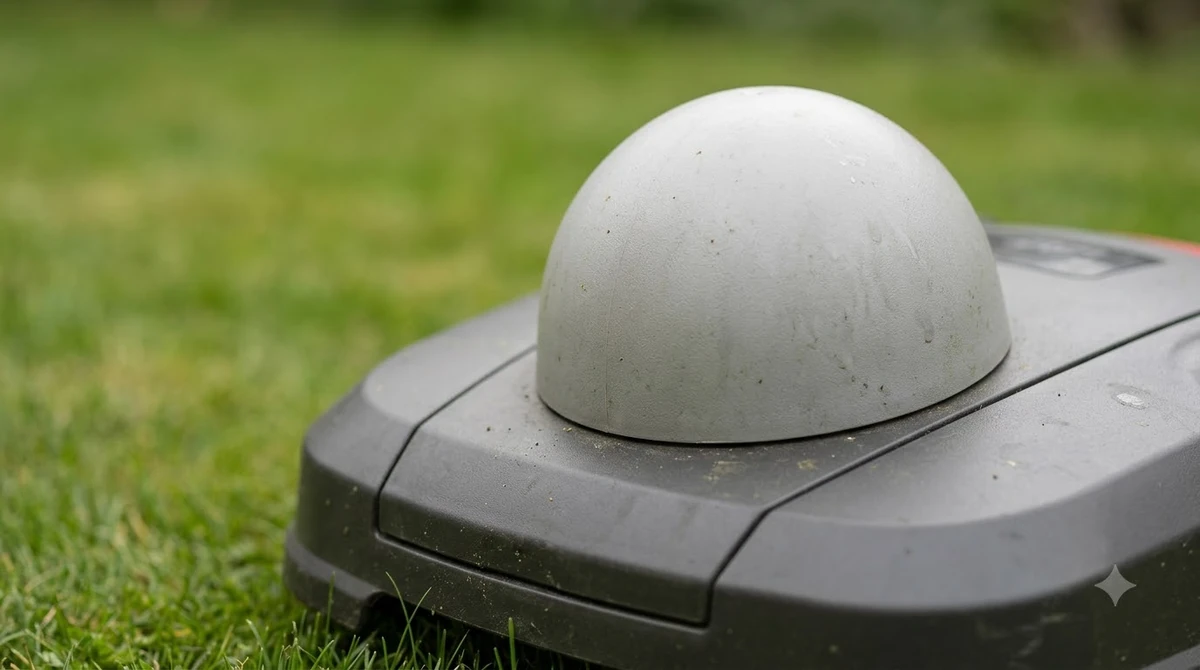
Asking what is an RTK base station only gets half the answer, because the mower and the base work as a pair. The base is the fixed reference; the mower, called the rover in RTK language, is the moving receiver. The base sends its corrections, and the rover applies them to its own satellite readings. The steps below follow the description in PointOne Navigation’s glossary.
- The base receives satellite signals. It compares them with its own known, surveyed position.
- The base calculates the correction. The difference between the measured and known position becomes correction data.
- The corrections reach the mower in real time. PointOne says this is typically done via NTRIP over an internet connection, and L-Band satellite delivery is an option where there is no internet.
- The mower applies the correction. It uses the corrected position to follow its mowing path.
The sources do not agree on one link type. Sunseeker’s components section names “a communication link, typically radio or Wi-Fi,” while its installation section says the base and the charger are “connected by cable.” The page does not explain the difference, so check your model’s manual for the exact connection before you plan the cable run.
Some owners skip their own base and use a network RTK service. PointOne describes network RTK as delivering corrections over NTRIP, which means the user pays for a correction feed instead of owning the base hardware. Whether that suits your yard depends on the service and your local coverage, so compare the terms before deciding. If you are choosing between setups, see robot mowers with and without a base station.
Where the base station should sit
The base needs a clear view of the sky more than anything else. Sunseeker Elite advises choosing a spot that “offers the clearest possible view of the sky,” such as a wall, fence or pole, and placing it typically just a few meters from the charging station.
- Open sky first: pick a point with no tree branches, eaves or roof overhangs above it.
- Keep the charger close: a few meters from the dock is the distance Sunseeker gives for its system.
- Avoid heavy tree cover: Sunseeker says heavy tree cover, walls or roof overhangs weaken accuracy and should be avoided.
- Watch smooth walls: PointOne lists signals reflecting off buildings and surfaces (multipath) as a cause of degraded accuracy, so a wall that reflects satellite signals is a poorer spot than open sky.
Heads up
Moving the base changes the reference point. Owners report that the lawn map must be rebuilt if the base moves, even by a few inches. This comes from Yarbo’s blog as user reports, not a manufacturer rule, so fix the base in place before you map the lawn.
What happens when the signal drops
When the RTK link weakens, a mower does not simply stop being accurate; it leans on other sensors. Yarbo states that its mowers use fallback navigation based on vision, an IMU (inertial measurement unit) and odometry when the RTK signal drops. Its page does not explain how each sensor’s role changes during a dropout, so this article does not go further than that.
Yarbo also says that areas with poor satellite visibility can see momentary loss of RTK precision, naming tall trees and nearby buildings as causes. Its page adds that RTK needs good satellite signal and minimal obstructions.
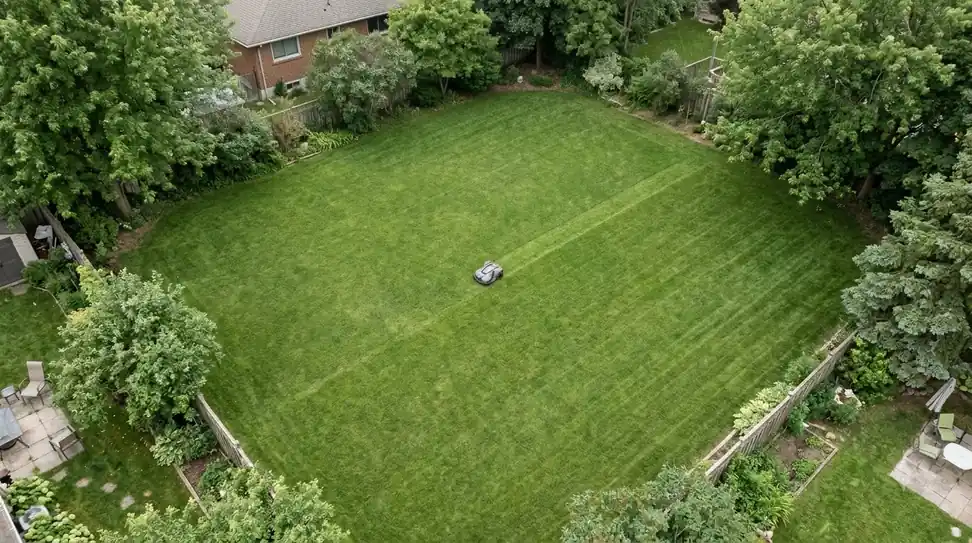
Some robot mowers use other navigation methods altogether. Boundary wire, lidar and vision systems each solve the same problem differently, and each has its own trade-offs. This article covers only the base station and its correction role, and our comparison of RTK, lidar and vision robot mowers covers the differences.
RTK compared with standard GPS
RTK is much more precise than standard satellite positioning, but its accuracy depends on the base link and the sky above it. The table below puts the figures from the sources side by side, with the source for each row.
| Positioning method | Accuracy figure in the source | Source |
|---|---|---|
| Phone-grade GPS | Within 5 to 10 meters | Sunseeker Elite |
| Standard GNSS | 3 to 10 meters | PointOne Navigation |
| RTK with a base station | A few centimeters (vendor claim) | Sunseeker Elite |
| RTK with a base station | 1 to 3 centimeters horizontal and vertical | PointOne Navigation |
The two RTK figures differ slightly, and neither page gives test conditions for its number. So what is an RTK base station buying you? Our reading is that its design makes centimeter accuracy possible in open sky, while the same design gives less benefit under heavy cover. Neither source states a number for accuracy under a canopy, so this article does not give one.
How long setup and first fix take
Setup and the first satellite lock take a few minutes once the base is powered and in position. Sunseeker says the RTK system needs 3 to 5 minutes to acquire satellites.
The same page says the whole installation can often be finished in under an hour. That is a vendor claim, and it assumes the base spot and cable are already planned, so budget more time if you need to run a longer cable or mount a pole. A weatherproof enclosure for the base station is one accessory to compare.
If you are weighing an RTK system, read the manual’s section on the base link and placement before you buy. Our reading is that the base location, not the accuracy label on the box, decides how well the mower holds its position on your lawn.
Frequently asked questions
What is an RTK base station used for on a robot mower?
It is a fixed receiver at a known position that works out satellite signal errors and sends corrections to the mower, which is how RTK reaches centimeter-level accuracy in open sky.
Does every RTK robot mower need its own base station?
No. Some systems use a network RTK service that delivers corrections over NTRIP instead of a base you own. PointOne Navigation describes this option. Check which correction source your mower model uses before you buy the hardware.
How far can the base station be from the mower?
The sources in this article do not agree on one distance limit, so no number is given here. Check the manufacturer’s manual for your model, since the usable distance depends on the system.
Can trees stop an RTK base station from working?
Trees do not stop the base, but heavy tree cover weakens the satellite signals the system depends on. Sunseeker advises avoiding heavy tree cover, and Yarbo notes that the mower can lose RTK precision for a short time under tall trees.
What happens if the base station gets moved?
Yarbo’s blog reports that owners have needed to rebuild the lawn map after the base moved, even by a few inches. This is a user report on that page, not an official rule, so fix the base in place before you map the lawn.
Sources
- What is RTK technology (Sunseeker Elite) (brand blog): base role, placement, sky view, phone GPS and RTK accuracy, first fix time, setup time.
- What is RTK (Real-Time Kinematic) Positioning (PointOne Navigation) (GNSS vendor glossary): reference station definition, NTRIP delivery, L-Band option, RTK and standard GNSS accuracy, obstructions and multipath.
- RTK robot mower reliability (Yarbo) (brand blog): fallback sensors, momentary precision loss under cover, user reports about moving the base.
 Up next7 min readLearnHow Much Does an RTK Base Station Cost?Updated Nov 14, 2026
 7 min readLearnHow to Set Up an RTK Robot Mower: Base Station StepsUpdated Nov 11, 2026
 9 min readLearnAnthbot M5 RTK Station Setup Problems: Causes and FixesUpdated Nov 11, 2026
 8 min readLearnRobot Mower Not Returning to Base: 3 Causes and FixesUpdated Nov 11, 2026
 8 min readLearnHow to Prevent Ant Nests Inside a Robot Mower Charging BaseUpdated Nov 19, 2026
 9 min readLearnIs the Charging Station Included With a Robot Mower?Updated Nov 12, 2026