
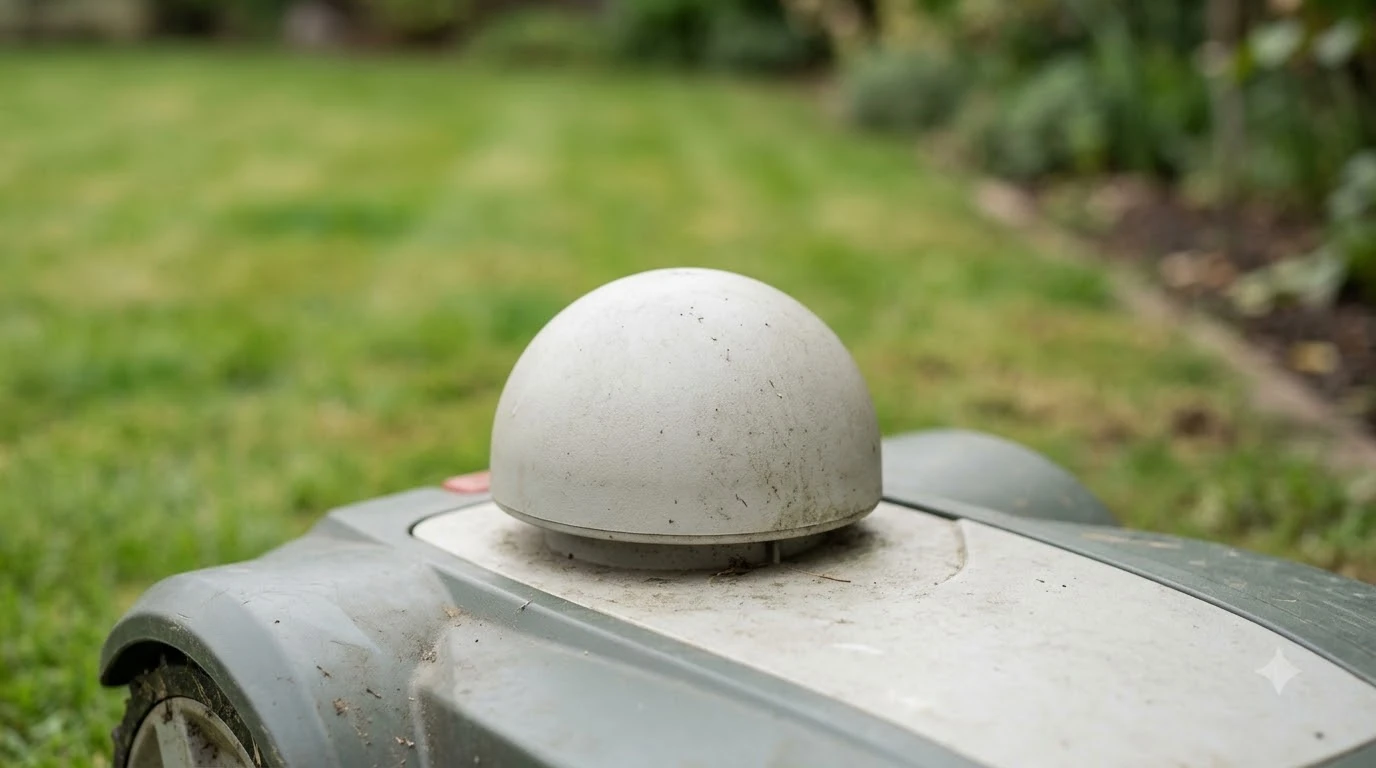

Do robot mowers need wifi or rtk antenna? It depends on how the mower finds its position. A boundary-wire mower needs neither. A traditional RTK mower needs a base antenna with a clear view of the sky. A network RTK mower needs no antenna, but it does need a stable Wi-Fi or 4G link to receive correction data.
The short answer
- Boundary-wire mowers: no antenna, and Wi-Fi is only needed for remote features such as the app.
- Traditional RTK: a base antenna in the yard, placed with open sky and at least 3 m (10 ft) from walls and trees, according to Mammotion’s install guide.
- Network RTK: no antenna, but a Wi-Fi or 4G connection, according to Mammotion’s iNavi Service page.
- Wi-Fi-only models: the app and remote access depend on the router, and some Husqvarna Wi-Fi-only models stop mowing if the signal is not recovered.
Boundary-wire and no-network mowers
A boundary-wire mower does not need an antenna or a live link to mow. Husqvarna’s support article describes a boundary-wire or reference-station mower as one that keeps mowing on schedule without remote access.
For a buyer asking whether robot mowers need wifi or rtk antenna, the first question is the positioning method, not the brand.
That split matters when you plan a yard. If the connection drops on a wire-based mower, you lose remote features such as schedule changes, map edits and alerts. The mower itself keeps working. Our reading is that a wire or reference-station model takes the network out of the core mowing job, even though you still want a link for the app.
Local RTK base station: antenna and placement
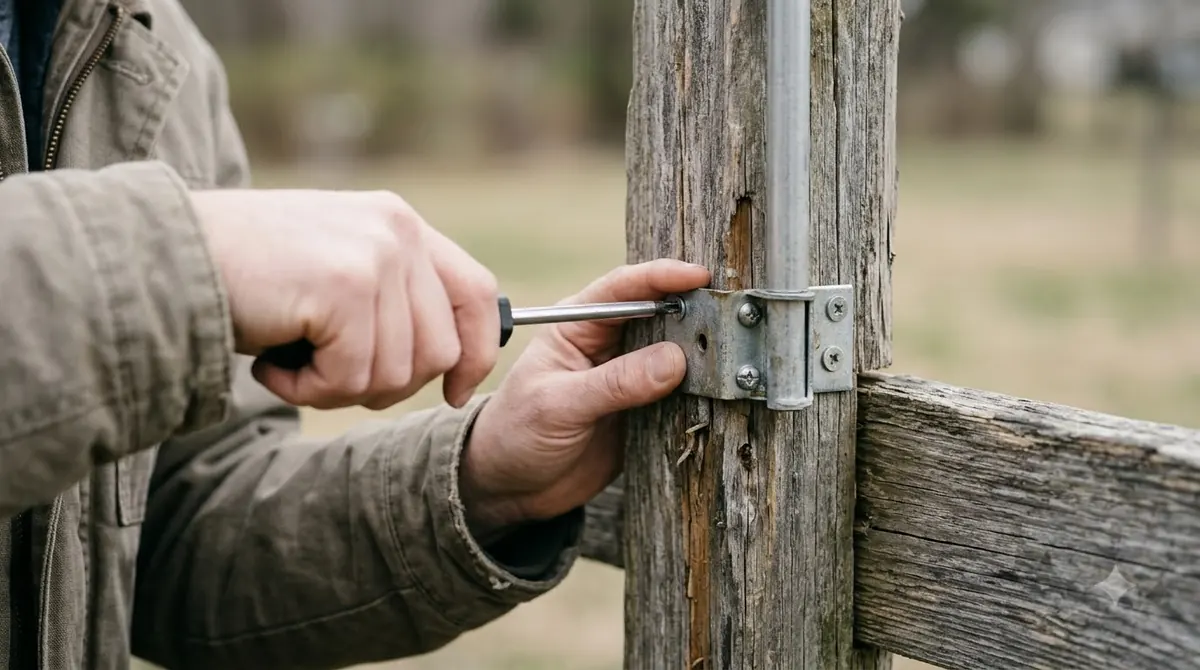
A traditional RTK setup puts a base antenna in the yard, and the base needs open sky. Mammotion’s install guide for its RTK reference station says the unit can sit “on flat, open ground or on an unobstructed wall or roof.” It asks for “at least 3 meters (10 feet) between the RTK reference station and any wall or tree,” and says there should be “no roofs or trees that may obstruct the satellite signals.”
The same guide warns against placing the station at the corner of an L-shaped building or on a narrow path between two structures. Husqvarna’s EPOS support gives a different rule of thumb for its own station: a clear sky view of at least 135 degrees and a mounting height of at least 2 m (6.5 ft). Our guides on where to mount an RTK base station and where to place an RTK antenna in a yard with trees go deeper on placement.
The sources we read for this guide do not say that the base station itself must join your Wi-Fi. They describe placement and sky view. Check the manual for your model before you plan a network link to the base.
Network RTK: no antenna, but a live link
Network RTK removes the base antenna and replaces it with a data link. The mower gets correction data over the internet instead of from a box in the yard.
Mammotion’s iNavi Service page says the service “does not require an RTK antenna, base station, or any additional hardware.” It adds that “the mower needs a stable WiFi or 4G connection to receive real-time correction data.” If 4G is weak, the owner can switch the mower to Wi-Fi. The same page says some new mowers include three years of complimentary 4G. After that period, the owner may choose to renew the plan. If the plan is not renewed, the page says positioning “can still function with WiFi and 4G,” but some cloud features may stop working.
So for network RTK, the real question is not only whether the mower has a radio antenna, but whether the mower has a connection it can keep. Our reading is that a Wi-Fi link at the charger may be enough for setup, while a 4G plan adds coverage when the router sits far from the lawn. Our overview of an RTK network service for a robot mower without a base station covers that trade-off. Buyers often ask, do robot mowers need wifi or rtk antenna hardware, and for network RTK the answer is a data link rather than a mast in the yard.
Segway Navimow’s Network RTK page says “there’s no need to install any local antenna” and that you “simply connect through the Navimow app.” It states that “required cellular data are provided free of charge,” and it asks buyers to enter a postcode to check whether the service covers their area. Where it does not, the page offers an email notice instead.
| Setup | Antenna in the yard | Link needed | Rule stated by the source |
|---|---|---|---|
| Boundary-wire mower | None | Only for the app and remote features | Keeps mowing on schedule without remote access (Husqvarna) |
| Traditional RTK base | Base antenna on open ground, wall or roof | Not stated in the sources read | At least 3 m (10 ft) from walls and trees (Mammotion) |
| Network RTK, Mammotion iNavi | None | Stable Wi-Fi or 4G for correction data | Service and 4G data free for the product lifecycle on compatible models; some include 3 years of 4G, then optional renewal (Mammotion) |
| Network RTK, Navimow | None | Cellular data included at no extra cost | Postcode check before purchase (Navimow) |
Wi-Fi-only mowers and the app
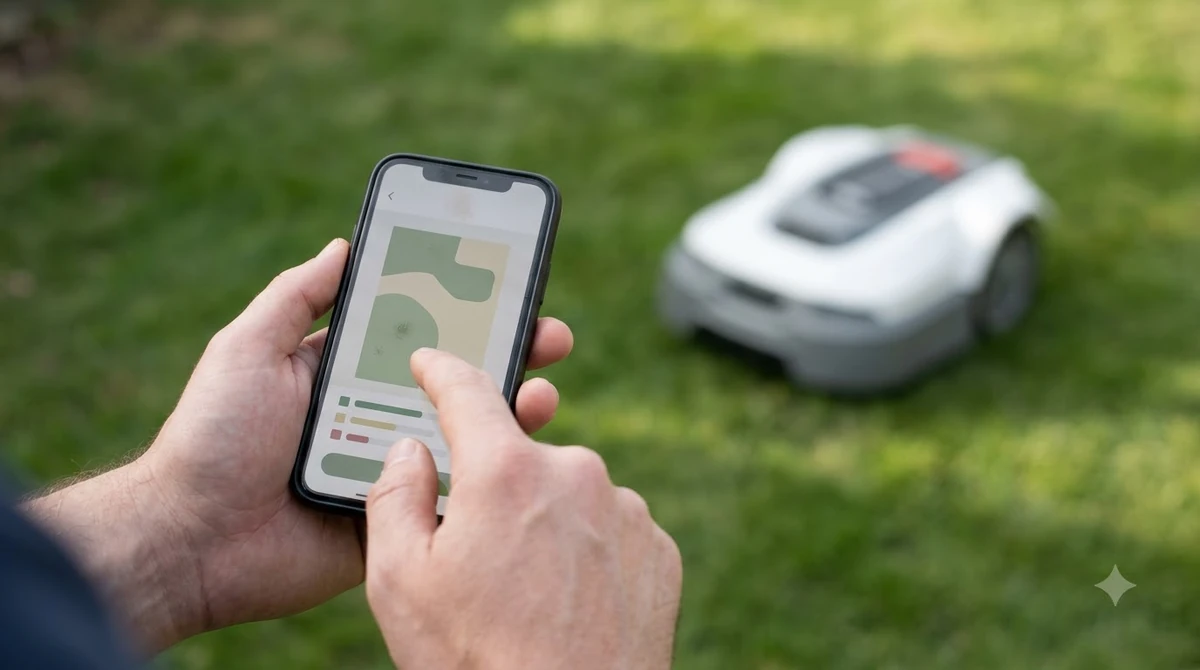
Wi-Fi-only mowers depend on the router for remote features, and in some Husqvarna EPOS models for mowing itself. Husqvarna says its Wi-Fi-only models need a strong Wi-Fi signal at the charging station, support only 2.4 GHz networks, and need the network name (SSID) to be visible. Setup starts with Bluetooth pairing to the phone, followed by Wi-Fi in the app, and our walkthrough on how to connect a robot mower to Wi-Fi covers those steps.
Husqvarna also notes that a Wi-Fi-only EPOS mower stops mowing and searches for signal, and loses remote access, if the signal is not recovered. Its troubleshooting list names the usual causes: no network added in the app, router power loss, an internet outage, and weak signal or a mower out of range.
Sunseeker’s glossary describes the same dependency from another angle. A Wi-Fi mower relies on the app for setup, schedules, map edits, alerts and software updates.
Do robot mowers need wifi or rtk antenna? Picking the link
Choose Wi-Fi when the charging station sits near a stable router. Choose cellular when it does not, and see our cellular vs Wi-Fi robot mower comparison for the trade-offs. Husqvarna’s cellular support says cellular works in most locations but some areas may not have coverage. Coverage is typically strong in cities and more limited in remote rural areas.
Mammotion describes 4G as an optional upgrade rather than a requirement, and says a mower can still connect through Wi-Fi or Bluetooth. Our reading is that a network RTK mower should be placed where its link is strong, because the correction data depends on that link, not only on the app.
What to check before you buy
Do robot mowers need wifi or rtk antenna hardware in your case? Read the spec sheet for the positioning method, not only the brand name. The same brand can ship a wire model, a base-station model and a network model.
- Positioning method. Confirm whether the model uses boundary wire, a local RTK base, or network RTK.
- Data terms. For network RTK, check whether cellular data is included, how long the free period runs, and what happens after it ends. Mammotion says some cloud features may stop without renewal.
- Wi-Fi band. Husqvarna’s Wi-Fi-only models support 2.4 GHz networks only.
- Sky view and clearance. For any base antenna, follow the placement rules in the manual, including the 3 m rule from Mammotion and the sky view guidance from Husqvarna.
- Coverage. For network RTK, enter your postcode or check the coverage map before you buy.
Our reading is that network RTK removes hardware from the yard but adds a service you must keep working. In short, the answer to whether robot mowers need wifi or rtk antenna comes down to the setup you buy, not a single rule for the category.
Also check whether the model you are considering is in the vendor’s current list of supported mowers. Mammotion’s iNavi page lists specific LUBA and YUKA models and notes that some newer mini models are not on that list, so the model number matters more than the product line.
Pick the method that fits the connection you can keep reliable.
Frequently asked questions
Do robot mowers need wifi or rtk antenna to mow at all?
No, not for boundary-wire or reference-station mowers. Husqvarna’s support says these keep mowing on schedule without remote access, though the link still matters for the app and remote features. A network RTK mower is the exception: it needs a stable Wi-Fi or 4G link for correction data.
Does network RTK need an antenna?
No. Mammotion’s iNavi Service and Navimow’s Network RTK both say no local antenna or base station is needed. Both still need a data connection.
Is the cellular data for network RTK free?
Navimow says its required cellular data is provided free of charge. Mammotion says its iNavi Service and 4G data are free for the product lifecycle for compatible models, with an optional renewal after a complimentary period. Check the current terms for your model.
Can a Wi-Fi-only mower use a 5 GHz network?
Husqvarna’s setup article says its Wi-Fi-only models support only 2.4 GHz networks, and that the network name must be visible to the mower. Use a 2.4 GHz network for setup.
Sources
- Mammotion iNavi Service (manufacturer): no RTK antenna or base station, Wi-Fi or 4G for correction data, free service terms and compatible models.
- Segway Navimow Network RTK (manufacturer): no local antenna, app setup, cellular data included, postcode check.
- Mammotion support: how to install an RTK reference station (manufacturer): placement, 3 m clearance, obstruction rules.
- Husqvarna support: connect an Automower to Wi-Fi (manufacturer): 2.4 GHz, SSID, Bluetooth pairing, Wi-Fi-only behaviour.
- Husqvarna support: cellular connectivity coverage (manufacturer): coverage varies by area.
- Husqvarna support: Wi-Fi connection problems (manufacturer): common causes of a dropped link.
- Sunseeker glossary: Wi-Fi robot lawn mower (manufacturer): what a Wi-Fi mower depends on.
 Up next7 min readLearnDo Robot Lawn Mowers Need Lithium Batteries? What to KnowUpdated Nov 14, 2026
 7 min readLearnDoes a Robot Mower Charger Need Its Own Circuit Breaker?Updated Nov 12, 2026
 7 min readLearnDo Robot Lawn Mowers Need a Permit?Updated Nov 12, 2026
 8 min readLearnWhat Tools Do You Need to Install a Robot Mower?Updated Nov 12, 2026
 6 min readLearnDo Robot Mowers Need a Level Lawn?Updated Nov 14, 2026
 8 min readLearnDo Robot Mowers Need a Ground Rod? What the Manuals SayUpdated Nov 12, 2026