
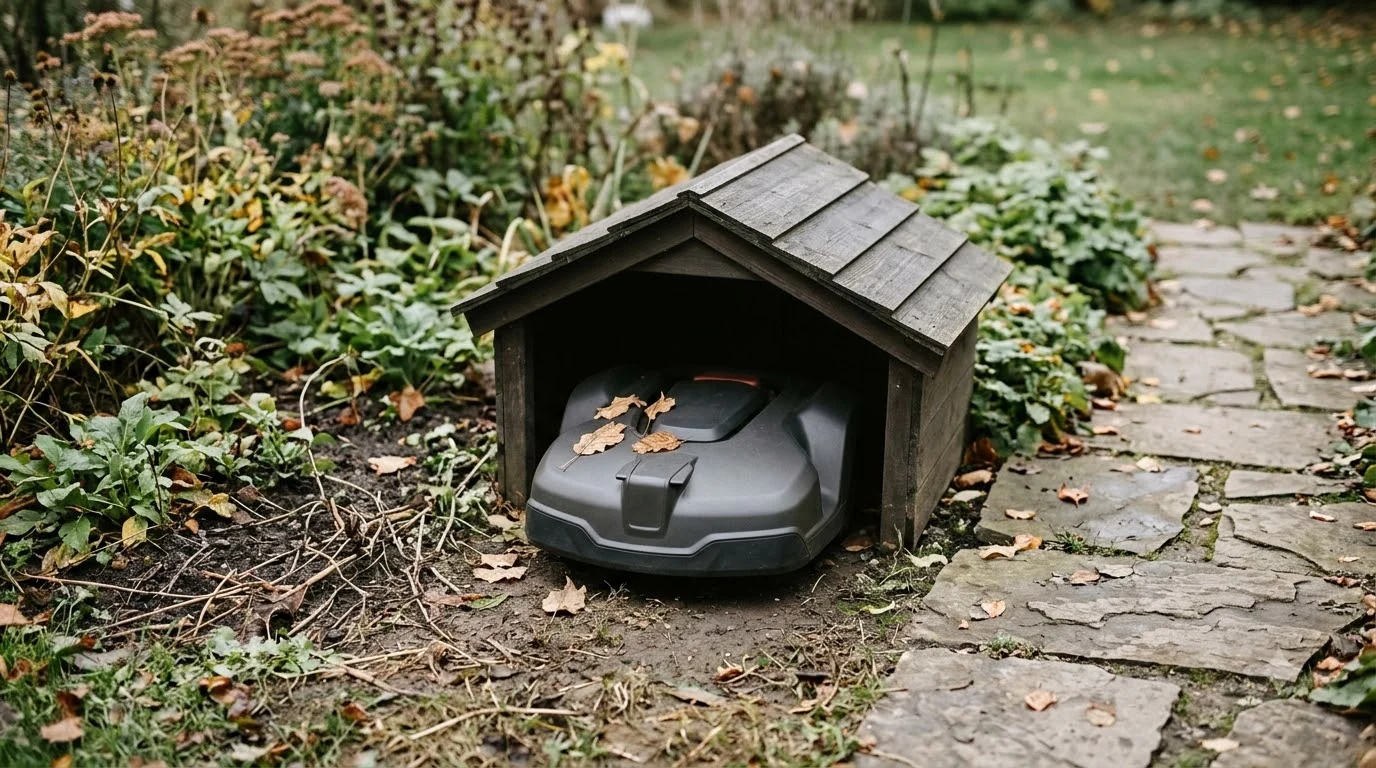

An Ecovacs GOAT charging station cover is optional, and the Ecovacs manual we read does not mention one. The guidance that matters is about placement: keep the power adapter raised, keep the area around the station trimmed, and move the whole station indoors for winter. We checked the GOAT O1000 RTK specs and install guidance, so the numbers below apply to that model. Other GOAT models, including the A-series, can differ. This is as of Nov 2026.
The short answer
- Need: optional. Protect the contacts from rain and debris, and do not seal the station shut.
- Size: the O1000 RTK station is listed at 27.80 x 16.93 x 11.22 in. The orientation is not stated, so measure your own unit.
- Clearance: the install guide asks for 15.75 in on each side and 6.56 ft in front of the station.
- Winter: Ecovacs recommends moving the entire station indoors when the GOAT is not in use during winter.
Does a GOAT charging station need a cover?
For most gardens, a cover is a convenience rather than a fix for a known fault. The GOAT is rated IPX6 for rain, according to Ecovacs help material, so the goal is not waterproofing the mower itself. The goal is keeping the charging contacts dry and free of grass. Mammotion’s robot lawn mower garage guide makes a point that applies to any robot mower: repeated wet and dry cycles corrode charging contacts more than a single soaking does. The basics are consistent across models, so what a dock cover has to protect is a useful starting point.
Ecovacs also raises a camera point. Its help material says rain on the camera can interfere with visual localization to a degree. A roof that keeps rain off the base is useful, but a cover that sits in front of the camera or the docking path is a problem to avoid.
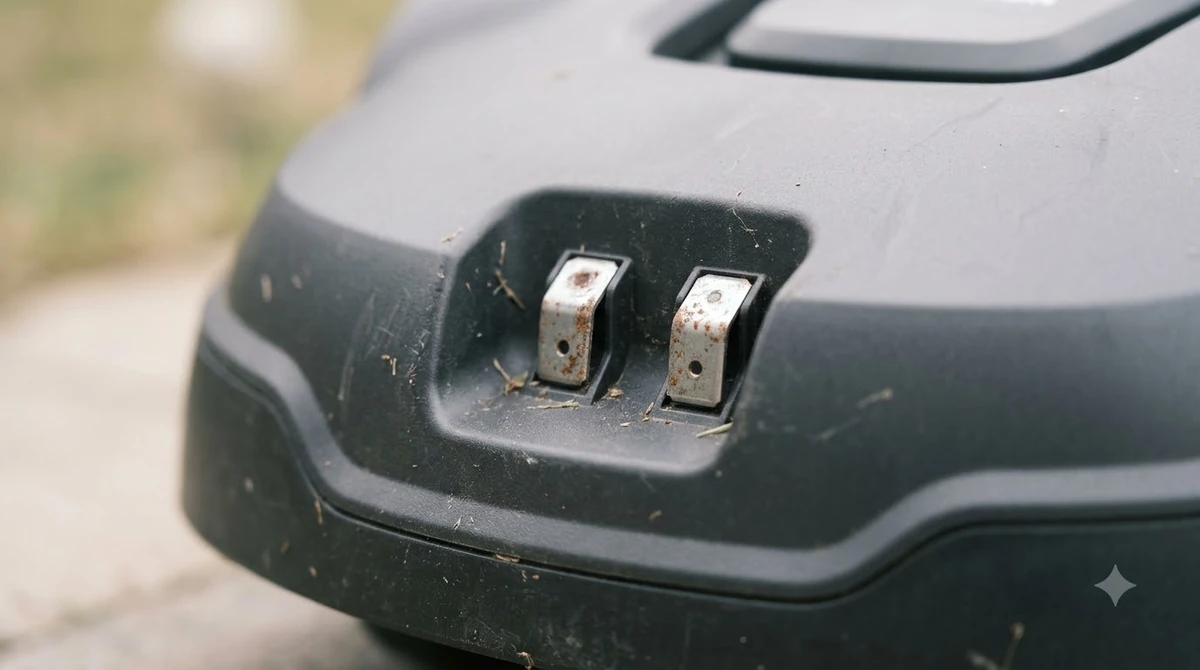

Ecovacs GOAT charging station cover: how to size it
Sizing starts with the station and the clearance around it. The O1000 RTK specification table lists the station at 27.80 x 16.93 x 11.22 in and the mower at 23.62 x 15.75 x 10.35 in. The table does not say which edge is which, so take your own measurements before you buy a shelter. A garage can replace a cover entirely, and garage options for the GOAT list what to measure first. Sizing a cover is the same question for any dock, and a robot mower garage and house cover guide extends that advice to full enclosures.
| Item | Figure we found | Note |
|---|---|---|
| O1000 RTK station | 27.80 x 16.93 x 11.22 in | Orientation not stated |
| O1000 RTK mower | 23.62 x 15.75 x 10.35 in | Orientation not stated |
| Clearance on each side | 15.75 in | From the install guide |
| Clearance in front | 6.56 ft | No rear figure given |
The install guide gives 15.75 in on each side and 6.56 ft in front, but it gives no figure for the rear. Plan the rear space yourself and leave room for the cable and any service access. The clearances are for the station’s own footprint, so a shelter sized only to the mower will be too small.

Keep the grass and the adapter in check
Grass around the base is where the install guidance is strictest. The RTK install guide asks you to keep grass trimmed to under 3.9 in around the dock. The O1000 LiDAR PRO manual gives a different figure, under 6 cm (about 2.36 in), and describes the installation area as flat and open with no obstacles around the station. The two numbers come from different models and documents, so follow the one in your own manual. Grass and uneven ground under the dock can affect fit, so leveling pads for uneven lawn bases are worth reading about before ordering. Damp grass around the base should be trimmed back, and spare contacts for a damp dock are cheaper than a new station.
The LiDAR PRO manual also says the power adapter should sit 30 cm (11.8 in) above the ground to prevent water and moisture damage. The manual does not mention a cover, shelter or any accessory for the station. Keep the adapter raised whatever cover you choose, and make sure the cover does not press it down onto wet ground.
Roof material and the RTK base
If you add a roof, avoid metal. Mammotion’s garage guide warns that metal roofs can reflect or block RTK and GPS signals, while polycarbonate allows partial pass-through. Since the O1000 RTK relies on an RTK reference station, keep the roof away from that signal path. Ventilation matters too. Keep the sides open, because a sealed box can trap heat and damp. Because the RTK base needs a view of the sky, a shade sail with open sky view can be a better fit than a roof.
Winter storage and battery temperature
Ecovacs help material recommends moving the entire docking station indoors for winter when the GOAT is not in use. It also warns that moving the charging station may cause positioning errors and require re-mapping, so mark the position before you move it. A cover does not replace that advice in a cold climate. A cover is one of several extras, and the roundup of GOAT accessories worth buying shows the others.
Ecovacs’s battery temperature protection also matters. Its help FAQ says protection triggers below 0 or above 55, with no unit given in the text, and advises against mowing on frosted lawns and not advising winter mowing. A shelter that keeps the base in the sun all day can raise its temperature, so a sheltered spot in shade is usually the better choice.
A checklist before you buy a cover
- Confirm the model. The figures here are for the O1000 RTK. Check your own GOAT model and station.
- Measure the station. Take all three dimensions and confirm the orientation.
- Keep the clearances. Allow 15.75 in on each side and 6.56 ft in front, and plan the rear.
- Keep the adapter raised. Hold the power adapter about 30 cm above the ground.
- Trim the grass. Follow your manual’s grass height, which may be under 3.9 in or under 6 cm.
- Plan winter. Move the whole station indoors when the mower is not in use.
Related reads: Before you buy, add ground stakes for the GOAT dock to the checklist so the cover and base stay put.
Frequently asked questions
Does a GOAT need a charging station cover?
Not always. A cover mainly helps keep rain, debris and sun off the contacts. The GOAT is rated IPX6 for rain, so the cover is a protection choice rather than a requirement.
Is there an Ecovacs garage that fits every GOAT?
We did not confirm compatibility for any specific accessory. Check the model and station size against Ecovacs’ own accessory listing before buying, since the GOAT A-series and O-series can differ.
Can rain on the GOAT’s camera affect it?
Ecovacs says rain on the camera can interfere with visual localization to a certain extent. Keep any roof or cover clear of the camera’s view and the docking path.
Should I move the GOAT charging station indoors in winter?
Ecovacs recommends moving the whole station indoors when the GOAT is not in use during winter. Note the position first, because moving the station can cause positioning errors and require re-mapping.
Sources
- Ecovacs robot lawn mower installation guide (Ecovacs): the 15.75 in side and 6.56 ft front clearances and the grass height under 3.9 in.
- Ecovacs GOAT O1000 RTK specifications (Ecovacs): station and mower dimensions.
- Ecovacs help FAQ 1609 (Ecovacs): moving the station indoors for winter and the re-mapping warning.
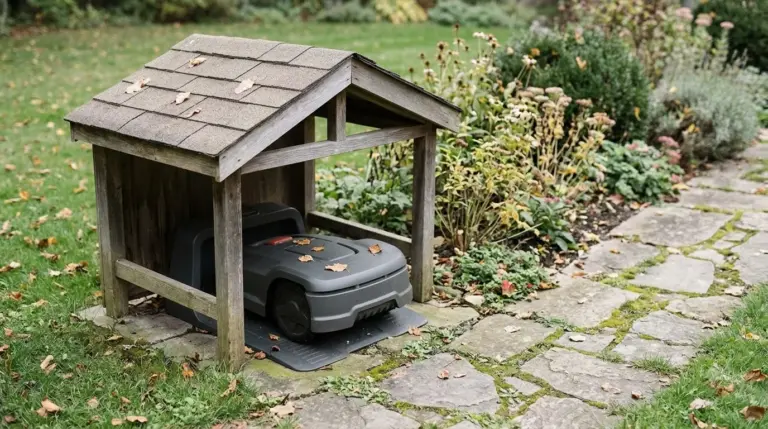 Up next7 min readGearSegway Navimow Charging Station Cover: What to Check FirstUpdated Nov 20, 2026
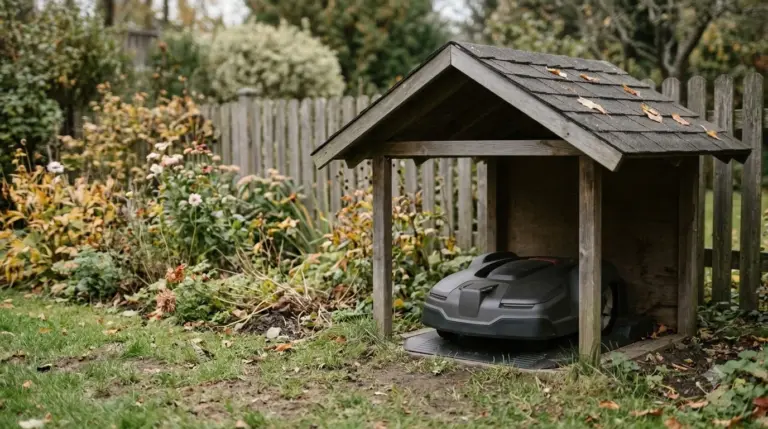 6 min readGearMammotion YUKA Charging Station Cover: What to Check FirstUpdated Nov 20, 2026
 7 min readGearMammotion Luba Charging Station Cover: What to Check FirstUpdated Nov 20, 2026
 8 min readGearEcovacs GOAT Replacement Battery: What to Check FirstUpdated Nov 19, 2026
 9 min readGearEcovacs GOAT Spare Parts: What Ecovacs Publishes and What the Warranty CoversUpdated Nov 19, 2026
 8 min readGearEcovacs GOAT Replacement Wheels: What Is Published and What to CheckUpdated Nov 12, 2026