
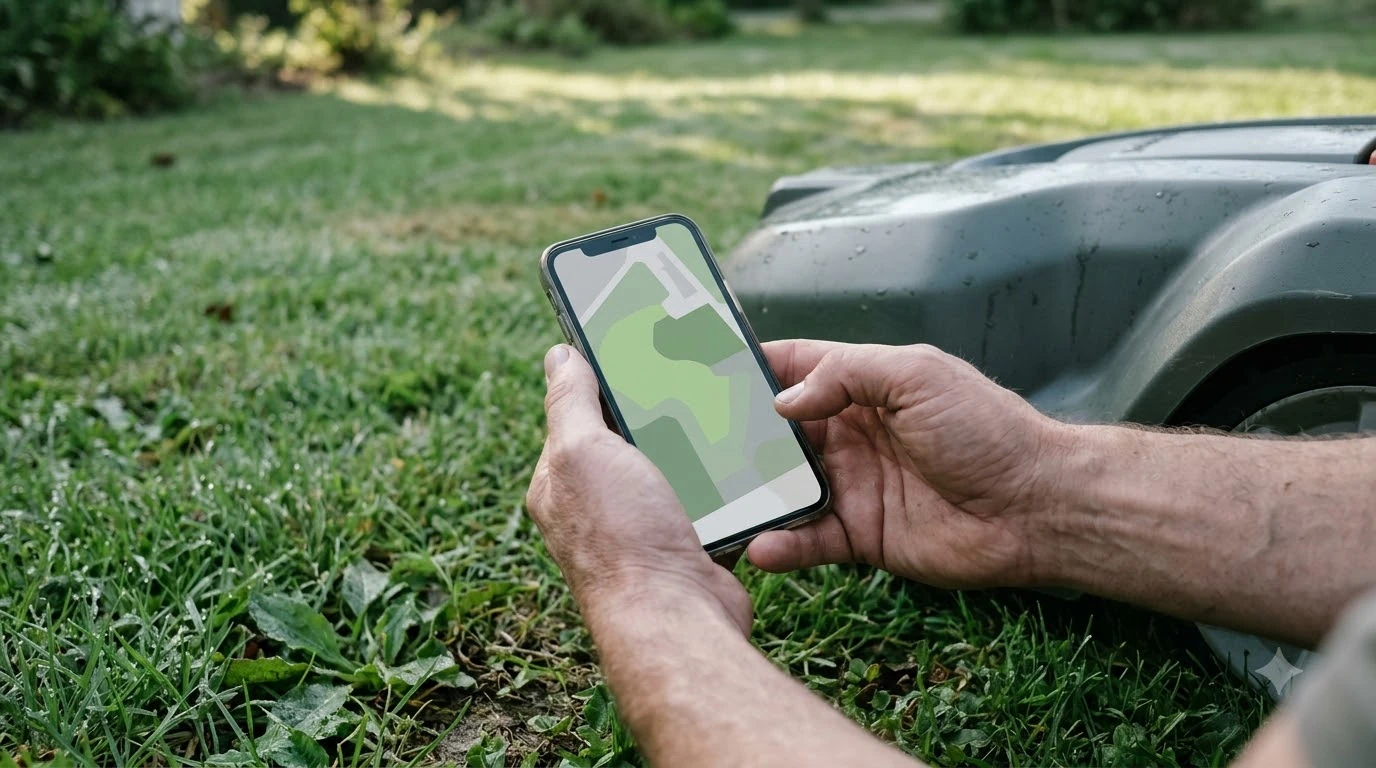

The best robot mower with bluetooth only control suits owners who stay close to the lawn and want to avoid a cloud account. The trade-off is range. Gardena’s Bluetooth app describes control from up to 10 m, so you lose remote start, status alerts and map edits from the office or the couch. This guide explains what changes, what to check on a spec sheet, and when Bluetooth alone is enough.
The short answer
- Range: Bluetooth control works close to the mower, about 10 m in Gardena’s published figure for its SILENO app.
- Remote features: Sunseeker’s glossary lists app control, map edits, status and alerts as functions that run over Wi-Fi.
- Setup and repair: Bluetooth is useful when the router is down, because it “does not depend on the home router.”
- Our reading: pick Bluetooth-only if you are home most days and do not need alerts when you are away.
- Before you buy: confirm the spec sheet lists Bluetooth only, not an optional Wi-Fi or cellular module, because some models share a name across variants.
What Bluetooth-only control actually means
Bluetooth-only control means the phone talks to the mower directly over a short-range radio link, without going through your home router or a mobile network. Setup, pairing and basic commands work the same way they would for any Bluetooth device. The phone must be in range, and the app usually cannot reach the mower from another city. Bluetooth is the simplest link, but the wider guide to app control for robot mowers shows what Wi-Fi and cellular add.
Sunseeker’s glossary on Wi-Fi mowers separates two jobs. Bluetooth handles “close-range pairing and local setup when Wi-Fi is unavailable,” while Wi-Fi covers the functions that need a network. That split is the simplest way to decide whether a Bluetooth-only model fits your yard. If you only ever need to start, pause or check the mower while you are standing on the lawn, Bluetooth covers it. If you want to know the mower stopped in the rain while you were at work, it does not.
What you give up without Wi-Fi or cellular
Most of the loss is about being away from home. The table compares common tasks across the two connection types. The Wi-Fi column reflects the functions Sunseeker lists for network-connected mowers, and the Bluetooth column reflects the 10 m range in Gardena’s app description. If you are unsure what is lost without a network, read about whether mowers need Wi-Fi or cellular before choosing. Yards at the edge of the router’s range are covered in the roundup on mower behaviour with poor Wi-Fi. What a mower keeps doing without a connection is explained under offline operation on a robot mower. For remote alerts without a home network, see the guide to cellular connectivity on robot mowers.
| Task | Bluetooth only | Wi-Fi or cellular |
|---|---|---|
| Start or pause while standing nearby | Yes, within about 10 m | Yes |
| Start or change the schedule from another room or the office | No | Yes |
| Status and alerts for rain, lift or theft | Only when you are near the mower | Yes, when the network is up |
| Edit zones or the map remotely | Usually no | Yes |
| Firmware updates | Likely needs a nearby visit (our reading) | Yes, delivered through the app |
Notice the firmware row. Sunseeker’s page notes that software updates arrive through the app, and a Bluetooth-only mower has no network path for them. Our reading is that the owner needs to bring the phone within range for updates, so check how the manufacturer documents that before you buy. The manufacturer’s current support pages are the place to confirm it, because update methods change between firmware versions.
Bluetooth is a strong fallback for setup and repair
Bluetooth does have a clear advantage in one case: when the home network is the problem. Sunseeker describes Bluetooth as useful because it does not depend on the home router, which makes it the fallback for pairing a mower to a new router, checking a fault, or resetting a unit when Wi-Fi is down. Many owners who struggle to keep a Wi-Fi mower online find that Bluetooth lets them reach the machine anyway.
That fallback only helps when you are outside with the phone, though. It does not monitor the mower while you are away. Treat Bluetooth as the local control path, and decide separately whether you need the remote path.
How to check a best robot mower with bluetooth only control before you buy
Model names and variants change often, so the spec sheet matters more than the marketing copy. Work through these checks before you pay: Check the notes on Apple HomeKit support for mowers if smart-home integration matters to you. Voice assistants are covered in the guide to Google Home integration for mowers.
- Confirm the connection list. The spec sheet should name Bluetooth and say whether Wi-Fi or cellular is included, optional, or unavailable.
- Measure your yard from the charging station. Stand where you will use the phone. If the far corner is more than about 10 m away, Bluetooth will not reach it for control.
- Ask about updates. Find out whether firmware updates need the mower in range or arrive without a visit.
- Check the app terms. Some brands charge for remote features, so confirm which functions stop if a plan lapses.
- Check the warranty and parts. Support matters more on a mower you can only reach from the lawn.
When Bluetooth-only is the right call
A best robot mower with bluetooth only control fits a small or medium yard that you can see from the house, a household that does not want a separate mobile plan, and an owner who checks the mower in person anyway. It makes less sense for a large lot, a second home you visit once a week, or any yard where you want a message when the mower is lifted or stuck. Our reading is that the right choice depends on whether you need information while you are away, not on which option has more features on paper.
If you do want remote alerts, compare a Wi-Fi-capable model with one that offers cellular. The Sunseeker Wi-Fi glossary is a useful checklist for those functions. For the range figure, see the Gardena Bluetooth robotic mower page.
Frequently asked questions
Can a Bluetooth-only robot mower be controlled from the house?
Usually only if the house is within about 10 m of the mower, which Gardena cites for its Bluetooth app. Anything farther needs a network connection.
Do I need a subscription for Bluetooth control?
Bluetooth itself has no subscription in the sources we read. Some brands charge for network-based remote features, so check the app terms before you buy.
Will a Bluetooth-only mower still get firmware updates?
Sunseeker describes updates as delivered through the app, so expect to bring the phone within range. Confirm the exact method with the manufacturer, because it differs by model.
Is Bluetooth enough if I only want to start the mower?
Yes, if you are close enough to the lawn to use the phone. You will not get a start from the office or an alert when the mower stops.
Sources
- Gardena robotic lawn mowers with Bluetooth (manufacturer): app control described up to 10 m.
- Sunseeker Wi-Fi robot lawn mower glossary (manufacturer): Wi-Fi functions list and Bluetooth fallback role.
 Up next9 min readBest Robot MowersBest Robot Lawn Mower With App Control: What to Check FirstUpdated Nov 12, 2026
 7 min readBest Robot MowersBest Robot Mower for a Lawn with a Pergola: What to CheckUpdated Nov 14, 2026
 6 min readBest Robot MowersBest Robot Mower With Apple HomeKit Support: What to CheckUpdated Nov 14, 2026
 6 min readBest Robot MowersBest Robot Mower for a Yard with a Rain Garden: What to CheckUpdated Nov 14, 2026
 7 min readBest Robot MowersBest Robot Lawn Mower Memorial Day Sale: What to Check FirstUpdated Nov 17, 2026
 6 min readBest Robot MowersBest Robot Mower With Replaceable Battery: What to CheckUpdated Nov 14, 2026