
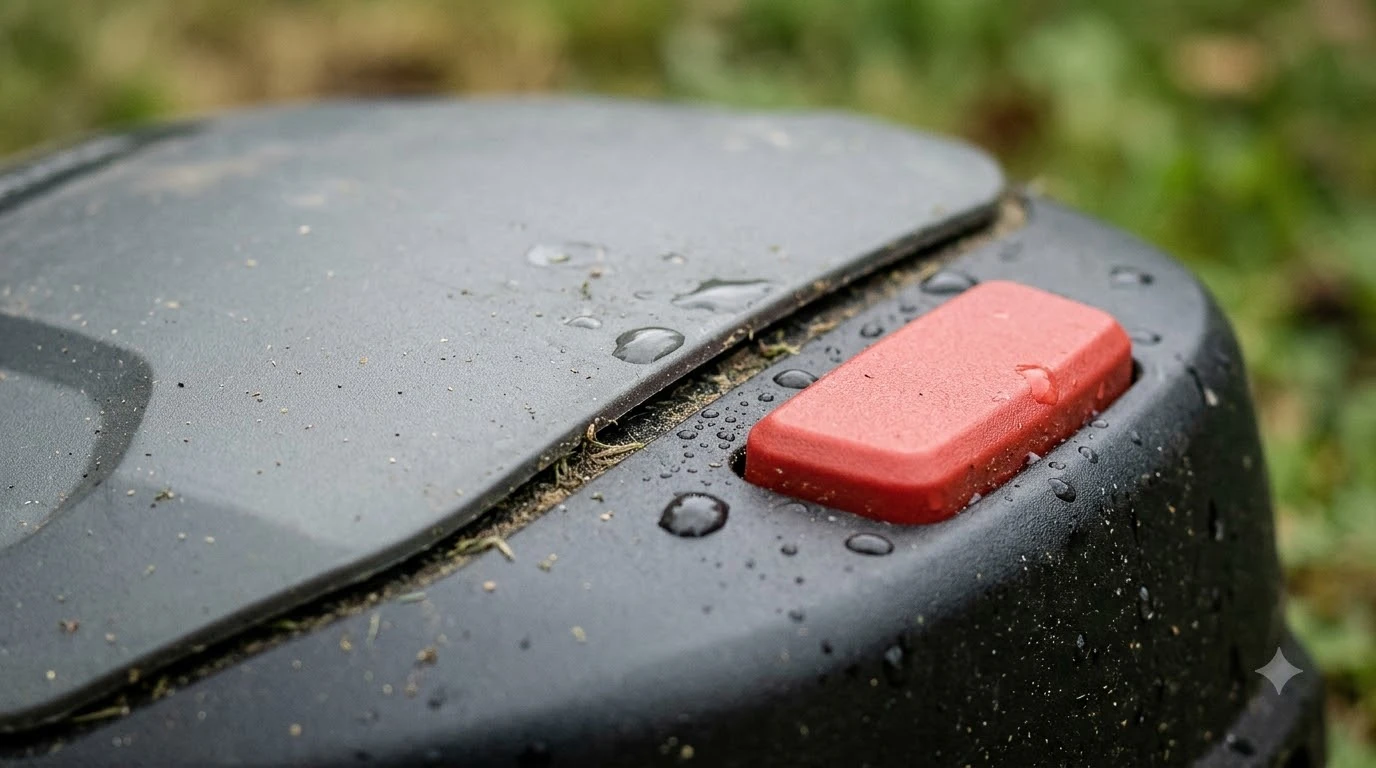

Robot mower emergency stop button what to check first: how the mower restarts after STOP. A STOP press halts the mower until you restart it, and on Husqvarna Automower models, pressing STOP also asks for your PIN, and a few wrong PIN entries lock the mower for a period. Reset steps, lockout times and lift alarms differ by brand and model, so check them before you buy.
The short answer
- STOP halts the mower. It stays stopped until you restart it, and the restart method depends on the brand.
- Husqvarna Automower asks for your PIN after STOP. Five wrong PIN entries lock it for about 30 minutes.
- Lift and tilt alarms stop the mower when it is picked up or tilted past its permitted angle.
- Check the manual for lockout times, reset steps and PIN recovery before you buy.
What the STOP button does on a robot mower
Start with the basics: the STOP button halts the mower, and on Husqvarna Automower models you must enter your PIN after pressing it. Husqvarna’s PIN support page lists the moment after STOP among the times the PIN is requested. That means a STOP press is not just a pause: the mower wants the right PIN before it returns to work.
This behavior is model specific, so confirm it for your model before you buy. Other brands may use a different reset sequence, or no PIN at all for a restart. The safest way to find out is to read the model’s manual and look for the section on STOP, PIN and restart. Ask the seller or the dealer which steps you will need to repeat when you use the mower every week. STOP is also only one layer of protection, so see whether robot mowers have blade stop sensors as well.
A STOP press can also show up as a status message rather than a button you can see at a glance. Worx describes a manual STOP message as meaning the mower has been manually stopped, or that the STOP button may be stuck. A mower that shows this message is not necessarily broken, but you should check the button before you assume the mower is ready.
The PIN lock: how many wrong tries lock the mower
On Husqvarna Automower models, five wrong PIN entries in a row lock the mower for about 30 minutes, and each further wrong try lengthens the lock up to a maximum of 4 hours. This lockout is the detail to note when you review a robot mower’s STOP and PIN behavior. The table below sums up the rules as Husqvarna’s PIN support article describes them.
| Event | What happens |
|---|---|
| Five wrong PIN entries in a row | Mower locks for about 30 minutes |
| Each further wrong try | Lock lengthens, up to a maximum of 4 hours |
| Factory PIN | 0000 or 1234, depending on the model |
| Initial setup | You set a personal PIN |
The factory PIN is one of two common defaults, so the first thing to do after setup is replace it with a personal code. The source confirms the lock times for Husqvarna models only, and the exact duration can vary by model. For a different brand, use that brand’s manual to find its lockout rule, since none of the sources reviewed here give a single figure that applies across all mowers.
Lift and tilt alarms: what triggers them
The lift alarm is the next item on the robot mower emergency stop button what to check list. A lift sensor on Husqvarna Automower models (see our explainer on what a tilt sensor is on a robot mower) detects when the mower is picked up or tilted beyond its permitted angle, and the mower then stops with an alarm. Husqvarna’s alarm page says the message appears in those cases, and the page reports that the mower has stopped.
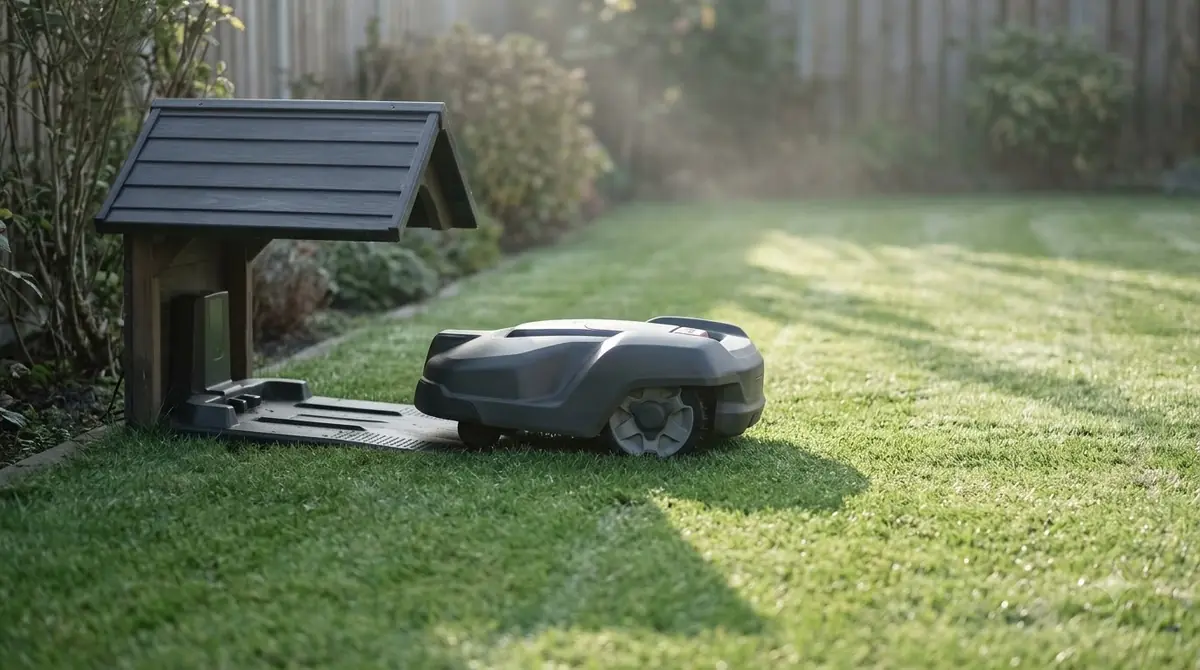
The same page also says the alarm can be triggered by physical conditions in the work area. Obstacles and uneven terrain can set it off, and abnormal vibration on hard surfaces can trigger the lift sensor. A mower that runs over a bump or a stone can therefore alarm even when nobody has touched it, which is why the sensor matters for yards with roots, rocks or paving.
- The mower is picked up by hand, or lifted by a bump or a steep edge.
- The mower tilts past the permitted angle on a slope or an uneven spot.
- Roots, stones or other obstacles push the mower up or sideways.
- Vibration on hard surfaces such as paths or patios.
To clear the alarm, enter your PIN to silence it, then restart the mower using the reset guide for your model. If the alarm returns, work through the causes listed on the page before you assume a fault. The Husqvarna page does not give a tilt angle or a restart delay, so take those figures from your model’s manual rather than from a general guide.
Check a stuck STOP button
If a Worx Landroid Classic shows a manual STOP message, first check whether the STOP button is stuck in or out, because the message can mean the button itself has stuck. Worx’s error guide gives a short check that you can do with the mower in front of you.
- Inspect the button. Confirm whether it is stuck in or out, or whether it moves freely.
- Clear debris. Look for dirt or debris around the edges of the button.
- Free it gently. Tap the button lightly to free it, and avoid excessive force.
- Reset the battery if STOP still shows. Remove the battery for 30 minutes, then reconnect it.
- Check firmware. Install any firmware updates that are available for the mower.
These steps come from Worx’s Landroid Classic guide, so they apply to that line. Other brands may use different reset methods, and a button that still will not move after cleaning may need a dealer’s help.
Recovering a forgotten PIN
On Husqvarna Automower models, the Automower Connect app can recover a forgotten PIN through Forgot PIN code, and the PIN is emailed to all users linked to the account. The route needs firmware from 10 December 2021 or later, the latest app version, and an active Bluetooth, Wi-Fi or mobile connection.
If the app cannot connect to the mower, Husqvarna directs owners to a local dealer. Because the PIN lock and the recovery route are both part of the mower’s security, it is worth knowing before a problem happens which account holds the mower and who receives the recovery email. A second user on the account will also receive the PIN email. For the wider security picture, see can someone hack a robot mower.
Robot mower emergency stop button what to check before you buy
Before you buy, use the robot mower emergency stop button what to check list to confirm how the STOP button resets, whether a PIN is required after STOP, and how recovery works. The model’s own manual and support pages are the best source, since these details vary by brand and by firmware. If children or pets use the yard, our guide to the best robot lawn mower for pets and kids safety covers the wider checks.
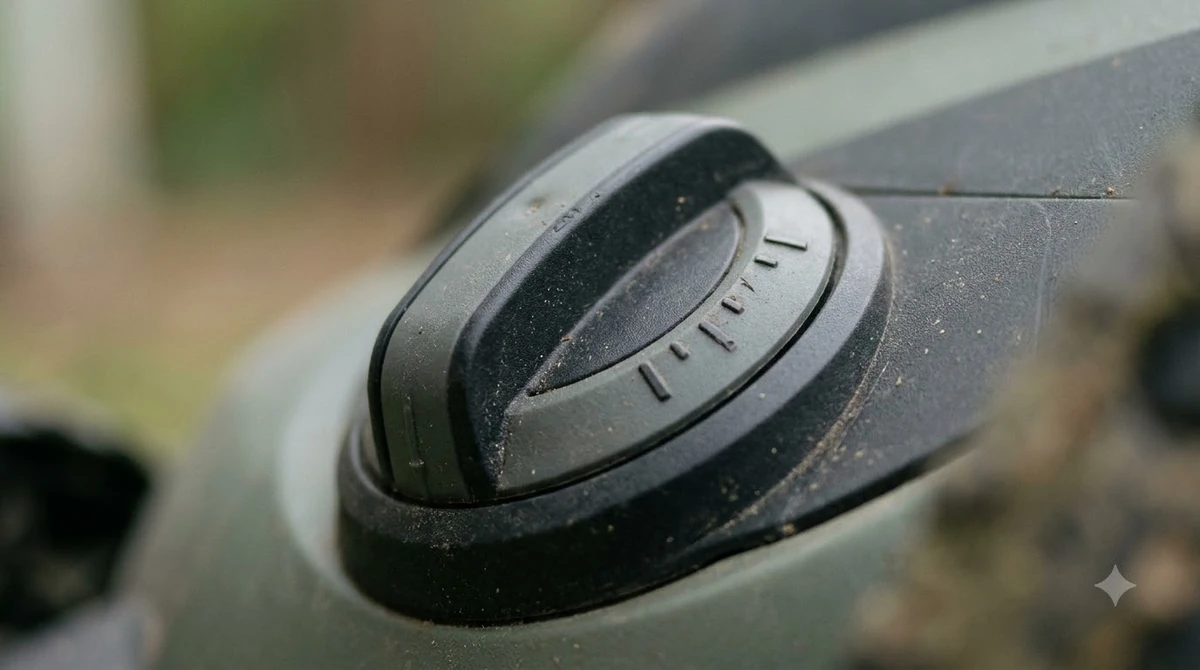
- Whether a restart after STOP needs a PIN, as Husqvarna does, or a simpler reset.
- The lockout time after wrong PIN entries, and whether the factory PIN is a known default.
- What the lift and tilt alarm reacts to, and how the mower restarts after it.
- Whether you can clear a stuck STOP button yourself, using the steps in the manual.
- How a forgotten PIN is recovered, including the firmware and app requirements.
- Where the nearest dealer is, if the app route fails.
Our reading is that a manual with clear lockout, reset and recovery steps is easier to live with than one that leaves them out. A mower that is hard to restart after a stop can cost you time on a busy mowing day, so these details are worth comparing as carefully as blade height or battery run time. That is the short version of robot mower emergency stop button what to check before you spend money.
Frequently asked questions
Does every robot mower require a PIN after STOP?
No. On Husqvarna Automower models the PIN is requested after pressing STOP, according to Husqvarna’s support page. Other brands handle restarts differently, so confirm this in the manual for the model you are considering.
How long does a robot mower lock after wrong PIN attempts?
On Husqvarna Automower models, five wrong PIN entries in a row lock the mower for about 30 minutes. Each further wrong try lengthens the lock, up to a maximum of 4 hours. Exact times can vary by model, so check the manual for the one you own.
Why does my robot mower alarm when I pick it up to move it?
The lift sensor detects pickup or tilt beyond the permitted angle, and the mower stops with an alarm. Husqvarna says obstacles and uneven terrain can also trigger it. Enter your PIN to silence the alarm, then restart the mower using the reset guide for your model.
What do I do if I forget the PIN for my robot mower?
On Husqvarna Automower models, open the Automower Connect app and choose Forgot PIN code. The PIN is emailed to all users linked to the account. The app route needs firmware from 10 December 2021 or later, and a local dealer is the fallback if the app cannot connect.
Sources
- Husqvarna PIN code support article (manufacturer, Ireland site): PIN after STOP, lockout times, factory PIN and app recovery.
- Husqvarna Mower lifted alarm support article (manufacturer): lift and tilt triggers, PIN to silence, restart guidance.
- Worx Landroid Manual STOP error guide (manufacturer): stuck STOP check, battery reset and firmware.
 Up next7 min readBest Robot MowersBest Robot Lawn Mower 2027: What to Check Before You BuyUpdated Nov 16, 2026
 8 min readBest Robot MowersBest Virtual Boundary Robot Lawn Mower 2026: What to Check Before You BuyUpdated Nov 14, 2026
 8 min readBest Robot MowersBest Robot Lawn Mower Under $5000: What to Check Before You BuyUpdated Nov 12, 2026
 9 min readBest Robot MowersBest Robot Lawn Mower Under $700: What to Check Before You BuyUpdated Nov 12, 2026
 7 min readBest Robot MowersBest Robot Lawn Mower Under $3000: What to Check Before You BuyUpdated Nov 14, 2026
 10 min readBest Robot MowersBest Robot Lawn Mower Under $1000: What to Check Before You BuyUpdated Nov 12, 2026