
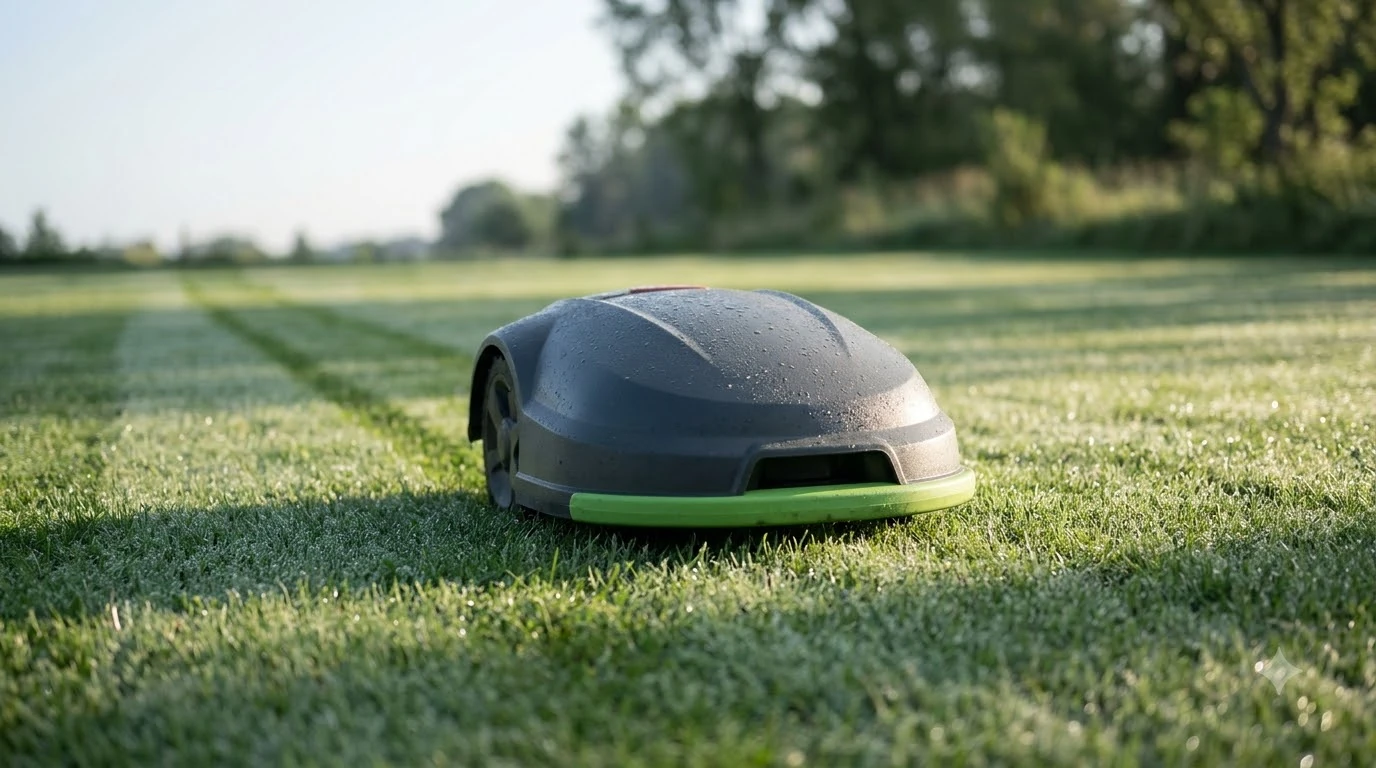

A self charging robot lawn mower goes back to its charging station on its own when the battery runs low or the cutting schedule ends, recharges, and then picks up the job where it stopped. The return is triggered by the battery level and by a few other conditions, and the exact threshold depends on the brand. This guide explains how the process works and what to check before you rely on it.
The short answer
- What it does: the mower drives back to the dock, recharges, and resumes cutting.
- When it returns: at a low battery level, when the programmed cut ends, or when conditions such as rain or high heat call for a stop.
- Thresholds vary: one Navimow model documents returns at 15 to 20 percent battery, while a CoreService support article describes returns at about 30 percent.
- Charge time: CoreService notes the mower may need up to 100 minutes to fully charge before it continues.
- What to check: dock placement, a clean boundary loop, clean charging contacts, and whether the mower returns from remote corners.
What self charging means on a robot mower
A self charging mower has two linked behaviors. It knows where its charging station is, and it knows when to go there. The second part is the one that matters day to day. A mower that cuts for an hour, drops to a low battery level, and then drives back to the dock without help is doing what most owners expect from “self charging.” Docking is tied closely to how the battery ages, so the broader guide to how mower batteries behave over time adds context.
The return is not always a battery decision. Navimow’s support documentation for the H2 lists non-battery triggers as well: rain or wet conditions, heavy fog, high temperatures, the end of the scheduled period, and other safety or protection events. Because the mower can stop for these reasons, a dock that is hard to reach or badly placed can leave the lawn partly cut for days.
Battery thresholds differ by brand
There is no single battery percentage that every robot mower uses. Navimow’s documentation for the H2 says it returns to the dock during normal mowing when the battery drops below 15 percent, and below 20 percent during auto mapping. A CoreService support article describes a return at roughly 30 percent. The difference matters if you have a large lawn, because a mower that returns earlier will spend more of its day going back and forth. If you want to know how long a top-up takes, read about charging duration on a robot mower. Charging speed varies by design, as the guide to mower models that recharge faster explains. Longer runtime changes how often the dock is used, as runtime-focused mower models describes.
When you compare models, look for the threshold in the manual or support article rather than the marketing page. Ask whether the mower returns early during mapping or setup, because that is a common source of surprise on a new install.
How a self charging robot lawn mower finds the dock
Most robot mowers find their way back in one of two ways. Many use the boundary wire, which forms a loop around the lawn and leads to the charging station. Others use a guide wire, a separate path from the lawn to the dock. Some designs first look for a direct signal from the station and fall back to the wire when that fails, and some models add GPS, vision, or other sensors to help with the approach. The route back to the dock is covered in more detail in the explainer on how mowers return to the charging station. A roundup of mowers with reliable auto return to dock shows which designs handle this best.
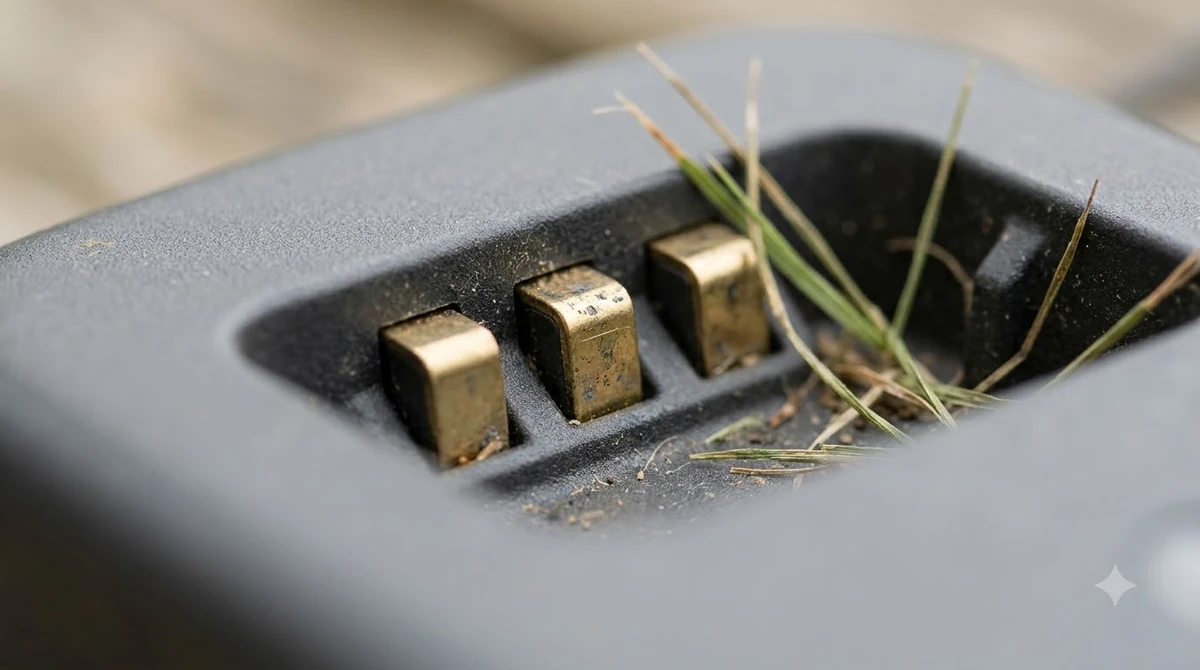
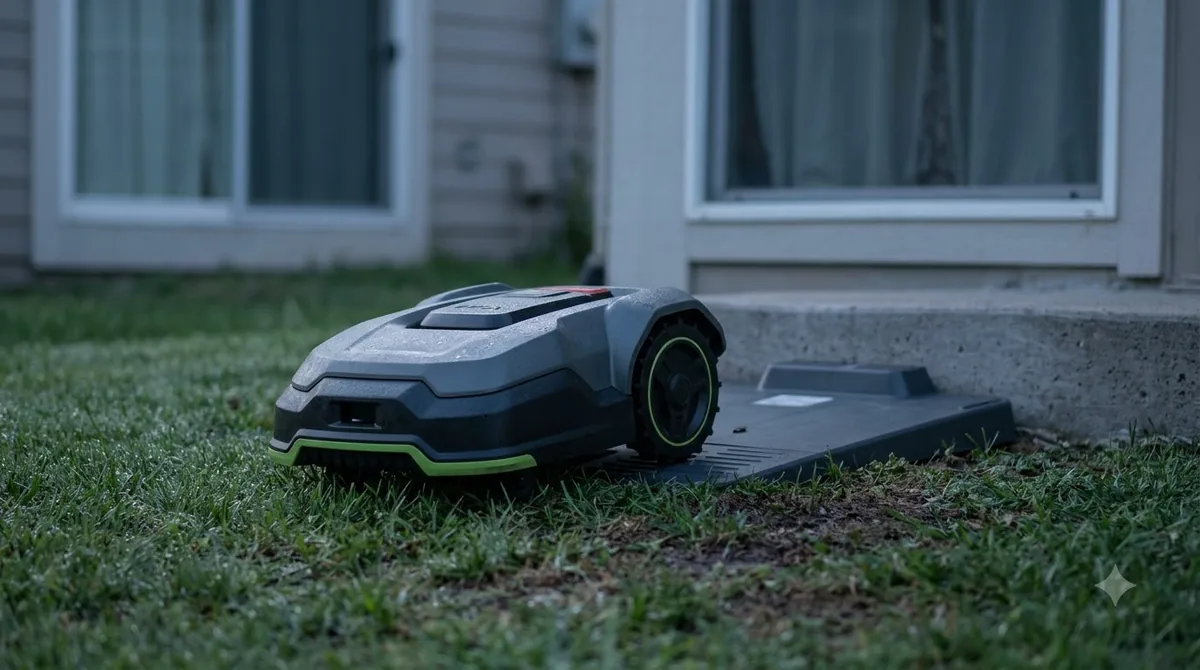
Docking is the final few feet, and it is where many faults show up. The mower has to line up with the charging contacts on the dock. A misaligned approach is one of the first things to check when a mower stops short of the station.
Setup choices that affect self charging
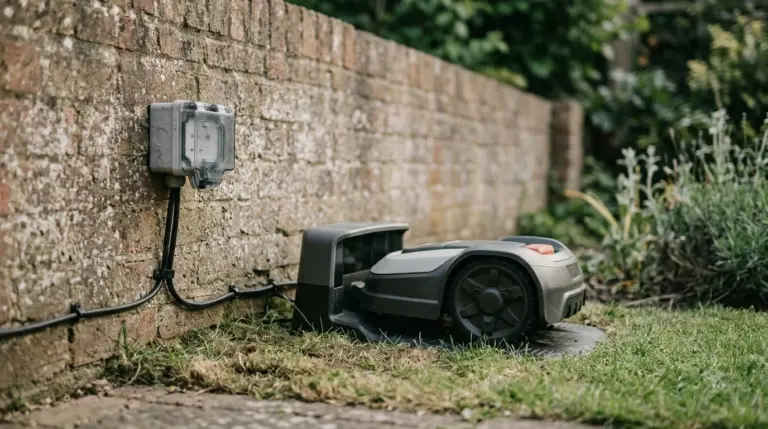
The charging station placement is the most important setup decision. Put it on level ground at the edge of the lawn, with a clear approach, and keep trees, fences, and hoses from blocking the path. If your lawn has several zones, place the station so the mower does not need to cross the whole yard to recharge between them.
The boundary wire needs to form a continuous loop back to the station. A break anywhere on the loop can stop the mower from returning, which is why owners often find out about wire damage only after the mower stays out in the yard. Check the loop after yard work, and look at the connectors where the wire meets the dock.
- Dock position: level, dry, and reachable from the main lawn.
- Boundary loop: continuous, with no cut or loose connector.
- Charging contacts: clean on both the mower and the dock.
- Power supply: plugged in and not overheating.
- Schedule: set the cutting window so the mower has time to recharge before the next run.
Where self charging falls short
Self charging does not mean a mower can cut a large yard in one go without help. On big lawns, the mower may need several charge cycles, and each return adds travel time. Steep slopes, long grass, and wet ground can all lengthen the trip. If the mower keeps returning early, check the battery health in the app and look at whether the lawn has changed since setup. A pack that can be replaced changes the long-term picture, as swappable mower battery designs explains. Some readers ask about solar options, and solar-assisted mower charging covers what exists.
Some mowers have trouble returning from remote corners. Some brands offer a guide wire for exactly this case, so a mower that cannot find its way from a far corner may need one. Ask about the guide wire option when you compare models if your lawn has long narrow sections or a detached garden area.
What to check before you rely on a self charging mower
Before buying, confirm the return thresholds in the manual, the charge time, the setup requirements for the boundary and guide wires, and how the mower behaves in rain. Ask whether the app shows the return reason, because a mower that reports “returning to charge” is easier to troubleshoot than one that just stops.
After installation, run one full cycle and watch the return. If the mower stops short of the dock, misses the contacts, or waits too long at the boundary, fix the wire or the dock position before the first full mowing week.
Frequently asked questions
What battery level makes a robot mower go back to charge?
It depends on the brand. Navimow documents a return below 15 percent during normal mowing for the H2, and below 20 percent during auto mapping. A CoreService support article describes a return at about 30 percent. Check the manual for the exact figure on the model you are considering.
Will a self charging mower return in the rain?
Some models do. Navimow lists rain or wet conditions among the non-battery triggers for returning to the dock. Ask the manufacturer how its model handles rain before you assume it will keep cutting in wet weather.
How long does a robot mower take to recharge?
CoreService says the mower may need up to 100 minutes to fully charge before it continues. Charge time depends on the model and the battery size, so compare the figure in each manual.
Why does my mower not find the charging station?
The usual causes are a broken boundary loop, dirty charging contacts, a dock placed on uneven ground, or a station with no power. Check each one, then run the docking test described in the manual.
Sources
- Navimow H2: why does the mower return to the charging station (Segway Navimow support): battery thresholds and non-battery return triggers.
- Robot mower remaining in or returning to the charging station (CoreService support): return at about 30 percent, up to 100 minutes to charge.
 Up next10 min readBest Robot MowersBest Robot Mower With Auto Return to Dock: How to Choose One That Docks ReliablyUpdated Nov 11, 2026
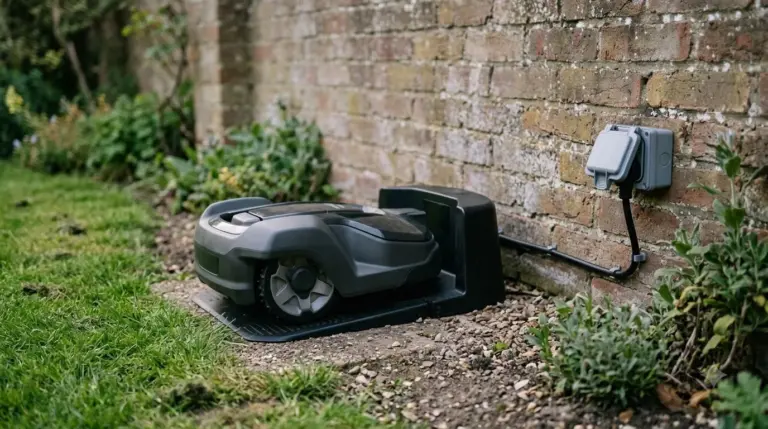 8 min readBest Robot MowersHow Robot Mowers Return to the Charging StationUpdated Nov 11, 2026
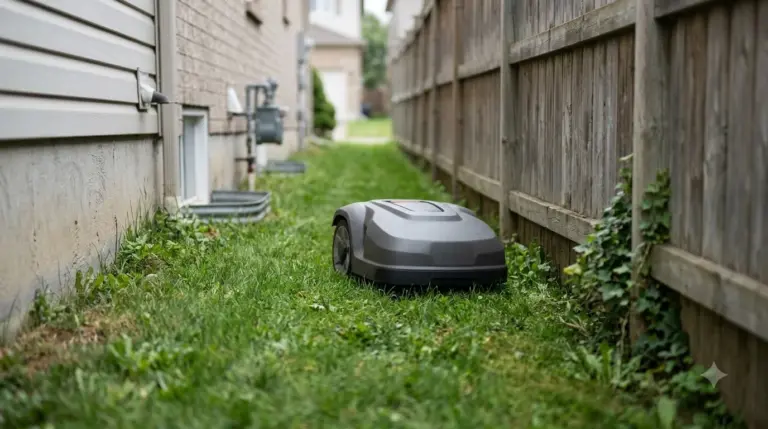 7 min readBest Robot MowersBest Robot Mower for a Corner Lot: Wire, Passages and Charging SpotUpdated Nov 14, 2026
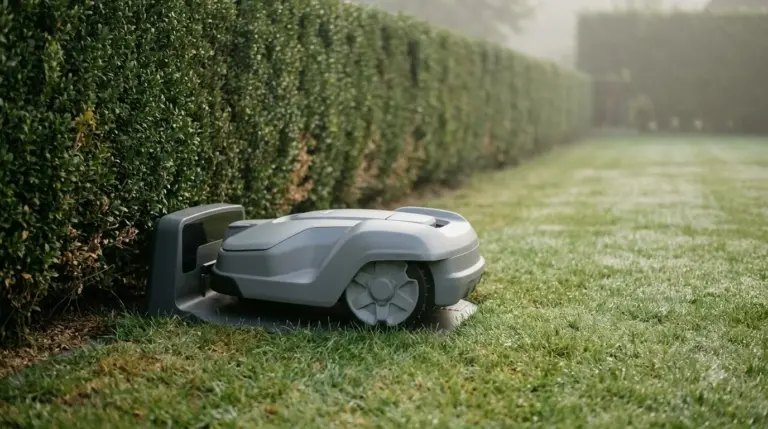 7 min readBest Robot MowersBest Robot Mower with Fastest Charging: What the Figures ShowUpdated Nov 10, 2026
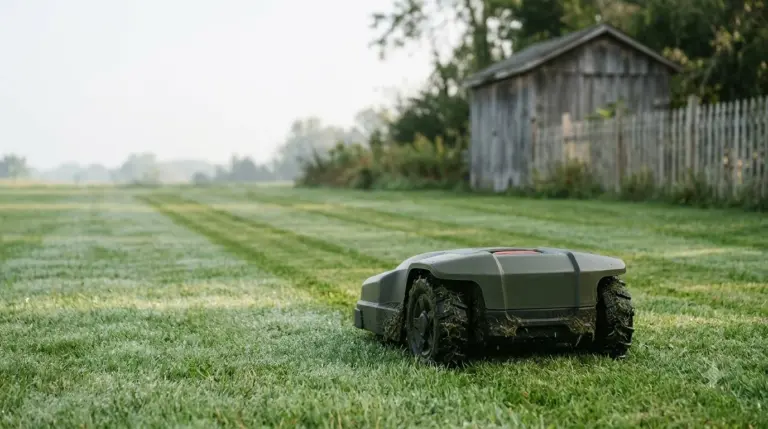 10 min readBest Robot MowersRobot Mower No RTK Antenna: How Navigation Works Without OneUpdated Nov 16, 2026
 8 min readBest Robot MowersWhich Robot Mower Works Best Around Hedges and Shrubs?Updated Nov 12, 2026