
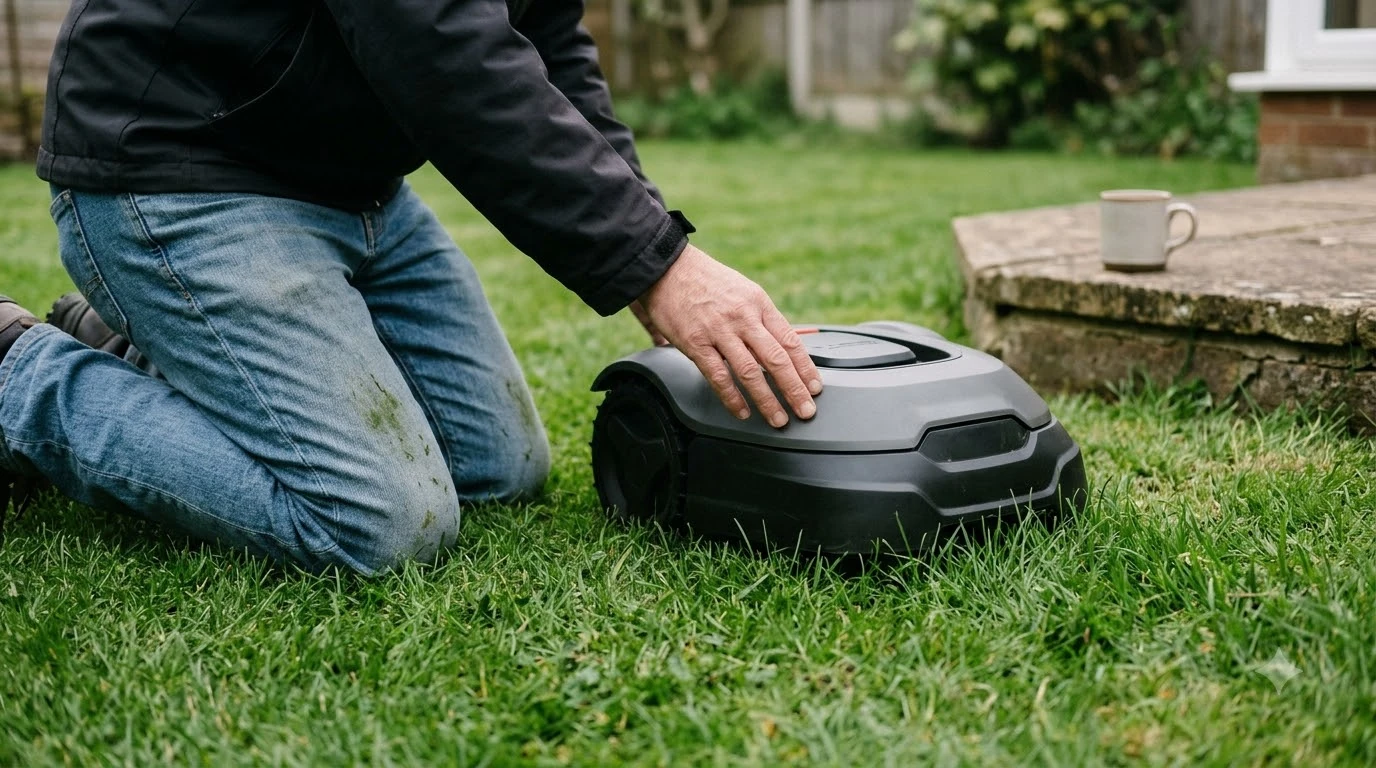

The smartest robot lawn mower is the one whose positioning, obstacle handling and app controls fit your yard. No independent test ranks robot mowers on overall intelligence, so “smart” has to be split into parts you can check. As of November 2026, the main differences are how the mower knows where it is, how it reacts to obstacles, and how much it depends on a Wi-Fi or cellular connection.
The short answer
- Positioning decides whether the mower stays on track under trees, near walls and in shade.
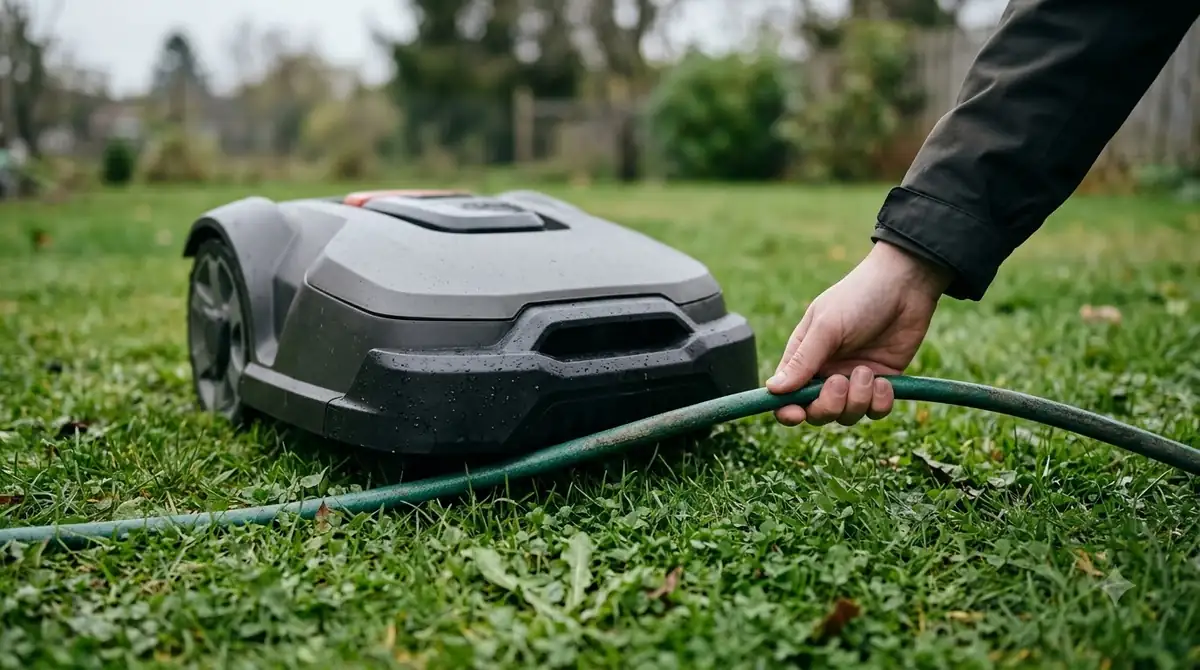
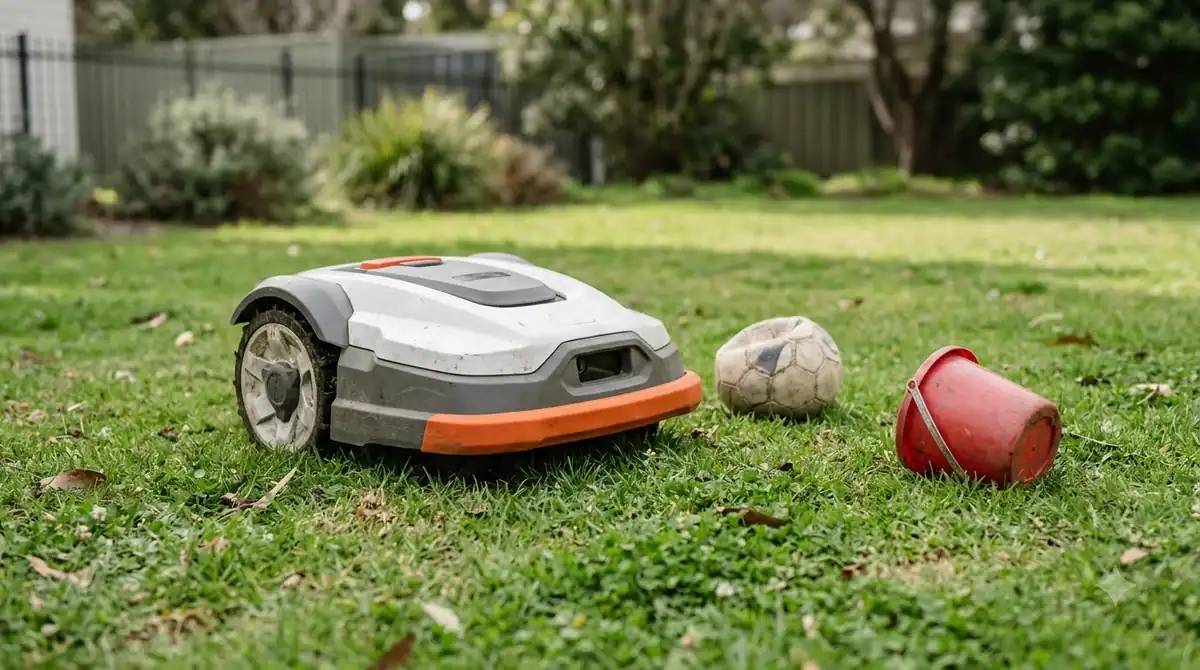
- Obstacle handling decides how it treats pets, toys and hoses left on the lawn.
- Connectivity decides whether the mower keeps working when the Wi-Fi or cell signal drops.
- Our reading: pick the system that handles your worst condition, not the one with the longest spec sheet.
Smartest robot lawn mower: what smart means
A smart robot mower combines three things: a way to estimate its position, sensors that spot obstacles, and an app that controls schedules and zones. Each part can fail on its own, so a mower can score well on one and poorly on another. The smartest robot lawn mower for one yard can be the wrong pick for a neighbor’s yard with different trees and signal strength.
Positioning is the foundation. A mower without a reliable position estimate cannot follow its boundary or keep separate zones apart. Obstacle sensing is a different job: it decides whether the mower stops, slows or reroutes when it meets a person, a pet or a garden hose. App control covers scheduling, map edits and alerts, and it depends on a connection that can drop.
How positioning technology changes the result
RTK, LiDAR and camera vision each rely on a different signal, so each one struggles under different conditions: RTK under heavy tree cover, LiDAR in fog and heavy rain, and camera systems in poor light.
| Technology | Base station needed | Where it does well | Documented limit |
|---|---|---|---|
| RTK GPS | Yes, placed in an open spot | Open, flat yards with a clear sky view | Trees, walls and roof overhangs weaken satellite signals |
| LiDAR | No | Shade, low light and areas under trees | Fog and heavy rain can scatter laser pulses |
| AI vision (camera) | No | Yards where edges and obstacles are clearly visible | Lighting, shadows and weather affect accuracy |
ECOVACS says an RTK base station needs an open, unobstructed spot, and that poor placement reduces positioning precision. Its comparison rates RTK installation as Moderate, while LiDAR has no specific placement rules (see how LiDAR robot mowers navigate). Mammotion’s own comparison rates RTK shade performance as Poor to Moderate and LiDAR as Excellent. Both are manufacturer statements, so use them as a guide to what to test in your yard, not as measured results. Our RTK vs LiDAR vs vision comparison goes deeper, and working through it is the fastest route to the smartest robot lawn mower for your own lot.
Why a hybrid is not automatically the smartest option
Hybrid mowers combine RTK with LiDAR or vision, which can cover each system’s weak spot, but they also add hardware and setup steps. ECOVACS states that some robot mowers combine RTK with LiDAR to improve accuracy and stability.
A hybrid is not automatically the smartest robot lawn mower for every yard. No independent comparison of hybrid and single-sensor models was found for this guide, so the accuracy claims stay unverified. More sensors also mean more settings to check during setup and more parts that can need service. For a flat, open yard with no shade, a single RTK system may be the simpler choice. For a yard with mixed shade and sun, a hybrid is worth a closer look.
What the app can control
On Husqvarna’s connected models, the app can run several work areas, each with its own schedule, according to the company’s Automower Connect page. Per-zone scheduling matters most for a yard with a front lawn and a separate back lawn that need different cutting times.
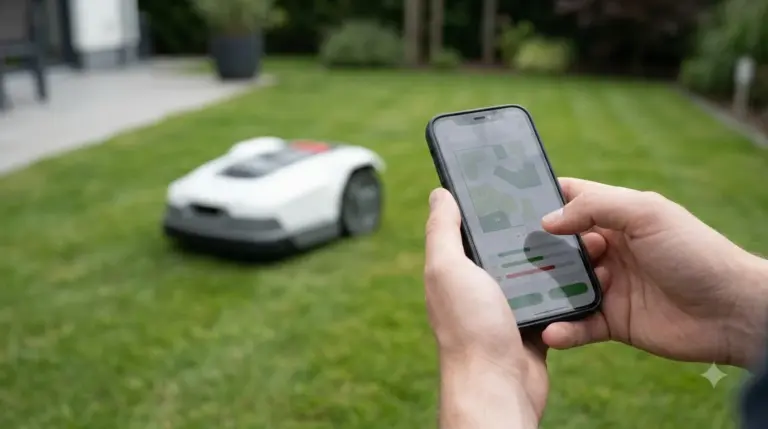
Sunseeker describes a Wi-Fi mower as depending on its app for setup, schedules, map edits, alerts and software updates. If the app or the connection fails, you lose those functions even when the mower can still cut. Even the smartest robot lawn mower on a spec sheet is only as useful as the features that keep working offline, so check those first. To compare how much each brand leans on its app, see our list of robot lawn mowers with app control.
Connectivity: the mower can depend on your network
Some connected models cannot work at all without Wi-Fi, and cellular coverage is not available everywhere, so connectivity can decide whether a “smart” mower runs reliably.
Husqvarna’s Wi-Fi connection guide says that Wi-Fi-only EPOS models need continuous Wi-Fi coverage across the entire work area to receive satellite correction data. It also says that without Wi-Fi these mowers cannot operate. The mower stops, searches for a signal and shows an error, and you lose remote access in the app.
Husqvarna’s cellular support page says cellular works in most places but not everywhere, and it is more limited in rural areas. Mammotion treats 4G as an optional upgrade, with Wi-Fi or Bluetooth still available as the base connection. For a rural lot or a garage far from the router, test the signal at the furthest point of the lawn before you buy. Our guide to robot mower Wi-Fi, Bluetooth and 4G options explains how each connection type behaves.
Vision mapping and its limits
Some camera-based models need no manual map, because the mower builds its work area on its own. Worx says its Vision Cloud maps the lawn automatically in minutes, which shortens setup, though that is a vendor claim about setup time rather than a measured result.
Camera accuracy depends on conditions. Mammotion notes that vision performance is sensitive to lighting, shadows and weather, and that its edge precision can be less consistent than RTK. Husqvarna says its AI vision models switch to camera-guided navigation when their connection is lost and can keep going for up to 50 metres before stopping. Vision is useful as a backup, but a camera alone does not make a model the smartest robot lawn mower on every lawn. For the basics, read how vision robot mowers work.
How to choose by yard type
Match the positioning system to your worst condition, because that is what decides whether a model earns the label smartest robot lawn mower for your yard. Open sky suits RTK, dense trees or shade favor LiDAR or a hybrid, and frequent darkness weakens camera-only navigation.
- Open, flat yard with a clear sky. RTK can work well if the base station has an unobstructed spot.
- Large trees, shade or walls close to the lawn. LiDAR or a hybrid matches the vendor-stated shade performance better than RTK alone.
- Weak Wi-Fi or no cell signal. Choose a model that is not Wi-Fi-only, or confirm the mower can run without the connection.
- Several zones. Confirm the app supports a separate schedule for each zone.
Our reading is that sky view and signal strength should be checked first, because those two facts rule out the wrong technology before any spec comparison starts.
What to check before you buy
Before you buy, check the sky view, the connection type and the app features, because those three decide most day-to-day performance. Run this checklist on every candidate before you call any model the smartest robot lawn mower for your property.
- Map the sky view. Note trees, roof overhangs and walls, and compare them with the positioning system the model uses.
- Confirm the connection. Check whether the model is Wi-Fi-only, supports cellular, and can keep mowing without the app.
- Check the box. If the system uses a base station, confirm that the antenna and power supply are included.
- Read the offline behavior. The manual should say what happens when satellite correction or the connection drops.
- Look at the app. Confirm zones, schedules, alerts and whether the vendor publishes software updates.
Frequently asked questions
Which robot lawn mower is the smartest overall?
No independent test ranks robot mowers on overall intelligence, so naming one smartest robot lawn mower for everyone would be a guess. The best fit depends on your sky view, tree cover, connectivity and the app features you need. Start with the positioning system that matches your worst condition.
Is LiDAR better than RTK?
Neither is better in every yard. LiDAR needs no base station and, according to vendor comparisons, performs well in shade and under trees. RTK can be precise in open areas, but its accuracy can drop under trees and near walls.
Do robot mowers need Wi-Fi?
Some do. Husqvarna’s Wi-Fi-only EPOS models need continuous Wi-Fi across the work area, and Husqvarna says they cannot operate without it. Other models use cellular, Bluetooth or boundary systems, so check the manual for the specific model.
Can a robot mower work without an app?
Setup, schedule changes, map edits and alerts depend on the app on connected models, according to Sunseeker. Check the manual for what the mower does offline on your model before you buy, and test the mower with the app disconnected if you can.
Sources
- LiDAR vs RTK robot lawn mowers (ECOVACS, vendor): base station placement, installation rating, LiDAR weather limit, hybrid systems.
- AI vision vs RTK vs LiDAR (Mammotion, vendor): shade and tree-cover ratings, vision sensitivity to lighting.
- How to connect your Automower to Wi-Fi (Husqvarna support): Wi-Fi-only models and offline behavior.
- Does Automower cellular connectivity work everywhere (Husqvarna support): cellular coverage limits.
- Automower Connect (Husqvarna): multiple work areas with separate schedules.
- Wi-Fi robot lawn mower (Sunseeker glossary, vendor): app dependence for setup, schedules, map edits and alerts.
- Landroid (Worx, vendor): Vision Cloud auto-mapping and no-map vision models.
 Up next9 min readBest Robot MowersBest Robot Lawn Mower With Theft Alarm: Features to CheckUpdated Nov 11, 2026
 8 min readBest Robot MowersWhich Wireless Robot Mower Is the Most Reliable? How to Judge ItUpdated Nov 11, 2026
 8 min readBest Robot MowersBest Robot Mower for Straight Stripe Patterns: What to CheckUpdated Nov 11, 2026
 8 min readBest Robot MowersMost Popular Robot Lawn Mower in the US: What Sources Can ConfirmUpdated Nov 11, 2026
 7 min readBest Robot MowersBest Wireless Robot Mower for 1/3 Acre Lawn: What to CheckUpdated Nov 11, 2026
 9 min readBest Robot MowersBest Robot Mower That Mows in Straight Lines: 6 ChecksUpdated Nov 11, 2026