
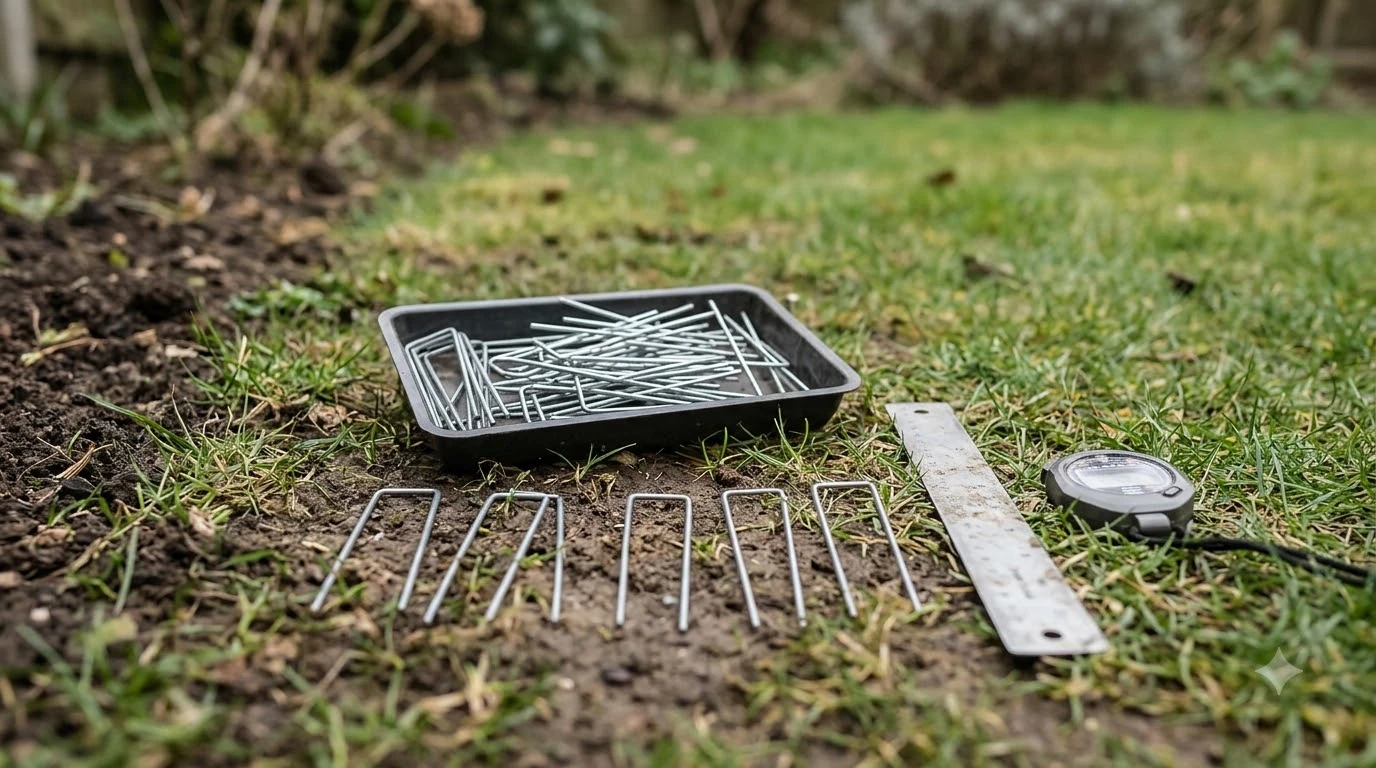

Learning how to pair a robot mower with a smart gate opener comes down to linking your mower’s status alerts to a smart relay or automation hub that triggers the gate controller. Because very few robotic mowers communicate directly with gate motors out of the box, the connection relies on a cloud bridge like IFTTT or a local smart home platform such as Home Assistant. Once linked, your fence or driveway gate swings open automatically when the mower leaves its dock or heads back to charge, then closes behind it to keep pets and kids secure.
The short answer
- Bridge platform required: Most robot mowers and smart gate controllers do not pair natively; you connect them through Home Assistant, IFTTT, or a smart dry-contact relay wired to the gate’s control board.
- Key triggers to map: Automations rely on specific mower state changes—specifically leaving dock, returning to dock, and docked—rather than general mowing status.
- Boundary and corridor setup: Your perimeter wire or virtual RTK corridor must pass cleanly through the center of the open gate with enough clearance for the mower’s sensors.
- Safety overrides are essential: Always pair automated gate movement with photo-eye obstruction sensors, reed position switches, and a pause rule if the gate fails to report an open state.
How robot mowers and smart gate openers communicate
Smart gate openers and robotic lawn mowers operate in separate ecosystems, so pairing them means translating a mower status update into a momentary electrical contact closure at the gate.
On the mower side, cloud-connected models broadcast real-time state changes over Wi-Fi or cellular networks. According to the Home Assistant Lawn Mower integration documentation, standard tracked states include mowing, paused, idle, returning to dock, docked, and error. Brand-specific integrations, such as the Husqvarna Automower API, also expose granular binary sensors for when a unit is actively leaving the dock or heading home.
On the gate side, nearly every motorized swing or slide gate opener features a pair of low-voltage push-button terminals (often labeled DRY CONTACT, OSC, or EXIT) on its main logic board. Shorting those two terminals for a fraction of a second tells the motor to open or close. A Wi-Fi or Zigbee dry-contact relay—or a commercial smart gate controller like Gogogate or EyeOpen—wires directly into those terminals so your automation platform can trigger the gate on command.
Comparing the three main pairing methods
You can connect a mower to a motorized gate through cloud applets, a local smart home hub, or local physical proximity sensors depending on how fast and reliable you need the gate to react.
| Pairing method | How it works | Response speed | Best suited for |
|---|---|---|---|
| Cloud automation (IFTTT) | Links mower cloud account (e.g., Husqvarna, Yard Force) to a Wi-Fi gate controller via applets. | Moderate; polling checks vary by plan tier from minutes to an hour. | Simple setups where the mower waits inside a fenced yard before exiting. |
| Local smart home hub (Home Assistant) | Uses official mower integrations or webhooks to trigger a local smart relay wired to the gate board. | Fast; state changes typically fire within seconds of API updates. | Multi-zone yards, custom safety rules, and fast gate opening on approach. |
| Physical trigger (RFID, magnet, or beam) | A sensor mounted at the gatepost detects the approaching mower and trips a local solenoid or relay. | Instant; operates locally with zero internet dependency. | Small pet-door style fence flaps or mowers without open smart home APIs. |
Cloud polling intervals remain the biggest bottleneck for IFTTT users. Per IFTTT’s service documentation for Husqvarna Automower and Yard Force integrations, polling applets check for mower status changes every 5 minutes on Pro tiers, every 15 minutes on Starter, and every hour on the Free plan. If a mower leaves its charging station and reaches a closed gate within 30 seconds, a slow polling cycle will cause the mower to bump the gate and turn around before the open command ever fires.
Step-by-step: how to pair a robot mower with a smart gate opener
Setting up a reliable cloud-to-local link involves wiring a dry-contact relay to your gate motor, exposing your mower’s status entities, and building two failsafe routines.
- Verify gate opener dry-contact terminals. Shut off breaker power to your gate motor, open the control housing, and locate the auxiliary push-button or dry-contact inputs in the opener manual. Wire a low-voltage smart relay (configured for a 1-second momentary inching pulse) across those terminals, and mount a magnetic reed sensor so your hub knows whether the gate is physically open or closed.
- Connect your mower to your automation hub. Link your mower’s cloud credentials to Home Assistant or IFTTT. For example, Husqvarna Automower owners can generate an Application Key and Secret in the Husqvarna Developer Portal to activate the official Home Assistant integration, or link accounts under Smart Home in the Automower Connect app.
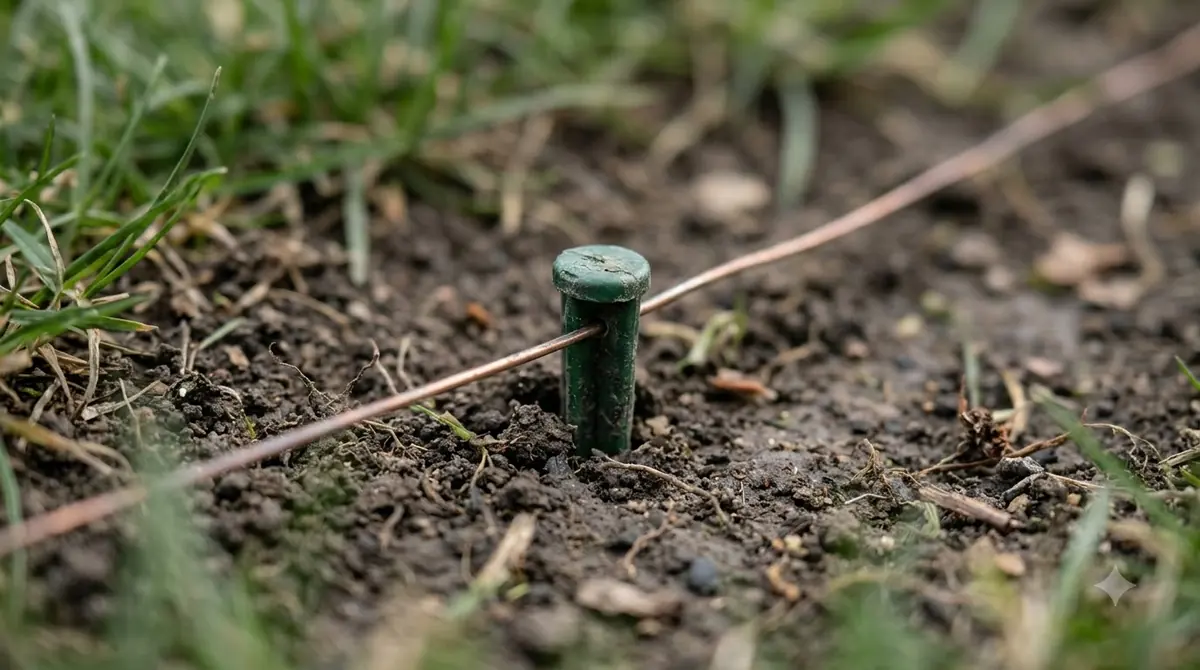
- Configure the boundary wire or virtual channel. Route your physical guide wire or virtual RTK transport path straight through the center of the gate threshold. Avoid sharp 45-degree turns right at the gateposts, as narrow entry angles frequently cause mowers to clip the frame or trigger collision sensors.
- Build the open-gate automation. Create a routine triggered when the mower state changes to leaving dock or returning to dock (or when it enters a specific work area). Add a condition checking that the gate reed sensor currently reads closed so a momentary relay pulse does not accidentally close an already open gate.
- Build the close-gate automation with a safety delay. Set a second routine triggered when the mower state changes to docked or once the mower crosses into the target zone. Include a 15-to-30-second buffer delay and verify that the gate’s infrared photo-eyes are clear before firing the close pulse.
Heads up
Most gate openers use a single toggle input where the same pulse opens a closed gate and closes an open gate. Never send an “open” pulse without first checking a physical open/closed contact sensor on the gate, or an out-of-sync automation could shut the gate directly onto your mower.
Configuring mower zones and physical gate clearance
Even a perfectly tuned smart home automation will fail if the mower’s navigation system treats the closed gate as a permanent wall or loses signal beneath metal fencing.
When a robot mower encounters a closed gate during normal operation, it registers a bump or obstacle event and reverses direction. To prevent the mower from abandoning the second lawn zone entirely, configure the area beyond the gate as a dedicated secondary work area or remote start point. You can then schedule the mower to transit through the gate only at set times—and pair your gate automation with those exact schedule windows.
If you use a boundary-wire mower, run the perimeter wires underneath the gate threshold in a non-metallic conduit, keeping the spacing wide enough that the mower’s body clears both gateposts without scraping. For wire-free RTK-GPS or vision-based mowers, check satellite signal strength right at the gate. Tall steel gates, brick pillars, and dense tree canopies overhanging a side yard can attenuate GPS signals, causing the mower to pause mid-threshold while searching for satellites. Adding a wide virtual corridor and disabling aggressive obstacle avoidance right inside the narrow gate passage helps the machine roll straight through without hesitating.
Troubleshooting common gate and mower sync issues
When a paired gate fails to open on time or closes prematurely, the culprit is usually polling latency, toggle-state confusion, or sensor interference.
- Mower arrives before the gate opens: If your mower reaches the gate before it finishes swinging open, introduce a brief pause command in your automation. In Home Assistant, you can trigger the gate relay when the mower starts leaving the dock, issue a
lawn_mower.pausecommand for 15 seconds while the gate swings open, and then calllawn_mower.start_mowing. - Gate stays stuck open after mowing: Cloud APIs occasionally drop a “docked” status packet if home Wi-Fi fluctuates at the edge of the yard. Set a fallback timer in your smart home hub that checks the gate contact sensor 10 minutes after an opening event and sends a close alert or automatic close command once the mower is confirmed docked.
- Pet escape prevention: If you keep dogs in the backyard, add a conditional check to your open-gate rule. Owners using local hubs often attach a Bluetooth Low Energy (BLE) beacon to a pet’s collar and block the gate automation from firing whenever the beacon is detected near the fence line.
- Rain sensor conflicts: Remember that weather automations can send your mower back to its dock unexpectedly. Make sure your gate-open routine triggers on the returning to dock state itself rather than just a fixed time schedule, so an early rain return never traps the mower outside the fence.
Frequently asked questions
Can any robot lawn mower connect to a smart gate opener?
Any robot mower with Wi-Fi or cellular connectivity and an open smart home integration (such as Husqvarna Automower, Mammotion Luba, or Yard Force) can trigger a smart gate opener via Home Assistant or IFTTT. Bluetooth-only mowers cannot send remote status updates over the internet and require a physical proximity sensor at the gate instead.
Do I need to replace my existing automatic gate opener to pair it with a mower?
No. As long as your existing swing or slide gate motor has low-voltage push-button or dry-contact terminals on its control board, you can add a universal Wi-Fi or Zigbee smart relay module to make it controllable by your smart home hub.
Is IFTTT fast enough to open a gate before the mower hits it?
Usually not on free plans, because IFTTT polling triggers for mowers check for status updates at intervals of 5 to 60 minutes depending on your subscription tier. Unless your mower’s charging dock is far from the gate or you build a schedule delay, a local hub like Home Assistant responds much faster.
How do I stop my smart gate from closing on the robot mower?
Install a magnetic reed contact sensor on the gate so your automation confirms whether the gate is open or closed before pulsing the relay, rely on your gate motor’s built-in infrared photo-eye safety beams, and only trigger the close command after the mower reports it has docked or entered the new zone.
Sources
- Lawn mower integration documentation (Home Assistant): used for standard robot mower entity states, triggers, and pause/dock actions.
- Husqvarna Automower integration documentation (Home Assistant): used for developer portal API setup and leaving/returning dock binary sensors.
- Connect Husqvarna Automower to EyeOpen (IFTTT): used for cloud applet triggers and polling frequency intervals across subscription tiers.
 Up next9 min readLearnCan a Robot Mower Trigger an Automatic Driveway Gate?Updated Nov 19, 2026
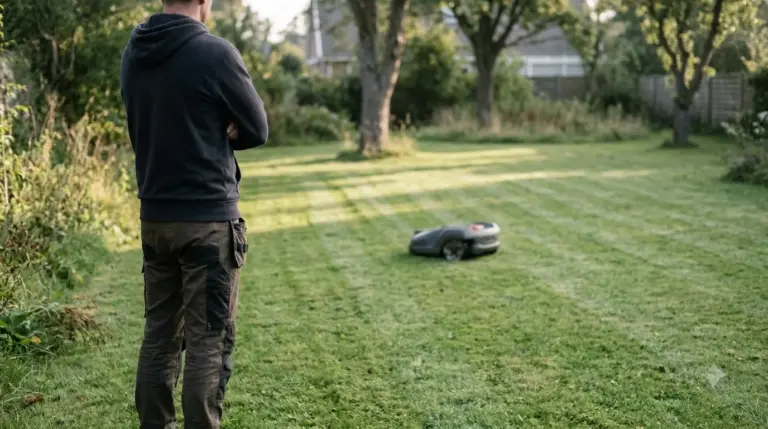 8 min readLearnDo Robot Mowers Mow in Straight Lines? 6 Smart ChecksUpdated Nov 11, 2026
 9 min readLearnWhy Does My Robot Mower Stop When Crossing Patio Pavers?Updated Nov 19, 2026
 7 min readLearnHow to Stop Crows From Pecking at a Robot MowerUpdated Nov 19, 2026
 8 min readLearnHow to Prevent Grass Buildup Inside Robot Mower Wheel WellsUpdated Nov 19, 2026
 9 min readLearnHow to Prevent Rust on Robot Mower Blade ScrewsUpdated Nov 19, 2026