
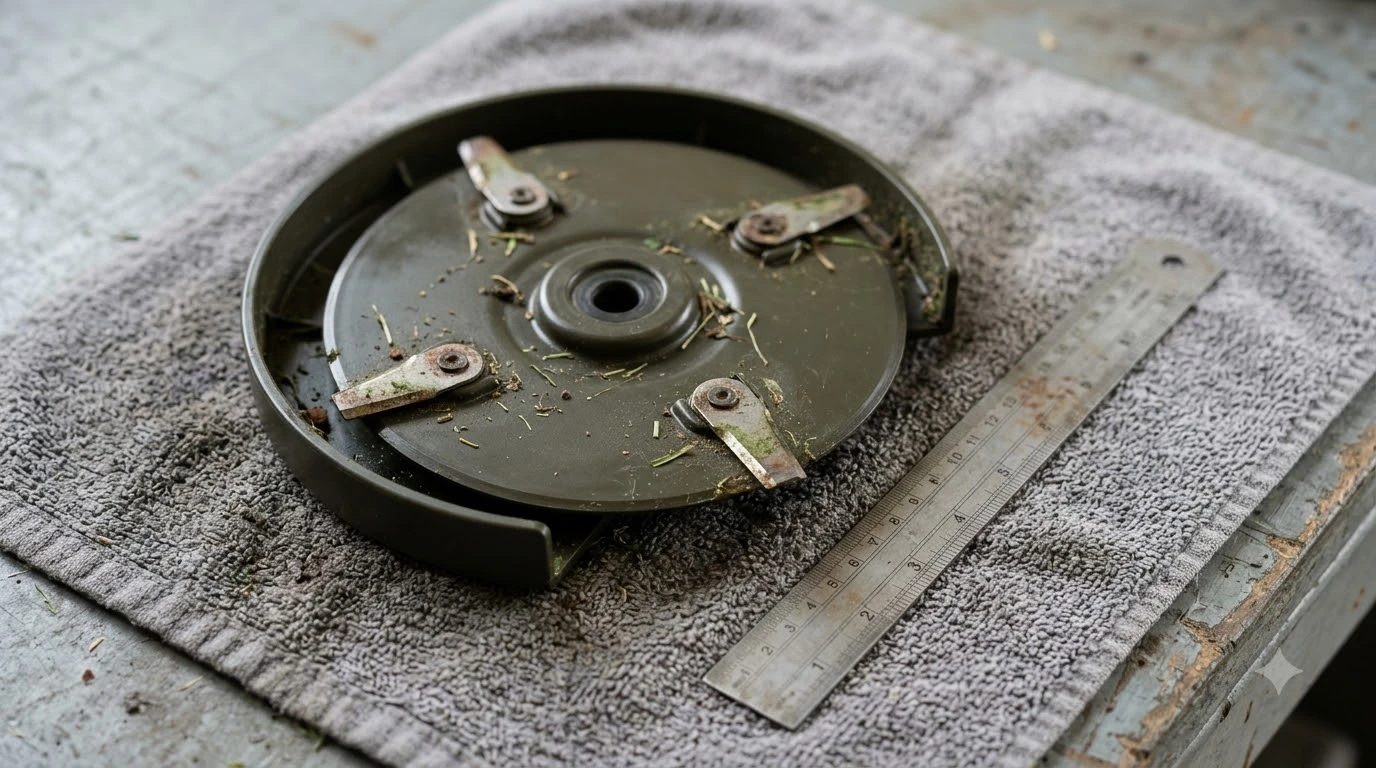

How to sync robot mower schedules with local sunrise and sunset? You can automate solar-aligned cutting windows by enabling built-in wildlife protection toggles in select brand apps—such as Husqvarna’s Consideration for Wildlife or Worx’s Save The Hedgehog mode—or by linking your mower to a smart home platform like Home Assistant or IFTTT. Most standard app timers rely on fixed clock hours that drift out of alignment as daylight shifts across spring, summer, and fall. Syncing runs to actual solar events keeps your mower parked during nocturnal wildlife activity and heavy morning dew without manual monthly adjustments.
The short answer
- Built-in solar toggles: Select connected models offer location-aware daylight modes that automatically park the mower from sunset to sunrise based on your latitude and season.
- Smart home triggers: Platforms like Home Assistant use your home coordinates to trigger mowing actions at sunrise, sunset, or a custom offset (such as two hours after dawn).
- Turf health benefits: Delaying morning starts until after sunrise gives heavy dew time to evaporate, reducing fungal disease spread and wet grass clumping under the deck.
- Wildlife safety: Parking the robot between dusk and dawn protects nocturnal garden animals like hedgehogs, frogs, and small mammals when they forage most actively.
- Watch for conflicts: Fixed app schedules, narrow cutting windows, or insufficient daily runtime can cause solar restrictions to leave parts of your lawn uncut.
Why sync your mowing schedule with sunrise and sunset?
Aligning mowing hours with natural daylight protects nocturnal wildlife and prevents your robot from cutting wet, disease-prone grass.
In northern regions of the United States, summer daylight lasts several hours longer than early spring or late autumn daylight. A fixed 7:00 AM to 8:00 PM schedule that runs entirely in daylight during June will send your mower out in pitch darkness by October. According to Segway Navimow’s Animal Friendly Mode documentation, small nocturnal animals such as hedgehogs, frogs, and foraging mammals are most active between dusk and dawn, making daytime-only operation a primary safeguard even on mowers equipped with obstacle-avoidance cameras.
Daylight timing also matters for lawn health. University of Kentucky Cooperative Extension turfgrass guidance notes that extended periods of leaf wetness create favorable conditions for infectious lawn fungi, which is why turf specialists recommend letting morning sun dry grass blades rather than working wet turf. Running a robotic mower at dawn while heavy dew coats the grass causes wet clippings to cake onto the chassis, dull blades faster, and spread fungal spores across the yard. Adding a post-sunrise buffer lets the sun burn off surface moisture before the blades spin up.
Which robot mowers offer built-in sunrise and sunset scheduling?
Several major robotic mower apps include location-based daylight restrictions under wildlife-protection labels, though exact features vary by brand and connectivity tier.
Rather than naming the feature “solar scheduling,” manufacturers typically package automatic dusk-to-dawn parking as an animal-safety setting. According to our reading of official manufacturer support guides these systems pull your mower’s GPS or account location to calculate daily sunset and sunrise shifts automatically throughout the year.
| Brand / Platform | Feature Name | How It Syncs With Daylight | Requirements |
|---|---|---|---|
| Husqvarna Automower | Consideration for Wildlife (Smart Routine) | Automatically parks the mower from local sunset to sunrise and resumes normal operation after dawn. | Wi-Fi or cellular connectivity (excludes Aspire R4) or an Automower Connect kit. |
| Worx Landroid | Save The Hedgehog Mode | Prevents mowing after sunset and adjusts dawn/dusk cutoffs automatically by season and latitude. | App version 2.0 or higher, mower firmware 3.16 or higher, and location permissions enabled. |
| Segway Navimow | Animal Friendly Mode | Defaults to daytime mowing based on GPS-calculated sunrise and sunset while adding active animal avoidance. | Supported Navimow series with GPS/vision localization and updated app firmware. |
| Home Assistant (Third-Party) | Sun Integration Automations | Fires custom lawn_mower.start_mowing or dock commands at exact sunrise, sunset, or minute offsets. |
Compatible mower integration (such as Mammotion, Husqvarna, or Worx) and home coordinates set. |
If your mower brand does not include a native solar toggle—or if you want a custom offset like starting 90 minutes after sunrise to let dew dry—you will need to bridge your mower to an external smart home automation platform.
How to set up native sunrise and sunset sync in manufacturer apps
Enabling built-in daylight parking takes less than two minutes inside supported brand apps once location services are active.
The exact menu path depends on your mower ecosystem, as shown in official Husqvarna Automower Smart Routines support instructions and Worx Landroid setup manuals:
- Confirm location permissions. Open your mower app and verify that your property’s address or GPS coordinates are saved accurately so the cloud server calculates local solar times.
- Set a broad daytime base window. Configure your standard weekly mowing schedule to cover your widest summer daylight hours (for example, 6:00 AM to 9:00 PM) so the solar rule has room to trim the edges.
- Enable the wildlife daylight routine. In Husqvarna Automower Connect, tap More, select Smart Home, open Automower Smart Routines, and toggle on Consideration for Wildlife. In the Worx Landroid app, open your schedule settings and activate Save The Hedgehog.
- Verify the active status message. Check your mower’s dashboard after sunset; supported apps display a status note explaining that the robot is parked due to the wildlife routine rather than an error.
Heads up
Native wildlife toggles usually enforce strict sunrise-to-sunset boundaries with no built-in offset slider. If your lawn stays soaked with heavy dew for two hours after dawn, a native sunrise start may still send your mower out onto wet grass.
How to automate custom solar offsets with Home Assistant
Smart home platforms let you pair solar elevation or sunrise offsets with rain delays for finer control over when your robot leaves the dock.
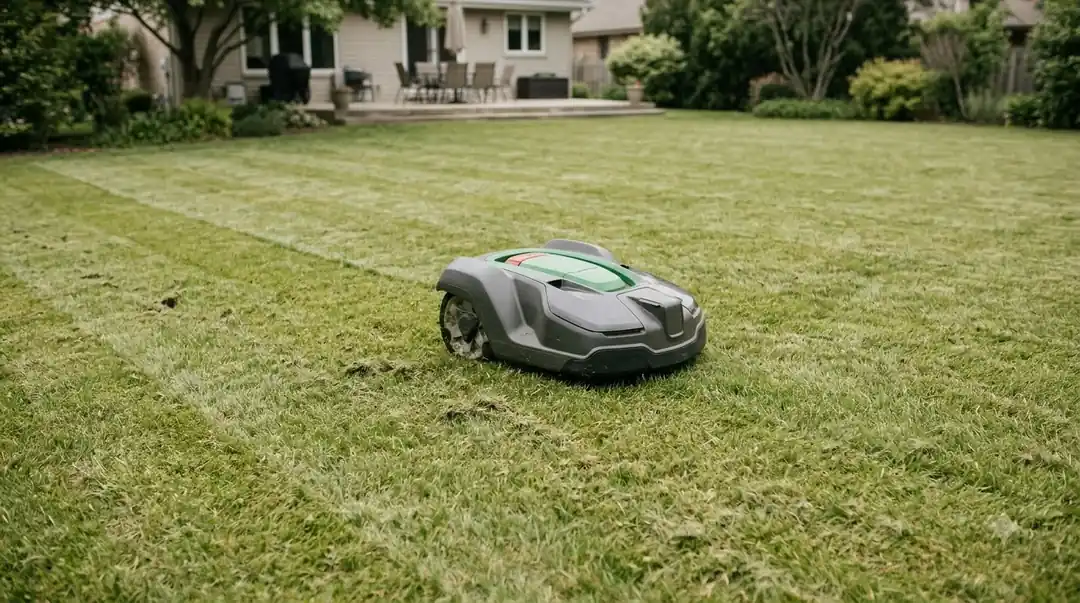
Many newer wire-free mowers, including Mammotion LUBA and YUKA models, rely on fixed-time or periodic task schedules inside their native apps. By connecting your mower to Home Assistant—which includes a built-in Sun integration out of the box—you can trigger runs relative to dawn and dusk without rewriting your schedule every month.
- Verify your home coordinates. In Home Assistant, go to Settings, then System, then General, and confirm your latitude, longitude, and time zone are accurate.
- Connect your mower integration. Add your brand’s official or community integration (such as Husqvarna Automower, Worx Landroid, or Mammotion) so your robot appears as a
lawn_mowerentity. - Create a sunrise-offset start automation. Open Settings, select Automations & scenes, and click Create automation. Choose Sun as the trigger, select Sunrise, and enter a positive offset such as
01:30:00to let morning dew evaporate. - Add a sunset return rule. Create a second automation triggered by Sunset (with an optional negative offset like
-00:30:00) that calls the dock or return-to-base action so the robot finishes parking before dark. - Layer a weather condition. Add a condition checking your local weather entity so the sunrise trigger skips mowing if rain occurred overnight.
Troubleshooting schedules that ignore sunrise or sunset rules
When a solar-synced mower runs after dark or sits docked at noon, the cause is usually a clock mismatch, a narrow base schedule, or an active override.
- Mower clock or time zone drift: If the mower’s internal clock or app time zone does not match your physical location, solar cutoffs will trigger hours early or late. Check your general date and time settings in the app and on the mower’s keypad.
- Base schedule is too restrictive: Daylight routines act as a filter on top of your main schedule—they do not add extra mowing hours on their own. If your base schedule only allows mowing from 8:00 AM to 11:00 AM, turning on a sunrise-to-sunset routine will never expand that three-hour window.
- Insufficient runtime for lawn size: Shortening your daily window in autumn reduces total cutting hours. If your grass looks uneven in September and October, increase the frequency of daytime runs or divide your yard into alternating daily zones.
- Secondary area or manual overrides: According to Husqvarna troubleshooting guides, a mower placed in a secondary area mode or paused by a manual command, Frost Guard sensor, or weather timer will ignore automated schedule triggers until returned to its primary operating mode.
Frequently asked questions
Can I add a two-hour delay after sunrise using built-in mower apps?
Most native manufacturer wildlife toggles—including Husqvarna’s Consideration for Wildlife and Worx’s Save The Hedgehog—lock strictly to local sunrise and sunset without a custom minute-offset slider. To delay morning starts by one or two hours for dew evaporation, use a third-party automation platform like Home Assistant with a Sun offset trigger.
What happens if my robot mower is mid-cycle when sunset hits?
When a sunset restriction activates during an active mowing session, connected models cancel the active cut and drive back to the charging station to park until sunrise. If you use a custom Home Assistant automation, you should explicitly add a sunset-triggered dock action so the mower does not keep running until its battery depletes.
Do robot mowers need Wi-Fi or cellular data to track changing sunrise times?
Yes, dynamic solar scheduling requires cloud connectivity or a local smart home hub. Because sunrise and sunset shift by a couple of minutes each day, Bluetooth-only mowers cannot update solar tables on their own unless paired with a Wi-Fi bridge, cellular module, or external home automation controller.
Will syncing with sunrise and sunset leave my lawn uncut in fall?
Shorter autumn days reduce available daylight hours, which can cut into total mowing time on large yards. However, turfgrass growth also slows down significantly as temperatures drop and daylight shortens, so most lawns require fewer cutting hours in fall than during peak spring growth.
Sources
- Park your lawn mower overnight to protect wildlife (Husqvarna Support): verified Automower Smart Routines steps, supported connectivity models, and app status behavior.
- Landroid schedule setup and Save The Hedgehog mode (Worx Support Wiki): verified firmware requirements and seasonal latitude adjustment behavior.
- Animal Friendly Mode Technology (Segway Navimow): verified GPS-based sunrise/sunset daytime mowing defaults and nocturnal wildlife guidance.
- Disease Management in Residential Lawns (University of Kentucky Cooperative Extension): verified turfgrass leaf-wetness and morning sun drying principles.
 Up next6 min readLearnRobot Mower and Lawn Sprinkler Schedule: A Simple Weekly PlanUpdated Nov 14, 2026
 7 min readLearnHow to Set a Robot Mower Schedule (and Why It Might Not Run)Updated Nov 11, 2026
 8 min readLearnHow to Prevent Sun Fading on a Robot Mower Plastic BodyUpdated Nov 19, 2026
 10 min readLearnHow to Replace Worn Rubber Treads on Robot Mower WheelsUpdated Nov 19, 2026
 7 min readLearnWhy Does My Robot Mower Lose WiFi When the Garage Closes?Updated Nov 19, 2026
 8 min readLearnWhy Does My Robot Mower Struggle on Freshly Topdressed Lawns?Updated Nov 19, 2026