
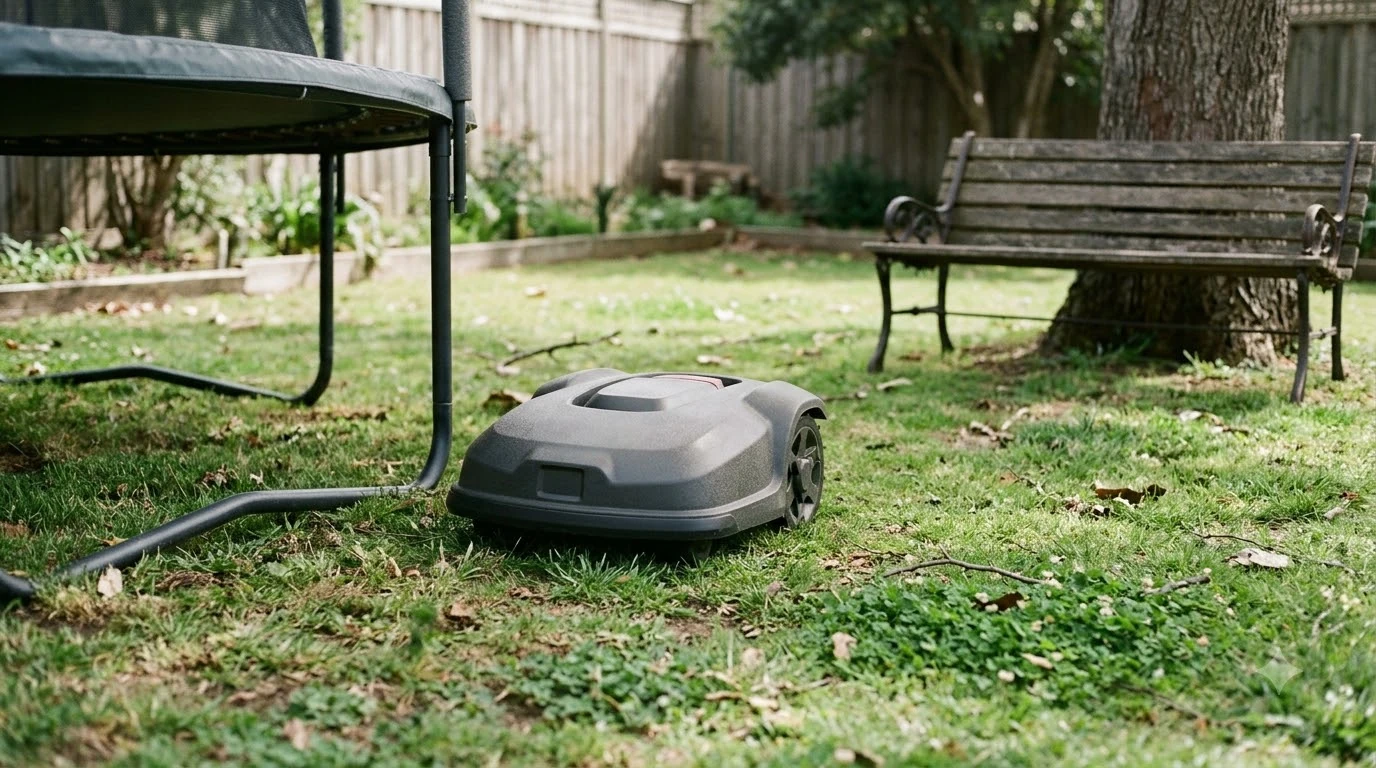

A robot mower for front and back yard can cover both lawns only if the mower can drive from one to the other. When a passage links the two lawns, one mower can mow both on a shared schedule. When a gap with no safe route separates them, you carry the mower across and start it in a secondary area.
The short answer
- Linked lawns: one mower with one charging station can mow both if the passage is at least 1 m (about 3 ft) wide, per Robomow.
- Separate lawns: move the mower by hand and choose Secondary area when you start it.
- Wide gap: a second charging station or a second mower is the fallback when carrying is not practical.
Can one robot mower for front and back yard cover both lawns?
Yes, if the front and back lawns are connected by a route the mower can travel. Husqvarna’s support page describes a front yard and back yard that are split, and says a part of the lawn that is not connected to the rest by a passage can be set up as a secondary area. Robomow describes secondary zones that join the main zone by a pathway, which can be a narrow strip of grass or a drivable path.
In practice, a robot mower for front and back yard depends on the route between the lawns more than on the total square footage. Our reading is that a mower with a mapped passage is the simplest setup, because the mower can finish one lawn, drive across, and mow the second one before returning to its dock.
How the passage between lawns works
A passage needs to be wide enough for the mower to pass without the boundary signals on each side interfering with each other. Robomow’s guidance on crossing paths says the passage should be at least one meter wide for this reason, and it covers crossing a driveway or paved path as well. Check your model’s manual, because passage requirements can differ between manufacturers.
- Width: at least 1 m, so the signals on each side do not cross.
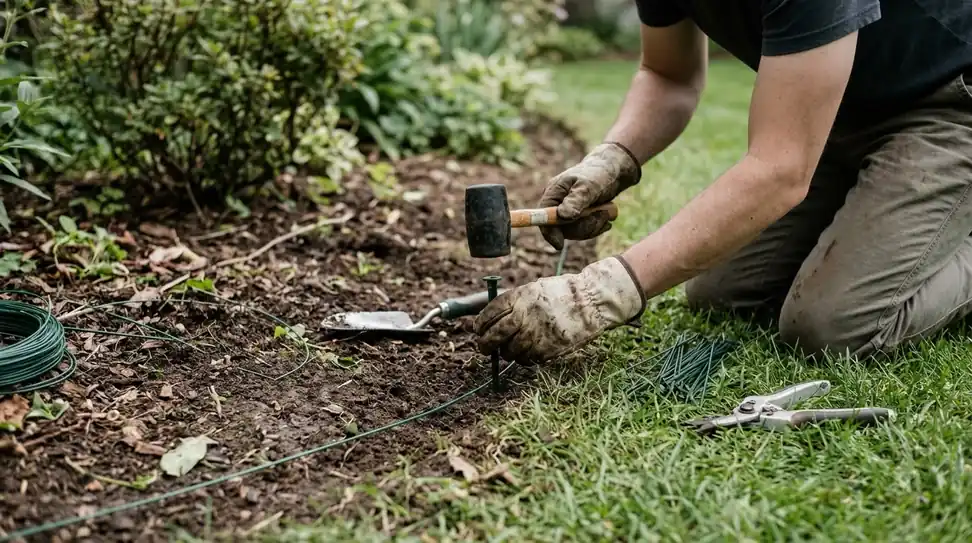
- Wire placement: Robomow advises placing the wire in the joints or under cobblestones so the mower can pass over the path. For the general method, see laying boundary wire around obstacles.
- Narrow entrances: a small loop on each side of an entrance narrows it, so the mower passes only when it approaches head-on.
- Ground-level paths: paths that run across the lawn at ground level do not need special wire, because the mower drives over them while mowing.
- Surface height: the height difference between the lawn edge and the pavement should be identical on both sides, ideally with stones level with the ground. Robomow says higher stones can be backfilled with soil to form a slope the mower can climb.
Wire rules for two zones
For a two-zone setup, Worx says all zones must connect to the charging station with the same boundary wire, and the wire segments between zones should lie side by side to form one continuous loop. Its guide also covers a narrow bottleneck between zones and the depth of wire under a path. The table below collects the rules from the two manufacturers’ guides.
| Rule | Value | Source |
|---|---|---|
| Bottleneck corridor between zones | About 15 cm (6 in) wide | Worx multi-zone setup guide |
| Wire under a path | No deeper than 5 cm (2 in) | Worx multi-zone setup guide |
| Zones per mower | 2 to 4 zones, worked in numeric order | Worx multi-zone setup guide |
| Boundary wire, secondary-area setup | Recommended maximum of 800 m (2,600 ft); see how much boundary wire you need | Husqvarna support |
| Boundary wire, Aspire R4 | Recommended maximum of 300 m (980 ft) | Husqvarna support |
The 15 cm figure is a bottleneck width, not a general passage rule. For a full passage that the mower can drive through, the 1 m width from Robomow is the safer planning number.
Disconnected lawns: secondary area and manual moves
When no passage links the lawns, the mower needs manual help. Husqvarna says to carry the mower to the second lawn and start it with the Secondary area option. The mower then runs in that area without going back to its dock on its own. Husqvarna’s multiple-locations page adds that this setup uses one installation, one charging station and one boundary wire, up to 800 m long, covering both areas.
- Carry the mower. Move it by hand to the second lawn, since the two areas have no passage the mower can drive through.
- Select the mode. Choose Start, then Secondary area, on the mower display or in the Automower Connect app.
- Let it run. The mower works for a set time or until the battery is empty, and it does not look for the charging station.
- Return it yourself. Switch the mower to Main area mode first, then place it on the charging station. Otherwise it will not resume its schedule.
Worx says its multi-zone feature may not be ideal for separated zones. The alternatives it suggests are moving the mower manually or adding a second charging station in the second zone, so where to put the charging station becomes a decision for each lawn. Whichever route you pick for a robot mower for front and back yard, the manual step is the trade-off: a split property always means some carrying unless the two lawns can be linked.
Choosing a model for two lawns
Three specs decide whether a robot mower for front and back yard fits a split property: how many zones or maps it stores, how many installations it allows, and whether it needs boundary wire at all. Check these in the manufacturer’s current documentation before you buy, because limits change between model years. Our guide on how multi-zone robot mowers work explains the zone idea in more detail.
| Factor | What to check | Why it matters |
|---|---|---|
| Zones or maps | Whether the model stores separate zones or full maps | Separate zones can run on their own schedule |
| Installations per mower | Husqvarna lists up to 10 on the 405X, 415X, 435X AWD, Aspire R6V, 308V, 312V and NERA models, and up to 3 on other models | Sets how many separate sites, such as a second property, one mower can hold |
| Boundary wire length | 800 m for a secondary-area setup, 300 m on the Aspire R4 | Long loops around two lawns need the limit |
| Navigation | Boundary wire or wire-free map (Husqvarna EPOS) | With Husqvarna EPOS wire-free setups, each disconnected area is a separate work area in the app, and you select the right one on the map after moving the mower |
Our reading is that a mower with separate zones or maps suits a split property better than one that treats the whole property as a single area. For two adjacent lawns with a gap between them, Husqvarna uses a single installation with a secondary area, so the installation count matters mainly for separate sites.
Time split between the two lawns
Robomow lets the mower split its mowing time by zone, and its example gives 80% of the time to an 800 m2 main lawn and 20% to a 200 m2 secondary lawn. Worx splits time by percentage of weekly mowing cycles. Its example uses a 70/30 split across 10 cycles, so the first zone gets seven cycles and the second gets three.
Our reading is to set the split for a robot mower for front and back yard by lawn area and by how fast each lawn grows, not in equal halves. A small or slow-growing lawn can take fewer cycles without falling behind, and you can adjust the split after a few weeks of observation.
Frequently asked questions
Does a split yard need a second charging station?
Not always. Worx says its multi-zone feature may not suit separated zones, and it suggests either moving the mower by hand or adding a second charging station in the second zone. If the lawns are linked by a passage, one mower usually needs only one station.
Can I carry the mower between the front and back yard?
Yes, a robot mower for front and back yard can use Husqvarna’s secondary-area method, which is built for this case. Move the mower by hand, select Secondary area when you start it, and return it to the charging station yourself afterward. Set the mower back to main area mode so its normal schedule resumes.
How wide should a passage between two lawns be?
Robomow advises at least one meter, so the boundary signals on each side do not interfere. Worx describes a bottleneck corridor of about 15 cm for a narrow point between zones. Check your model’s manual, because passage rules differ between manufacturers.
Can one mower keep separate maps for each lawn?
It depends on the model. For wire-free Automower setups, Husqvarna says each disconnected area is set up as a separate work area in the app, and you select the correct one on the map after moving the mower. Its 10-installation and 3-installation limits apply to separate sites such as a second property. Check the specific model’s current documentation before buying.
Sources
- Husqvarna support: how to create a secondary area (Husqvarna): secondary-area setup, front and back split, 800 m wire limit, start steps.
- Husqvarna support: using an Automower at multiple locations (Husqvarna): no passage between adjacent areas, installation limits by model.
- Robomow: can the robotic lawnmower mow multiple areas or zones (Robomow): secondary zone pathway, time split example.
- Robomow: can a robotic lawnmower cross paths (Robomow): 1 m passage width, wire placement, narrow entrances.
- Worx Landroid: multi-zone setup (Worx): shared boundary wire, 15 cm bottleneck, 5 cm wire depth, 2 to 4 zones, 70/30 example.
 Up next9 min readBy YardRobot Mower for a Sloped Front Yard: Limits, Edges and SetupUpdated Nov 11, 2026
 7 min readBy YardCan a Robot Mower Work in a Long Narrow Yard?Updated Nov 11, 2026
 9 min readBy YardHow Do I Know If a Robot Mower Will Work in My Yard?Updated Nov 11, 2026
 8 min readBy YardRobot Mower for Narrow Side Yard Passages: What Widths Work?Updated Nov 11, 2026
 9 min readBy YardCan a Robot Mower Work in an L-Shaped Yard?Updated Nov 11, 2026
 9 min readBy YardCan a Robot Mower Work in a Yard With a Gate Between Zones?Updated Nov 11, 2026