
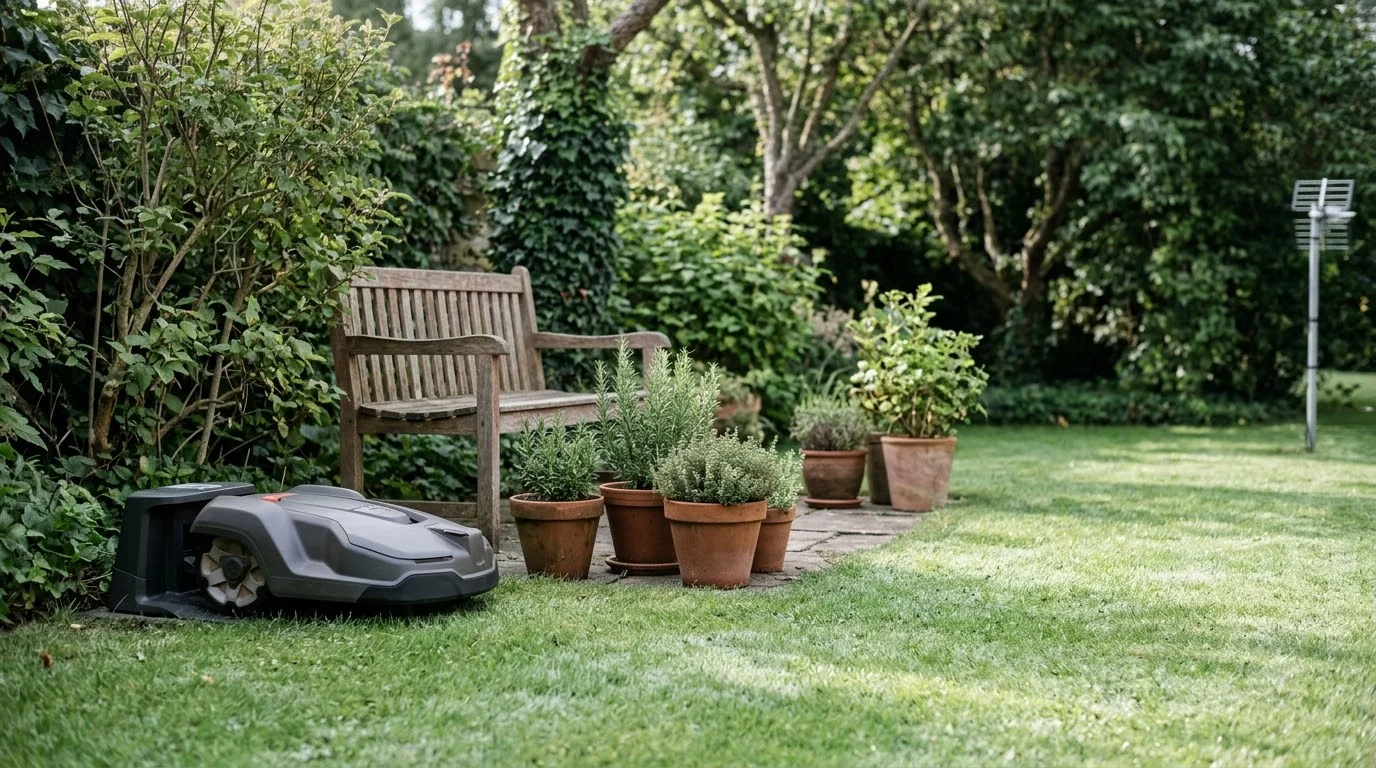

Why does my robot mower get stuck under bushes? Usually because the bush branches sit low enough for the body to slide under, but the mower cannot back out cleanly. Once the collision sensors are pressed, many mowers stop and wait for help. The fix is to change the physical space, the boundary, or the mower’s clearance, rather than to keep rescuing it.
The short answer
- Low branches can catch the top of the mower or pull it into a tight space it cannot leave.
- The collision sensor reacts when the mower hits an object and cannot move away, so it stops under the bush.
- Boundary wire too close to a shrub lets the mower reach the gap, but leaves no room to turn back.
- Debris or a misaligned body can keep the sensor pressed even after the mower is clear.
- Quick check: trim low branches, then move the wire or add a no-go zone before changing anything else.
Low branches the mower can slide under
A bush with branches near the ground creates a narrow gap. The mower can drive into that gap, but if the gap is too low or too tight, it cannot turn around. Robomow, a robot mower maker, notes that a robot can come to a standstill when something gets wedged under its body, and a low bush branch works the same way. Trees create similar problems, which mowing around trees and low canopy discusses.
Look at the bush from the mower’s side. If the branches reach down to the cutting deck or the wheels, the mower may slip under and get trapped. Trimming those lower branches is the most direct fix, and it also helps the bush grow back fuller above the mowing line.
The collision sensor stops the mower under the bush
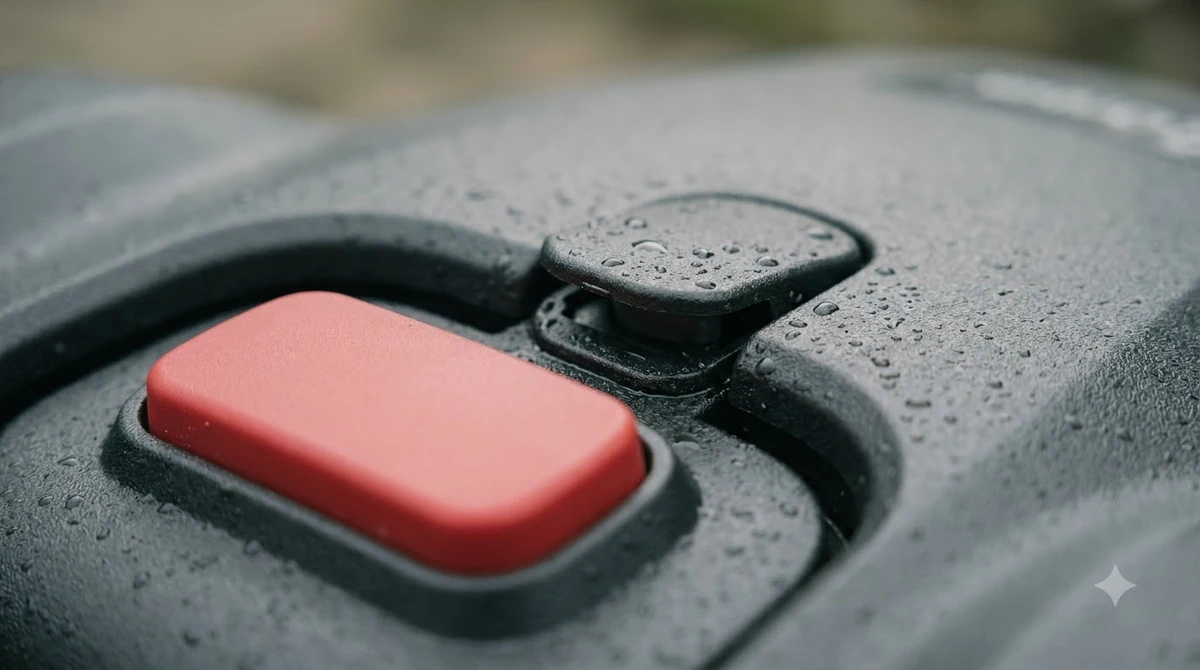
Robot mowers have collision sensors that tell the mower it has hit something. Husqvarna describes the collision sensor warning as triggered when the mower has collided with an object and cannot move away. Under a bush, that happens easily, because the branch touches the body from above or the side and the mower cannot back out. The sensor side is broader than bushes, as causes of mowers hitting objects explains.
Husqvarna lists other reasons the collision sensor can keep triggering, and they are worth checking together: debris lodged between the body and the chassis, a body that is not fully seated, blocked drive wheels, grass that is too tall for the model, and a cutting height set too low. If the mower is freed but the warning comes back, clean the chassis and check the body fit before blaming the bush.
Boundary wire and zone placement
Where the boundary wire runs matters more than most owners expect. A wire that runs right up to a shrub lets the mower reach under the lowest branches, and there may be no space for it to turn around. Moving the wire a little further from the bush so the mower cannot physically reach under it is a common approach. Wire placement for beds is covered in laying wire around garden beds, and the same idea applies to shrubs.
If moving the wire is not practical, mark a no-go zone in the app for the area under the bush. Our reading is that a no-go zone is the simplest fix for a bush that cannot be trimmed, because it keeps the mower out of the gap entirely. Test the zone by watching the mower’s first few passes near the bush before walking away.
Vision and LiDAR can miss low or thin branches
Some robot mowers rely on cameras or LiDAR to see obstacles rather than only the collision sensors. Those systems can miss thin, tilted, or hanging branches, and a dirty lens or sensor housing makes that worse. Wipe the sensor with a soft, dry cloth before testing again, and do not spray water near the housing. Laser sensing has its own limits, as how LiDAR detects obstacles shows. Camera models struggle with thin branches too, as what camera-based mowers can miss explains.
If a mower with vision keeps driving under the same bush, the bush is the likely cause rather than the mower. Trim the branches first, then test. A mower that handles one bush well may still struggle with a different shape, so check each area separately.
Freeing the mower safely
Turn the mower off before you touch it. Several guides recommend this so the blades and wheels cannot move while your hands are near them. Lift the body only as far as needed to clear the branch, then guide the mower out by hand rather than forcing it. Freeing a stuck mower often reveals debris, as mowing over fallen sticks explains.
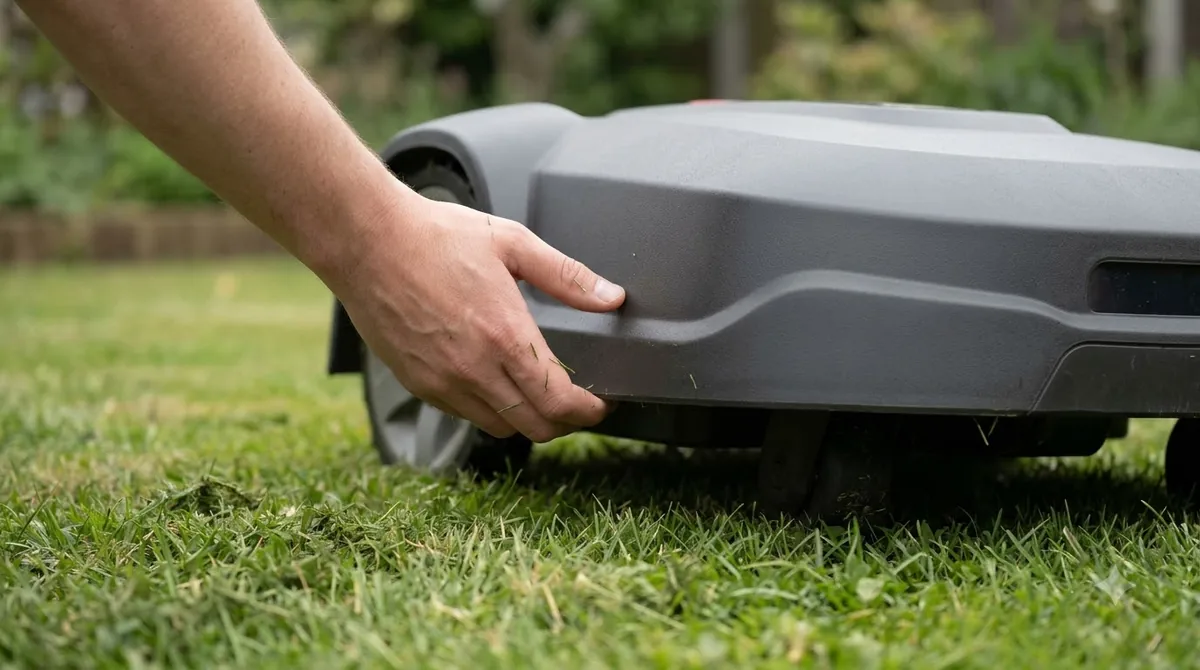
After freeing it, restart the mower and watch the next pass. If it stops at the same spot again, the gap is still too tight, and trimming or a zone change is the next step rather than another rescue.
Checklist for a bush the mower keeps hitting
- Trim. Raise or cut back branches that hang low enough to catch the body or the deck.
- Clean. Clear debris from the body and chassis, and check the sensor housing and camera or LiDAR lens.
- Fit. Confirm the body sits fully on the chassis and the wheels are not blocked.
- Wire or zone. Move the boundary wire away from the bush, or add a no-go zone around it.
- Watch. Observe the next few passes near the bush before leaving the mower to run alone.
If the mower keeps getting stuck at the same bush after all five steps, the gap is probably too tight for that model. Our suggestion is to plan the bush area as a no-go zone, rather than expecting the mower to pass under it. Seeds and cones collect beneath bushes, as acorns and pine cones under shrubs shows.
Frequently asked questions
Why does my robot mower keep stopping under the same bush?
The bush is usually the repeated cause. Its lowest branches create a gap the mower can enter but not leave cleanly, and the collision sensor then stops the mower. Trim the branches or add a no-go zone for that area.
Should I trim bushes for a robot mower?
Trimming the lowest branches is a practical step, since it removes the gap the mower gets trapped in. Keep the trim light and only where the mower can reach, so the shrub still grows healthily above the mowing line.
Can I stop a robot mower from going under a bush?
Yes. Move the boundary wire away from the bush so the mower cannot reach under it, or mark a no-go zone in the app. Check the first few passes to confirm the mower stays clear.
Is it safe to pull a stuck robot mower out?
Turn the mower off first, then lift or guide it out by hand. Do not force it while it is running, and check the blades and wheels for debris before you restart.
Sources
- Collision sensor problem: Automower error message (Husqvarna): the collision sensor trigger, debris, body fit, grass height, and cutting height causes.
- Can a robotic lawnmower get stuck? (Robomow): debris wedged under the robot brings it to a standstill, and keeping passages wide helps.
 Up next7 min readLearnWhy Does My Robot Mower Start Mowing at the Wrong Time?Updated Nov 13, 2026
 6 min readLearnWhy Does My Robot Mower Leave Tire Marks on the Dock Area?Updated Nov 13, 2026
 7 min readLearnWhy Does My Robot Mower Drive Into the Flower Bed?Updated Nov 13, 2026
 7 min readLearnWhy Does My Robot Mower Make a Clicking Noise?Updated Nov 13, 2026
 7 min readLearnWhy Does My Robot Mower Leave Stripes in the Lawn?Updated Nov 13, 2026
 7 min readLearnWhy Does My Robot Mower Smell Like Burning?Updated Nov 13, 2026