
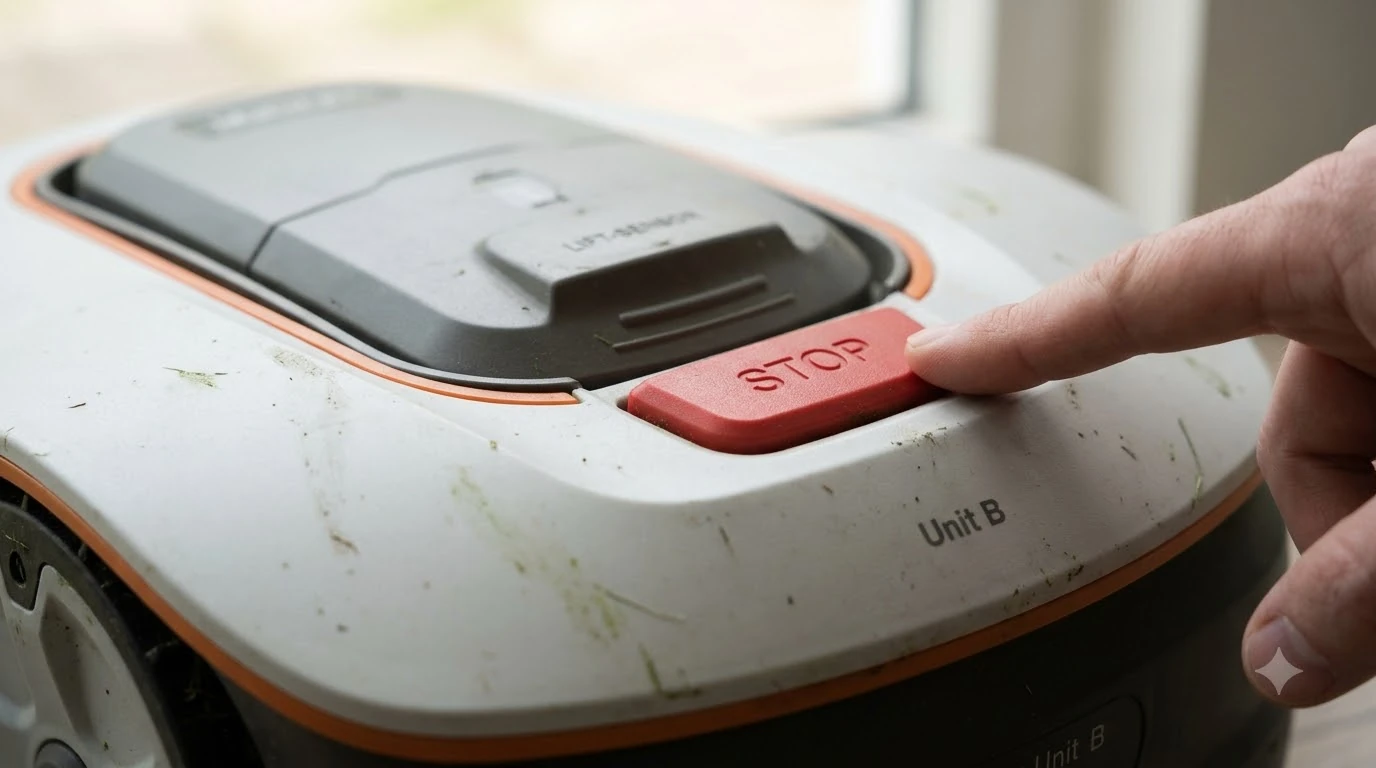

A lymow factory reset clears the mower’s saved settings, so you can set it up again from scratch: back up your map to the cloud first, start the reset from the app’s main settings menu, and then run setup again. Owners also report a button-based route on the mower’s top panel, but that method comes from a community post rather than an official manual. This guide covers both, what each one erases, and when a reset is the wrong first step.
The short answer
- Back up first: save your map to the cloud before you reset, so you can restore it afterward.
- App route: start the reset from the main settings menu in the Lymow app.
- Button route: community reports describe a hold-button sequence while the mower is charging and powered on. Verify it against the current app or support before you rely on it.
- Try first: a power-off with the battery disconnected for around 10 to 30 minutes fixes many problems without a reset.
- Not a fix for everything: owners report that a reset did not solve every problem, so contact support if it doesn’t help.
When a factory reset makes sense
A factory reset is a reasonable step when the mower behaves in a way that a simple restart does not fix, such as a setup that keeps failing, a map that will not load, or a mower that stays offline after a settings change. It is a bigger step than a reboot because it removes the saved configuration, so it is worth ruling out the smaller fixes first. For the reset steps shared by most brands, read reset basics common to robot mowers and compare them with the Lymow method. Reset questions often follow other faults, which Lymow One problems owners report lists in one place with possible causes.
Community guides list the same order of steps: restart the mower, restart the phone, check the Wi-Fi band, and only then consider a reset. The Lymow community help site has several threads where a reset was tried early and did not solve the underlying problem.
Before you reset: back up your map
Save your map before you touch any reset option. The Lymow community guidance is to back up the map to the cloud from the app, because a reset can wipe the stored boundary and zones. Once the backup is saved, you can restore the map after the mower is set up again, which saves redrawing every zone. Planning the backup is easier once you have read Lymow mapping and map backups to see what map data you can expect to keep.
It also helps to write down the schedule, the cutting height, and any no-go zone names you use. Those are quick to re-enter, and they tell you what the mower was doing before the problem started.
Heads up
Community notes say a factory reset does not wipe absolutely everything. Do not assume the account, the schedule, or the maps are gone until you check the app after the reset.
Option 1: Lymow factory reset from the app
The app route is the one to try first. It keeps the reset in the same place where you manage the mower, and it avoids pressing buttons on a mower that may be running a stuck process. If the app reset option is missing, Lymow app issues lists the usual connection and version problems to check first.
- Back up the map. Save it to the cloud in the app and confirm the backup appears.
- Open the main settings menu. Navigate to the settings for the mower you want to reset. Menu names change between app versions, so look for the reset option in the main settings rather than a specific path.
- Start the factory reset. Follow the on-screen prompts and wait for the mower to finish. Do not turn the mower off during this step.
- Set up again. Pair the mower, connect it to Wi-Fi on a 2.4 GHz network, and install any available firmware update.
- Restore the map. Once the mower is online, restore your map from the cloud backup and check each zone before the first full cut.
Option 2: Button-based reset
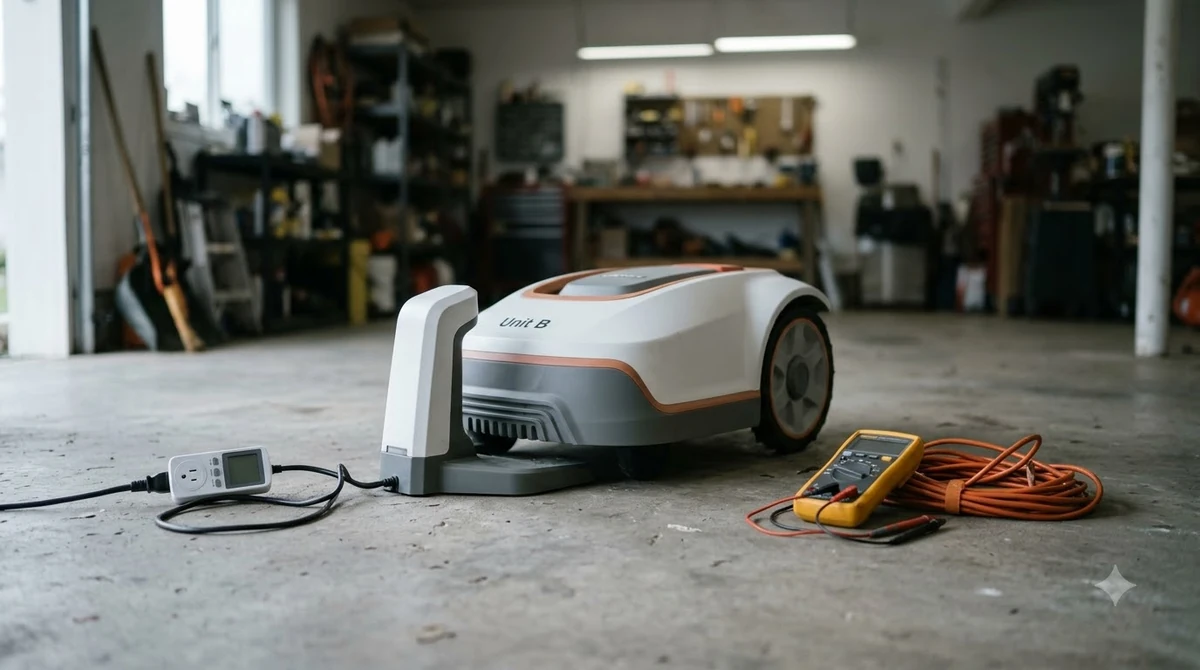
A community forum post describes a reset that starts from the physical buttons on top of the mower. The reported sequence is to hold the Power and Home buttons together for about 10 seconds while the mower is charging and powered on. If nothing happens, the same post says to hold only the minus button for 10 to 15 seconds.
Treat these as reported steps, not official instructions. Lymow’s official manuals were not in the pages we read, and button layouts can differ between models. If the sequence does nothing, do not keep pressing combinations. Use the app route or contact support.
Try a power-off before you reset
Many problems that look like they need a reset are fixed by letting the mower fully power down. Lymow support pages suggest turning the mower off and disconnecting the battery for about 30 minutes for common issues. Community posts give shorter times, around 10 minutes, so pick a time that fits your schedule and check the result before going further.
After the reset: check the basics
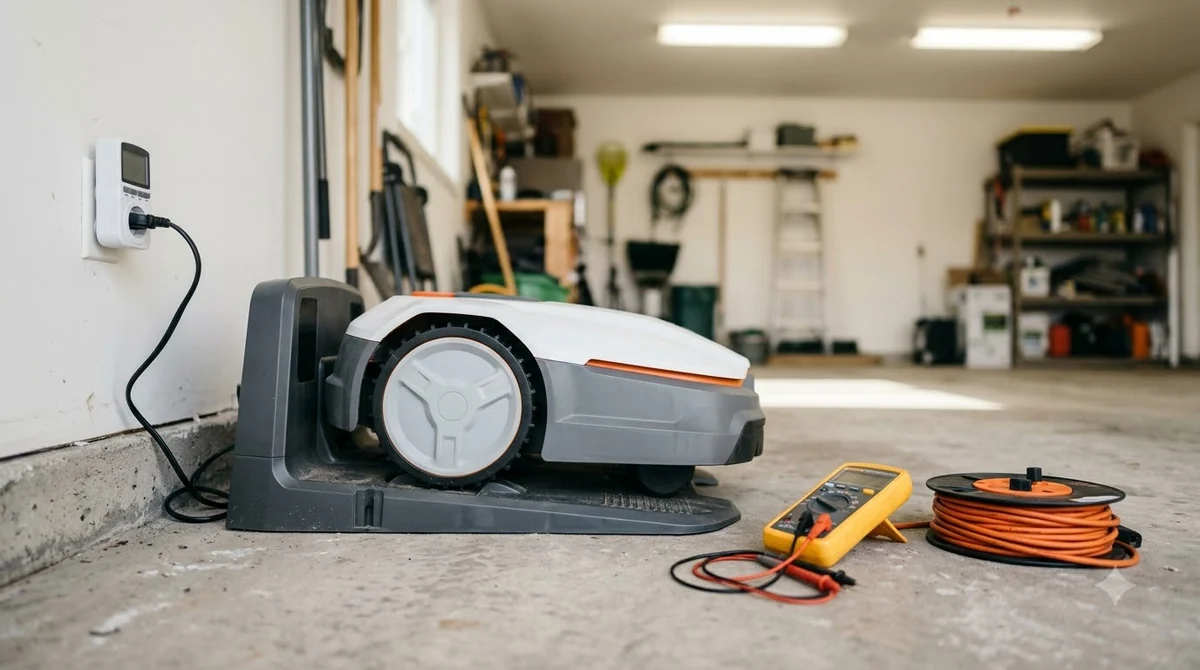
Once the mower is set up again, run through a short check before you let it mow unattended. Confirm the time and date, check the cutting height, and make sure the blades are sharp and seated correctly. Then mow one small zone and watch it finish before you trust the full schedule. After a reset the mower has to join the network again, which Lymow Wi-Fi connection problems covers step by step. If the battery rather than the software is the issue, replacement packs for the Lymow shows which packs are available.
If the same problem comes back after the reset, record what you did and when. A repeated fault after a clean setup points to a hardware or firmware issue, and support will want those details.
What to check before you buy a mower with a reset option
A reset is only as useful as the documentation behind it. Before you buy, check whether the manufacturer publishes a clear reset procedure for your model, whether the app can back up the map, and how long the support team takes to reply. Our reading is that a mower with a documented, app-based reset is easier to recover than one that relies on undocumented button sequences. A broader view of the mower and its main features is in the Lymow robot mower overview before you decide on a purchase. A buyer weighing a mower with a reset option can read whether the Lymow One is worth it for a balanced summary.
Frequently asked questions
How do I do a lymow factory reset?
Back up your map to the cloud first, then start the reset from the main settings menu in the Lymow app. Community reports also describe a button sequence on the mower’s top panel, but verify it against the current app or support before you rely on it.
Will a factory reset erase my maps?
Community guidance is to assume it might. Back up the map to the cloud before resetting, then restore it once the mower is online. Check the app after the reset rather than assuming what was kept.
Should I reset or power off the mower first?
Power off first. Lymow support pages suggest turning the mower off and disconnecting the battery for a period before a full reset. Many common problems clear this way, and a reset removes saved settings you may need.
What if the reset does not fix the problem?
Owners report that a reset does not always solve the issue. Note what you tried and when, then contact Lymow support. A fault that returns after a clean setup is worth reporting with those details.
Sources
- Perform a factory reset on a Lymow mower (Lymow community help): back up the map to the cloud, reset from the app settings, a reset may not fix every issue, power-off with battery disconnected as an alternative.
- Blades stopping then starting but never staying on for more than 0.5s (Lymow community help): reported button sequence for a reset while charging, and the advice to back up maps first.
 Up next8 min readLearnHow to Reset a Robot Mower: Restart First, Then Factory ResetUpdated Nov 11, 2026
 6 min readLearnMammotion Factory Reset: Luba Steps, What Is Erased, and What to CheckUpdated Nov 13, 2026
 7 min readLearnHusqvarna Automower Factory Reset: Steps for Newer and Older ModelsUpdated Nov 13, 2026
 6 min readLearnEcovacs GOAT Factory Reset: Step-by-Step GuideUpdated Nov 13, 2026
 6 min readLearnNavimow Factory Reset: What the Support Pages ConfirmUpdated Nov 13, 2026
 7 min readLearnWorx Landroid Factory Reset: What You Can DoUpdated Nov 13, 2026