
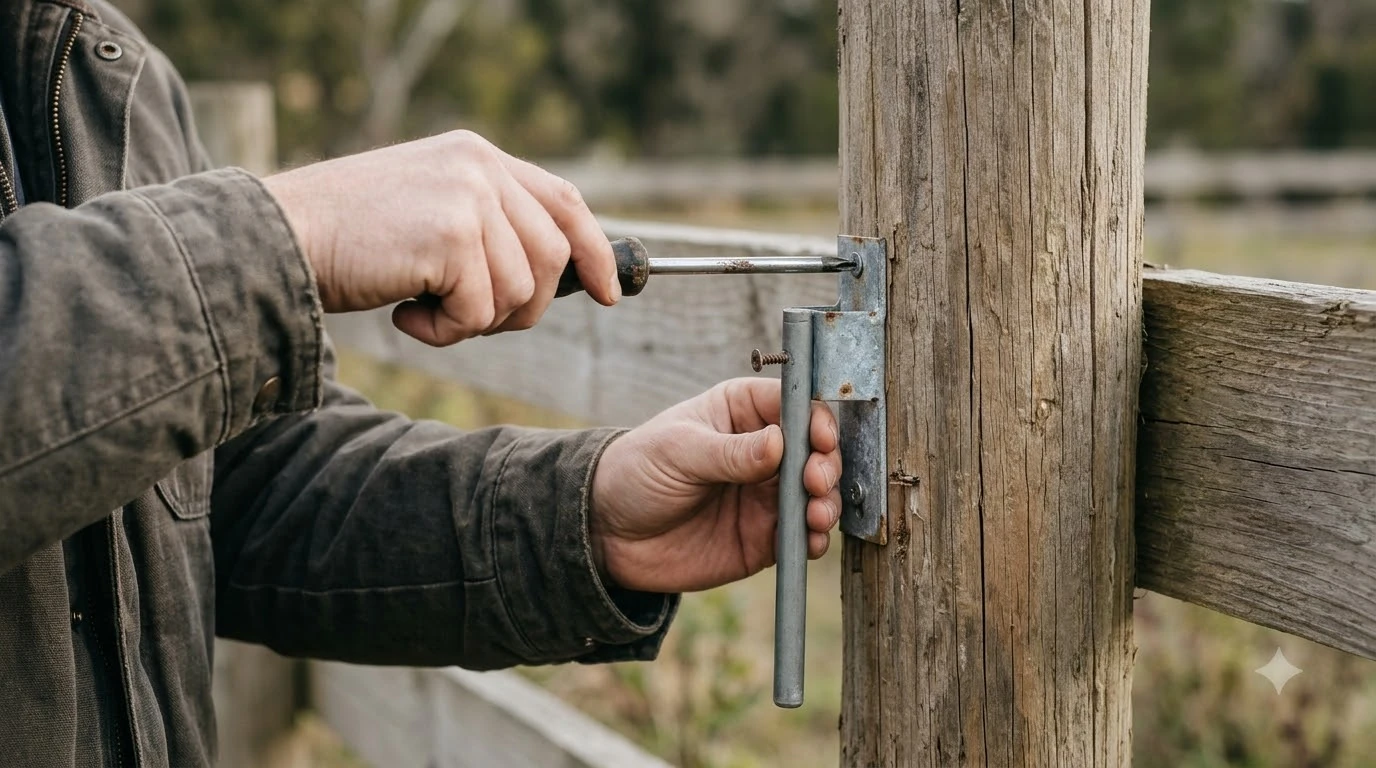

A Navimow extension cable is usually the GNSS antenna extension, which carries the satellite antenna’s signal from the mower’s antenna to the charging station. Segway’s manual allows up to three extension cables for a total length of 30 m, and a separate 10 m antenna extension cable is sold as an accessory. Extend only the antenna cable, and keep the power supply where its outdoor rating applies.
The short answer
- What it is: an antenna extension cable for the GNSS antenna on the charging station side, not a power cord for the mower.
- How much you can add: the i-series manual allows up to three extension cables, for a total of 30 m (98.4 ft).
- What to buy: check the part number against your model, because Segway’s listings differ by series.
- Power side: the power supply is rated IP66, so keep it on its own outdoor-rated connection rather than extending it with an indoor cord.
What a Navimow extension cable actually connects
On a Navimow with a GNSS antenna, the antenna sits on a tube or pole in the yard, and its cable runs to the charging station. When the cable is too short for the spot you want, the extension cable closes the gap. This is an antenna line, so it carries a satellite signal rather than mains power. If your search was for a way to extend the power cord, the answer is different, and it is covered below. An extension is one of several add-ons for this mower, and the overview of Navimow accessories worth knowing about puts them in context.
Navimow’s setup order matters. Fix the antenna first, then place the charging station, then check the satellite signal before you map the lawn. Moving the antenna or the dock after mapping makes the map unusable, so an extension should be decided before you map, not after.
How many extension cables you can use
The Navimow i-series user manual describes an antenna extension limit. Where the antenna cable is too short, the manual allows up to three extension cables, for a total length of 30 m (98.4 ft). That figure is the manual’s limit, not a recommendation to run the longest possible line. Every joint is a point where water and dirt can get in, so use the fewest joints that reach. Antenna extensions have nothing to do with mains, but outdoor outlet protection for the charger still matters where the power cable plugs in.
The manual also describes an optional antenna extension pole that lifts the antenna to 1.5 m or 2 m (4.9 or 6.6 ft). A taller antenna can help when trees or a fence block the sky. Our reading is that a pole is often a better first step than a long cable run, because it moves the antenna into the open rather than adding joints.
Buying a 10 m antenna extension cable
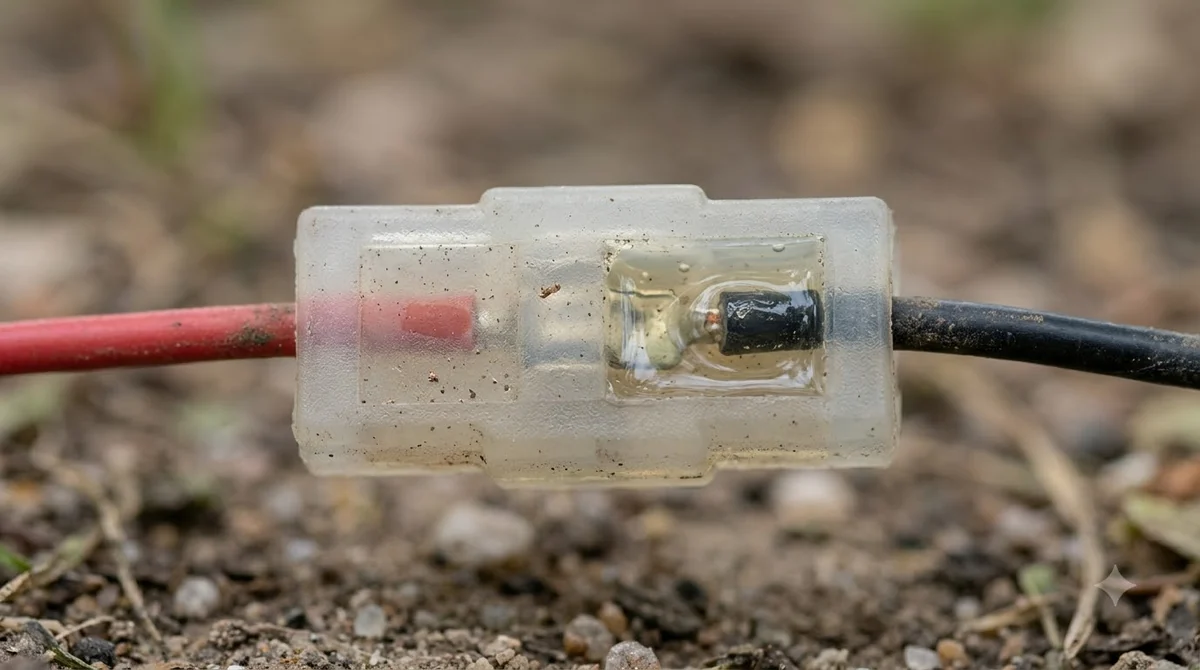
A segway navimow extension cable is sold as an antenna accessory. Segway lists it as a 10 m accessory in its product pages, and several retailers list the same length. Part numbers vary across listings, and the same name can appear for different series, including the i and H series and the X3 series. Check the part number and compatibility on the page for your exact mower before you order, and compare it with the model label on your charging station. For the power side rather than the antenna, low voltage extension cable length limits are set by the manufacturer and should be followed.
Price changes often, so treat any figure you see as “as of Nov 2026” and confirm on the official store. Our reading is that a genuine accessory is the safer choice for a GNSS line, because a cable with the wrong connector or impedance can weaken the signal the mower depends on.
Installing the extension without losing signal
- Plan the route. Keep the cable away from the mower’s path and from edges where a wheel could catch it. Do not bury it under the lawn unless the manual allows it.
- Seal each joint. Tighten each connection by hand until it is firm, and cover joints where the manual calls for it, because water at a connector is a common cause of a weak signal.
- Keep the antenna clear. The manual warns not to put anything on the antenna, since that blocks the signal.
- Check the satellite signal. Use the app’s signal check before you map. The manual asks for at least five co-visible satellites.
- Map last. Once the antenna and dock are fixed, map the lawn so the map matches the final positions.
The power cable is a different job
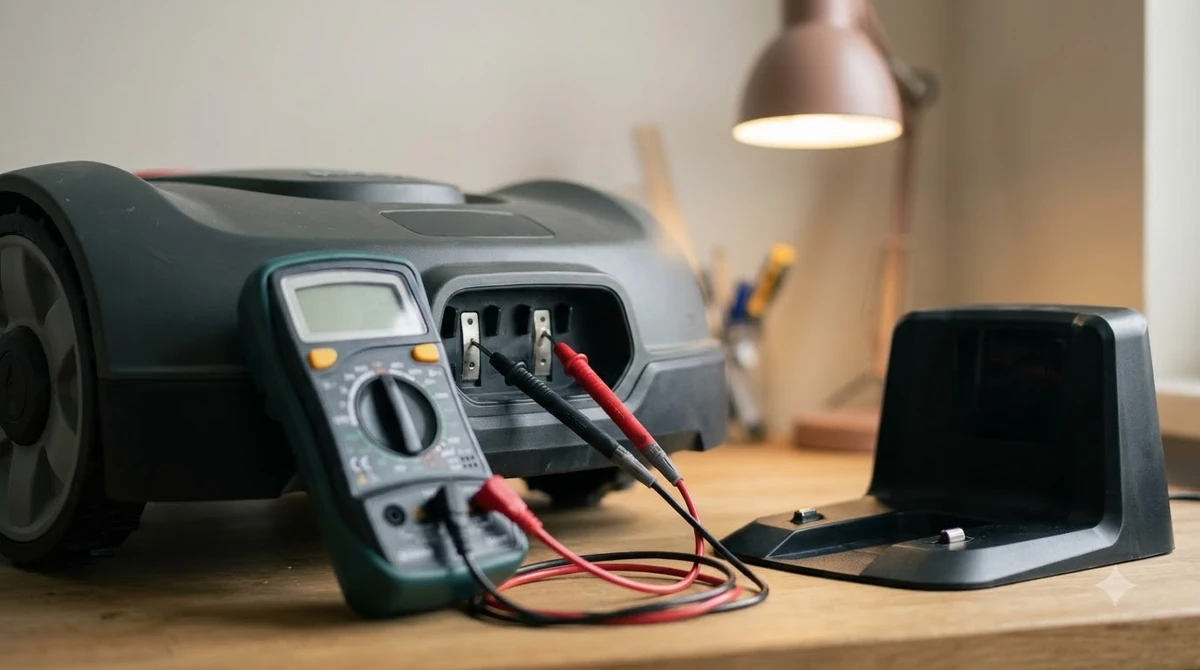
The Navimow power supply and power cable are separate from the antenna line. The manual’s steps have you join the power cable to the adapter, line up the notch, connect the cable to the power interface, turn the nuts until they lock, and then plug into a suitable socket. The power supply is rated IP66 for the mower, charging station and power supply. Signal quality at the antenna is what an extension is meant to protect, and RTK antenna placement and options affect how well it works. People often confuse the two, so outdoor power cable extensions are covered separately for the dock side.
Our reading is that the power connection should stay where its outdoor rating holds. Extending it with an ordinary indoor cord can expose a joint to rain and dew, and it adds a point of failure to the dock’s power. If the socket is too far away, a weatherproof outdoor route or a relocated socket is the safer fix.
Heads up
Do not extend the power cable with an indoor extension cord. Use outdoor-rated connections only, and check the manual for the exact rating before you change anything at the power point.
When an extension is not the answer
An extension cable fixes a short run, not a bad location. If the antenna sits under a roof edge, beside a tall wall or under dense trees, adding cable will not fix the view of the sky. Move the antenna first, or consider a pole. If the signal stays weak after a good placement, contact Segway support with your model and the signal readings from the app. Where the route crosses a paved area, routing cable across a driveway is better done through a protected passage. If running any cable is impractical, solar power for the base station is an alternative worth reading about.
Frequently asked questions
How long can a Navimow extension cable be?
The i-series manual allows up to three extension cables for a total of 30 m (98.4 ft). Segway also lists a 10 m antenna extension cable as an accessory. Stay within the manual’s limit and use as few joints as possible.
Can I use a regular extension cord on my Navimow charging station?
Not for the power side. The power supply is rated for outdoor use, and an indoor cord adds a joint that rain can reach. The antenna extension cable is a different line, and it is the one meant for extension.
Will a Segway Navimow extension cable fit every model?
Not necessarily. Segway’s listings show different part numbers and series names, so match the part to your model’s page before you buy.
Is a pole better than a longer cable?
Often yes. The manual describes an optional antenna extension pole that lifts the antenna to 1.5 m or 2 m, which can clear obstructions without adding joints. Our reading is that a pole is the first step when the sky view is the problem.
Sources
- Navimow i Series User Manual (EN) (Segway Navimow, official): the three-extension, 30 m limit, the antenna extension pole, the power cable steps, the IP66 rating, the five-satellite check and the map-after-fixing rule. Used from research gathered for an earlier Navimow setup guide.
- Antenna Extension Cable (Segway Navimow store page, seen in search results and not fully read): cited only for the 10 m accessory listing. Part numbers vary across listings, so confirm before you order.
 Up next7 min readGearMammotion Extension Cable: Length, Safety and SetupUpdated Nov 13, 2026
 10 min readGearRTK Antenna Extension Cable for Robot Mower: 6 ChecksUpdated Nov 19, 2026
 7 min readGearRobot Mower Low Voltage Extension Cable: What to CheckUpdated Nov 14, 2026
 7 min readGearRobot Mower Charging Station Extension Cable Outdoor: What to CheckUpdated Nov 19, 2026
 9 min readGearBest RTK Antenna for Robot Mower: How to Choose the Right SetupUpdated Nov 11, 2026
 8 min readGearCable Cover for RTK Antenna Wire: 5 Checks Before You BuyUpdated Nov 19, 2026