
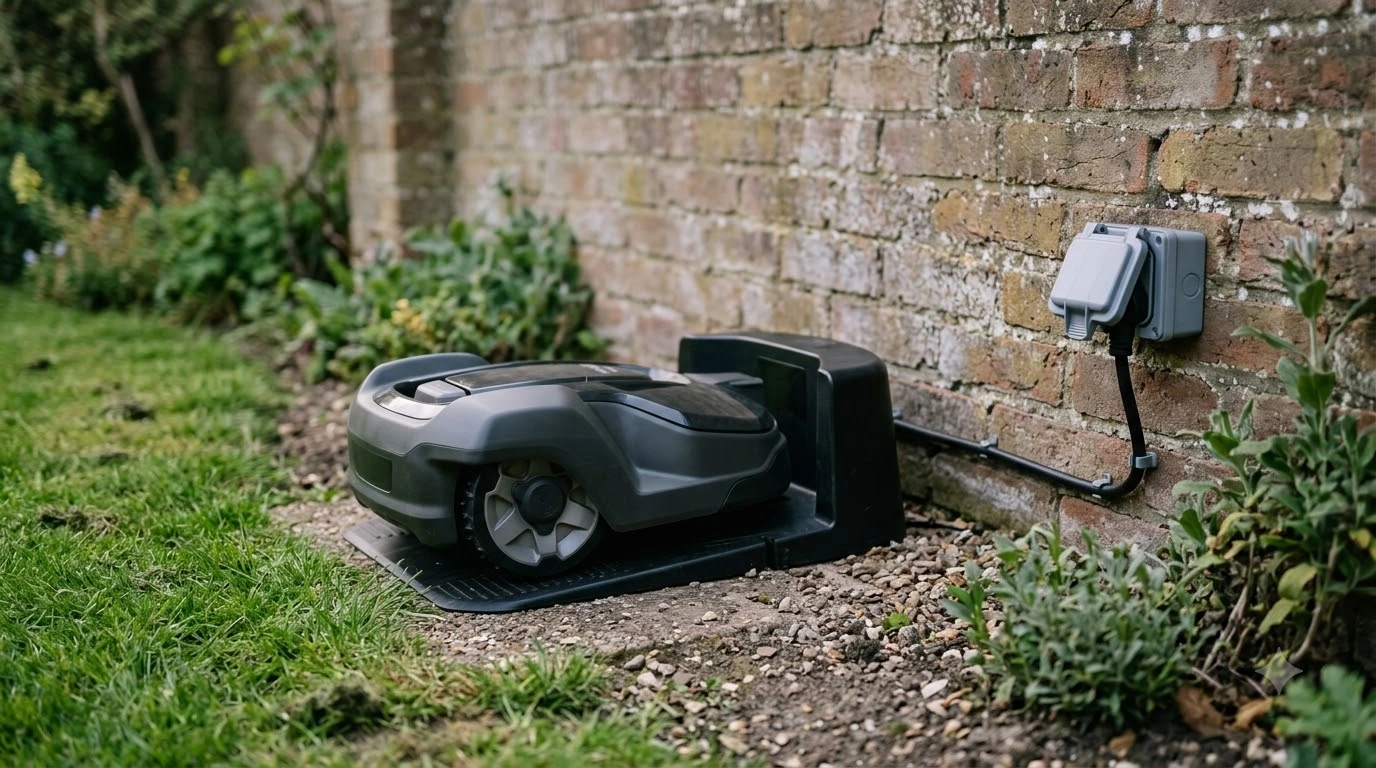

How do robot mowers return to the charging station? Most models head back on their own when the battery drops to a set level, when a weather or safety rule applies, or when the mowing schedule ends. They then follow a signal or a buried wire to the dock, and the exact thresholds depend on the brand and model. As of 2026-11-09, manufacturer support pages give the clearest numbers.
The short answer
- Battery trigger: many mowers return at a fixed level, such as 15% or 20% for Navimow’s H2.
- Other triggers: rain, fog, heat, a safety event or the end of the schedule can also send it home.
- Finding the dock: the mower first looks for the station signal, then follows a boundary or guide wire.
- Common fixes: confirm the station has power, the mower sits on the contacts, and the wires are clean and connected.
How do robot mowers return to the charging station: the triggers
A robot mower returns to its base for a few predictable reasons, and the reasons explain how robot mowers return to the charging station in everyday use. The most common one is battery level. Segway Navimow says its H2 normally returns to the charging station when the battery level drops below 15% while mowing, and below 20% during auto mapping, according to its support page. Those are model-specific numbers, so treat them as an example, not a rule for every mower.
Battery level is not the only trigger. The same Navimow page lists several situations where the mower may return even when the battery is still high:
- Rain or wet conditions
- Heavy fog
- High temperatures
- The mowing schedule period has ended
- Other safety or protection triggers
The schedule trigger is easy to overlook. Navimow’s list includes the end of the mowing schedule period as a reason the H2 can head home, even when the battery is still high. Our reading is that a return at the end of a window is normal behavior, so check the schedule before you assume the battery or the dock is at fault. If you also wonder how often a robot mower needs to charge, the answer depends on the same battery and schedule settings.
How the mower finds the station
Husqvarna’s support guidance describes how robot mowers return to the charging station in two steps. The mower first tries to detect the charging station signal directly. If that fails, it follows the boundary wire or a guide wire until it reaches the station, as described in Husqvarna’s docking test guide.
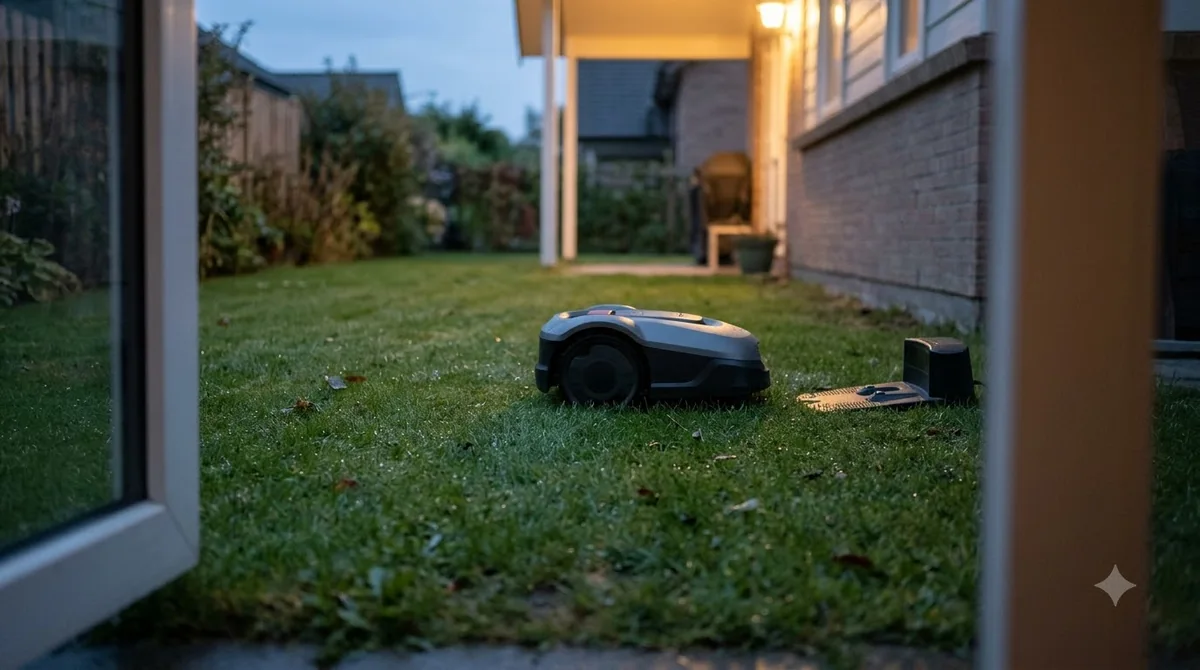
A guide wire is a separate wire that runs from the station to the boundary wire. Our reading is that it matters most when the station sits away from the main lawn, because the mower needs a path to follow back. The same guide says the mower should be placed about 3 m (10 ft) from the boundary wire, facing it, when you run the test.
The test is simple, and it is the best check after installation. According to Husqvarna, the test is successful only if the lawn mower follows the wire all the way and docks on the first attempt. If it keeps retrying, the setup needs attention.

Why a robot mower does not return to the charging station
A support FAQ for robot mowers gives two main causes when a mower stays out or does not go back to the station. The first is that the mower has finished its programmed cutting cycle. The second is that the battery level is too low for another run. In both cases, the mower stays at or returns to the station until it is sent out again or charged.
The same FAQ says the mower returns to recharge when the battery drops below approximately 30%. It also says to allow up to 100 minutes for a full charge before you expect the mower to continue mowing. If you send the mower out on a partly charged battery, it may head back to the dock after a short run and look like it is failing to mow.
Before you troubleshoot, check three simple things from the same guidance. Make sure the charging station has power. Make sure the mower is correctly positioned on the station. Confirm the cutting schedule, because the same FAQ lists the cutting cycle as a common reason the mower stays at the station.
How to fix a return that keeps failing
Most docking failures come from a short list of causes, and you can check them in order. Start with the easy checks, because they take a few minutes and cover the most common faults.
- Check the power. Confirm the charging station has power, as the support FAQ advises.
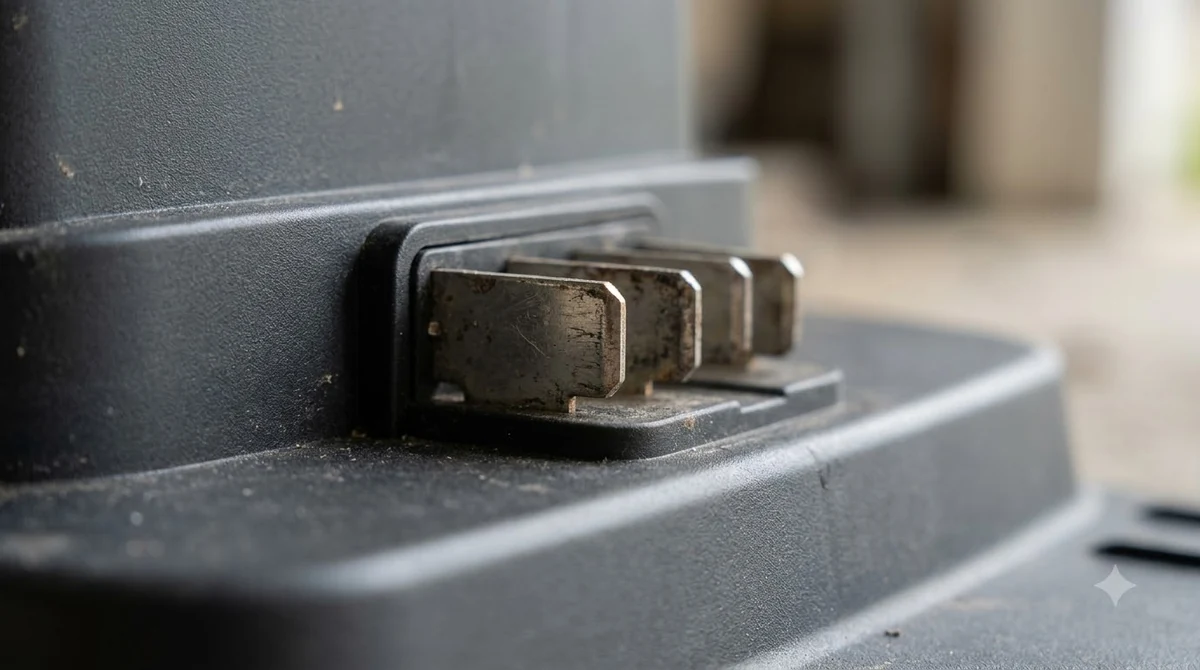
- Check the seating. Make sure the mower sits square on the charging contacts, not at an angle.
- Check the wire connections. Look at the connections at the station and confirm they are secure and correct.
- Clear metal near the path. Husqvarna’s guide names reinforcement bars, metal edging and buried coils of low-voltage cable as sources of interference near the station or wire.
- Adjust the corridor width. If the mower struggles to follow the wires, Husqvarna suggests adjusting the corridor width.
- Check the slope. On steep ground, the guide wire should be laid at the correct angle, according to the same guidance.
- Move the station or call the dealer. If docking still fails after these checks, the support guidance suggests repositioning the charging station or contacting a dealer. Brand-specific cases are covered in fixing a Worx Landroid that will not dock and fixing a robot mower that is not charging.
Run the docking test again after each change. One change at a time makes it easier to see what fixed the problem.
What to check before you rely on automatic docking
Automatic docking works best when the station and the wire path are planned before the mower is installed. Our reading is that station position matters as much as the brand, because every manufacturer’s test starts from the wire and the station. A well-placed station on flat ground gives the mower the simplest return path. That is the practical side of the question: how do robot mowers return to the charging station without trouble?
- Choose a spot for the station with a clear path to the lawn, using our notes on choosing the charging station spot.
- Keep the wire path and the area around the station free of metal objects.
- Run the docking test on the first day, before you rely on unattended cycles.
- Re-check the schedule, since a missed window can look like a docking fault.
If your yard has a distant corner or a station placed off the main lawn, expect more setup time. The manufacturer manual and the docking test remain the final checks for your model. If auto return is a buying priority, compare robot mowers with auto return to dock. In short, how do robot mowers return to the charging station? They use a battery or schedule trigger, then a station signal or a wire.
Frequently asked questions
Does a robot mower return to the station when it rains?
Some do. Navimow lists rain or wet conditions among the reasons its H2 returns to the dock even when the battery is above its threshold. Check your model’s manual, because weather rules differ between brands.
What battery level sends a robot mower back to charge?
It depends on the model. Navimow’s H2 returns at 15% while mowing and 20% during auto mapping. One robot mower support FAQ describes a return near 30%, so the number varies by brand.
How long does a robot mower take to charge?
One support FAQ says to allow up to 100 minutes for a full charge before you expect the mower to continue. Check your model’s battery specification for its own charge time.
What if the mower reaches the station but does not dock?
Check the station’s power, the wire connections and nearby metal, then run the docking test again. If it still fails, the Husqvarna support guidance suggests repositioning the station or contacting a dealer.
Sources
- Segway Navimow support: why the H2 returns to the charging station (manufacturer): battery thresholds and non-battery triggers.
- Husqvarna support: how to test docking after wire installation (manufacturer): signal-first docking, guide wires, test steps and troubleshooting.
- Robot mower support FAQ: remaining in or returning to the charging station (CoreService help center): causes, 30% recharge point and 100 minute charge time.
 Up next10 min readBest Robot MowersBest Robot Mower With Auto Return to Dock: How to Choose One That Docks ReliablyUpdated Nov 11, 2026
 9 min readBest Robot MowersRobot Mower Coverage Rating Explained: What the Number MeansUpdated Nov 11, 2026
 8 min readBest Robot MowersRobot Mower vs Lawn Service Cost: An Honest 2026 BreakdownUpdated Nov 11, 2026
 9 min readBest Robot MowersWhat Does AWD Mean on a Robot Mower?Updated Nov 11, 2026
 8 min readBest Robot MowersRobot Mower Slope Rating Explained: Percent vs DegreesUpdated Nov 11, 2026
 8 min readBest Robot MowersHow to Choose a Robot Mower for Your Lawn SizeUpdated Nov 11, 2026