
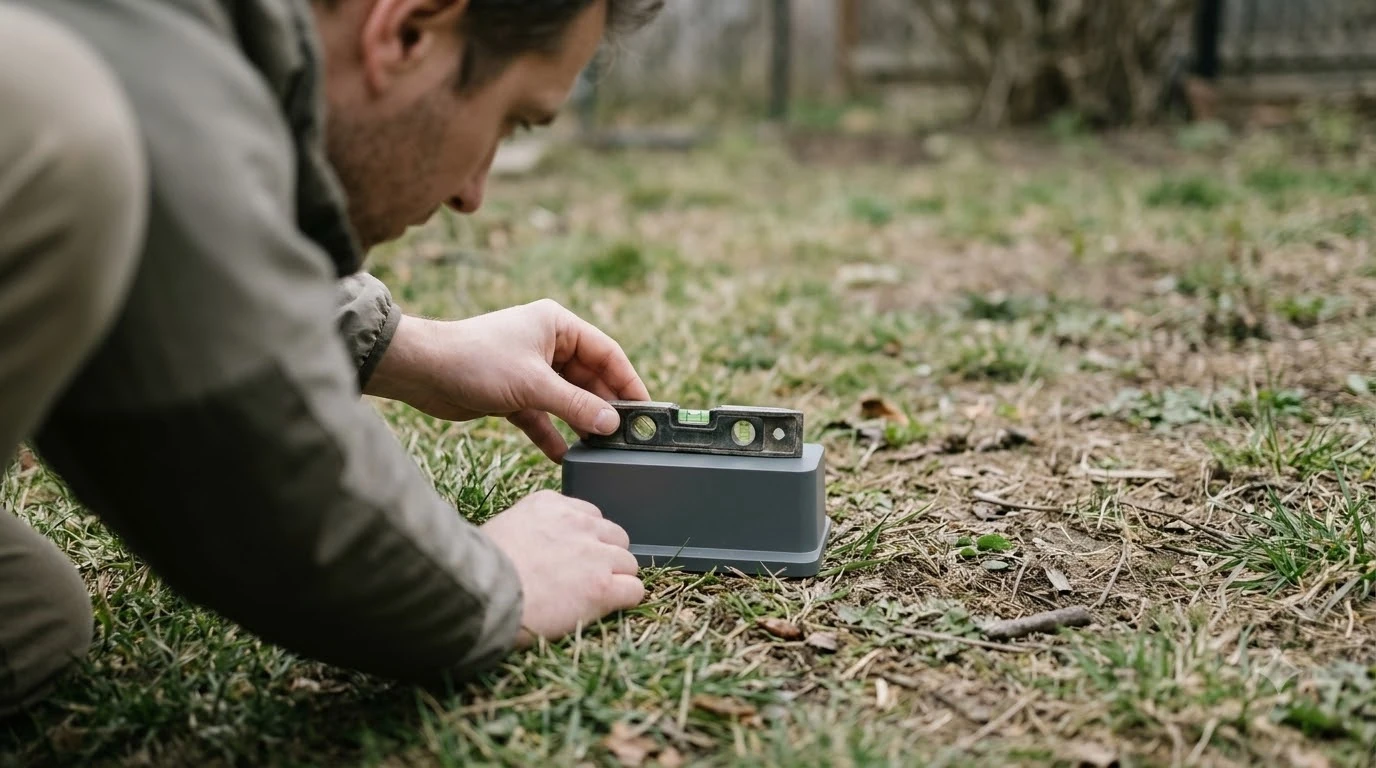

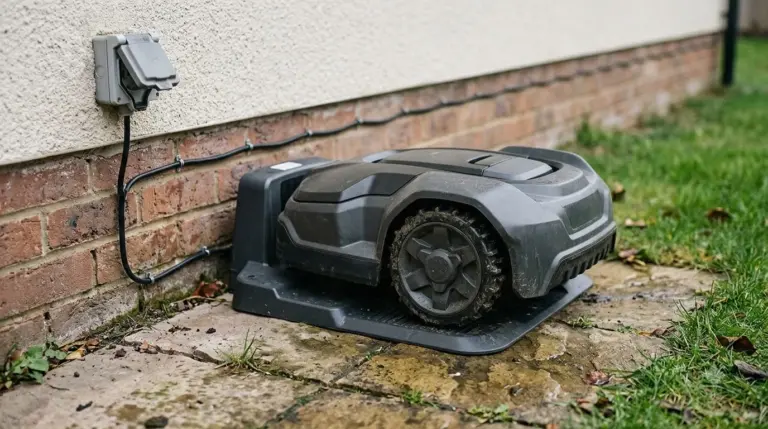
A robot mower charging station base plate must sit level, stay undamaged, and hold still on the lawn. Husqvarna’s placement guide says the station must be on a level surface and its baseplate must not be bent. Mammotion warns that a station that moves slightly can make the mower miss its dock.
The short answer
- Level it first. Husqvarna asks for a level surface, and Mammotion asks for flat, solid ground with no slope.
- Keep it straight. The robot mower charging station base plate must stay flat. Do not let a shelter frame or other load bend the base plate.
- Leave room. Husqvarna’s boundary-wire guide asks for 3 m (10 ft) in front, 60 cm (2 ft) behind and 150 cm (60 in) to each side. Mammotion asks for 1.5 m (5 ft) clear in front and on both sides.
- Peg it last. Husqvarna says not to fix the station to the ground until the wires are installed and the setup is verified.
What the robot mower charging station base plate does
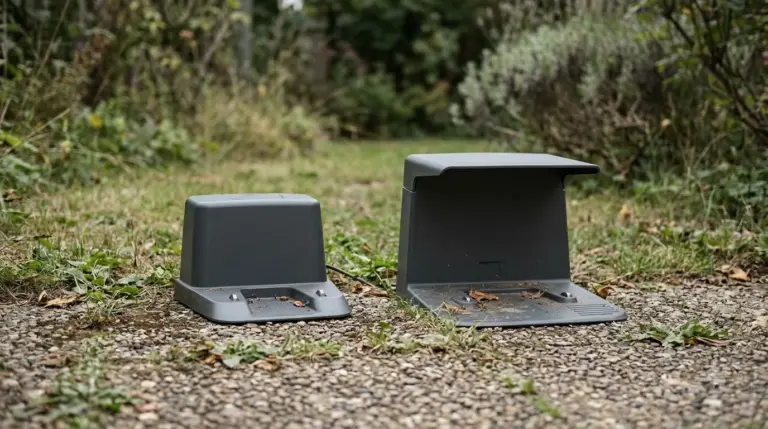
The base plate is the flat underside of the charging station, and docking depends on it staying where you put it. Husqvarna’s guide names the baseplate directly and says it must stay undamaged. Mammotion’s guide does not use the term, but it says a station that moves can stop the mower from docking correctly, so stability is the practical point for any brand.
Think of the robot mower charging station base plate as the foundation of the dock. If it sits unevenly or is pushed out of shape, the station can rock. Our reading is that the base problems that matter most come from three things: a slope, a bent plate, and a station that was never fixed down. The sections below cover each one.
Set the base on level, solid ground
Set the robot mower charging station base plate on level, solid ground with no slope, because both guides ask for it. Husqvarna’s placement guide says to “Ensure that the charging station is on a level surface.” Mammotion says to “Always install on flat and solid ground” and warns against “Sloped or uneven ground.” Neither guide gives a tilt angle, so treat the rule as strict.
Check the robot mower charging station base plate before you peg it. Lay a spirit level on top of the base, first front to back and then side to side. Then press each corner with your hand. A base that rocks or creeps is not ready, even if the bubble looks centred. Our reading is that it is safer to choose a flatter spot than to prop up one corner.

Keep the base plate straight and free of load
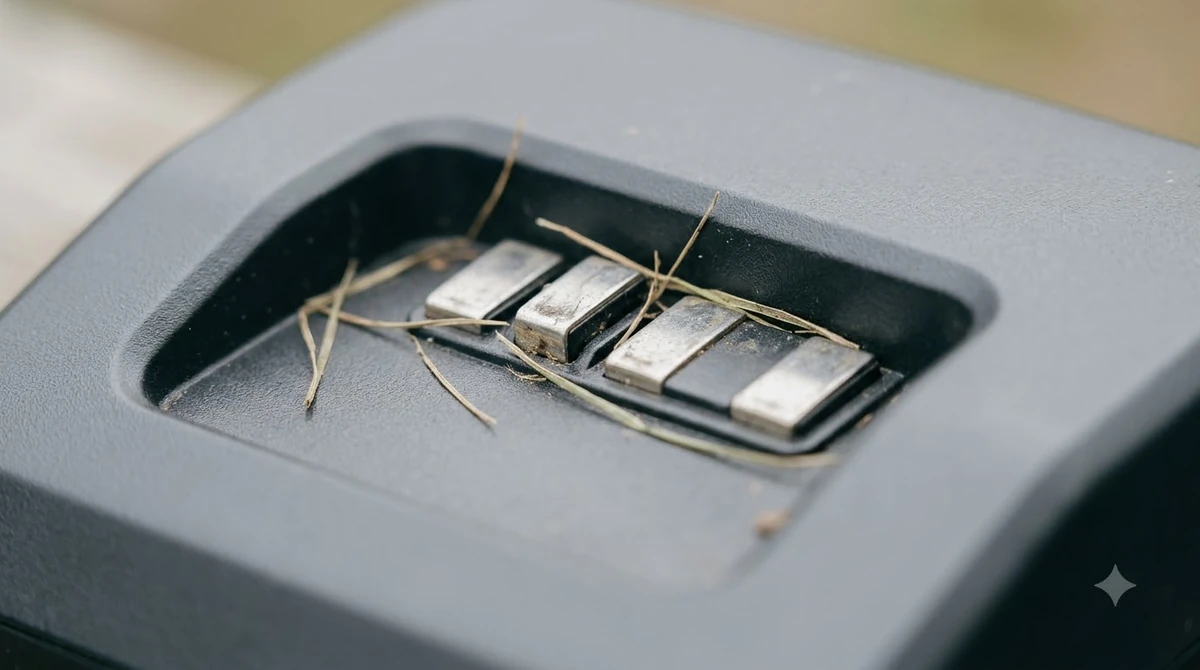
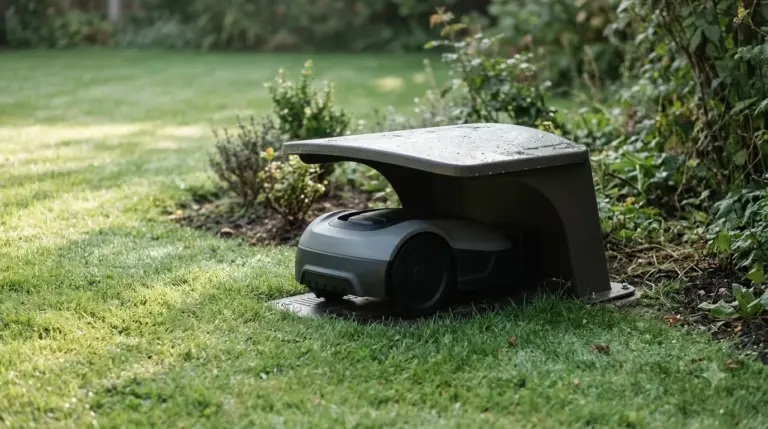
Keep the robot mower charging station base plate straight, because Husqvarna says the baseplate of the charging station must not be bent. The same guide adds that under-deck framing must not deform it. That matters if you plan a shelter or cover over the station, so check the fit of the frame before you fix it in place.
Look at the robot mower charging station base plate again after a storm or after you move the station. A plate that no longer lies flat is a reason to reset the base before the next mowing run. Our reading is that a lifting corner should be treated as a setup fault, not a cosmetic issue.
Leave enough free space around the station
Leave free space in front of the base, because the guides ask for a clear approach. Husqvarna’s boundary-wire guide asks for at least 3 m (10 ft) in front, 150 cm (60 in) to each side of the centre, and 60 cm (2 ft) behind. Its wire-free EPOS guide asks for a larger 6 m (20 ft) clear zone in front. Mammotion asks for at least 1.5 m (5 ft) of clear space in front and on both sides.
| Guide | In front | Each side | Behind |
|---|---|---|---|
| Husqvarna boundary wire | 3 m (10 ft) | 150 cm (60 in) from centre | 60 cm (2 ft) |
| Husqvarna EPOS wire-free | 6 m (20 ft) | Not stated in the page we read | Not stated in the page we read |
| Mammotion | 1.5 m (5 ft) | 1.5 m (5 ft) | Not stated in the page we read |
Our reading is that the figures differ by system, so the manual for your model is the final reference for any robot mower charging station base plate you set up. Keep the zone clear of tools, hoses and long grass so the mower can approach straight on.
Peg the base only after the wire works
Peg the robot mower charging station base plate only after the wire is installed and tested. Husqvarna says not to secure the charging station to the ground until all wires are installed and the installation has been verified. Mammotion says to secure the station with its included ground stakes, and to use expansion bolts if you fix it to concrete.
- Level the base. Use the spirit level and the corner test from above.
- Lay and connect the wire. Follow your model’s wire guide and connect the station.
- Test the dock. Confirm the mower can find and enter the station before you fix anything.
- Peg or bolt the base. Use the stakes or bolts supplied, and secure the cable with the included cable pegs.
This order is our reading of the two guides, not a single published sequence. If your manual gives a different order, follow the manual.
Shade, metal and the power outlet
Place the station in shade and away from metal, with the power outlet close by. Husqvarna’s guide asks for a spot with protection from the sun, or a mower house, and recommends a central location in the mowing area. It also says to avoid metal objects near the station, such as reinforcement bars or metal edging.
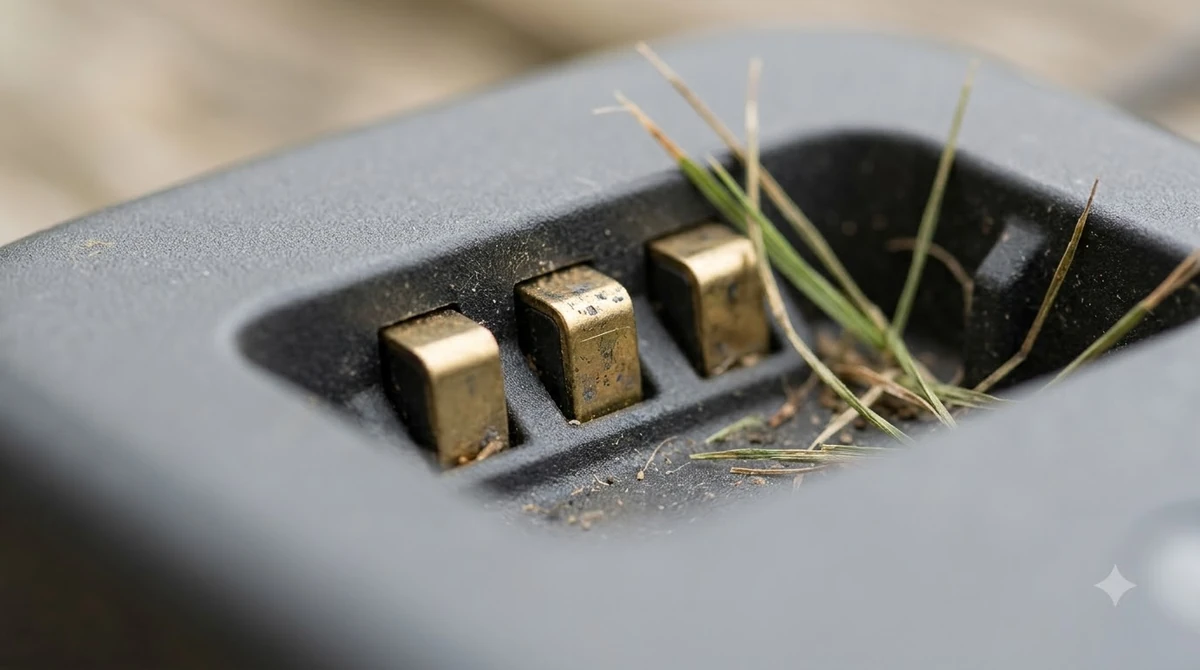
Mammotion’s installation guide adds two points. It says to avoid placing the station under trees or dense foliage, because overhead obstructions can affect docking. It also says to place the station close to a stable outdoor power outlet, with cables neatly secured and not under tension. That page gives no cable length, so measure the route before you buy any extension.
Frequently asked questions
Can the robot mower charging station base plate sit on a slightly uneven lawn?
Neither guide gives a tilt limit, but both ask for level or flat, solid ground. Husqvarna asks for a level surface, and Mammotion warns against sloped or uneven ground. Our reading is that a visibly uneven spot should be avoided in favour of a flatter one.
Do I need to peg the robot mower charging station base plate to the ground?
Mammotion says to secure the station with its included ground stakes, and to use expansion bolts on concrete. Husqvarna says not to fix the station until the wires are installed and verified. Fix it down only after the dock test passes.
How much space should I leave in front of the station?
The figures depend on the system. Husqvarna’s boundary-wire guide asks for 3 m (10 ft) in front, and its EPOS wire-free guide asks for 6 m (20 ft). Mammotion asks for at least 1.5 m (5 ft) of clear space. Check the manual for your model before you set the robot mower charging station base plate.
Can I place the charging station under a tree?
Mammotion advises against placing the station under trees or dense foliage, because overhead obstructions can affect docking. Husqvarna asks for protection from the sun, which is a different need. A shaded spot in the open, or a mower house, is the more careful choice.
Sources
- Automower charging station: optimal placement and mower house guide (Husqvarna, manufacturer): level surface, baseplate rules, clearance figures, shade, metal objects and anchoring order.
- Mammotion charging station installation guide (Mammotion, manufacturer): flat and solid ground, station stability, clear space, ground stakes and power outlet placement.
 Up next8 min readGearSmart Plug for Robot Mower Charging Station: 5 Safe RulesUpdated Nov 10, 2026
 10 min readGearRTK Base Station Power Cable Outdoor: What to Check FirstUpdated Nov 19, 2026
 8 min readGearBest Weatherproof Enclosure for RTK Base Station: 6 Checks Before You BuyUpdated Nov 13, 2026
 8 min readGearWhere to Mount an RTK Base Station for a Robot MowerUpdated Nov 19, 2026
 8 min readGearRTK Network Service for Robot Mower Without Base StationUpdated Nov 19, 2026
 7 min readGearBest Outdoor Power Strip for RTK Base Station: 5 ChecksUpdated Nov 16, 2026