

The best outdoor mesh wifi for backyard robot mower is the one that delivers a 2.4 GHz signal to every part of the lawn the mower works in. Many robot mowers only connect on 2.4 GHz, and an outdoor-rated node has to sit where it can reach the yard. Whether you need one at all depends on how your mower navigates, so check that first.
The short answer
- Band: Husqvarna Wi-Fi mowers support only 2.4 GHz networks, so any mesh node or extender must support 2.4 GHz.
- Hardware: Choose a unit rated for outdoor use, and check the model’s own specifications, because many mesh satellites are made for indoor use.
- Placement: Put the node between the router and the yard, ideally near a window or glass door facing the backyard.
- Check first: Walk the lawn with a phone and confirm Wi-Fi shows at least one bar in every area the mower covers.
Does a robot mower need Wi-Fi at all?
It depends on the navigation method. Sunseeker’s glossary explains that a Wi-Fi mower depends on the app for setup, schedules, map edits, alerts, and software updates. Some mowers can carry out a stored schedule and local navigation without a constant connection, while others need Wi-Fi to know where they are.
Husqvarna’s satellite-positioning models are an example of the stricter case. Its support page states that the mower needs a Wi-Fi connection in all areas of the lawn where it should mow, and that without it the mower cannot know where it is and will stop. For that reason, a mesh system is often a question of positioning as much as remote access. If your back lawn gets a weak signal, robot mowers that cope with poor Wi-Fi are worth a look first.
Which Wi-Fi band the mower uses
Husqvarna Automower models with Wi-Fi connectivity support only 2.4 GHz networks, and 5 GHz and 6 GHz networks are not supported. Its troubleshooting page adds that some routers need 2.4 GHz switched on separately in their settings, and that any extender or mesh system must support 2.4 GHz because it is the only frequency the mower connects to.
This matters when you shop for the best outdoor mesh wifi for backyard robot mower use, because a modern mesh kit that runs only on 5 GHz or 6 GHz backhaul may still leave the mower without a usable link at the lawn edge. Read the band list for the access point itself, not just the kit name. Our reading is that the 2.4 GHz requirement is the first filter for any mesh purchase for this use.
How to pick the best outdoor mesh wifi for backyard robot mower
An outdoor rating is a model-level detail, not a general promise. Netgear notes that most Orbi satellites are made for indoor use, and that hardware should go outside only if that specific model is rated and compatible for outdoor installation. Netgear warns that indoor equipment exposed to rain, sun, humidity, or freezing conditions will be damaged.
When you compare options, check the following in the product specifications:
| Check | What to look for | Why it matters for the mower |
|---|---|---|
| Frequency | 2.4 GHz enabled for client devices | Husqvarna Wi-Fi mowers connect only on 2.4 GHz |
| Weather rating | An outdoor rating stated for the exact model | Yard exposure to rain, sun, and cold |
| Coverage specs | Stated range for that model | Netgear says no single distance applies to every home |
| Mounting | Power and mounting options for outdoor use | The node must stay where the signal reaches the lawn |
Do not assume that a kit with a good name is outdoor-ready. A mesh kit is only one route to the same goal, and Husqvarna recommends extenders designed for outdoor use when the signal has to reach the lawn. Our guide on whether you need a Wi-Fi extender for a robot mower compares the two routes. Read the rating for the device you would actually mount outside.
Where to place the node
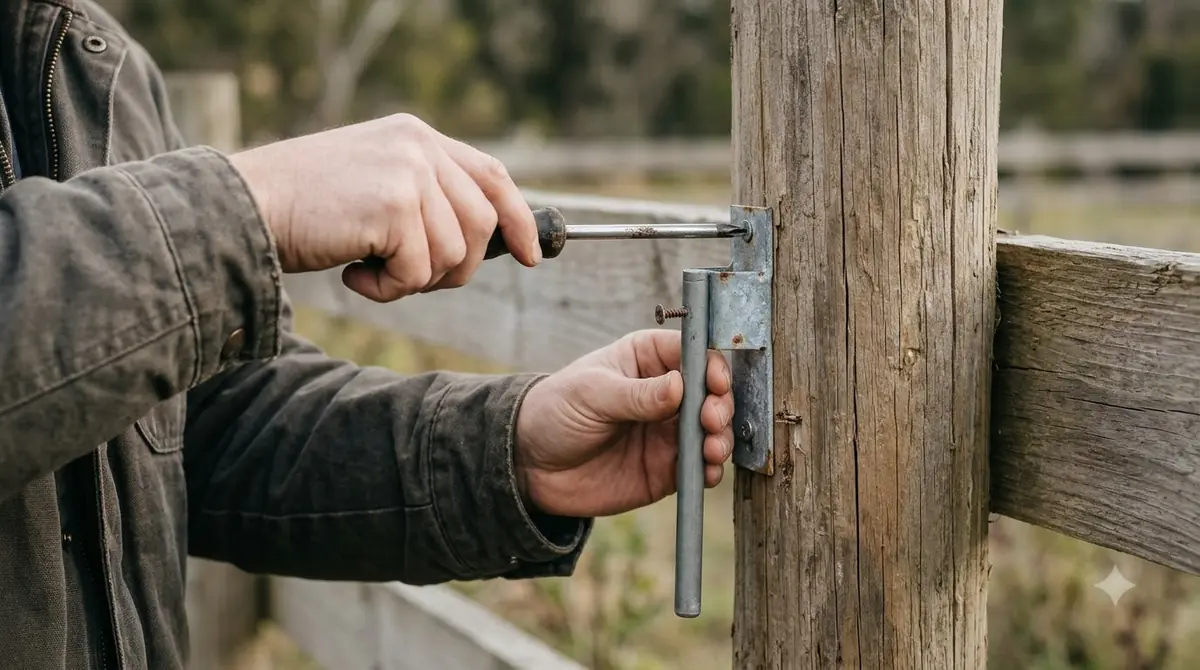
When you set up the best outdoor mesh wifi for backyard robot mower coverage, place the node between the router and the outdoor area, where it still gets a strong connection from the router. Netgear says a room with a window or glass door facing the backyard is often a good choice, and it adds that repositioning is free, so start there.
Husqvarna advises placing the router close to the lawn or near windows that face the work area. Keep it away from thick walls, metal objects, and electronics that can block the signal. Netgear also notes that brick, concrete, and stone attenuate signals more than drywall or wood, so a node placed behind a masonry wall may lose a meaningful share of its reach.
What happens when the signal drops
The result depends on how the mower navigates. Husqvarna’s troubleshooting page says boundary-wire installations continue mowing normally when Wi-Fi is lost, while wire-free installations using its satellite positioning stop and search for a signal. Its AI vision models keep navigating briefly with the camera, then stop if the Wi-Fi signal does not return.
Even when mowing continues, a weak link affects the app. Sunseeker’s glossary says poor coverage does not automatically stop mowing, but it can affect app status, map edits, alerts, or remote commands. Husqvarna’s Wi-Fi-only models also cannot download firmware updates while disconnected, so a dock that sits outside the good signal zone may miss updates. Bluetooth remains a short-range fallback, within 30 m (98.4 ft) according to Husqvarna. If the back lawn has no signal at all, a robot mower in a yard with no Wi-Fi in the back covers what still works.
How to check signal before you buy
Start with the mower’s own signal reading rather than a guess. Husqvarna’s app shows signal strength at the mower’s location under More, then Settings, then Automower Connect after you enter your PIN. Walk the same route with a phone to check Wi-Fi status in each area, and aim for at least one bar in every part of the lawn.
- Confirm the mower’s requirement. Check whether it is boundary-wire, satellite-positioned, or AI vision, and whether it needs Wi-Fi for navigation.
- Confirm the band. Make sure 2.4 GHz is enabled on the router and on the node.
- Walk the lawn. Test every zone, including the far corners and the charging dock.
- Choose an outdoor-rated node. Verify the rating for that exact model, because the best outdoor mesh wifi for backyard robot mower setups is one that is rated for outdoor use.
- Re-check after placement. Repeat the walk test after you move the node.
Frequently asked questions
Do I need a mesh kit, or will an extender do?
Either can work if it supports 2.4 GHz and reaches the lawn. Husqvarna says any extender or mesh system must support 2.4 GHz, and that extenders placed outdoors should be designed for outdoor use. The deciding factor is coverage across the work area, which you test with a walk.
Can a 5 GHz only mesh network run the mower?
For Husqvarna Wi-Fi mowers, no. The mower supports only 2.4 GHz networks, and 5 GHz and 6 GHz are not supported. Check that the access point offers 2.4 GHz and that it is enabled in the router settings.
Is a 4G connection a substitute for Wi-Fi?
It can be an alternative on some models. Husqvarna describes Wi-Fi plus cellular models as switching to the mobile network automatically. Check the specific mower’s documentation for which connection it uses for navigation and updates, and see cellular vs Wi-Fi robot mowers for how the two compare.
How far does Bluetooth reach if Wi-Fi drops?
Husqvarna states that Bluetooth works within 30 m (98.4 ft) when Wi-Fi is down. That range is short, so Bluetooth is a fallback for nearby control, not a way to keep the whole yard connected.
Sources
- Troubleshooting Wi-Fi issues on Automower robotic lawn mowers (Husqvarna): 2.4 GHz only, extender advice, behaviour on signal loss, Bluetooth range.
- Wi-Fi requirement (Husqvarna): Wi-Fi needed across the lawn for satellite positioning, walk test with one bar.
- Outdoor mesh Wi-Fi (Netgear): indoor versus outdoor rating, satellite placement and wall materials.
- Wi-Fi robot lawn mower glossary (Sunseeker): what Wi-Fi controls and what the mower can do offline.
 Up next9 min readGearBest Outdoor Security Camera to Watch a Robot Mower: What to CheckUpdated Nov 11, 2026
 10 min readGearRTK Base Station Power Cable Outdoor: What to Check FirstUpdated Nov 11, 2026
 7 min readGearBest Outdoor Surge Protector for Robot Mower: What to Check Before You BuyUpdated Nov 11, 2026
 7 min readGearBest Outdoor Cable Protector for Robot Mower: 5 Key ChecksUpdated Nov 11, 2026
 8 min readGearBest Outdoor Timer for Robot Mower Charger: Is One Needed?Updated Nov 11, 2026
 9 min readGearRTK Antenna Wall Mount Bracket: What to Check Before You BuyUpdated Nov 11, 2026