
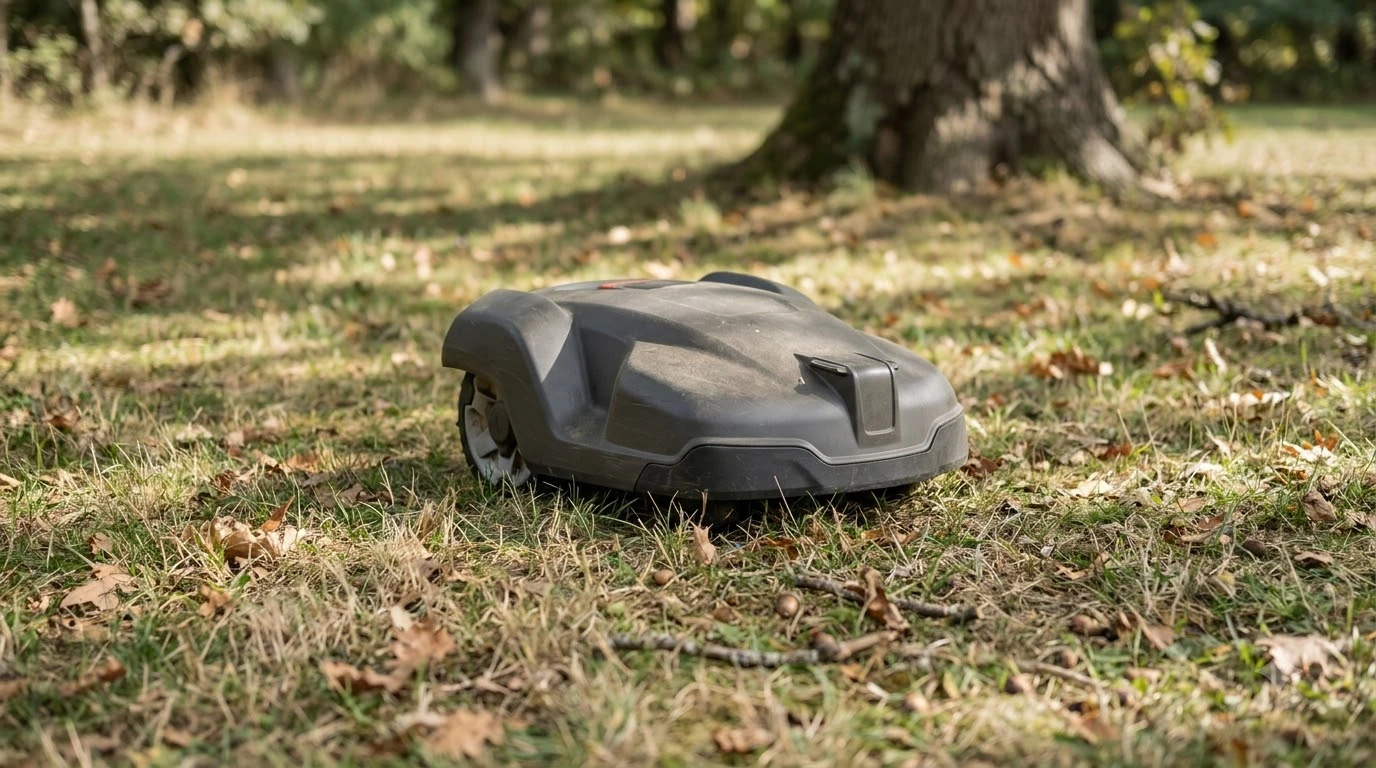

A robot mower lifted error keeps appearing when the mower reports that it was picked up or disturbed on the lawn. Husqvarna support lists a short set of causes and a clear order of steps to clear the alarm. Our reading is that a repeat alarm usually points to the lawn or the body fit rather than a broken sensor.
The short answer
- Move it first. Carry the mower by hand to a flat, clear surface, then enter your PIN to stop the alarm.
- Check the lawn. Roots, stones, slopes, and high grass are the most common triggers on Husqvarna’s list.
- Check the body. Clear grass and debris from under the deck, and make sure the body is fully attached.
- Restart, then escalate. If the message returns, restart the mower, then try a factory reset, then contact a dealer.
Why the robot mower lifted error keeps appearing
The most common triggers on Husqvarna’s list are high grass, obstacles, slopes, and debris under the body. Husqvarna’s support article for the “Lifted/Alarm! Mower lifted” message names seven causes, and most of them sit on the lawn or on the outside of the mower. Husqvarna’s lifted alarm article lists these causes:
- Cutting height too low or grass too high. High grass or a low setting adds resistance, which can set off the sensor.
- Roots, stones, or other obstacles sticking up from the ground. Driving over them can tilt the mower sharply.
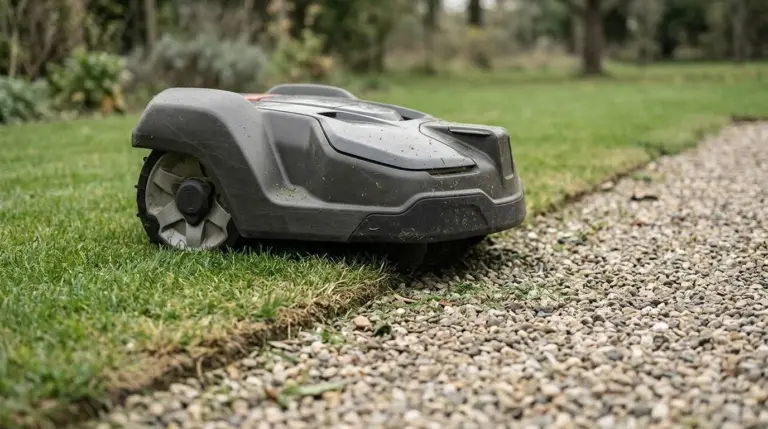
- Gravel, stone, or paved surfaces. Vibration on hard surfaces can trigger the sensor.
- A boundary wire or virtual boundary too close to a slope. Tilting on a hill can trigger the alarm.
- Grass or debris caught under the cutting deck or body. Build-up can press on the lift sensor.
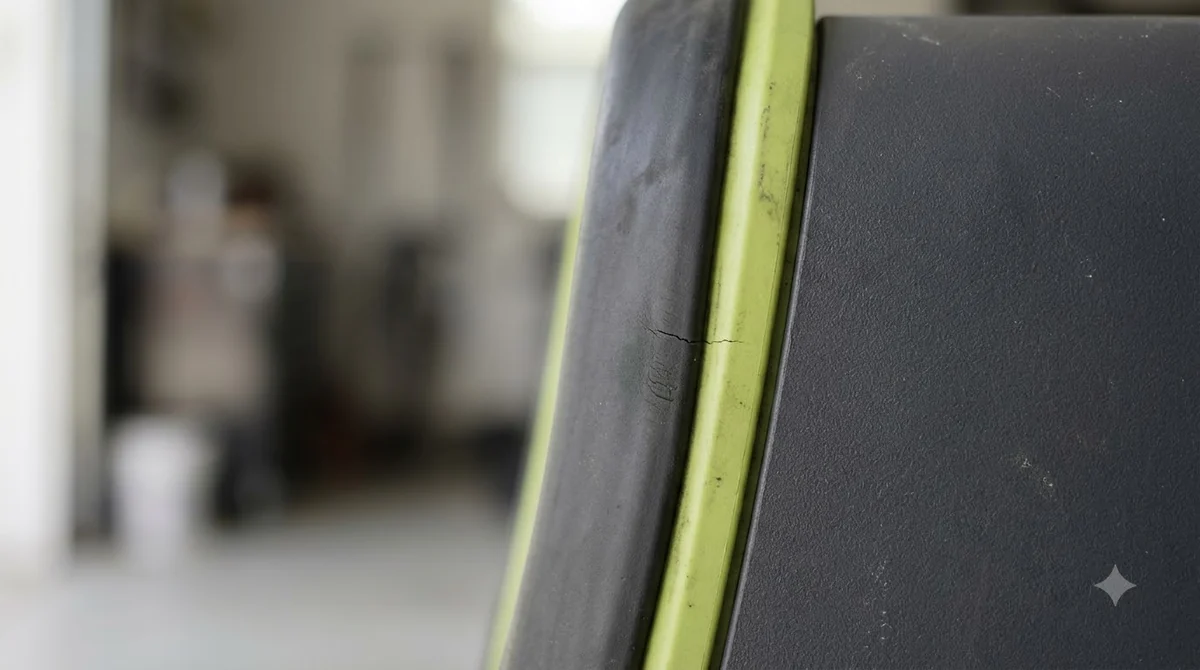
- A product body that is not fully attached. A loose body can trigger the message again and again.
- Dirty or damaged joysticks and bellows. Dirt, damaged bellows, or water ingress can affect the sensors.
Each cause on the list is something a reader can check in a few minutes with the mower stopped on a flat surface. Start with the cutting height and the grass, then walk the lawn for roots and stones, then look under the deck. Only after those checks does it make sense to look at the boundary layout or the joysticks. This order also makes it easier to report a clear pattern to a dealer if the problem continues.
The list points to the mower’s surroundings and its body first. Our reading is that a message that returns after a clean-up usually means the lawn layout or the body fit still needs attention. A sensor fault is the less likely cause, so check the lawn and the body before anything else. For how lift and tilt sensing works in general, see our explainer on whether robot mowers have blade stop sensors.
Step by step: clear the robot mower lifted error
Husqvarna’s order of steps is to move the mower, stop the alarm with your PIN, restart, and then remove the cause. Skipping the last step is the most common reason the message comes back.
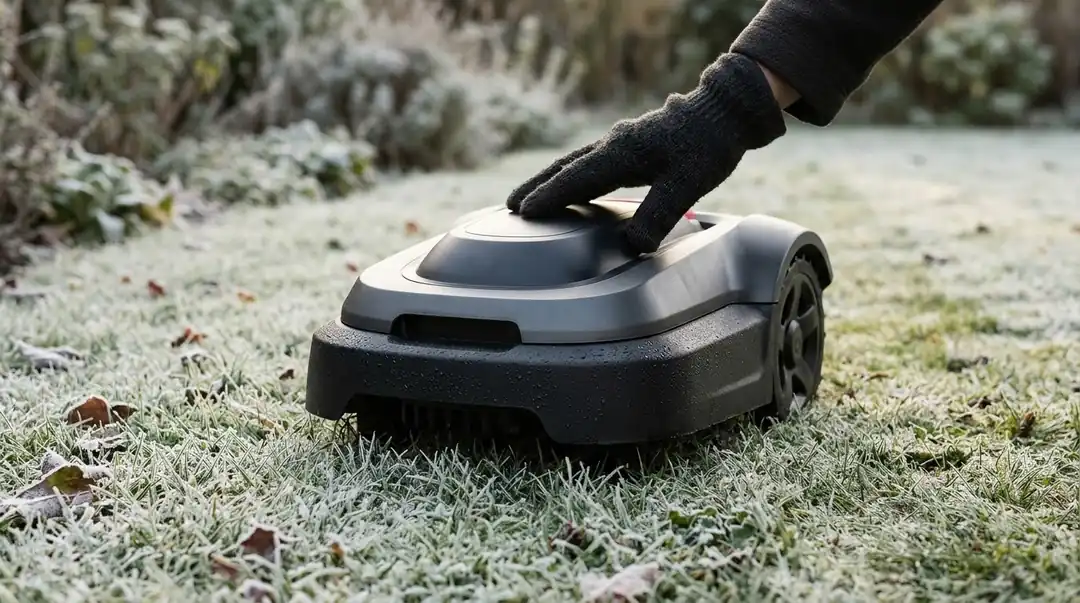
- Move the mower by hand. Carry it to a flat, clear surface and note where it stopped, so you can check that spot later.
- Enter your PIN. If the alarm is active, enter your PIN code to stop it.
- Restart the mower. A restart turns the mower off and back on without deleting settings. Husqvarna says to try this first. On the NERA, turn the jog wheel to Power off and press it, then press it for 3 seconds to restart. On the Aspire R6V, 308V, 312V, and R4, hold the keypad ON/OFF button for 3 seconds to turn off.
- Remove the cause. Clear obstacles, stand the mower upright, and check the body. A compressed air duster for robot mower sensors can help blow dirt and grass off the joysticks and their fixing points. If the cutting height is too low for the grass, raise it to the maximum, mow, and then lower it gradually.
Once the mower is clear, watch the next run on a flat section of the lawn before you return it to its normal schedule. Note where the message first appears, since that spot often shows the cause. If the robot mower lifted error keeps appearing in the same place, the problem is probably on that section of the lawn rather than in the mower, much like a mower that gets stuck in the same spot.
Husqvarna’s cutting height step is the one most owners can apply right away. Set the cutting height to the maximum, mow, and then lower it gradually to the level you want. Lowering it in steps avoids putting the mower back into the same resistance that triggered the alarm.
When the message returns
If the robot mower lifted error keeps appearing after a restart, Husqvarna’s next step is a factory reset, and a dealer if that also fails. Husqvarna’s restart and reset article explains what a factory reset changes.
A factory reset keeps the security level, the PIN code, the loop signal, messages, date and time, language, and country. It deletes user settings such as schedules and map objects. The article also states that “a total reset, like on a smartphone, is not possible on Automower.” Plan to re-enter schedules and map objects after a reset.
If the reset does not work, the article gives a short retry sequence. Place the mower on the charging station for at least 30 minutes, restart it, and try the reset again. In the app, sign out, sign back in, and retry. If it still fails, contact a Husqvarna dealer.
Heads up
Some errors cannot be cleared remotely for safety reasons, such as a STOP press, a tilt, or a collision. If the mower is tilted, stand it upright and remove the obstacle before you try to restart it.
Upside down is a separate error
The upside down message comes from the inclination sensor, and Husqvarna’s fix is to keep the steep slope out of the work area. This is a different alarm from the robot mower lifted error, even though both involve the mower leaving a flat position. Husqvarna’s upside down article describes the sensor as reading a tilt that is too high for safe operation.
Husqvarna lists three causes: the mower is leaning too far or has tipped over, the mower was lifted while working, or the work area has a slope steeper than the product’s specification. For wire-free EPOS installations, the suggested fix is a stay-out zone that keeps the slope outside the mowing area. For boundary wire installations, move the wire or create an island around the steep section. Our guides to the robot mower slope rating and to robot mowers for side slopes and ditches explain what the numbers mean.
Alarm settings and the PIN
The alarm and PIN settings sit under a security menu that differs by model. In the Automower Connect app, the path is More, then Settings, then Security, then Theft Protection. On older keypad models, the path is Menu, then Security, then Advanced.
The PIN code is kept during a factory reset, and you need it to stop an active alarm. If you forget it, Husqvarna’s PIN article describes an app route. In the Automower Connect app, go to More, then My mowers, then Mower details, and tap “Forgot PIN code.” Husqvarna says the PIN is then emailed to all users linked to your Automower Connect account. The article also lists firmware dated 10 December 2021 or later and the latest app version as requirements. Check that route before you attempt a reset, because a reset does not give you a new PIN.
Wrong PIN attempts also lock the mower. According to the same article, after 5 incorrect attempts the mower locks for about 30 minutes, and each further wrong attempt lengthens the lock up to a maximum of 4 hours. The lock cannot be overridden, so wait for the display timer to expire. If the app route is not possible, Husqvarna directs you to a local dealer.
Frequently asked questions
Why does a robot mower lifted error keep appearing on flat ground?
Flat ground alone does not rule out a trigger, so a robot mower lifted error keeps appearing for reasons you cannot see from the top. Husqvarna’s list includes obstacles you may not see, such as roots or stones, along with debris under the body and vibration on gravel or paved areas. Check underneath the mower and the spot where it stopped before you assume the sensor is at fault.
Is the lifted error the same as upside down?
No. Husqvarna’s upside down article says the inclination sensor reads a tilt that is too high for safe operation. The fix for that message focuses on the slope in the work area, not on the body or the lawn surface.
Can I clear a lifted error from the app?
Not always. When a robot mower lifted error keeps appearing, the app may refuse to clear it. Husqvarna’s reset article says some errors cannot be cleared remotely for safety reasons, such as a tilt or a collision. In that case, stand the mower upright, remove the cause, and then restart it from the app or the mower.
When should I call a dealer about a repeat lifted alarm?
Contact a Husqvarna dealer when a restart and a factory reset do not solve the problem. The article also suggests charging the mower on the station for at least 30 minutes, restarting it, and signing out and back in to the app before you retry the reset.
Sources
- Lifted/Alarm! Mower lifted, Automower error message (KA-01419) (Husqvarna): causes list, first step, PIN, and cutting height fix.
- How to restart and reset Automower and handle error messages (KA-01096) (Husqvarna): restart, factory reset, remote clearing limit, and dealer steps.
- Upside down, Automower error message (KA-01450) (Husqvarna): inclination sensor and slope fix.
- How to change or recover the Automower PIN code (KA-70291) (Husqvarna): app PIN recovery, requirements, and lockout times.
 Up next8 min readLearnHusqvarna Automower No Loop Signal: Causes and FixesUpdated Nov 11, 2026
 9 min readLearnWorx Landroid No Wire Signal: Causes and FixesUpdated Nov 11, 2026
 9 min readLearnAnthbot M5 RTK Station Setup Problems: Causes and FixesUpdated Nov 11, 2026
 8 min readLearnSegway Navimow Vision Fence Not Working: Causes and FixesUpdated Nov 11, 2026
 8 min readLearnMammotion Luba Stuck at Charging Station: Causes and FixesUpdated Nov 11, 2026
 7 min readLearnRobot Mower Stuck in the Same Spot? Causes and FixesUpdated Nov 11, 2026